AI landscape design
from a photo
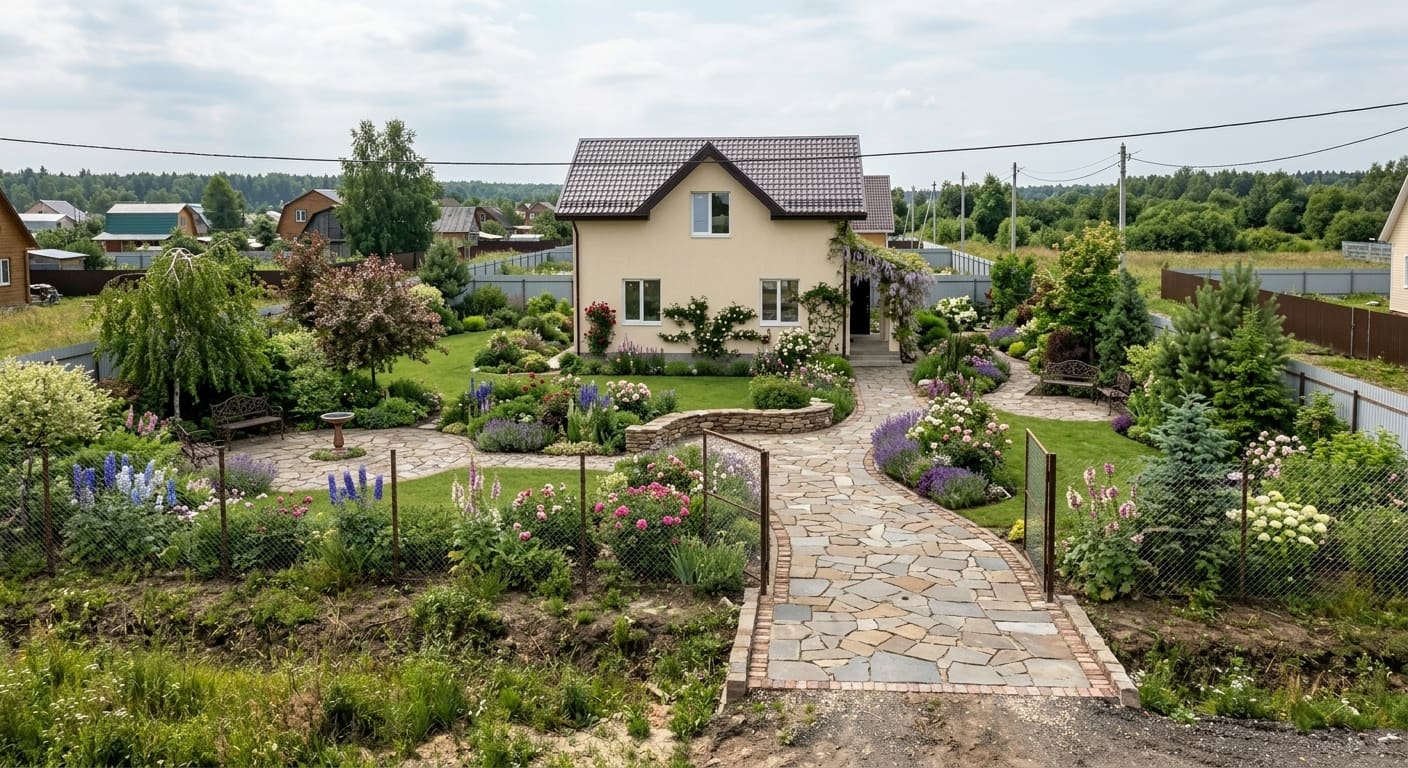
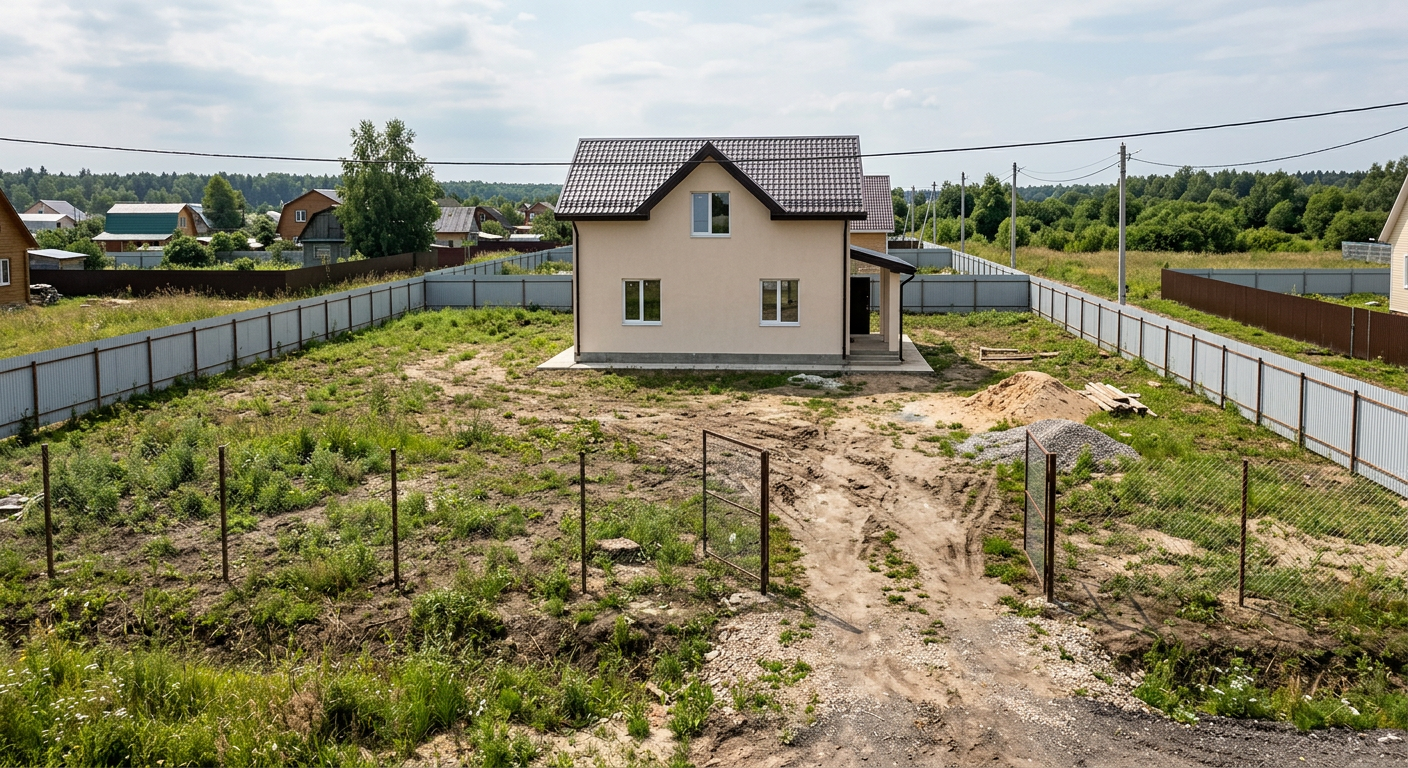
Upload a photo of your yard and the model redraws it in 30 seconds — patio and seating, paths, water, lawn, lighting. Front yard or back, no drawings and nothing to install.




1,500+ yards designed
How this works, in plain terms
No subscription needed
Buy a pack of generations once and nothing charges itself afterwards.
Commercial license included
In every plan. Hand the visualization to a client, print it in a proposal, use it in advertising.
Your photo doesn't stay with us
The uploaded shot is processed and deleted from the server within 24 hours.
Straight in the browser
No install, no desktop client, no plugin. Works on a laptop, a tablet and a phone, straight in the browser.
How to design a backyard yourself
Three steps and nothing to install. Everything runs in the browser — on a phone too.
- 1
Upload a photo of the yard
A wide shot from the porch, the gate, or anywhere the territory is visible. A phone photo in any season works — no special photography needed. JPG, PNG or WEBP.
Drag an image here or click
JPG, PNG, WEBP — up to 10 MB
- 2
Pick a style and elements
English garden, Japanese, Provence, minimalism, Scandinavian, formal classical. Separately you say what you want to see: a terrace, paths, a pond, lawn, a kitchen garden, a play area.
Pick a style (up to 2)
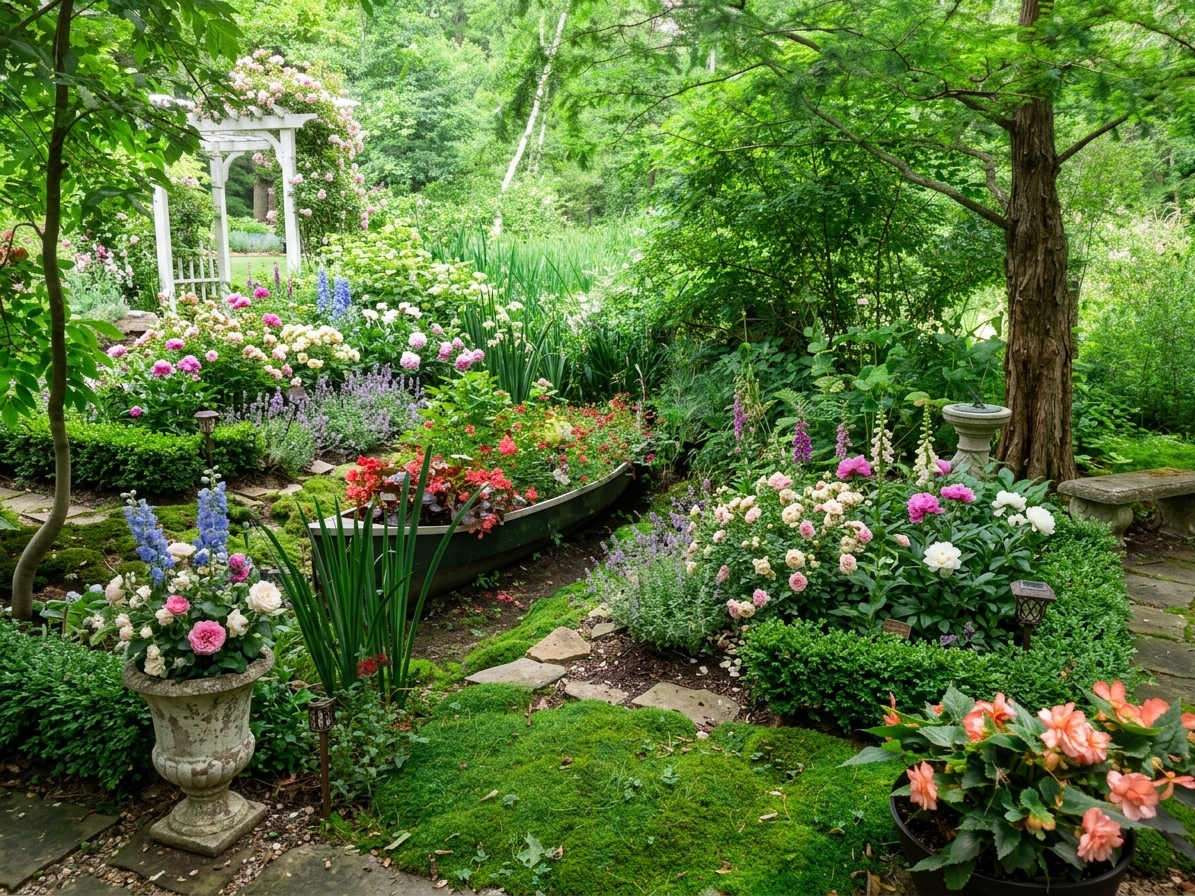 English garden
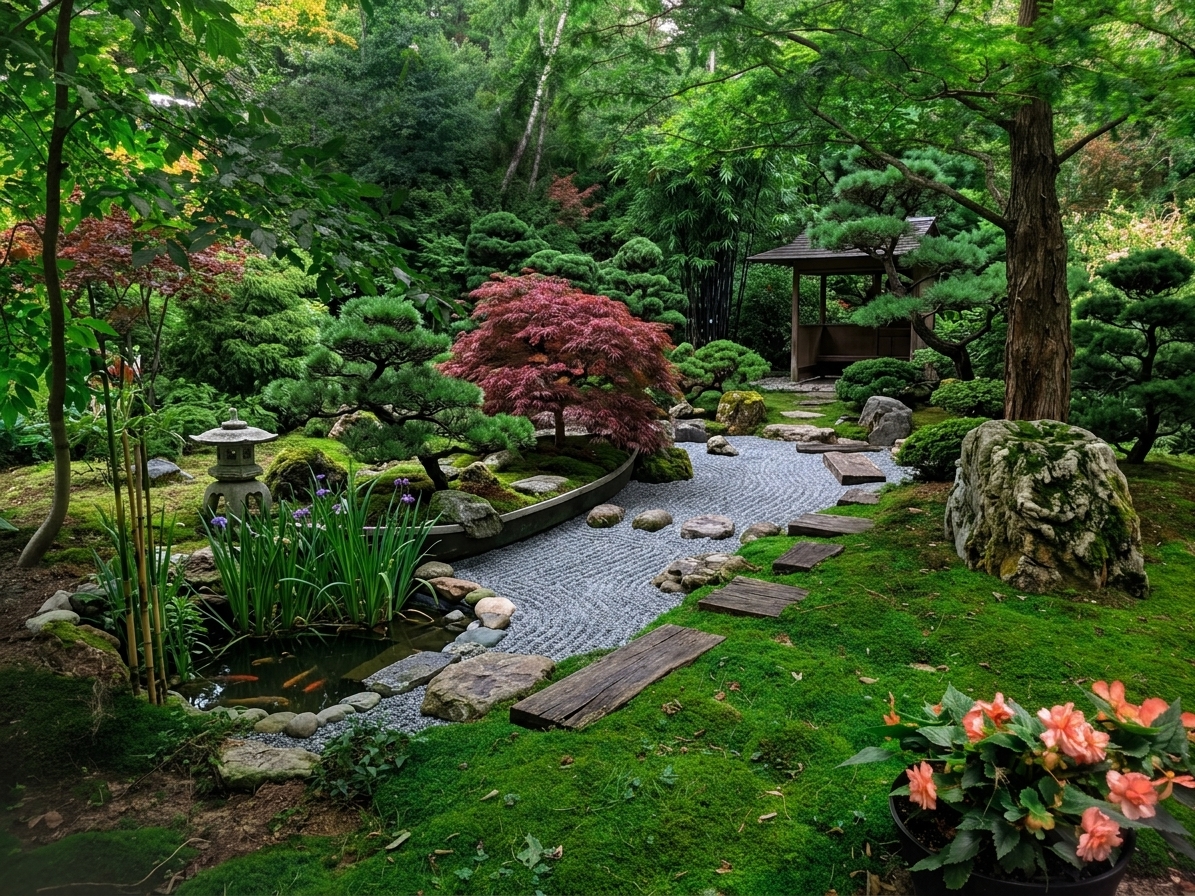 Japanese garden
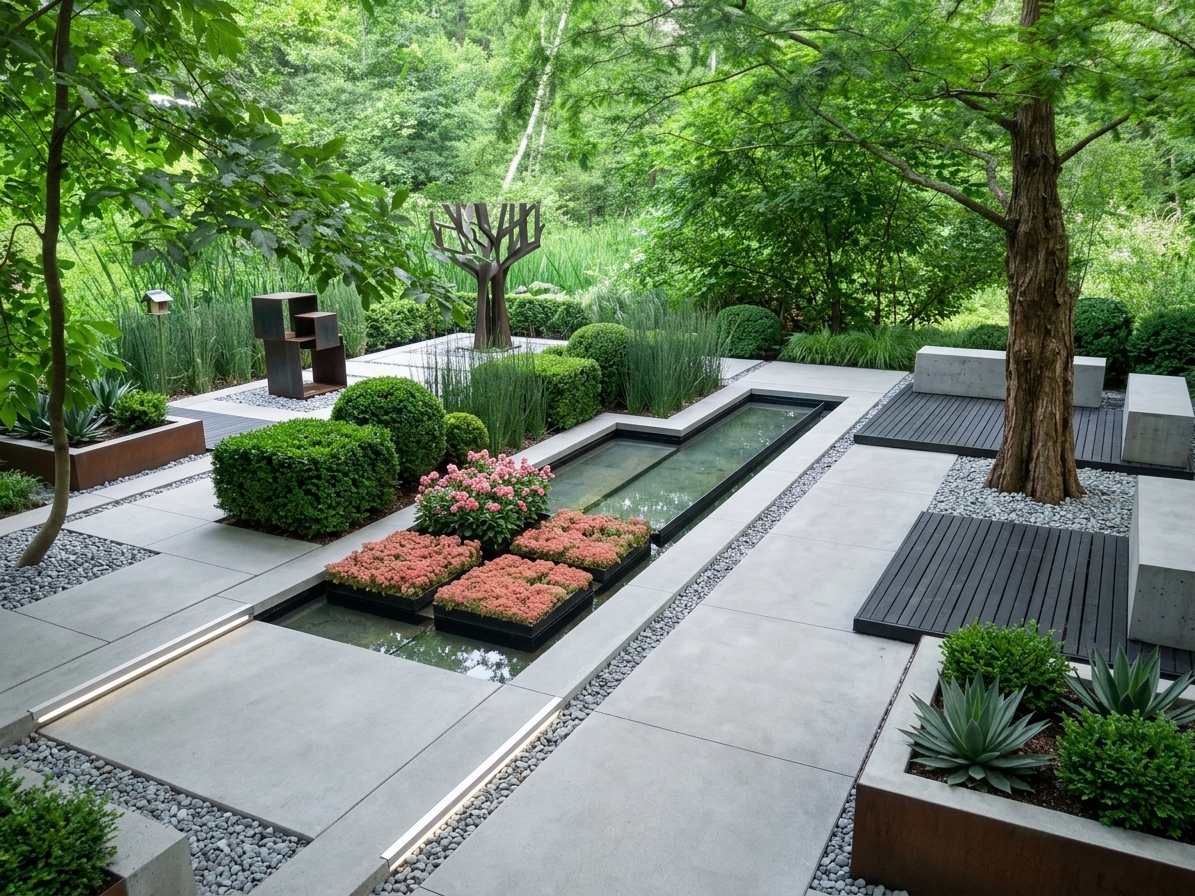 Minimalist
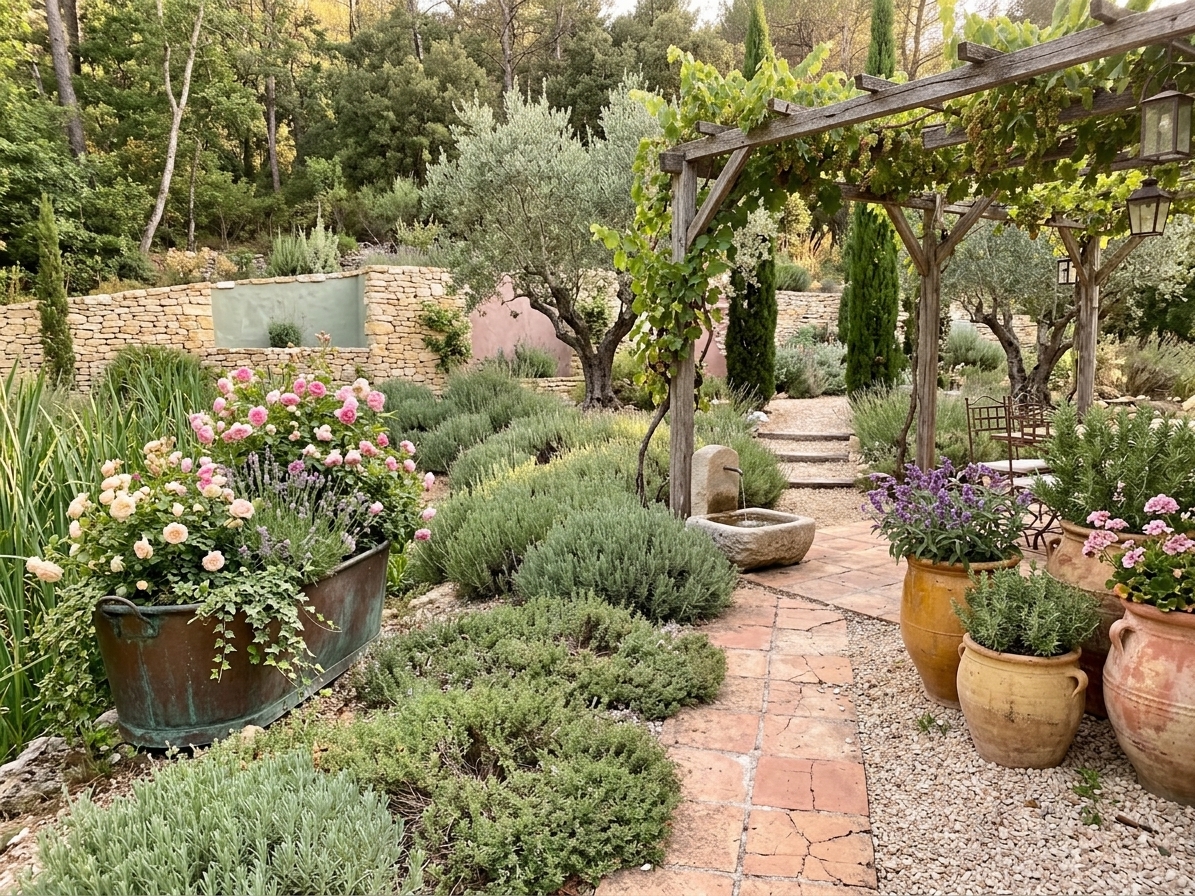 Provence
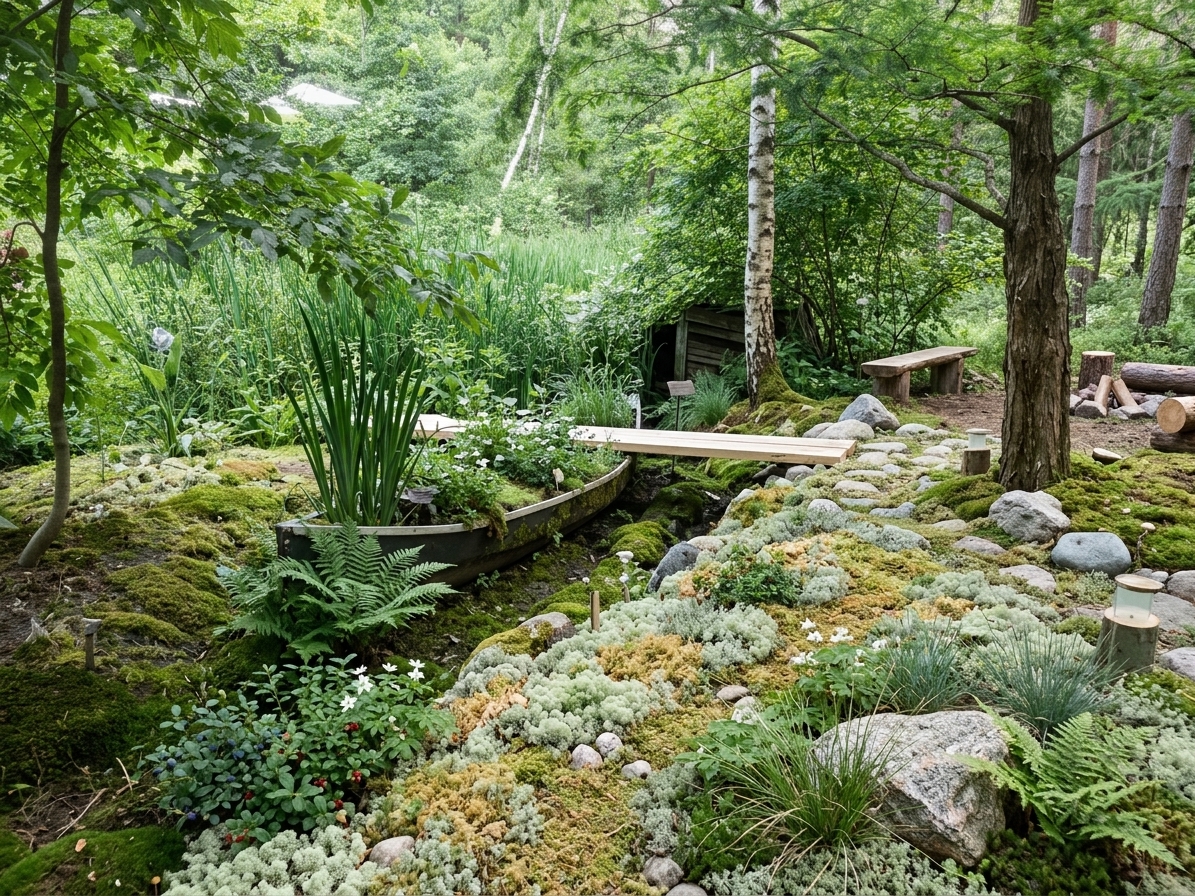 Scandinavian
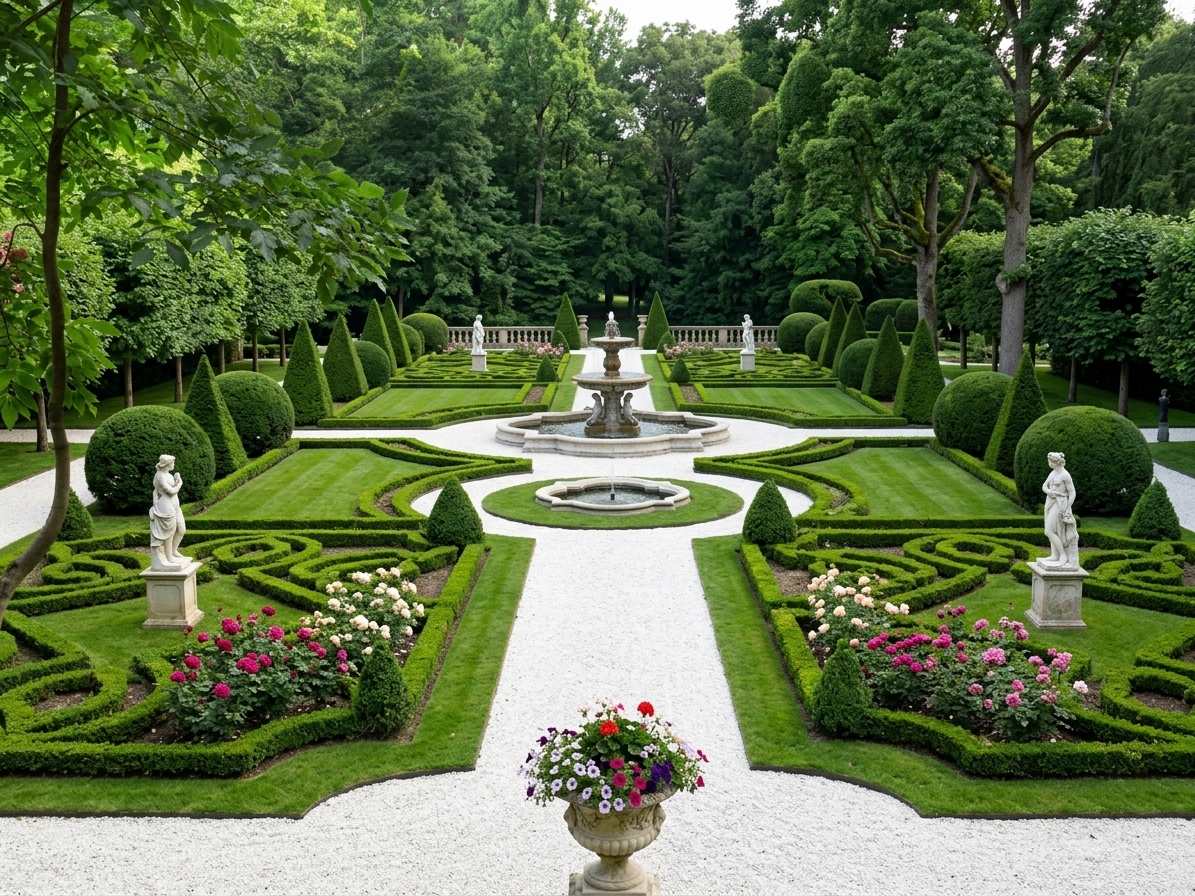 Classic
Describe what you want
A lounge area with a gazebo by the far fence, flagstone paths, lawn in the middle. Temperate climate, low maintenance.low maintenancespace for a grillconifers instead of flowersparking for two cars - 3
Get the visualization
A photorealistic picture of the yard is ready in thirty seconds. Download it in high resolution and show it to your contractor — the placement of plants, paths and zones is visible.
Your photo The model's result Ready in 30 seconds
And spot edits without regenerating
Like everything except one zone? Select it in the region editor and say what should be there instead. The rest of the yard stays as it was.
Open the editorYard examples
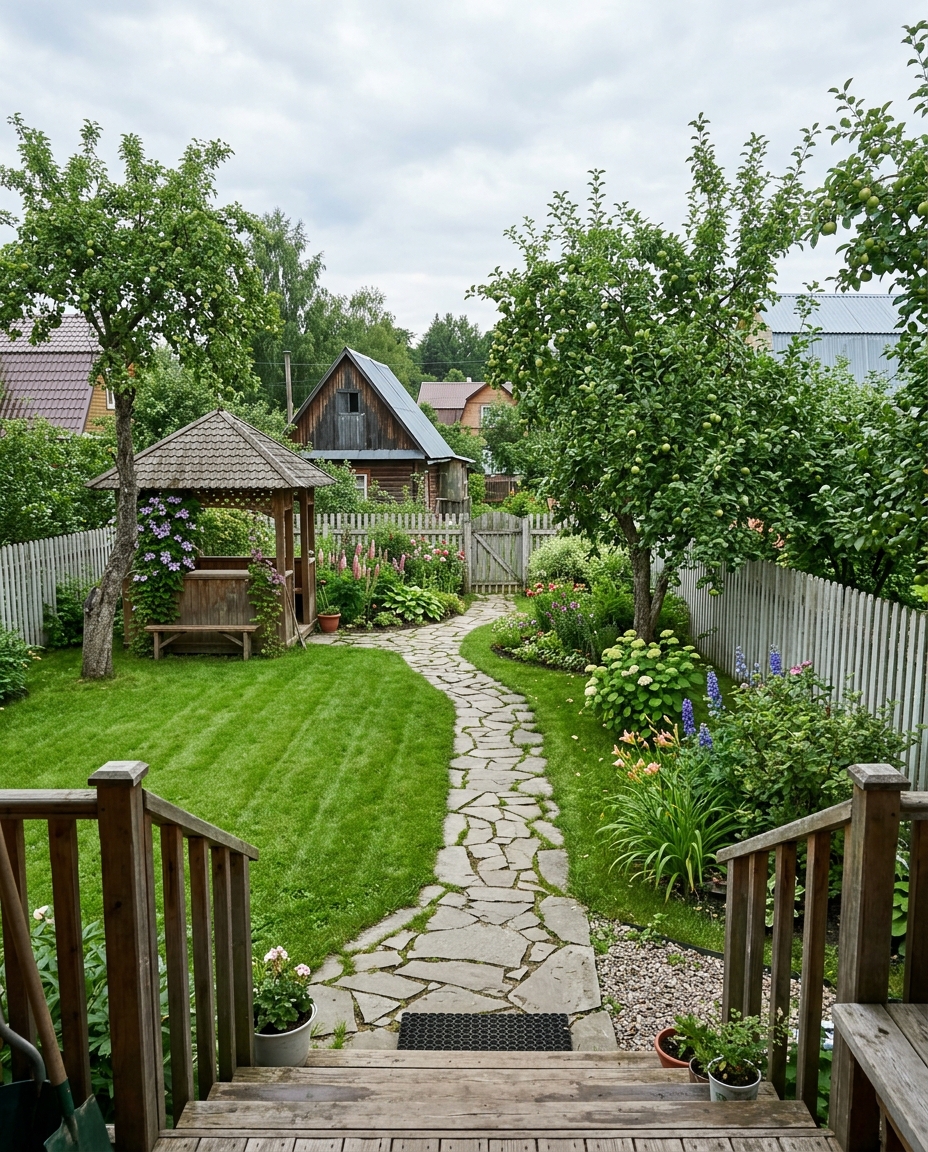
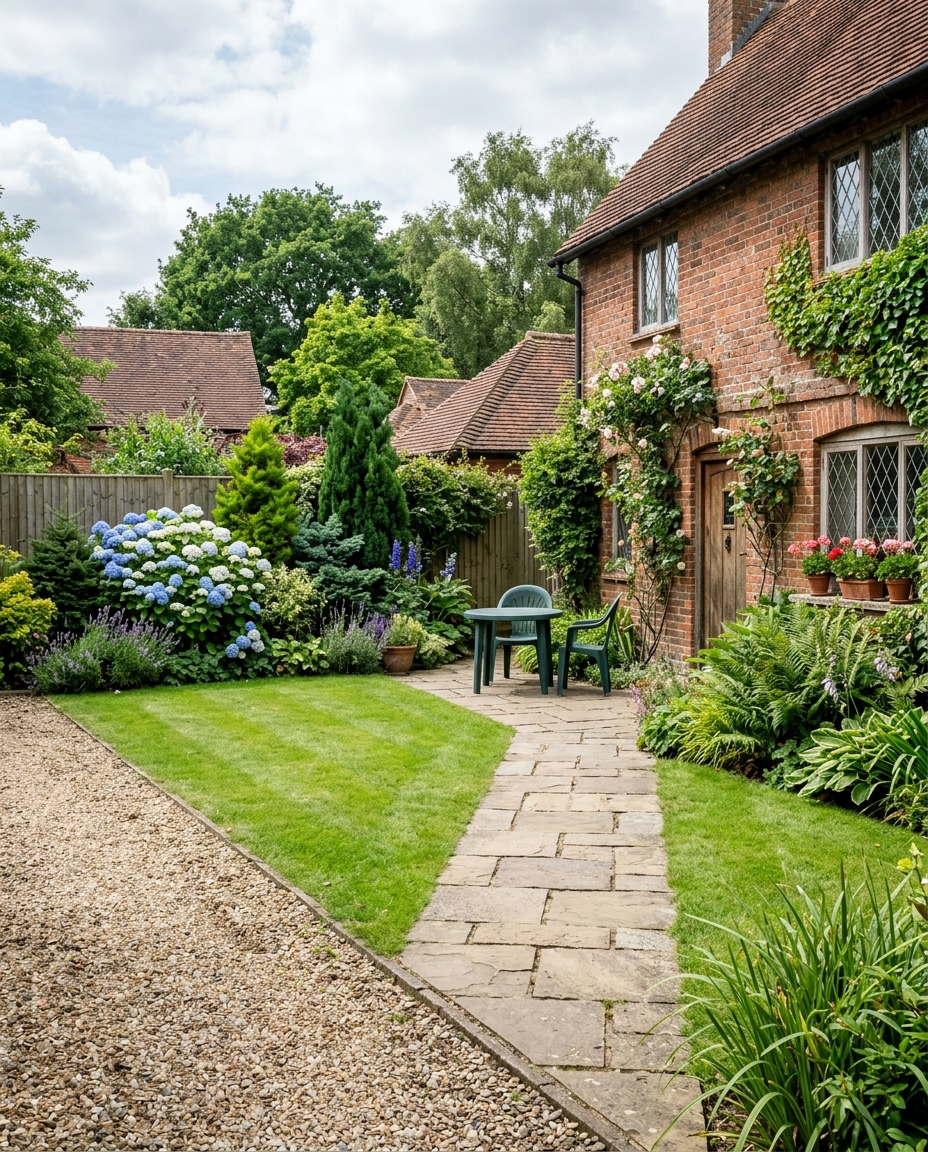
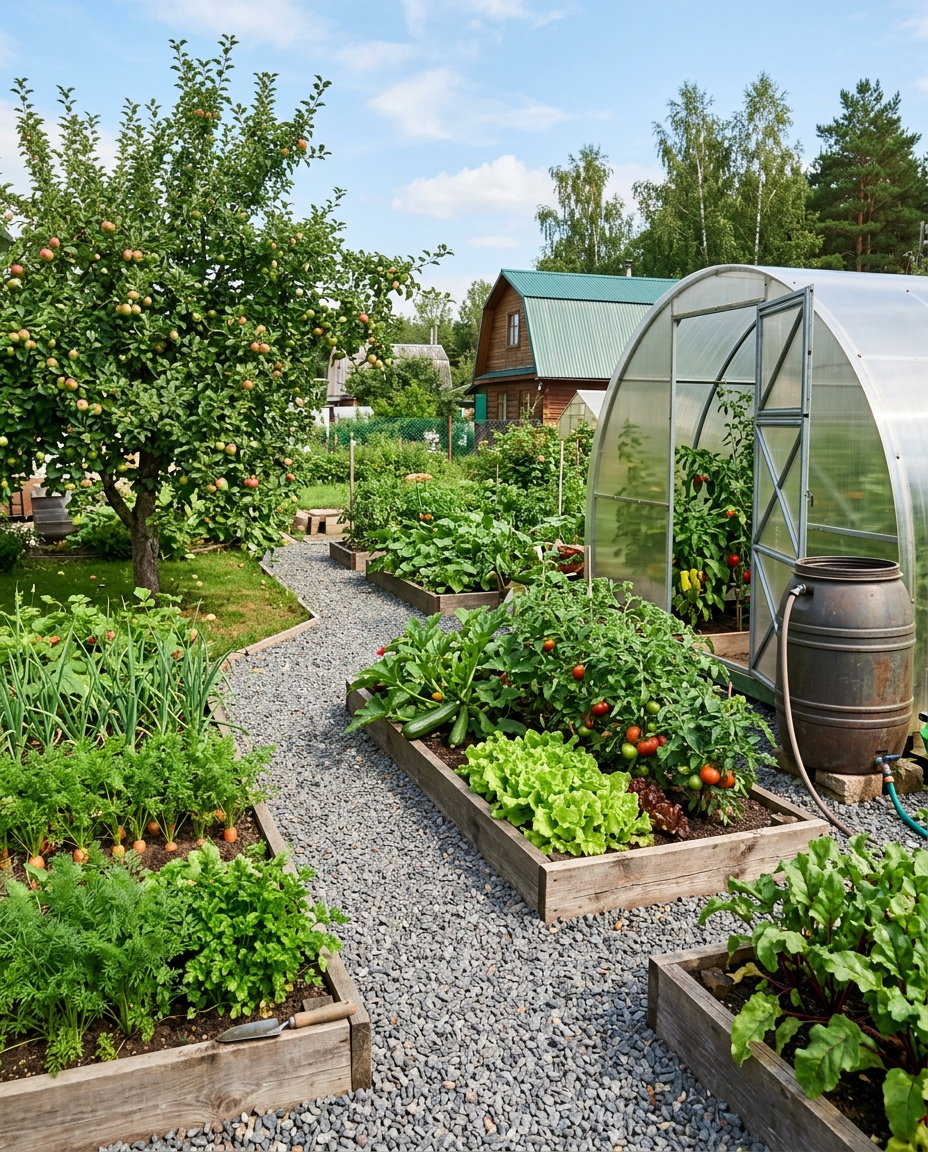
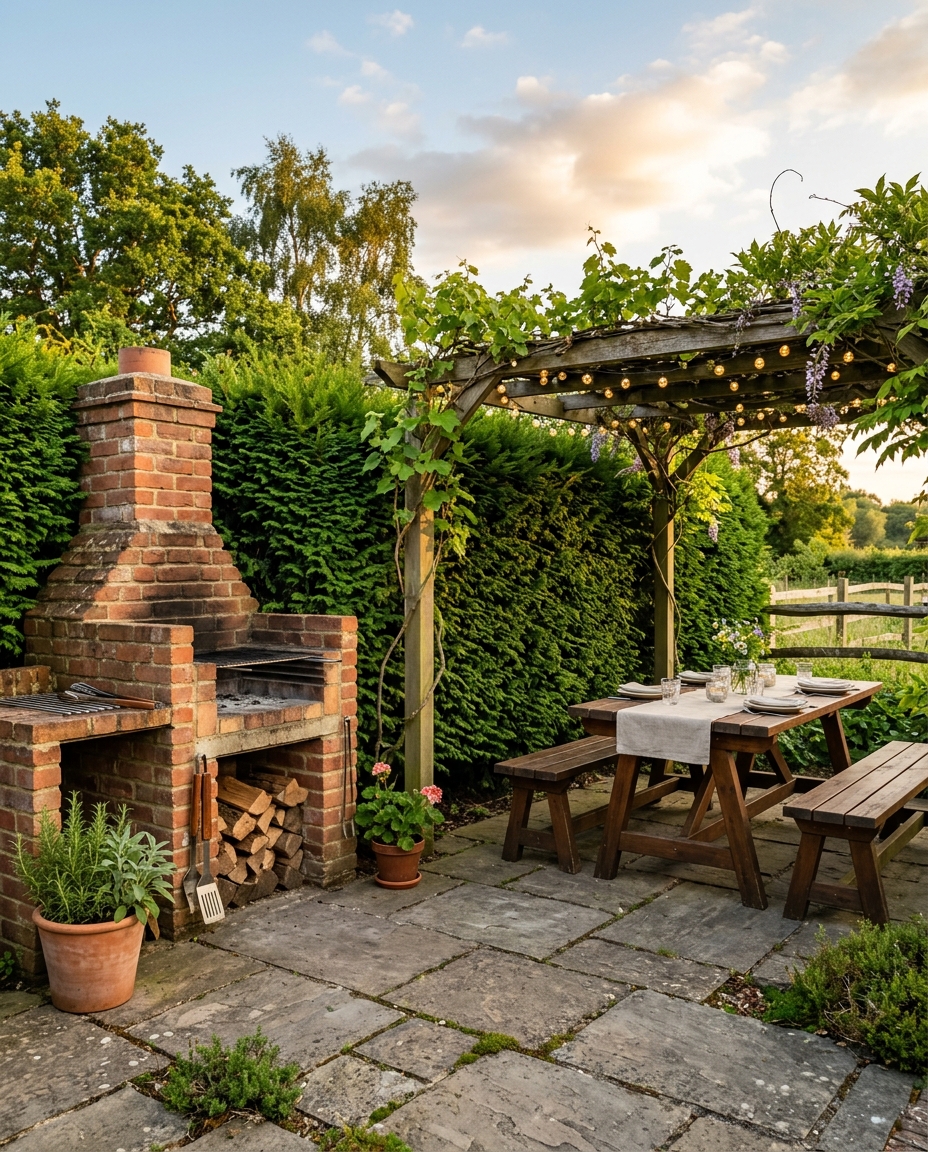
What our landscape AI creates
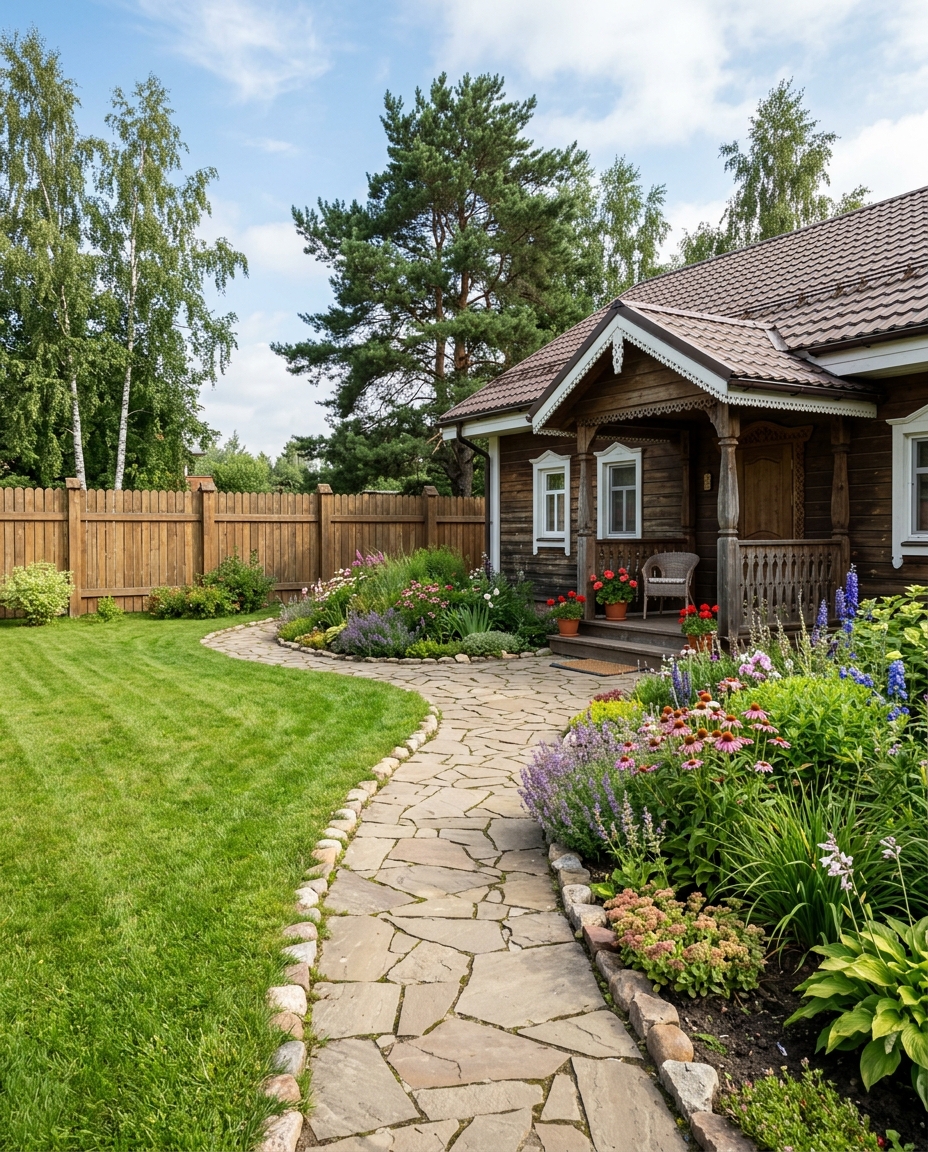
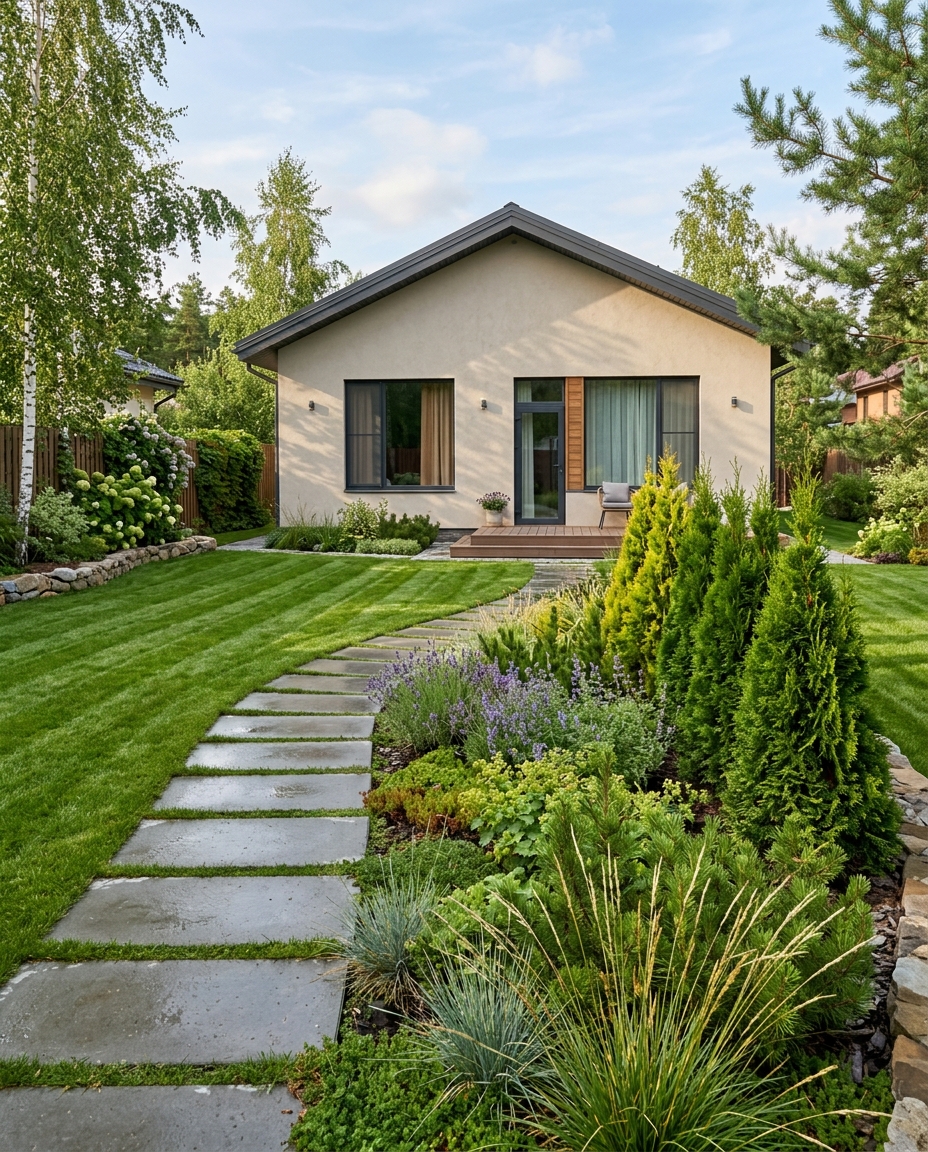
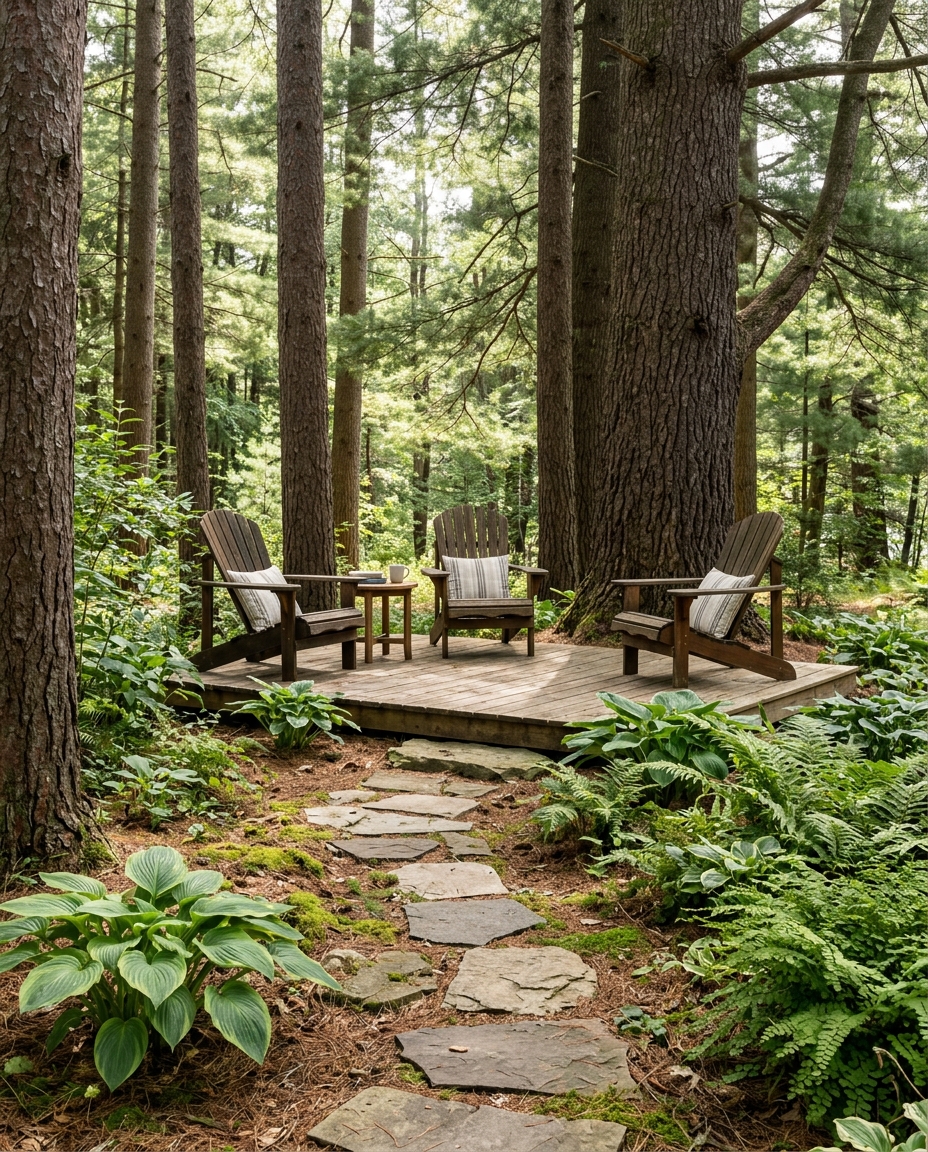
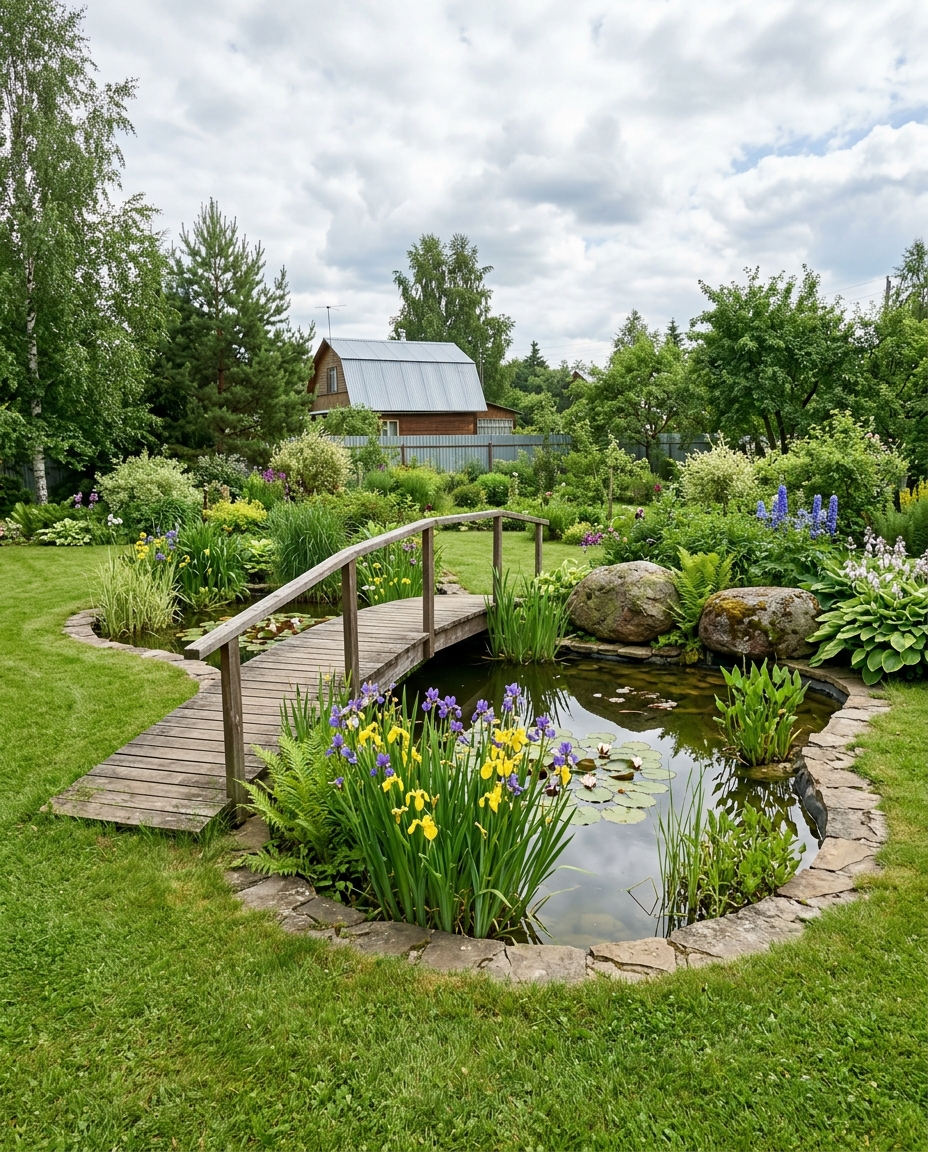
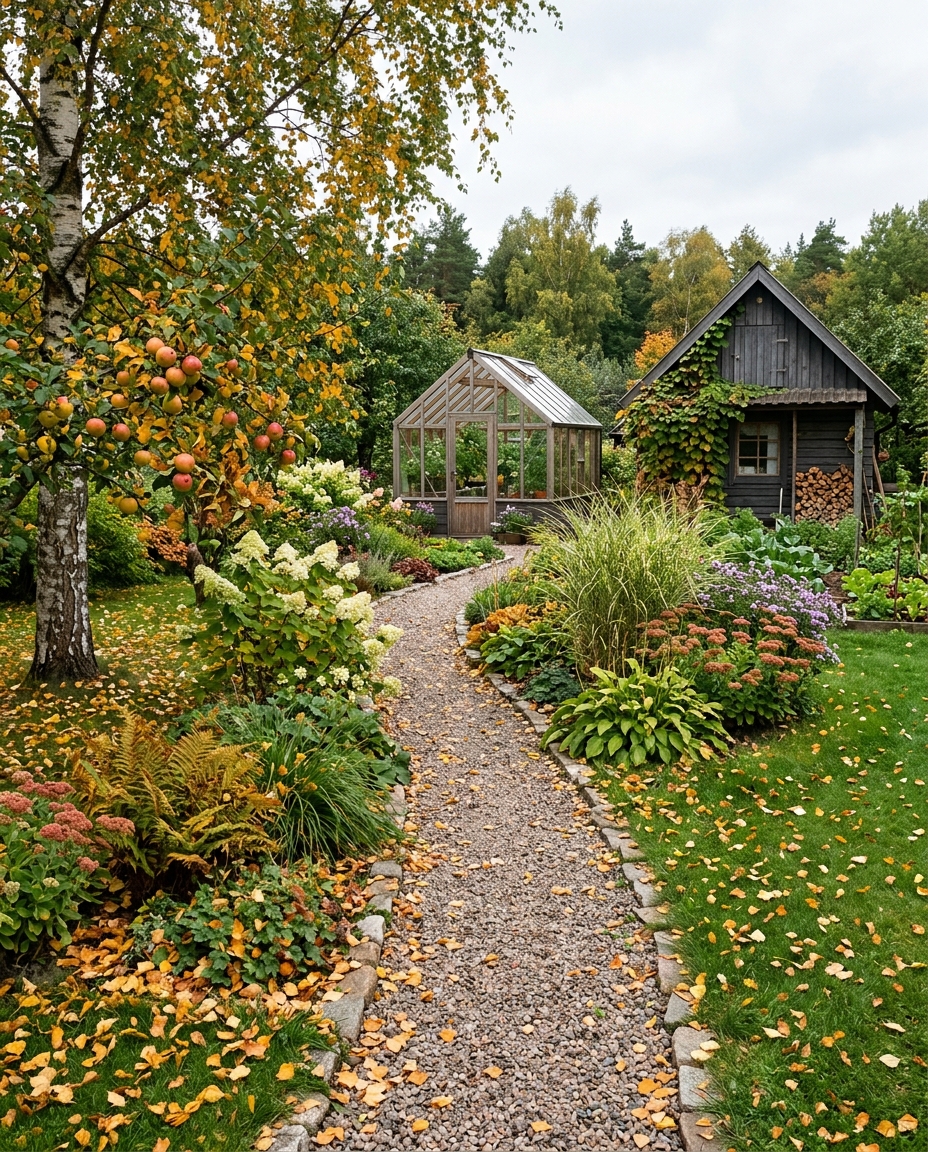
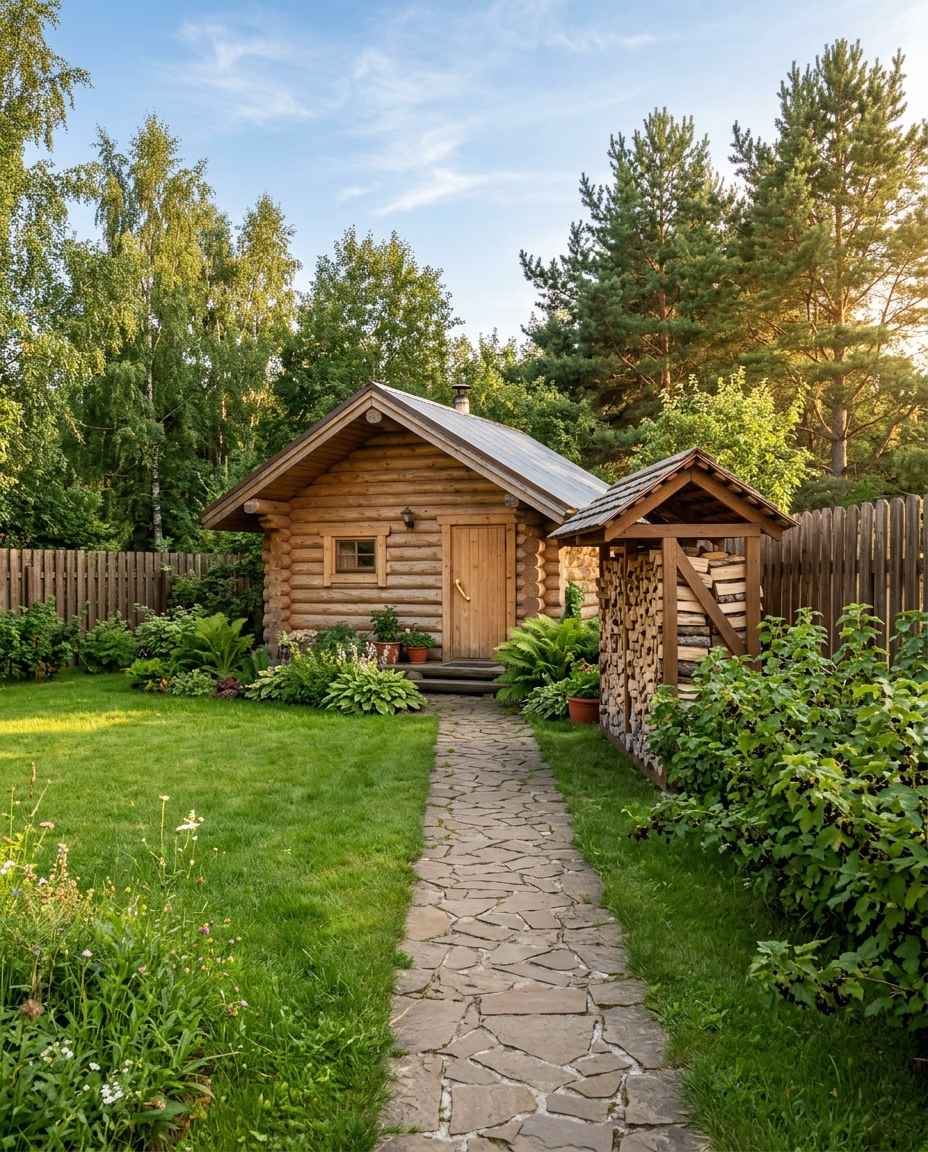
AI for landscape design
A landscape studio spends weeks drawing a concept, and only then do you find out whether you like it. Here it is the other way round: you look at a dozen versions of your own yard first, and decide what to spend on afterwards.
From a photo, no survey
No topography, no plan, no 3D. The model reads the terrain, the boundaries and the buildings from an ordinary shot and works with your yard, not a magazine picture.
Draw a landscape in 30 seconds
What takes a visualizer several days the model returns at once. Not right — regenerate with another style, as many times as you like.
Region-based AI editor
Happy with everything except the corner by the fence? Select that area and change only it — the rest of the garden stays untouched.
Season and time of day
See the same yard in high summer and in early spring, by day and with evening lighting. Useful when choosing plants and lighting scenarios.
What you can design
A yard is more than a lawn. Ask for one area at a time, or put them all together and see how they get along.
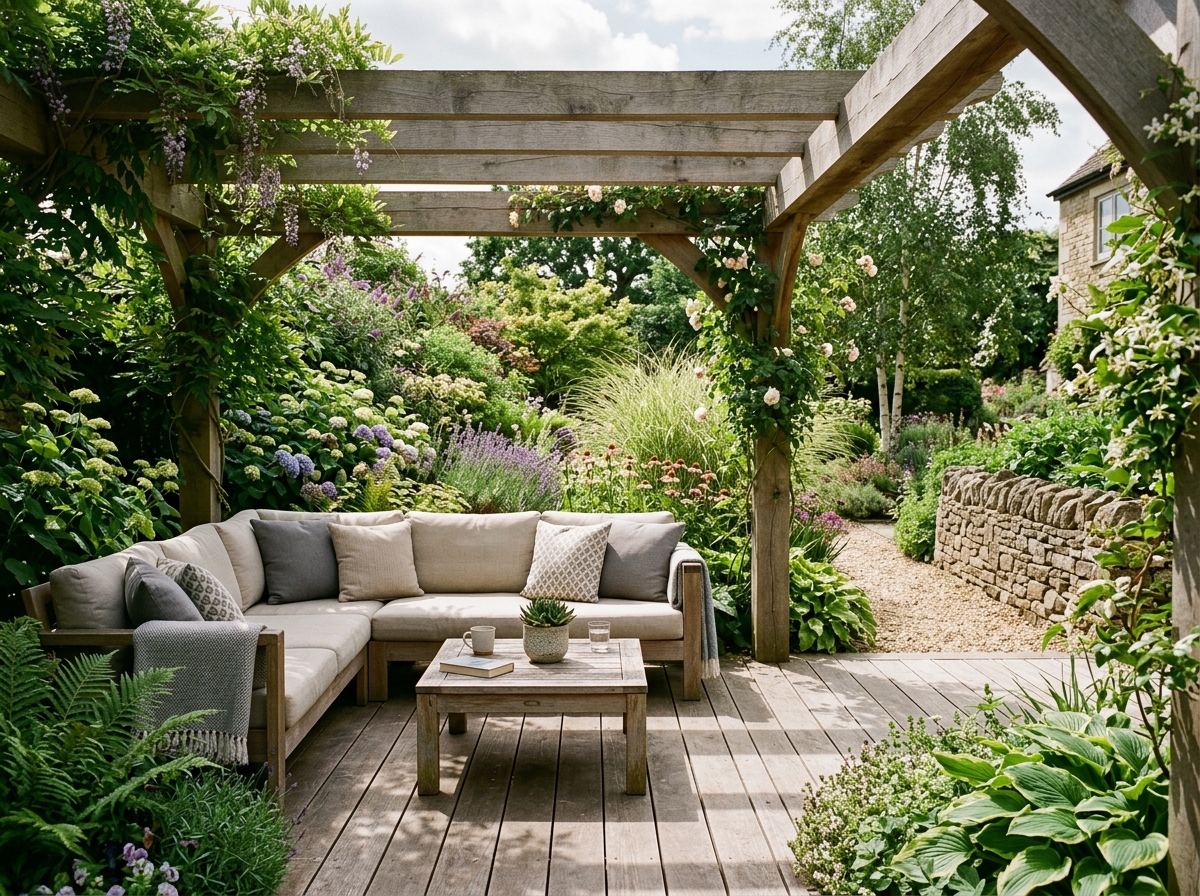
Lounge area and terrace
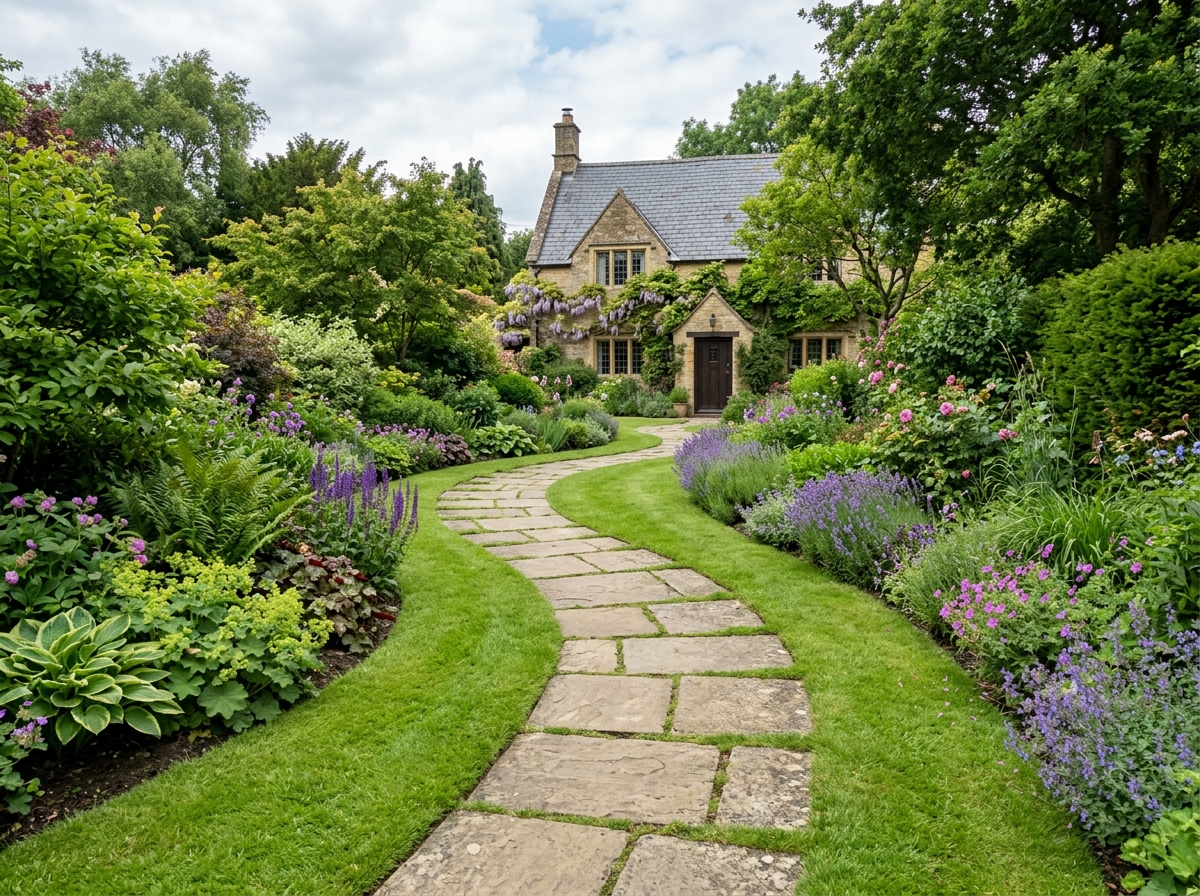
Garden paths and paving
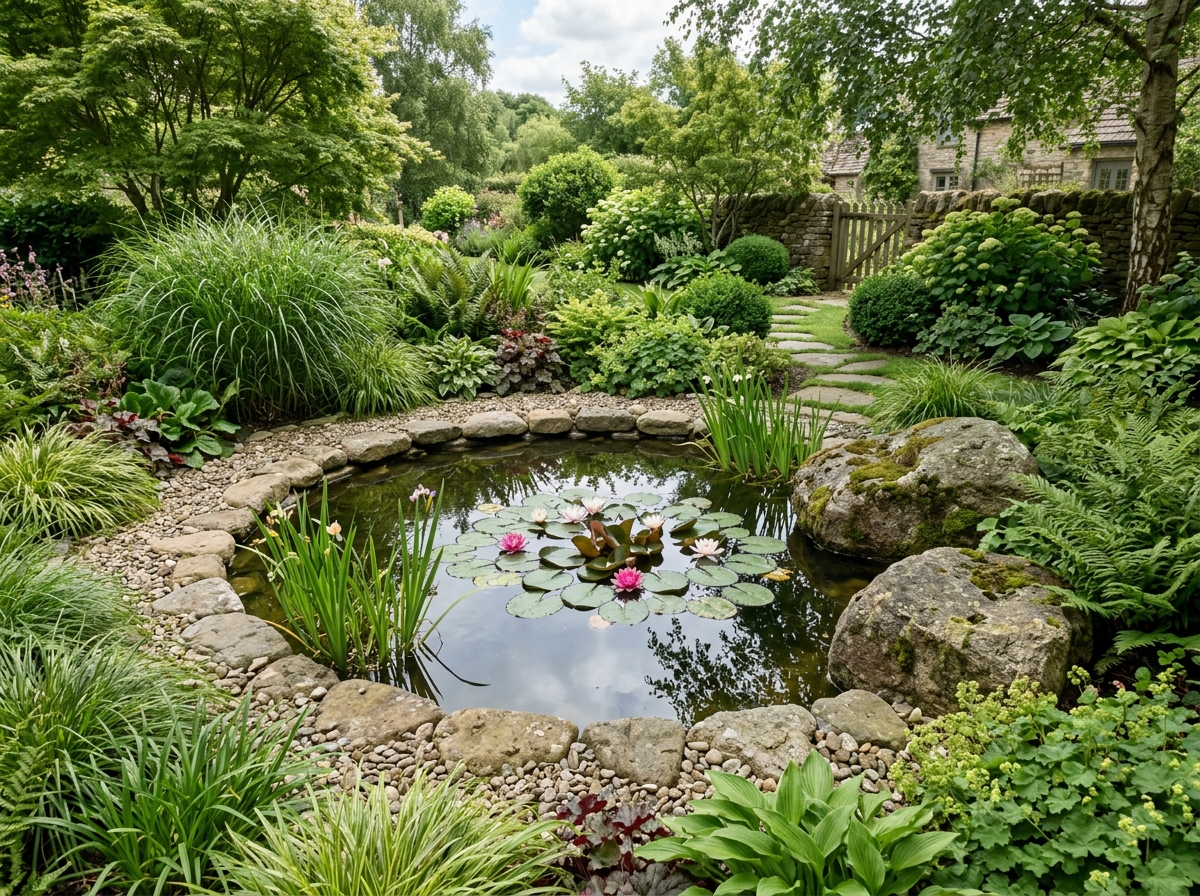
Pond and stream
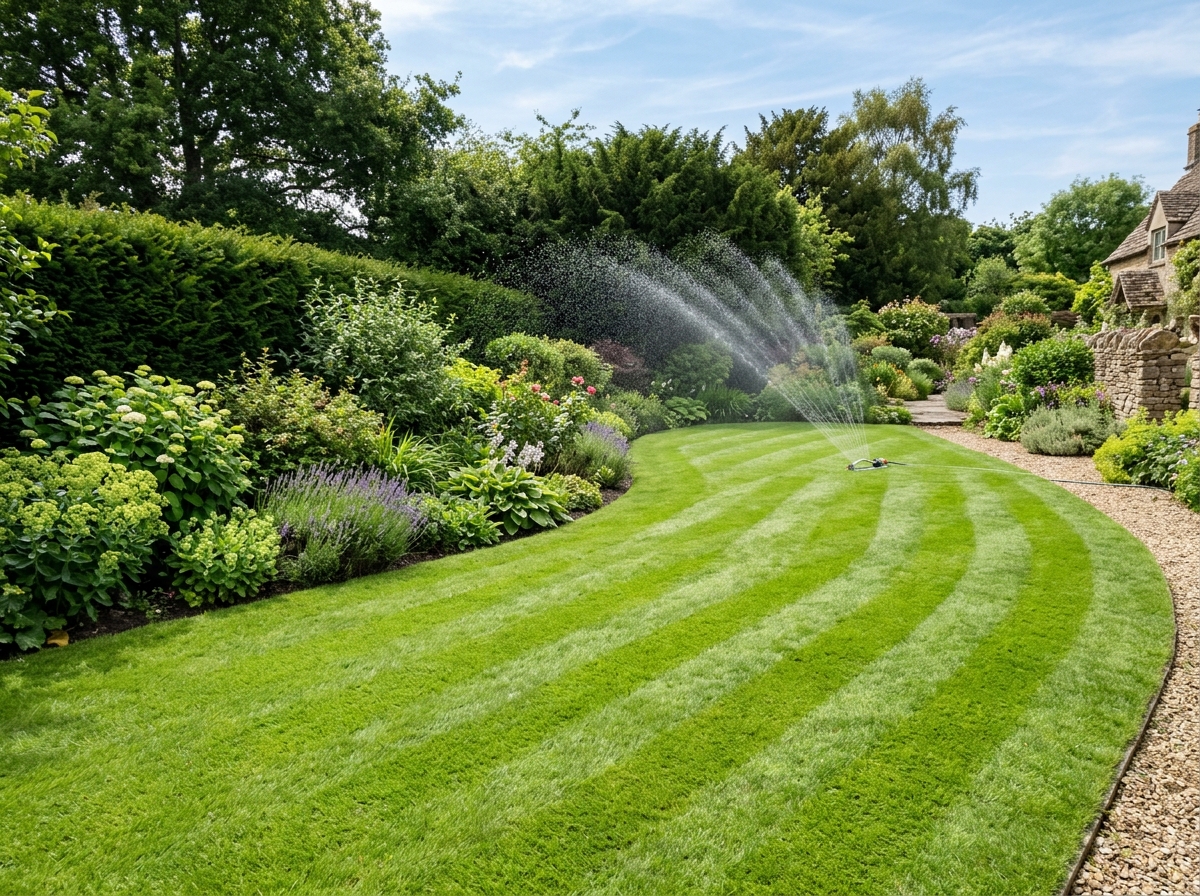
Lawn
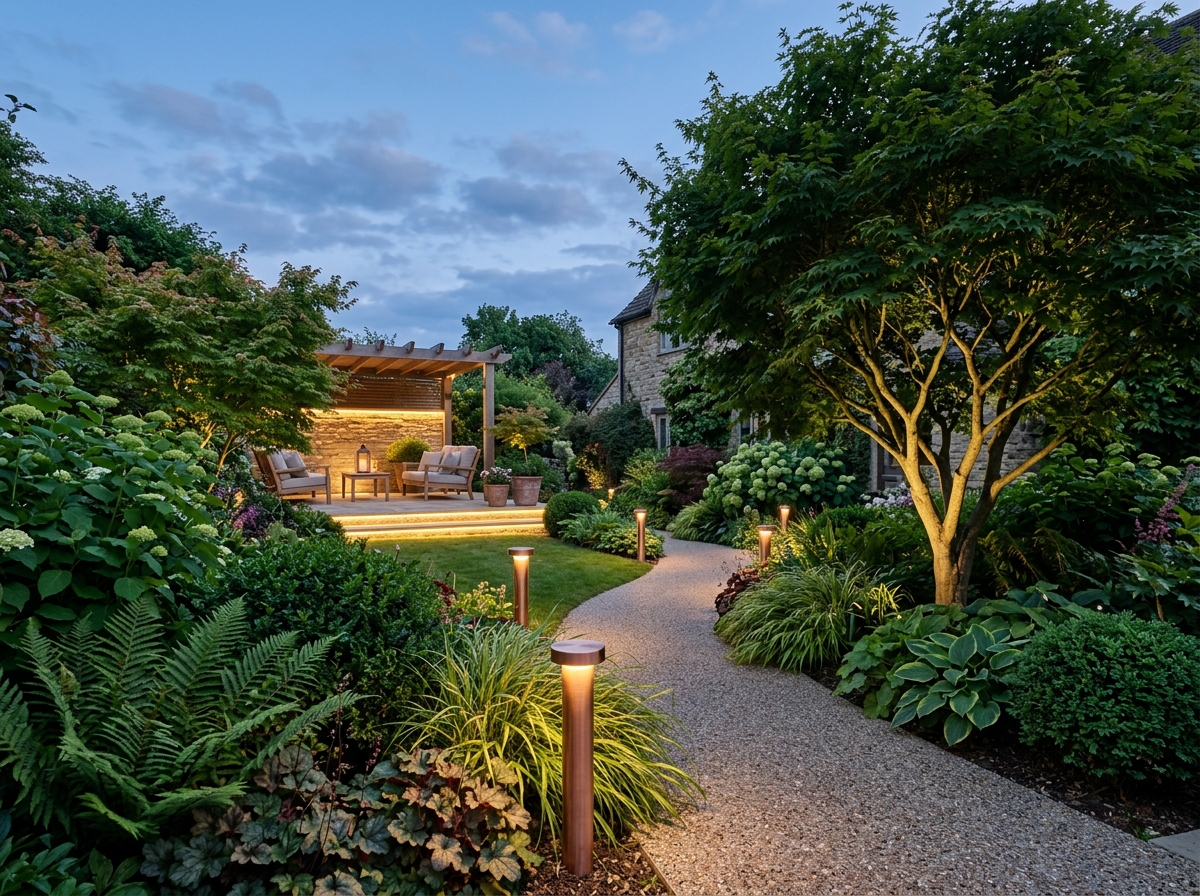
Garden lighting
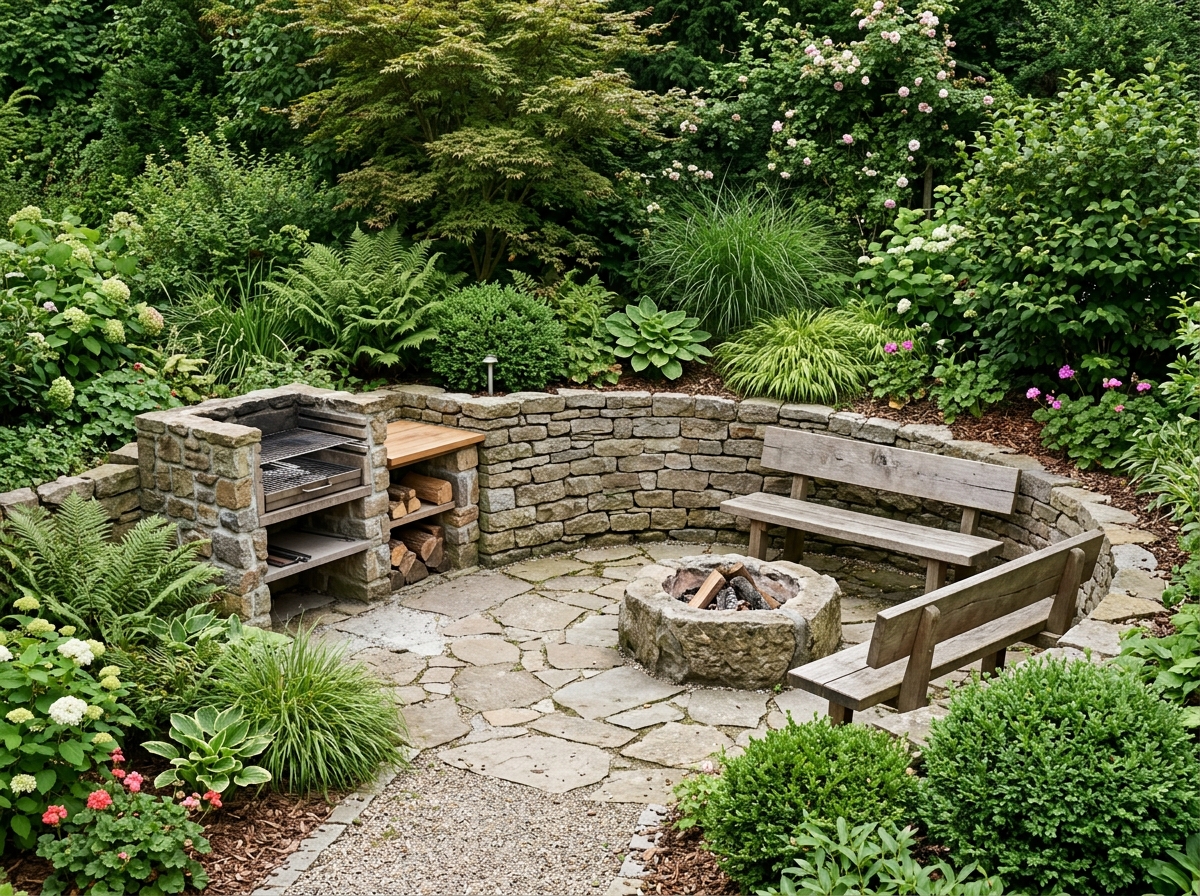
Barbecue and fire pit
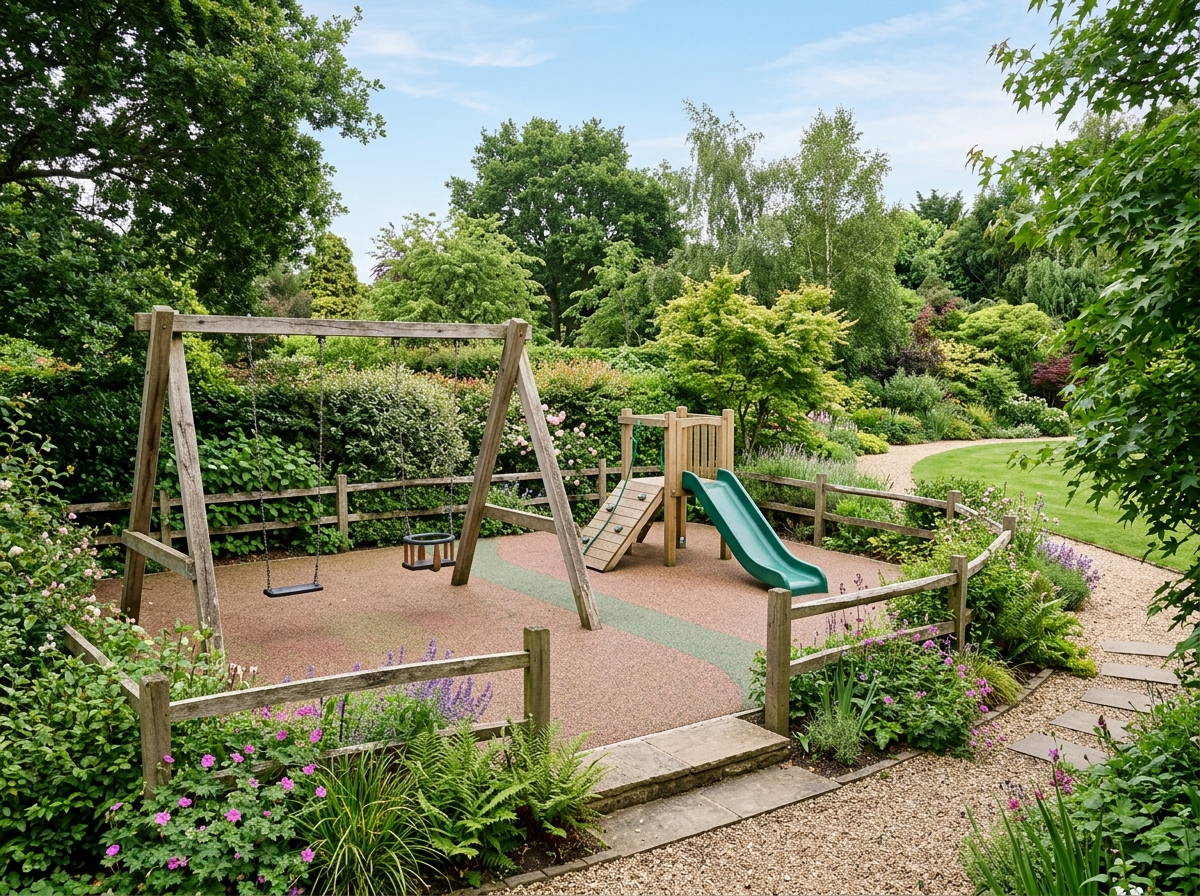
Children's play area
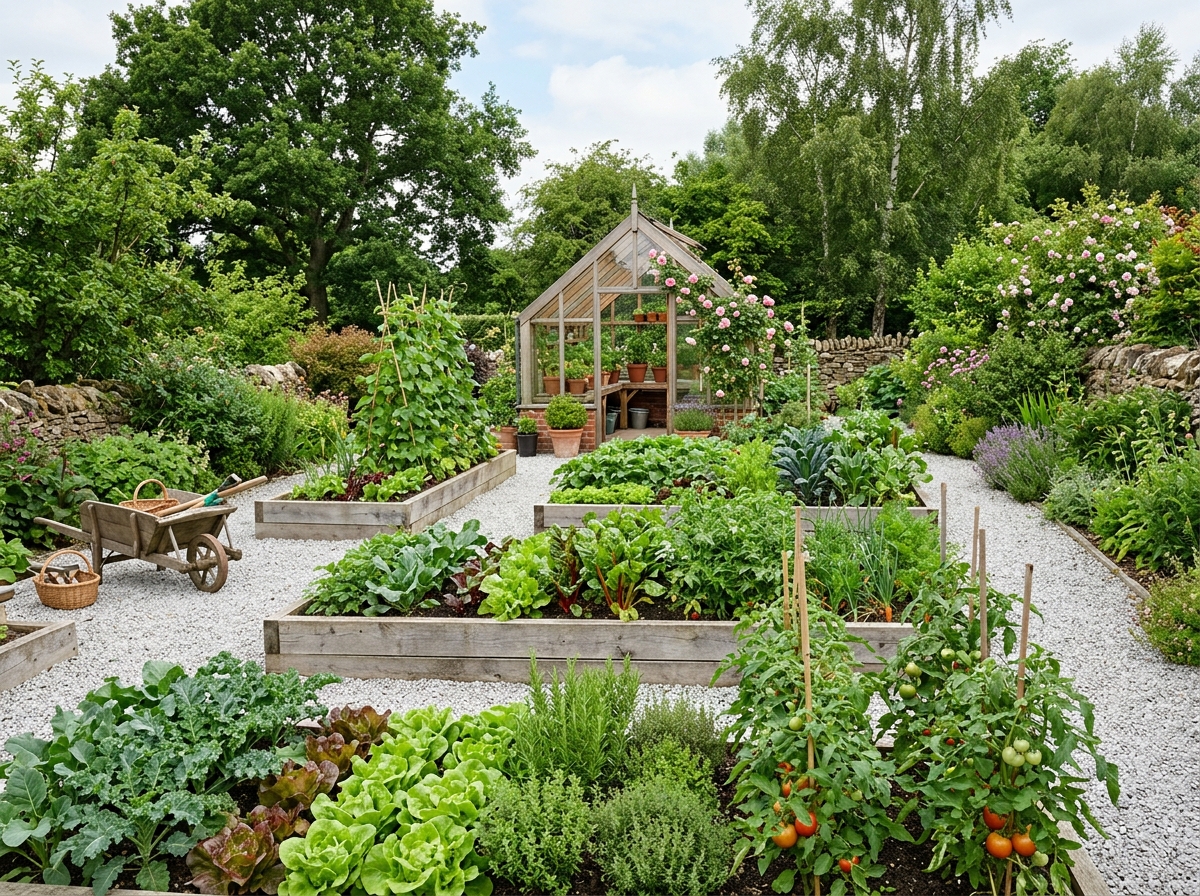
Kitchen garden and beds
The more specific the description, the better the result: "a gazebo for six by the far fence" beats "make it nice".
Curb appeal: the front yard
The back of the house is for you; the front is what everyone else sees, including a buyer. Curb appeal is also the cheapest part of a yard to change, because there is usually less of it.
See it before you dig
Photograph the house from the street and the model redraws the front: beds along the walk, a tree where the lawn is bare, lighting by the door. The house itself stays as it is.
Low-maintenance planting
Ask for something that survives without weekly attention — grasses, evergreens and ground cover instead of annuals that need deadheading. Name your climate and the selection shifts with it.
Before a sale or an appraisal
Agents ask for this most: showing a tired frontage as it could look, so a buyer sees a finished yard instead of weeds. The picture attaches to the listing or the quote.
Driveway, walk and parking
The hard parts of the front yard read as clearly as the planting: where the walk runs, how the driveway edge is finished, whether there is room to turn a second car around.
Landscape styles
English garden, Japanese, Provence, minimalist — any mood for your yard
Design your garden
Create the perfect space for outdoor relaxation
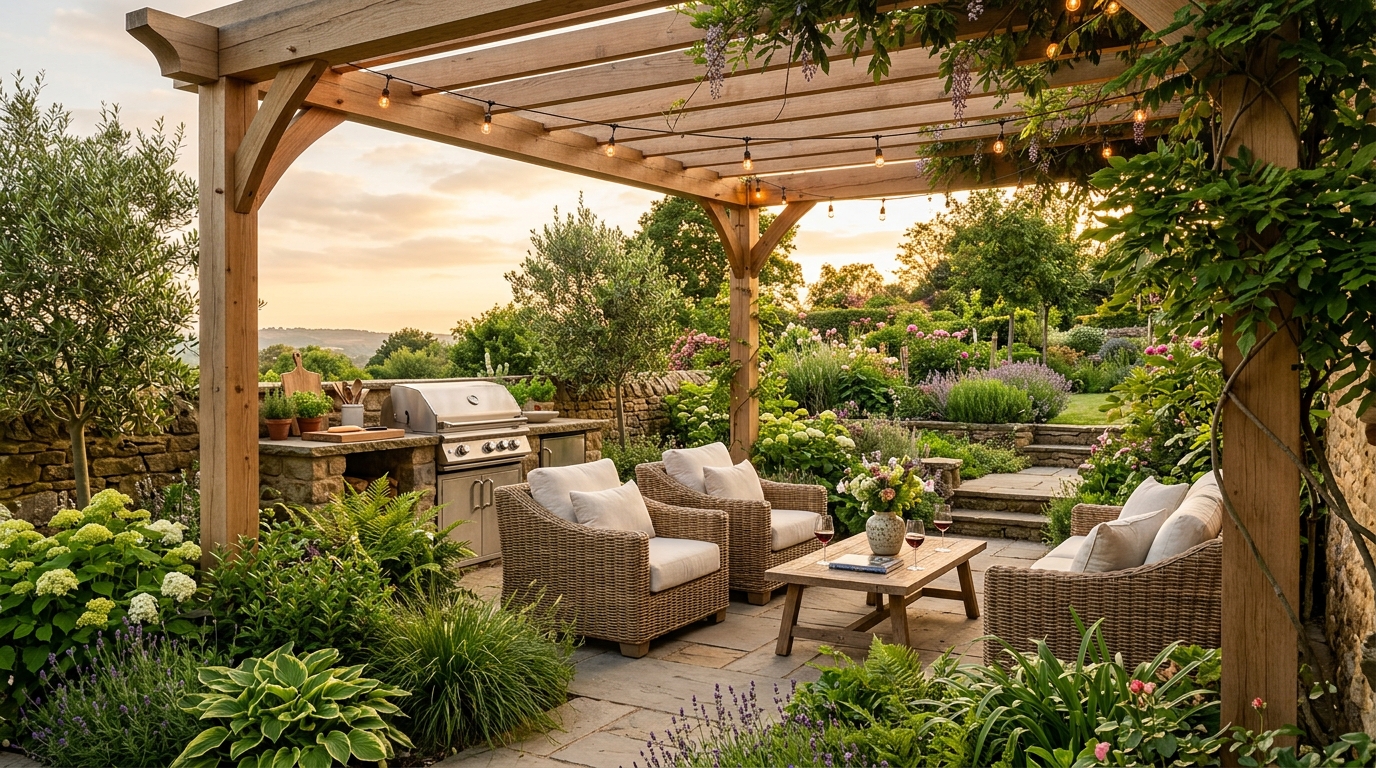
Lounge zones and terraces
AI suggests gazebos, terraces and grill zones tailored to the features of your terrain.
Design a terrace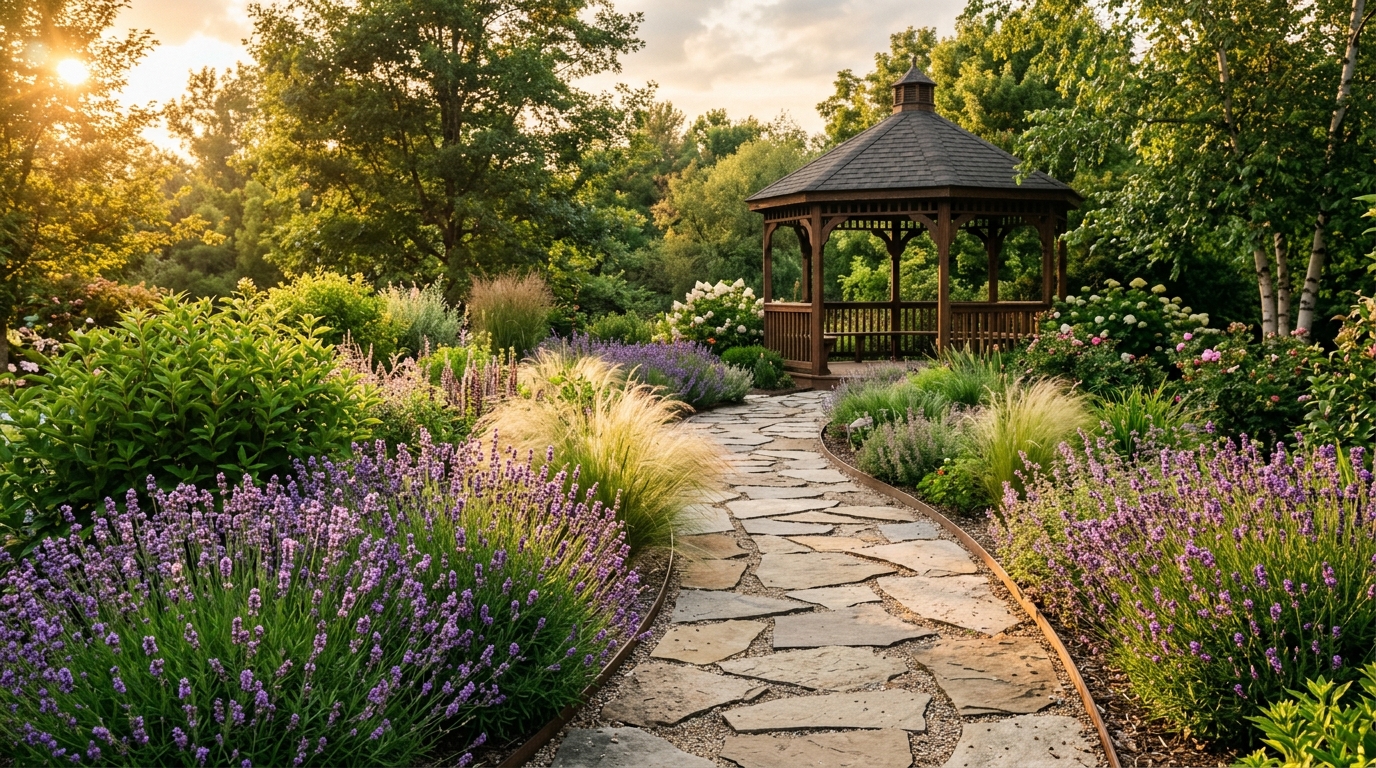
Garden pathways
AI creates a layout of paths and paving in tile, stone or wood, connecting every key spot on the yard.
Plan pathways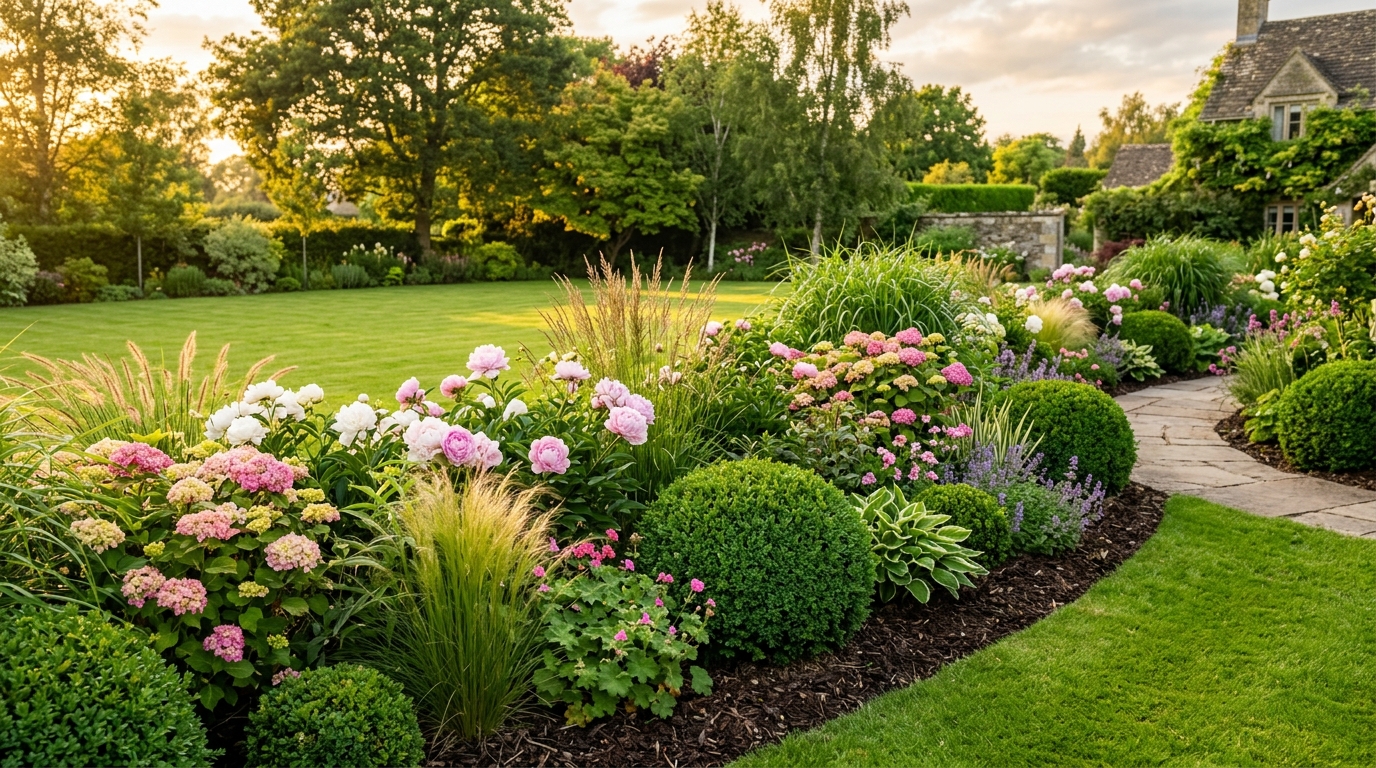
Greenery and flowerbeds
AI picks plants that suit your climate and arranges beautiful compositions of flowers and shrubs.
Create a flowerbedPlants and planting
The classic mistake of DIY planting is choosing what looks good in a picture but will not survive the winter. Name your region in the description and the plant selection changes.
For your climate
Write your region or climate zone and the selection shifts. It is not agronomy advice, but obvious mismatches will not appear.
By maintenance
Ask for a low-maintenance version: conifers, grasses and ground cover instead of fussy annuals. For a weekend garden that matters more than looks.
By season
Look at the yard in May, July and September. A garden that is glorious for two weeks in June and dull the rest of the year is a common outcome.
Ready-made compositions
A mixed border, a hedge, a rock garden, a planting strip along the path, a group of conifers by the entrance — ask by composition rather than by plant list.
The yard through the seasons
The same ground looks different four times a year. Run it through the seasons and see what happens once the flowering stops.
Spring
What blooms first and how the yard reads before the foliage opens
Summer
The peak — the view the whole thing is for
Autumn
Whether the composition works on leaf color, not only on flowers
Winter
What is left when everything has dropped: conifers, grasses, structures, light
What people actually use it for
Landscaping is not commissioned for the picture. These are the jobs people bring it.
Decide what to spend on
A whole yard is expensive and takes years. A visualization helps you choose which zone to start with and what waits until next season.
Settle it in the family
The "gazebo or vegetable beds" argument resolves faster when both versions sit side by side.
Brief the contractor
A crew reads a picture better than "something tidy". The visualization works as an attachment to the quote.
Sell the house for more
For an agent — showing the potential of an overgrown yard. The buyer sees a future garden, not weeds.
Test an idea before buying
Before ordering the thuja and the flagstone, see how it actually sits on your terrain.
Show a client, if you are the designer
Run through a dozen concepts in an evening and arrive with finished options instead of a sketch on a napkin.
Need a plan with dimensions?
A photorealistic picture answers "how will it look". If you need something else — draw the yard to real dimensions, place buildings and zones to scale, view it in 3D — that is what our 3D editor is for.
- A site plan with real dimensions and boundaries
- Terrain, paths, water, planting and structures in 3D
- Walk the yard in first person and save the project
The editor basics are free — only neural generations are paid.
Do it yourself or hire a crew
Some of the work is realistic to do yourself, some needs machinery and experience. A visualization helps either way — it is just used differently.
Doing it yourself
Lawn, planting, beds, simple flagstone paths, low-voltage lighting. The picture keeps you from scattering effort and lets you do zones in turn.
Hiring a crew
Drainage, retaining walls, a lined pond, paving with a proper base, irrigation. Here the visualization is an attachment to the brief.
We give a visualization, not a working project. Planting plans, setting-out drawings and irrigation schemes stay with a qualified designer.
Studio, freelancer or AI
Three ways to see the finished yard before the first load of soil arrives.
| Criterion | Landscape studio | Freelancer | AI Neiroset |
|---|---|---|---|
| Turnaround | 2–4 weeks | 1–2 weeks | 30 seconds |
| Price | from $400 | from $110 | from $9 per pack |
| Variants you get | 2–3 concepts | 1–2 concepts | As many as you like |
| What it needs upfront | Survey and a site visit | A site plan | A phone photo |
| Working documents | Yes, planting plans and drawings | Sometimes | No — visualization and a brief |
An honest boundary: we show how it will look, but we do not produce planting plans, setting-out drawings or irrigation schemes. If you need a working project, a qualified designer prepares it — and our visualization is a useful starting point.
What is free and what we charge for
No hidden charges and no mandatory subscription. A card is only needed when you decide to buy a pack.
Free
- 2 yard generations after sign-up — for the lifetime of the account
- The whole catalog of styles and elements
- Interface and support in your language
- Any yard size — from a small garden to an estate
Paid
- Only the generations. Packs from $9, a single generation from $0.25 on the Business plan
- Pro quality: high resolution, fit for print and proposals
- Private generations — results stay out of the public gallery
- A commercial license is included in every plan
For comparison: a studio landscape project costs from $400 and takes several weeks.
Pick your pack
Frequently asked questions
Build the garden
of your dreams
Upload a photo of your yard and start landscape design right now
Try for freeLandscape design from a photo — what the model can do
AI for landscape design
AI landscaping is not a gallery of other people’s gardens. You upload a photo of your own yard and the model redraws it: it keeps the boundaries, the buildings and the terrain, but changes surfaces, planting, structures and light. The result is recognisable — you can see where your terrace would stand and where the path would run.
Draw a landscape online, without software
The classic route is installing specialist software and spending weeks learning it, or commissioning a visualization from a freelancer. Here a browser is enough: the service runs on a laptop and a phone with nothing to download. The first generations are free, so you can try before making any budget decisions.
Landscape styles
English picturesque garden, Japanese, Provence, minimalism, Scandinavian, formal classical, Mediterranean, woodland, alpine. Styles can be combined within one yard: a formal front zone by the entrance and a looser picturesque corner further back. Saying so in the description is enough.
Zones and elements
Terrace and gazebo, paths and paving, a pond or dry stream, lawn, borders, a hedge, a rock garden, a barbecue zone, a play area, a kitchen garden, parking, lighting. Ask for each element on its own or put them together and see how they coexist.
Planting and plant selection
Name a region or a climate zone and the plant selection changes. You can ask for a low-maintenance version: conifers, grasses and ground cover instead of fussy annuals. It does not replace an agronomist, but it removes crude mistakes and gives a clear starting point for a nursery conversation.
The yard through the seasons
A garden lives through four seasons, yet it is usually shown in June. Run the yard through spring, summer, autumn and winter and it becomes obvious whether the composition still holds once the flowering ends. The evening lighting scenario is worth a separate look.
Front yard and backyard
The service handles a small weekend yard and a large country property equally well. A weekend yard usually cares about beds, a greenhouse and somewhere to sit; a country property about the approach, the lawn, water and lighting. You set the type and the priorities in plain words.
How this differs from a planner
Here you get a photorealistic picture — how it will look. If you need a drawing with dimensions, buildings placed to scale and distances to the boundaries, that is a different job: there is a separate site planner for it, linked from this page.