Turn a Photo Into an Oil Painting With AI
Upload a photo and the AI repaints it as a classic oil painting: visible brushstrokes, rich paint texture, painterly light and a warm, traditional palette. The composition and the subject stay the same, so your portrait, pet, family or house comes back looking like a picture made for a frame. The result is a digital image you download and can print yourself, not a hand-painted canvas. One look, nothing to set up: upload, press Create, download.
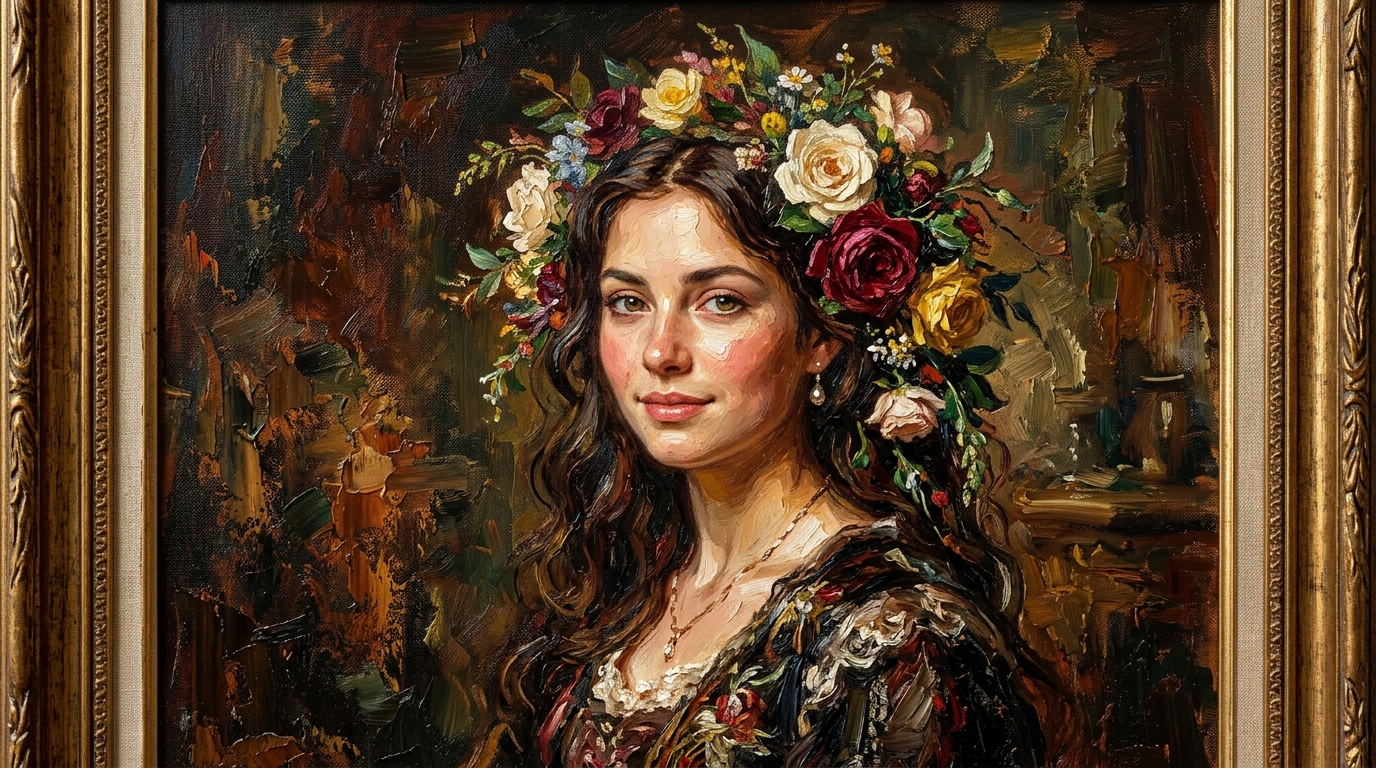
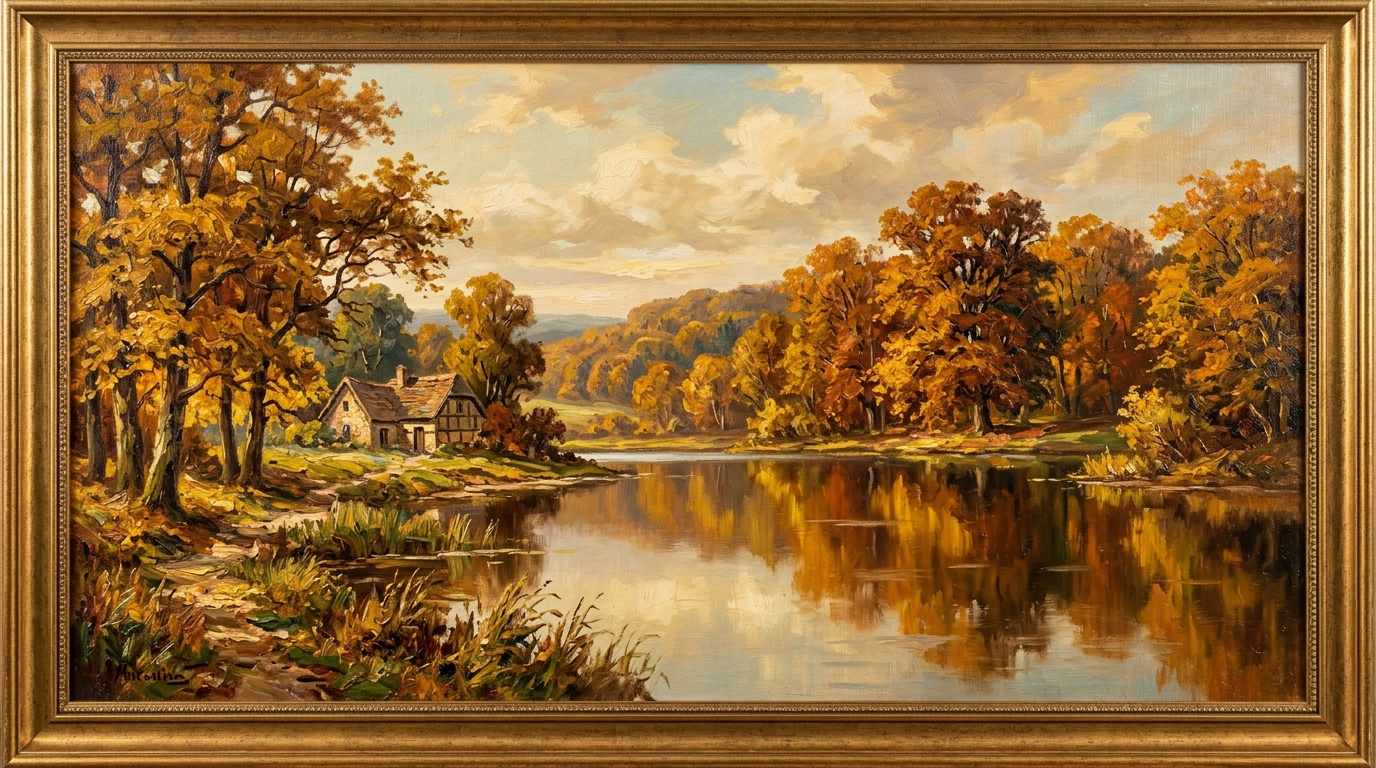
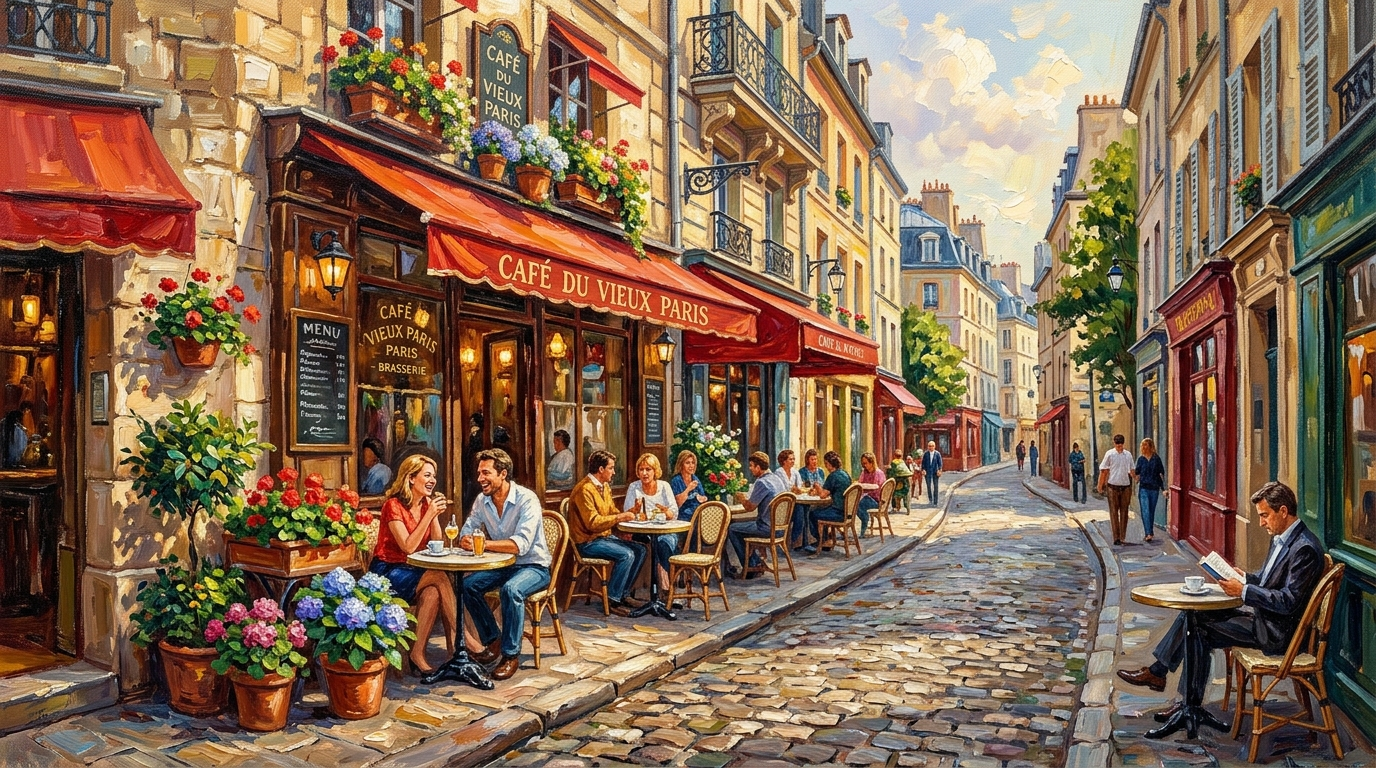
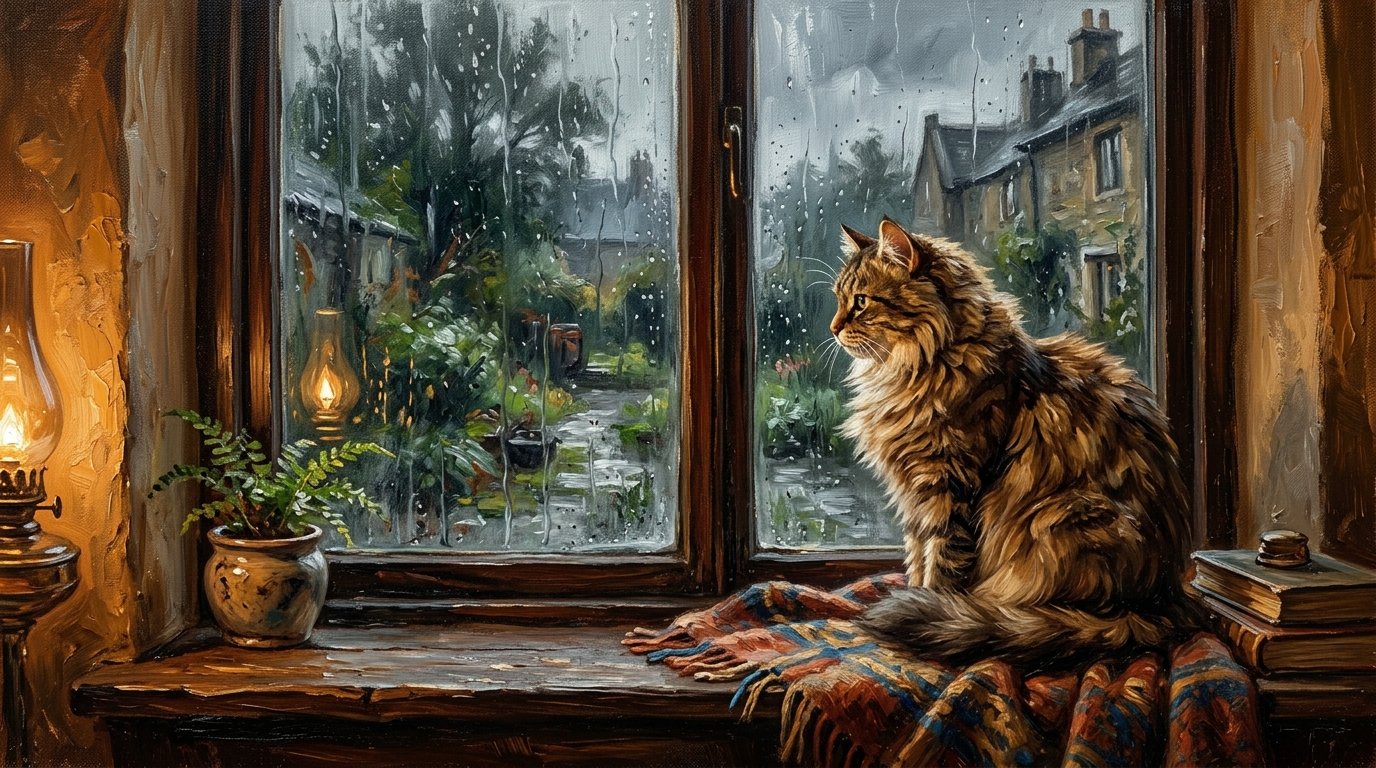
How to turn a photo into an oil painting
There is one classic oil look on this page and nothing to configure. You do not pick a painter, a movement or a palette, and you do not type anything: the brushwork is already built in. It runs in a browser, so it works the same on an iPhone, an Android phone or a laptop.
What you get is a digital image file. Nothing is painted by hand, printed or mailed — more on that below, because it is the most common mix-up with this kind of search.
What the oil painting effect looks like: brushstrokes, texture, light
This is not a texture laid over the pixels you already have. The photo is used as a reference, and the whole frame is painted again as a classic oil painting. The composition and the subject stay where they were: the same faces, the same pose, the same dog on the same rug, the same porch and the same trees.
What changes is how everything is made:
There is one style here, a classic one. It is not a menu of art movements, and it does not imitate any particular painter: expect a traditional oil portrait feel, not swirling skies or a famous master's signature look.
Which photos turn into the best oil paintings
Because there is nothing to tune, the result depends mostly on the photo you pick. Classic oil painting likes clear light, a readable subject and a bit of setting.
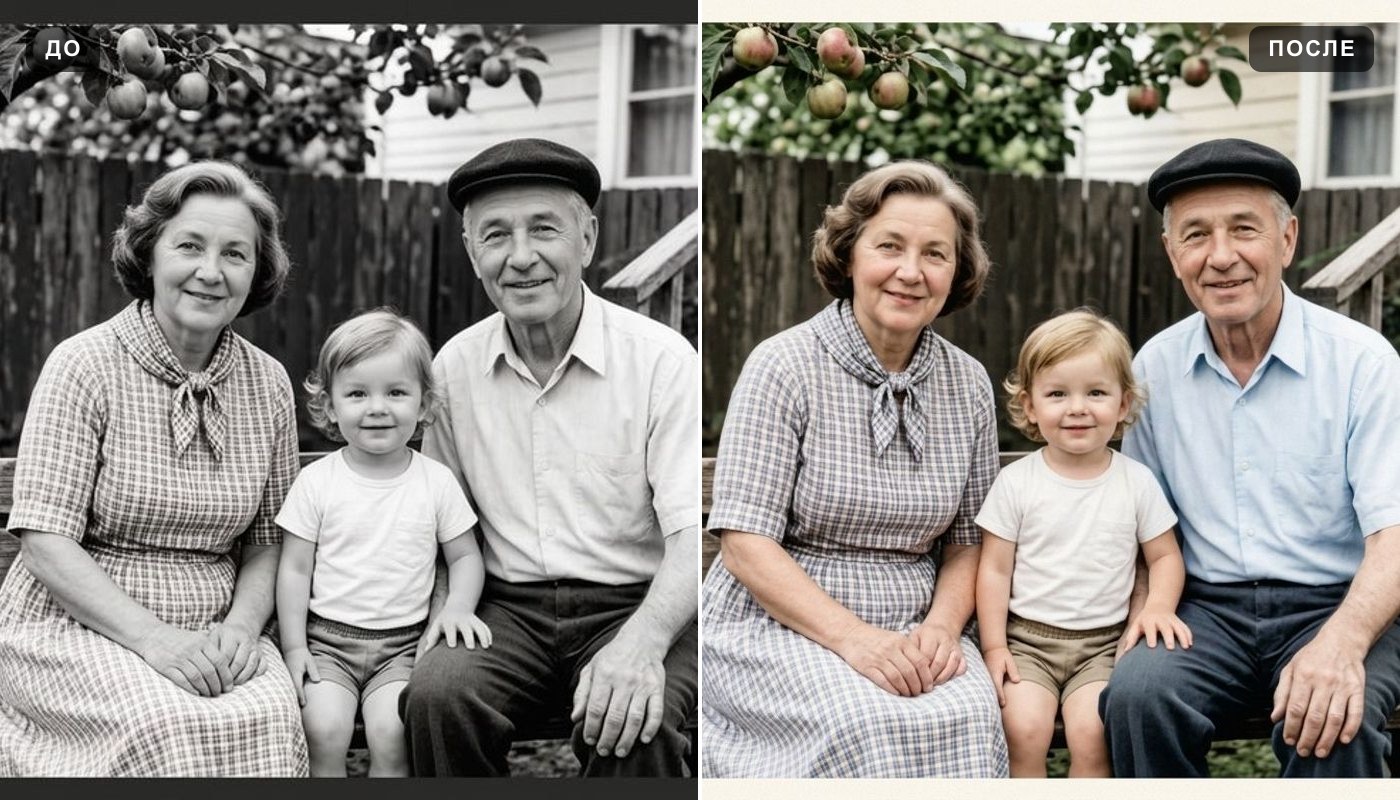
If the shot you love is soft, small or faded, fix it first: unblur image for a blurry frame, photo enhancer for a dark, flat one, and colorize photo if it is an old black-and-white print you want to see in color before it is painted.
Pet portrait oil painting: dogs, cats and horses
Pets are a favorite reason to turn a photo into an oil painting, and the style suits them: fur becomes layered strokes, eyes pick up a glint of light, and the background melts into soft, dark tones like a classic animal portrait.
A good pet shot is taken at the animal's eye level, with the face toward the camera and the eyes sharp. Coloring and main markings usually carry over; very fine patterns, such as brindle or ticking, get simplified into broader strokes. If you want a portrait of a pet who is no longer around, the clearest photo you have will do — even a phone snapshot works if the face is clear.
Family portrait oil painting: couples, parents, grandparents
A group photo keeps its arrangement: who sits next to whom, who holds the baby, who looks at the camera. The painted version reads as the same moment, told with brushstrokes and warm light, which is why wedding, anniversary and family photos are a natural fit.
Two things help. Keep the faces reasonably large: four people filling the frame paint far better than the same four as small figures in front of a lake. And choose a shot where everyone is lit from the same side. In a big group, the people in front get the most care and the faces at the back get simplified; if each face matters, paint a tighter crop of each person.
Houses, landscapes and travel photos as oil paintings
You do not need a person in the frame. The house you grew up in, a first home, a farm, a lake cabin, a beach at sunset or a street from a trip abroad all turn into quiet, traditional landscapes. Skies get painted clouds, foliage becomes layered strokes, and ordinary buildings gain the warmth of a picture that hangs over a fireplace.
A painted version of a house is a popular housewarming or closing gift. Pick a daytime photo taken straight on, with the whole house in the frame and not too many cars in front of it.
A digital oil painting as a gift: printing it yourself
The result is a file, and that is what makes it a quick gift: download it, then print it at home or at any photo lab or print shop that prints on paper or canvas. You choose the size, the paper or canvas and the frame; we do not print or ship anything.
Size matters for printing. Quality on Standard returns the picture with its long side at 1024 px, which is fine for screens and small prints. Pro returns 2048 px, comfortable for a print around 8 × 10 inches. For a large canvas print, that may not be enough: run the file through the image upscaler first, then ask the print shop whether the size works for the print you want.
Popular occasions: Mother's Day and Father's Day, a grandparent's birthday, an anniversary, a memorial for a pet, a housewarming. If you want a card rather than a framed picture, the greeting card maker designs one around an occasion.
AI oil painting vs. commissioning an artist
When people search for a custom oil painting of a photo, many of them mean a real painter working with real oil paint on a real canvas, delivered to the door. That is a different thing, and it is worth being clear about the trade-off:
Many people use this page as a preview: see how a photo looks as a painting before deciding which one to frame or bring to a painter.
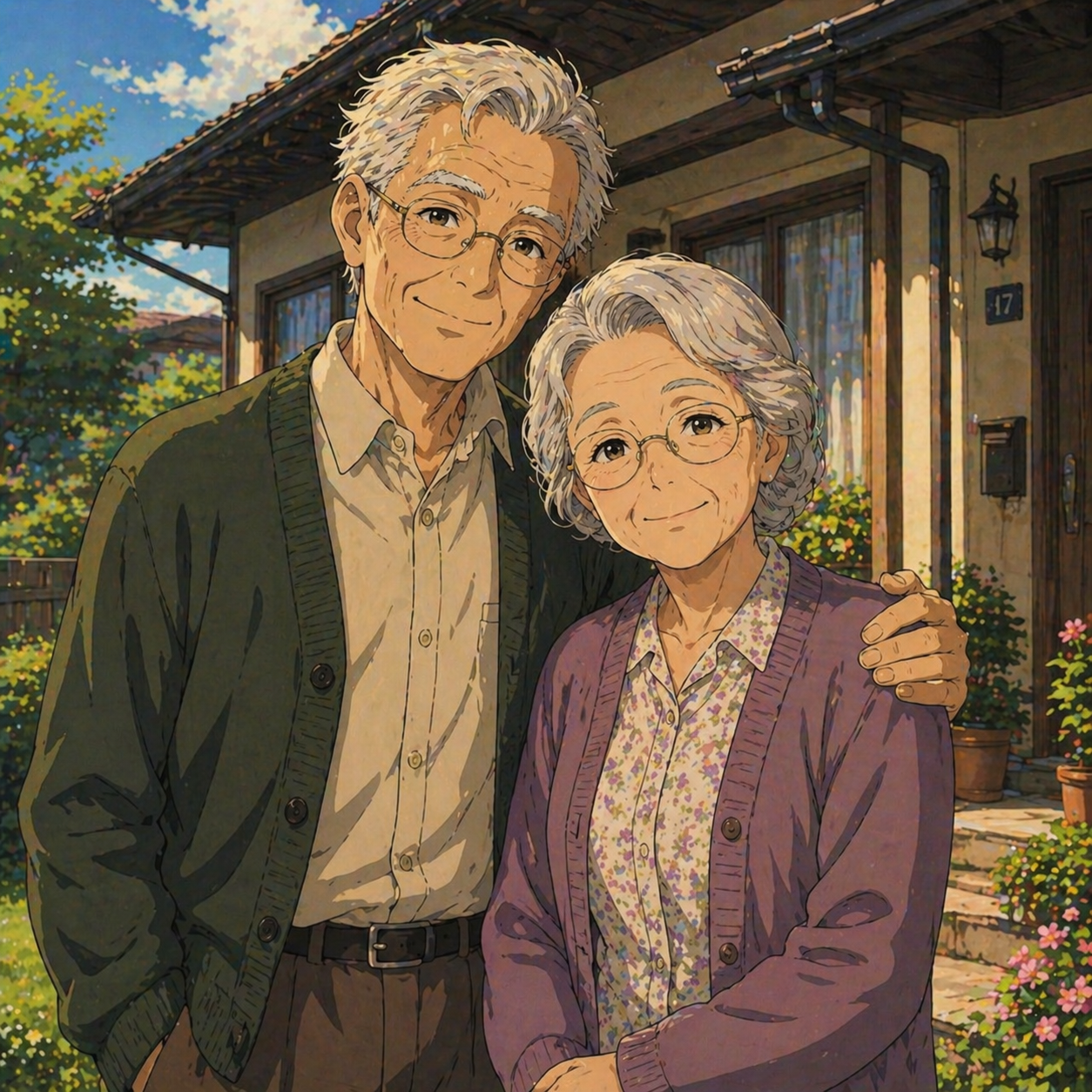
Oil painting, Ghibli-style or anime: which look fits your photo
The site has several one-click style pages, and they are easy to confuse. They start from the same photo but end up in very different places:
A simple rule: if the picture is going on grandma's wall, start here. If it is going on a phone screen or a profile, try the other two.
What people make with it
Free oil painting filter: what you get and where the limits are
You can try it for free. A new account gets two free generations in total — not per day and not per month — on Standard quality, and this tool is one of the ones they cover. Pro is part of a paid plan. After that, work continues on a plan or a pack; the terms are on the pricing page.
Download is open on this tool from the start, so a free run gives you an actual file. Until the account makes its first purchase, results carry a light ai.neiroset.com signature in the bottom-right corner; any purchase removes it permanently, including from pictures you already made. Keep that in mind before you print a free result.
Quality has two modes: Standard returns the picture with its long side at 1024 px, Pro at 2048 px. There is also a pace limit of six runs a minute per account, which everyday use never reaches.
Do I need an account?
Yes. You can upload a photo as a guest, but pressing Create opens the sign-in window. Results are kept in your own History, which is how you get back to them from any device.
Honest limits of the AI oil painting
Frequently asked questions
How do I turn a photo into an oil painting?
Upload the photo, press Create, and download the result. There is no style to pick and nothing to type: the classic oil look is the only one on this page. The painted version appears in History next to the original.
Do you ship a physical painting on canvas?
No. The result is a digital image file that you download. We do not paint by hand, print or ship anything. You can print the file yourself at home or at any photo lab or print shop, on paper or canvas. For a large canvas, run it through the image upscaler first.
Is it painted by a real artist?
No. The painting is generated by AI from your photo. It imitates the look of oil paint — brushstrokes, texture, warm color — but no one paints it by hand.
How big can I print it?
Standard returns 1024 px on the long side, good for screens and small prints. Pro returns 2048 px, comfortable for a print around 8 × 10 inches. For anything larger, enlarge the file with the image upscaler and check the size with your print shop.
Can I choose a painter's style or impressionism?
No. The page has one classic oil painting style and no style menu. It does not imitate any specific artist. If you want a different look, try the Ghibli filter or photo to anime.
Does it work for pet portraits?
Yes. Dogs, cats, horses and other animals are painted with their coloring and main markings. Shoot at the pet's eye level with the face toward the camera and the eyes in focus for the best result.
Will the painting still look like me?
Recognizably, in most cases — the style keeps realistic proportions. But it is not one-to-one: brushwork softens fine features. A sharp, well-lit face that fills a good part of the frame keeps the most.
Can I paint an old black-and-white photo?
Yes, but the painting will take its colors from the style, not from history. For more control over color, run the photo through colorize photo first, then paint the colorized version here. Scratches and creases are not repaired by either tool.
Is it free, and can I download the file?
A new account gets two free generations for the lifetime of the account, on Standard quality. Download is open from the start. Results carry a light ai.neiroset.com signature until the account makes its first purchase, which removes it permanently.
Do I need an account, and is there an app?
An account, yes: Create opens the sign-in window for guests. An app, no: the page works in a mobile browser on iPhone and Android the same way it does on a computer. Send iPhone photos as JPG, because HEIC is not accepted.
Try other tools
 Ghibli style
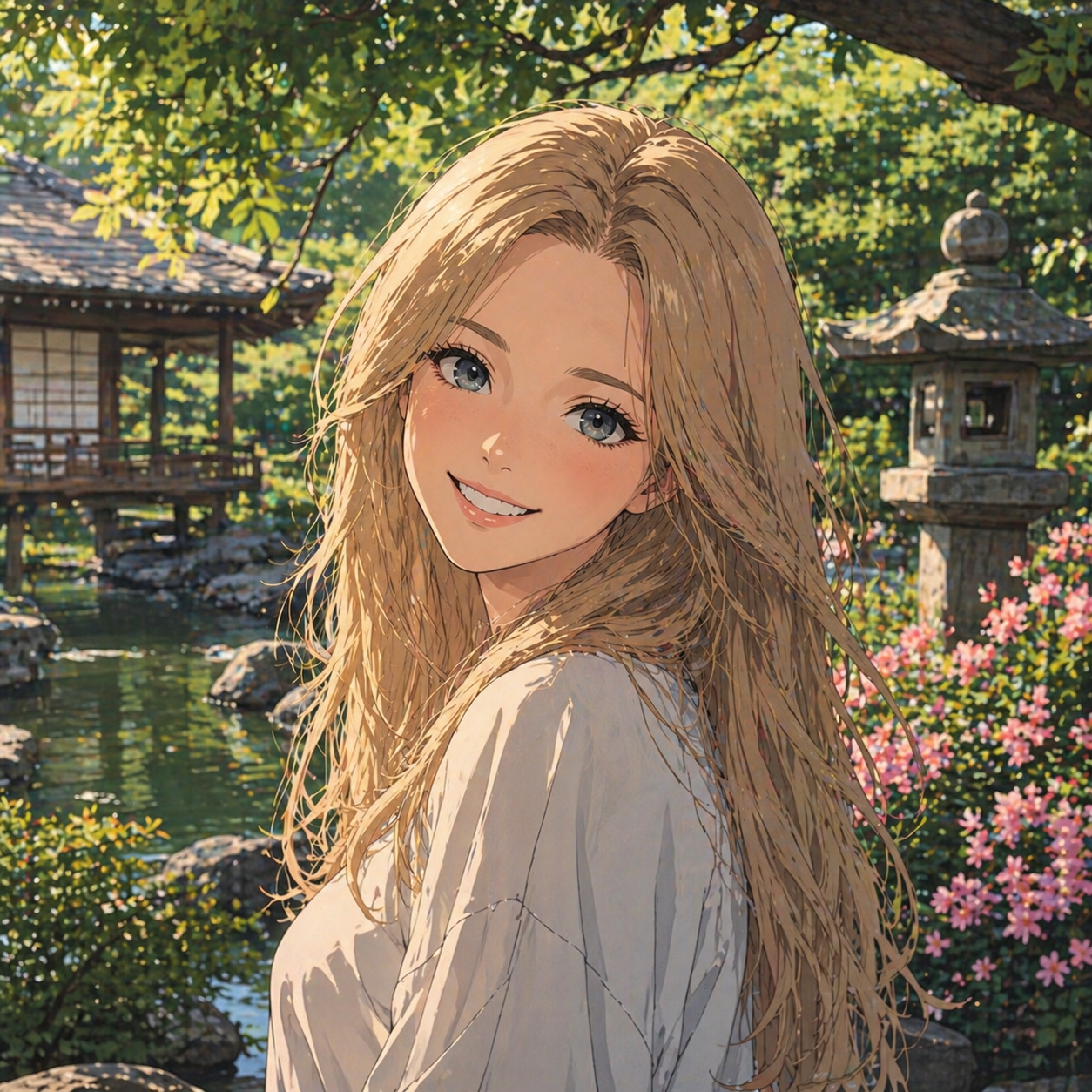 Photo to anime
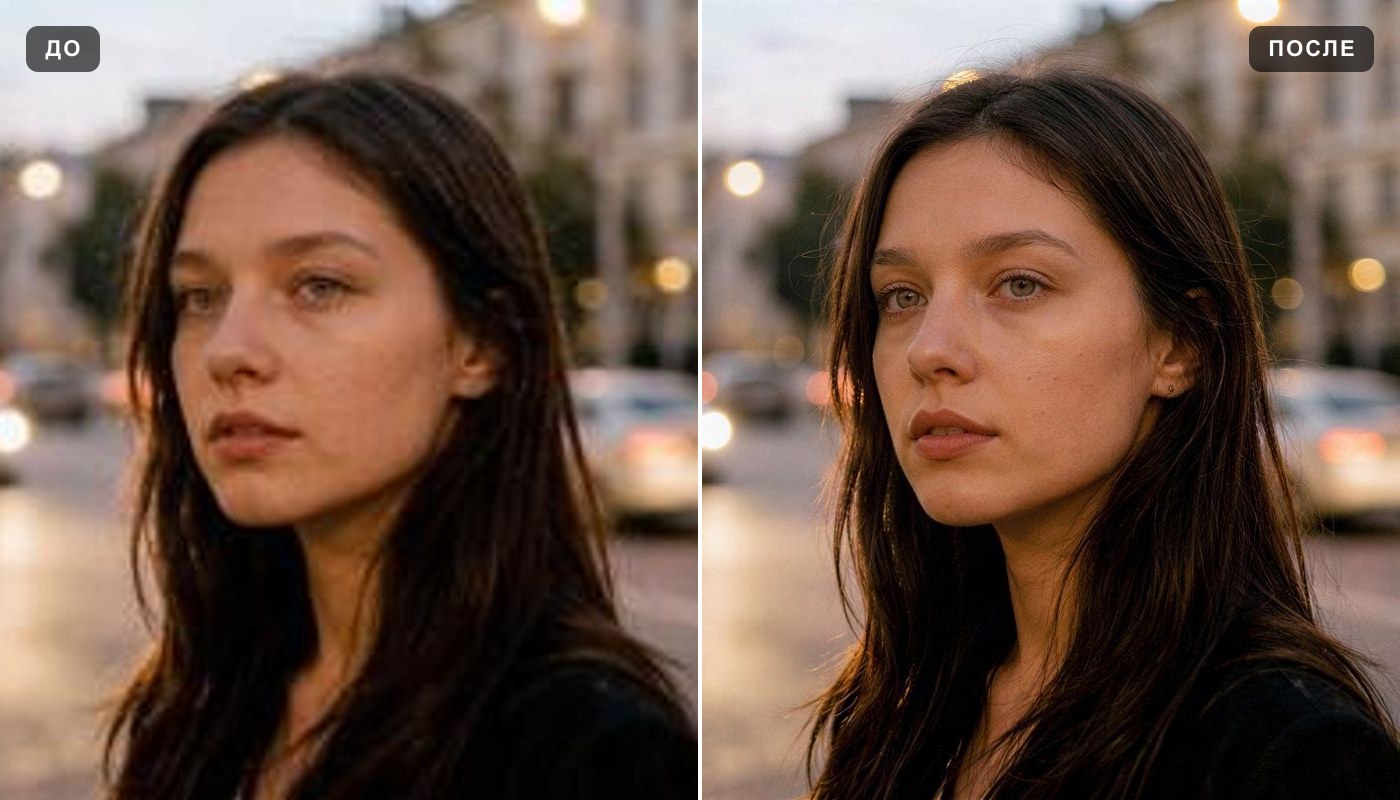 Image upscaler
 Colorize photo
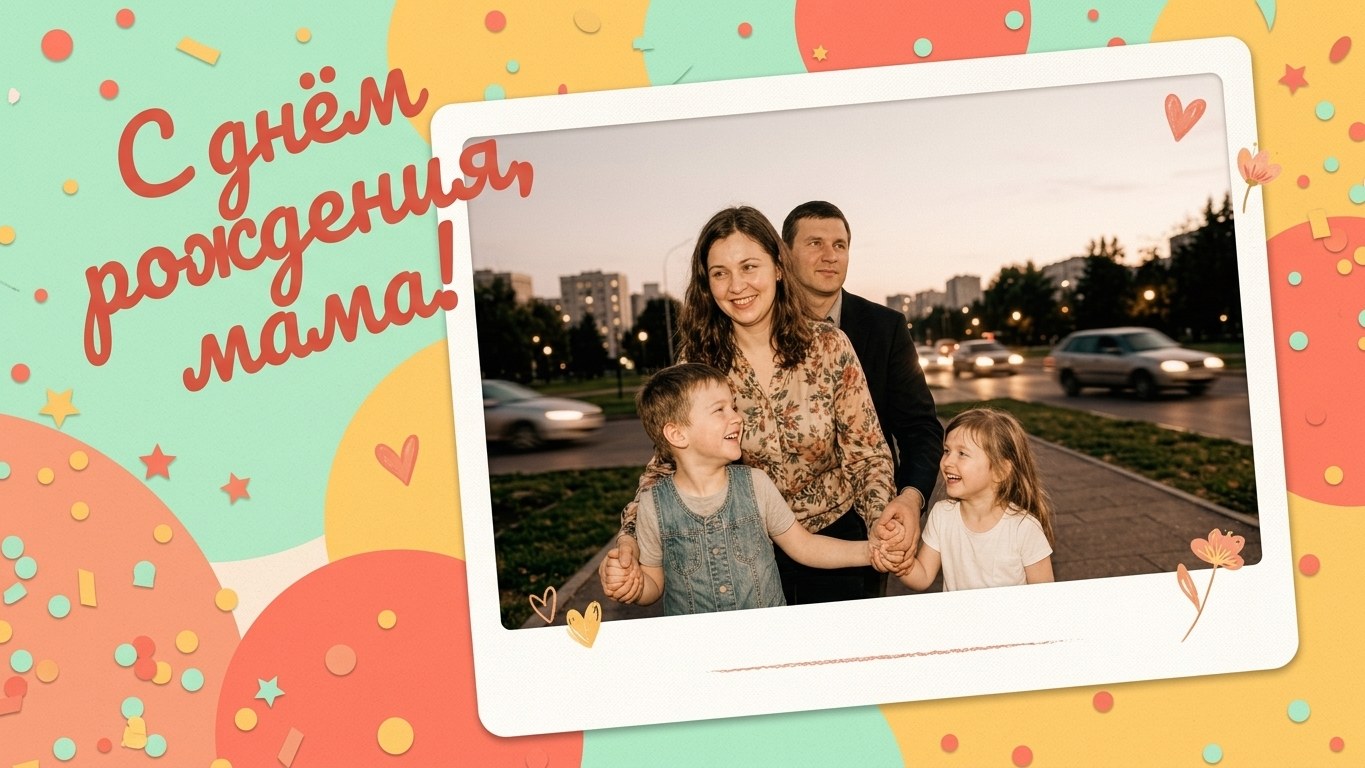 Greeting card maker
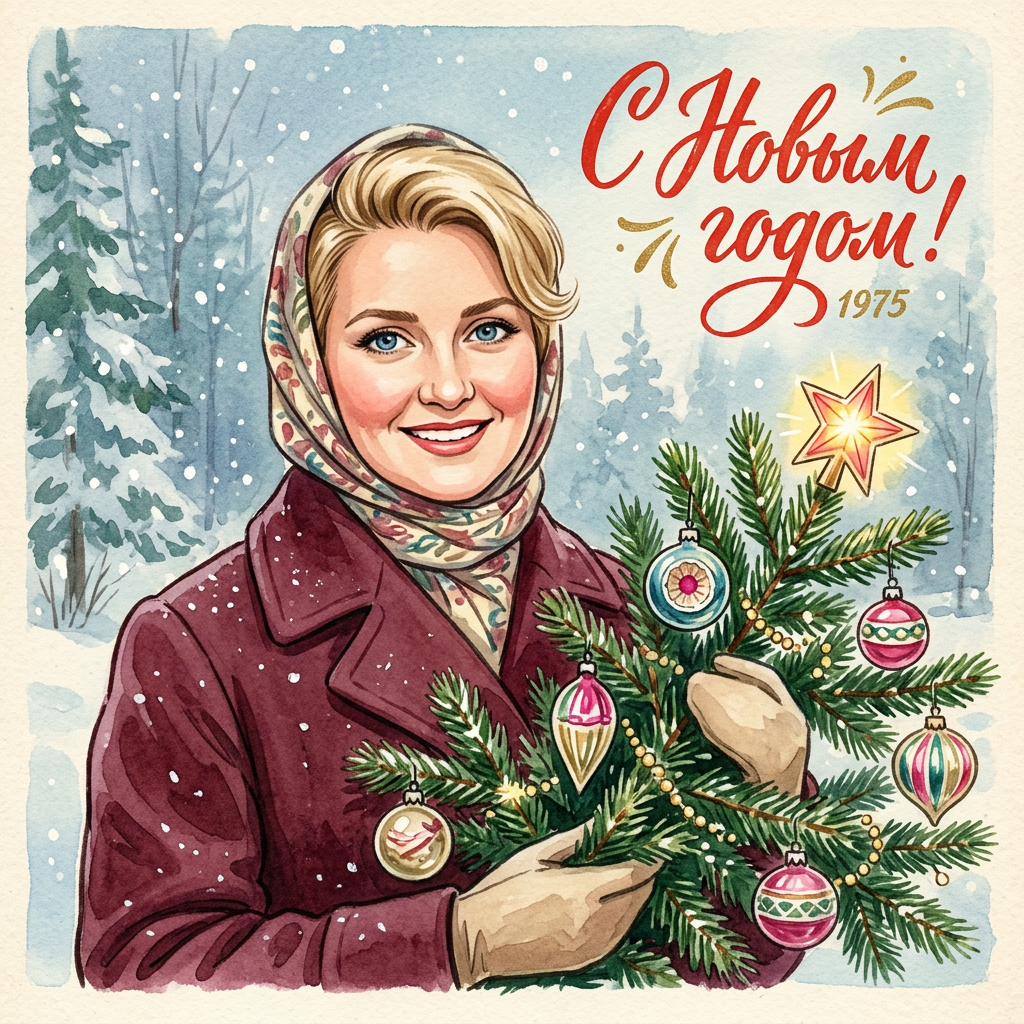 Vintage Christmas card
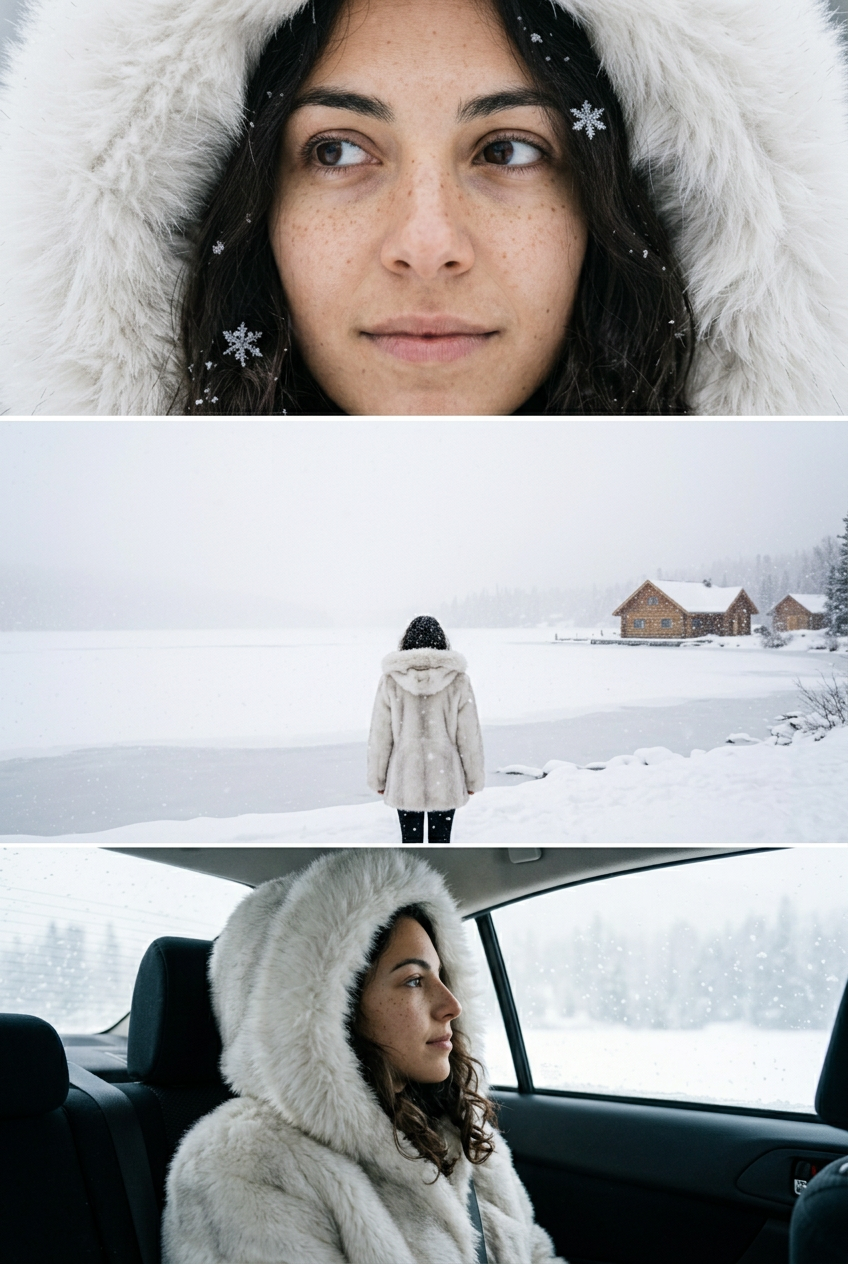 AI snow photo
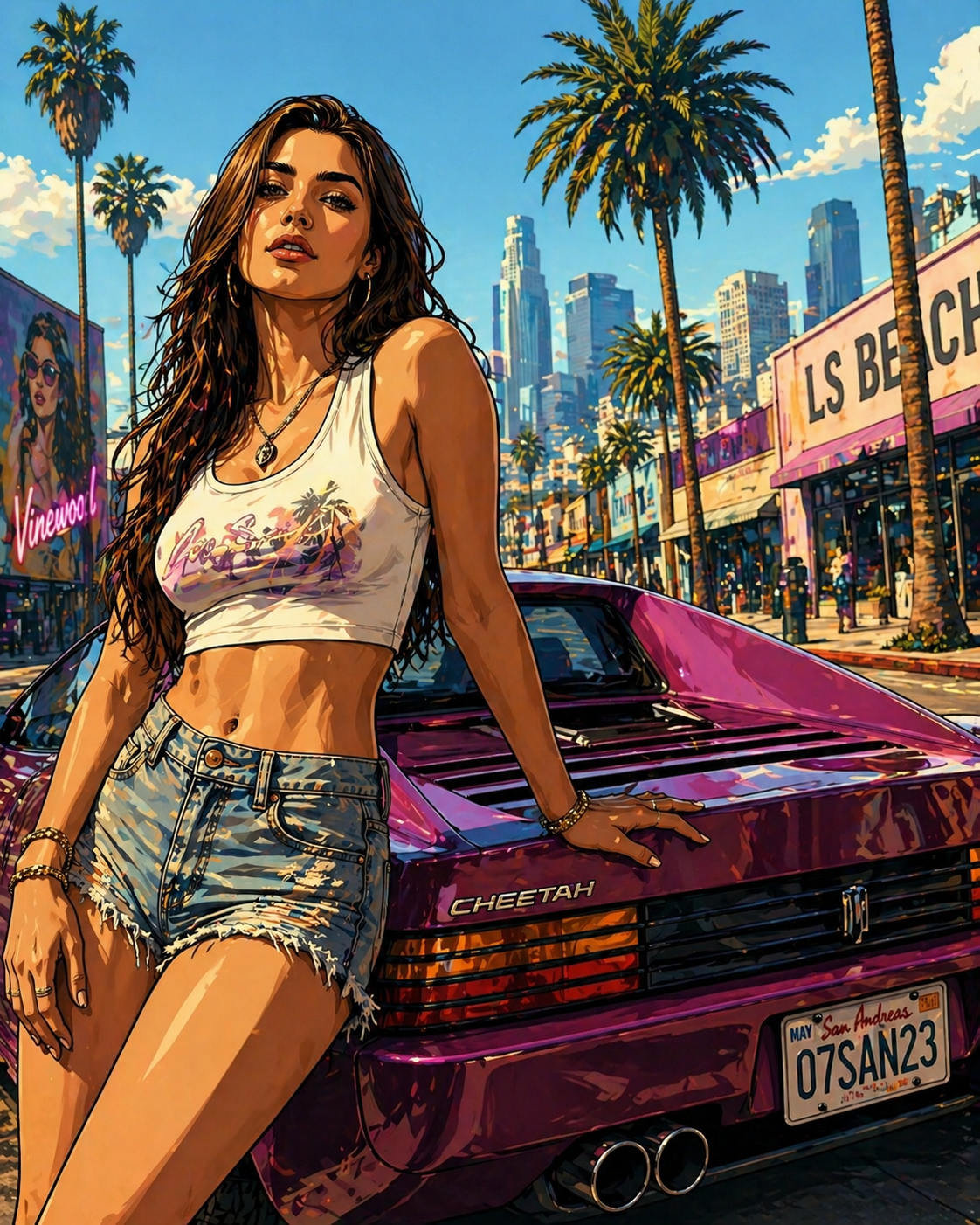 GTA-style photo
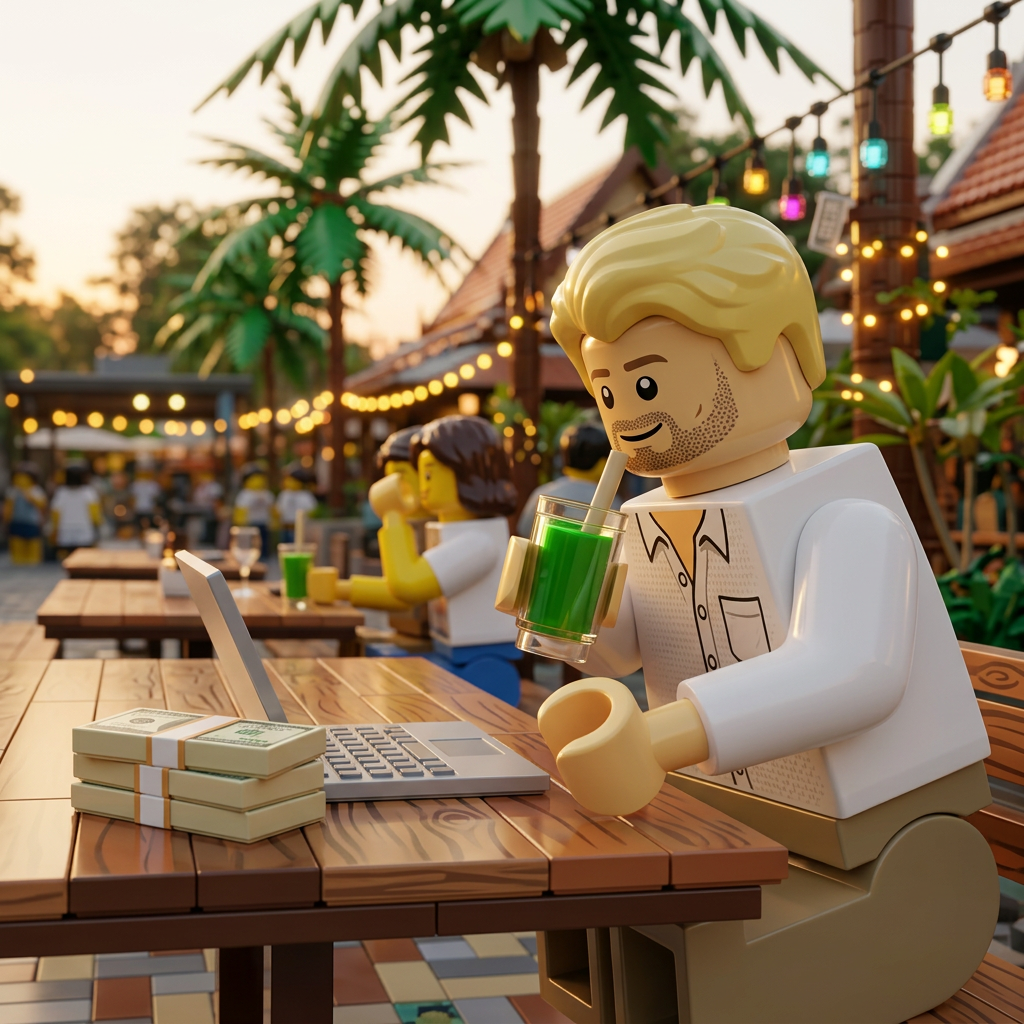 LEGO®-style minifigure
Everything else is in the tools catalog.
GTA, LEGO® and Studio Ghibli are trademarks of their respective owners, which do not sponsor, authorize or endorse this site.