Ghibli style from your photo
Turn your photo into a scene from a Studio Ghibli film
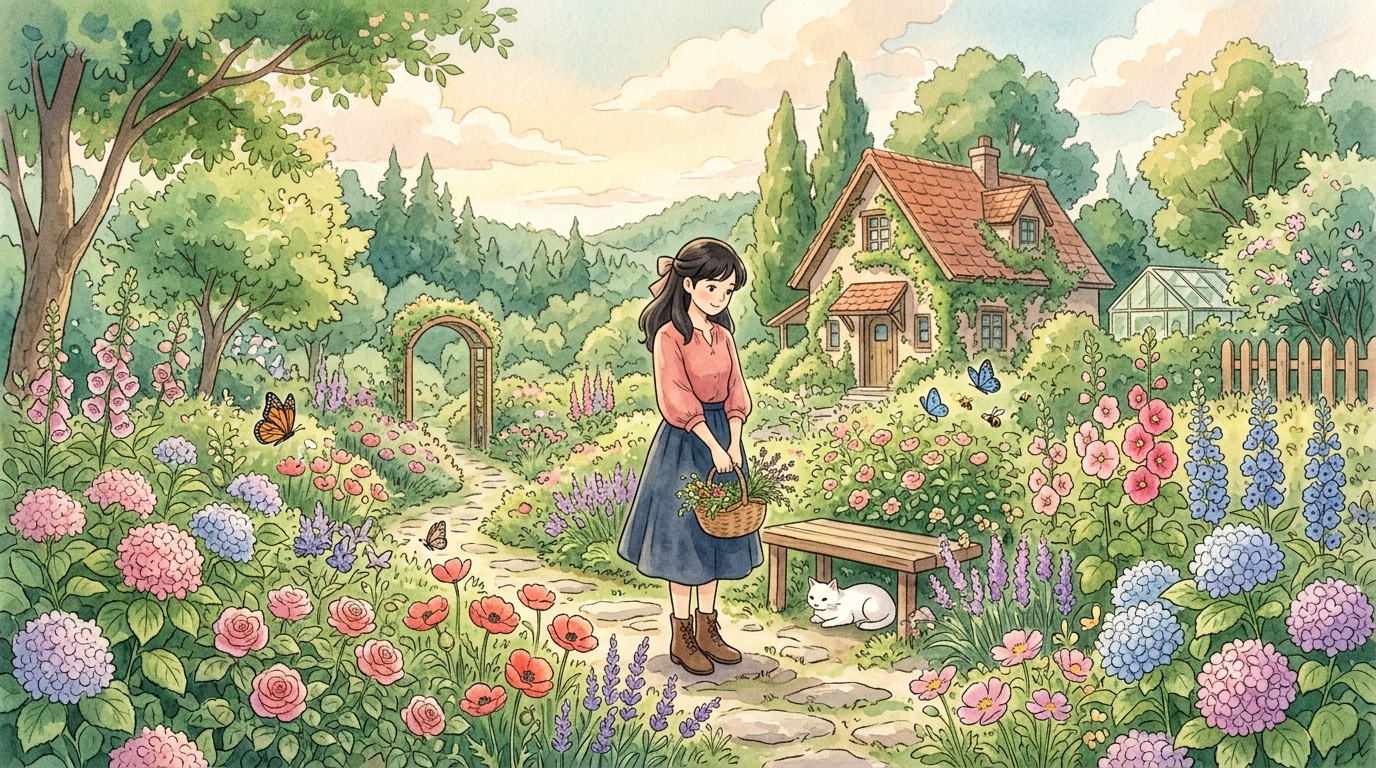
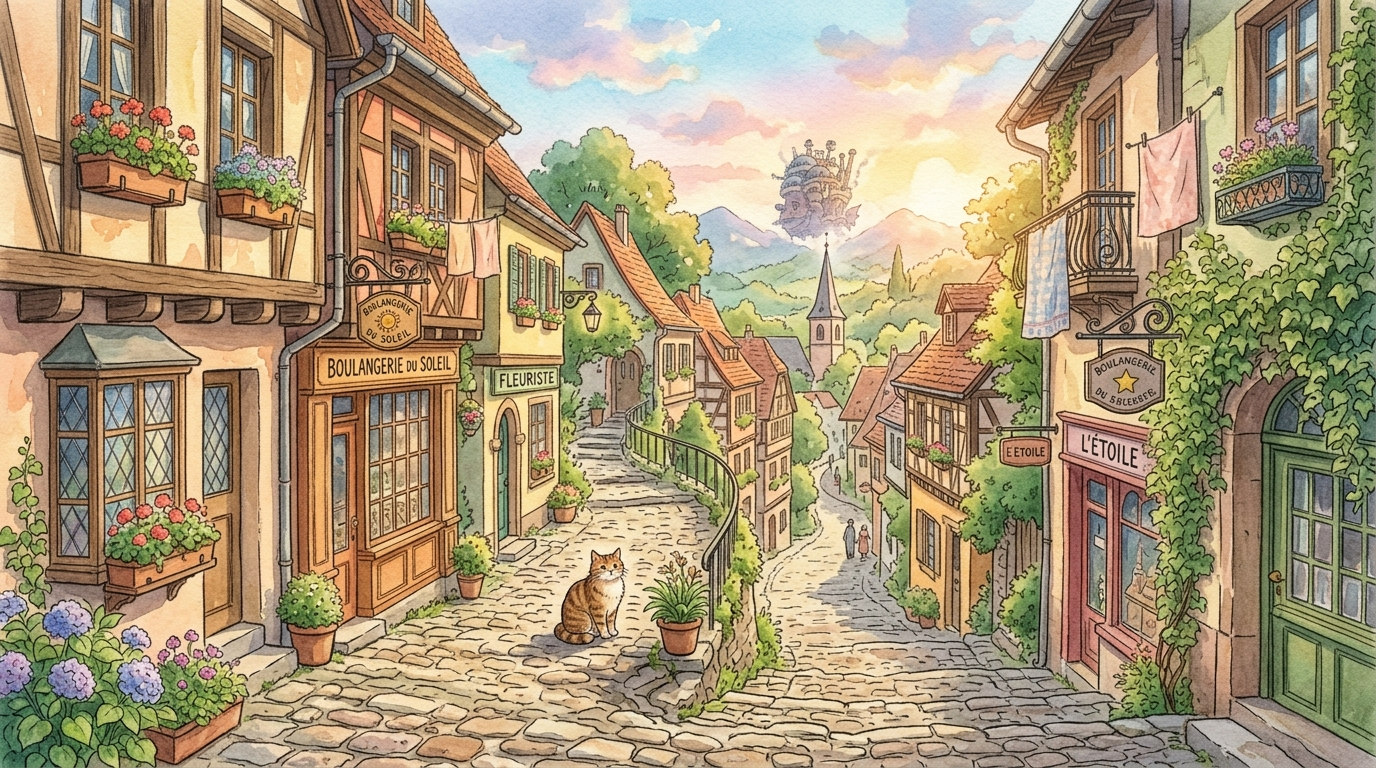
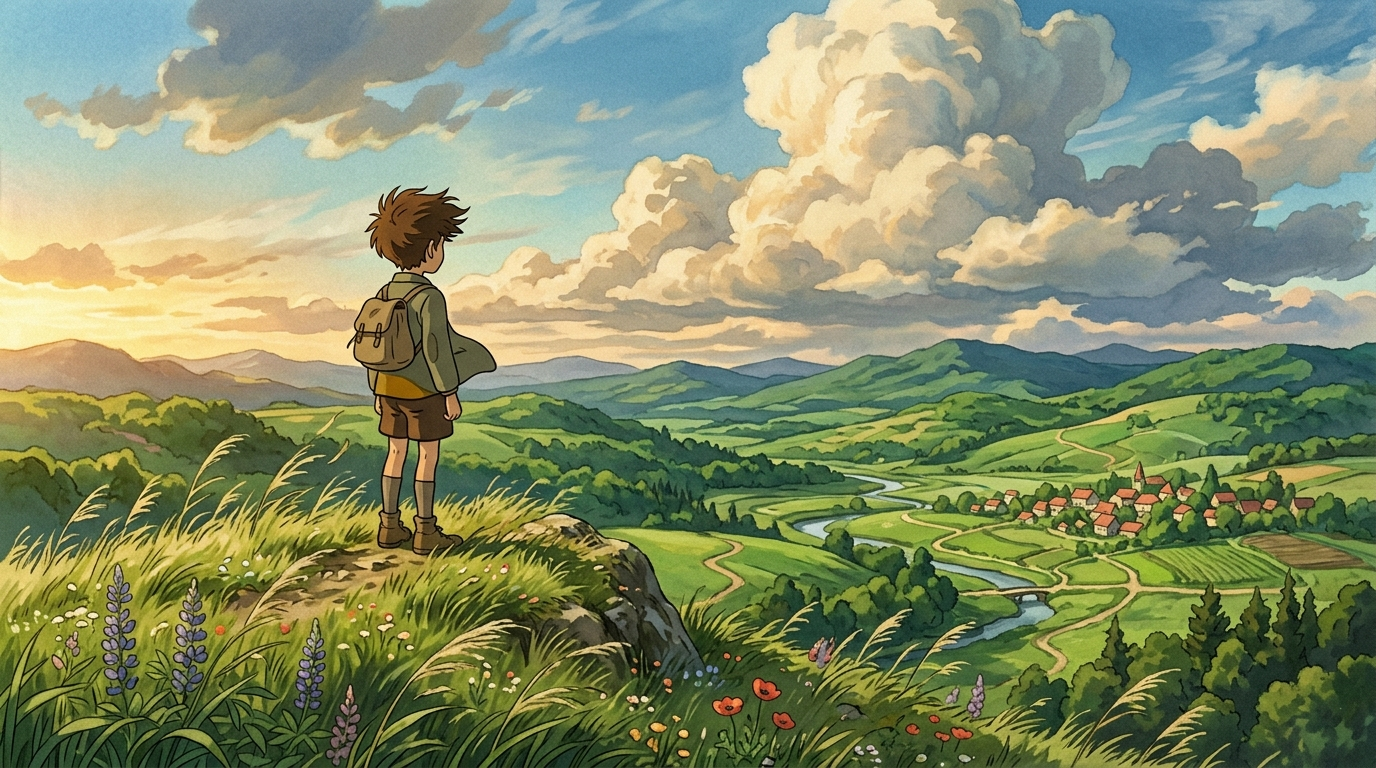
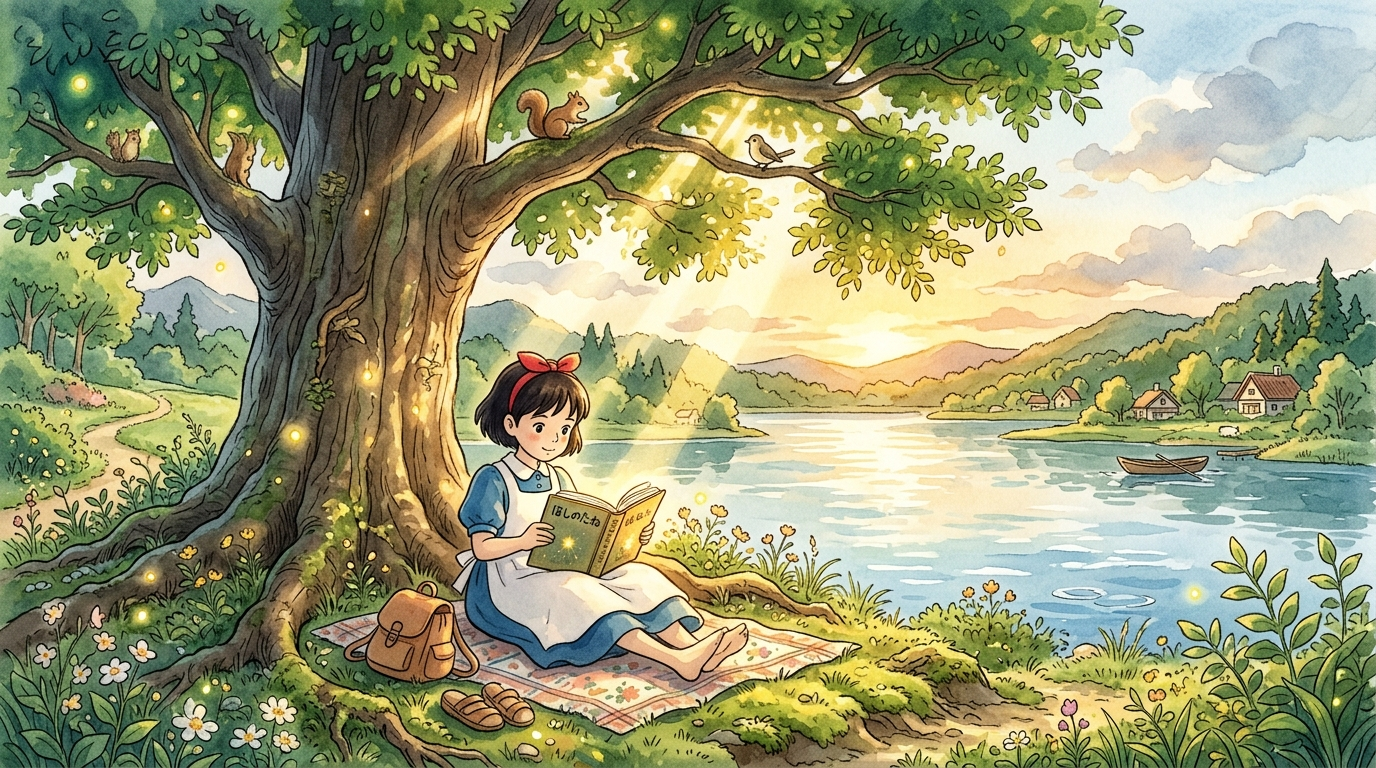
Ghibli style: turn your photo into a Miyazaki movie frame
The Studio Ghibli AI filter turns your photos into a soft hand-drawn scene — gentle colours, watercolour backgrounds and the atmosphere of Japanese animation.
How it works
How to get the best result
Before and after
Drag the slider to compare the original and the Ghibli-style result.
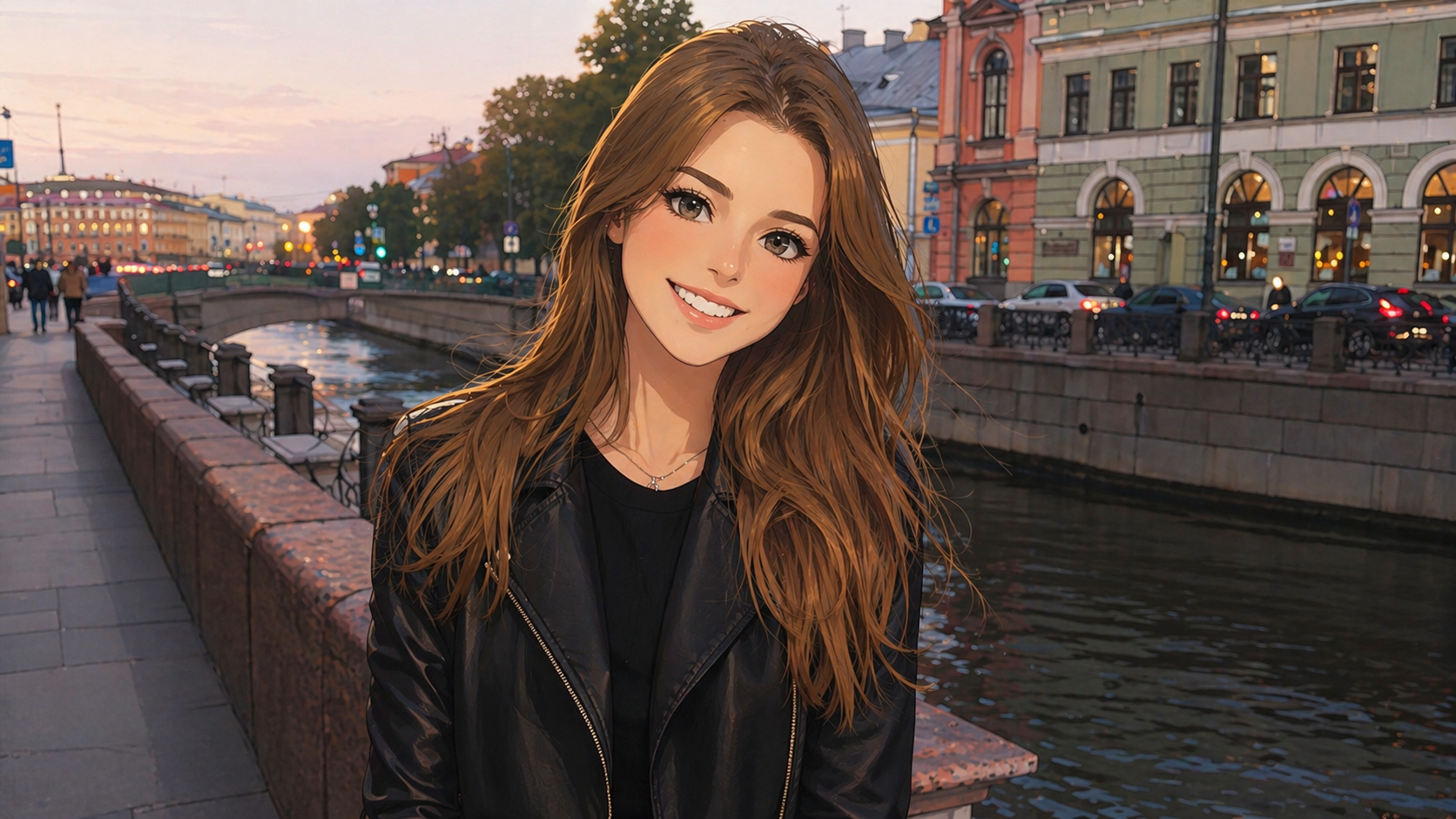
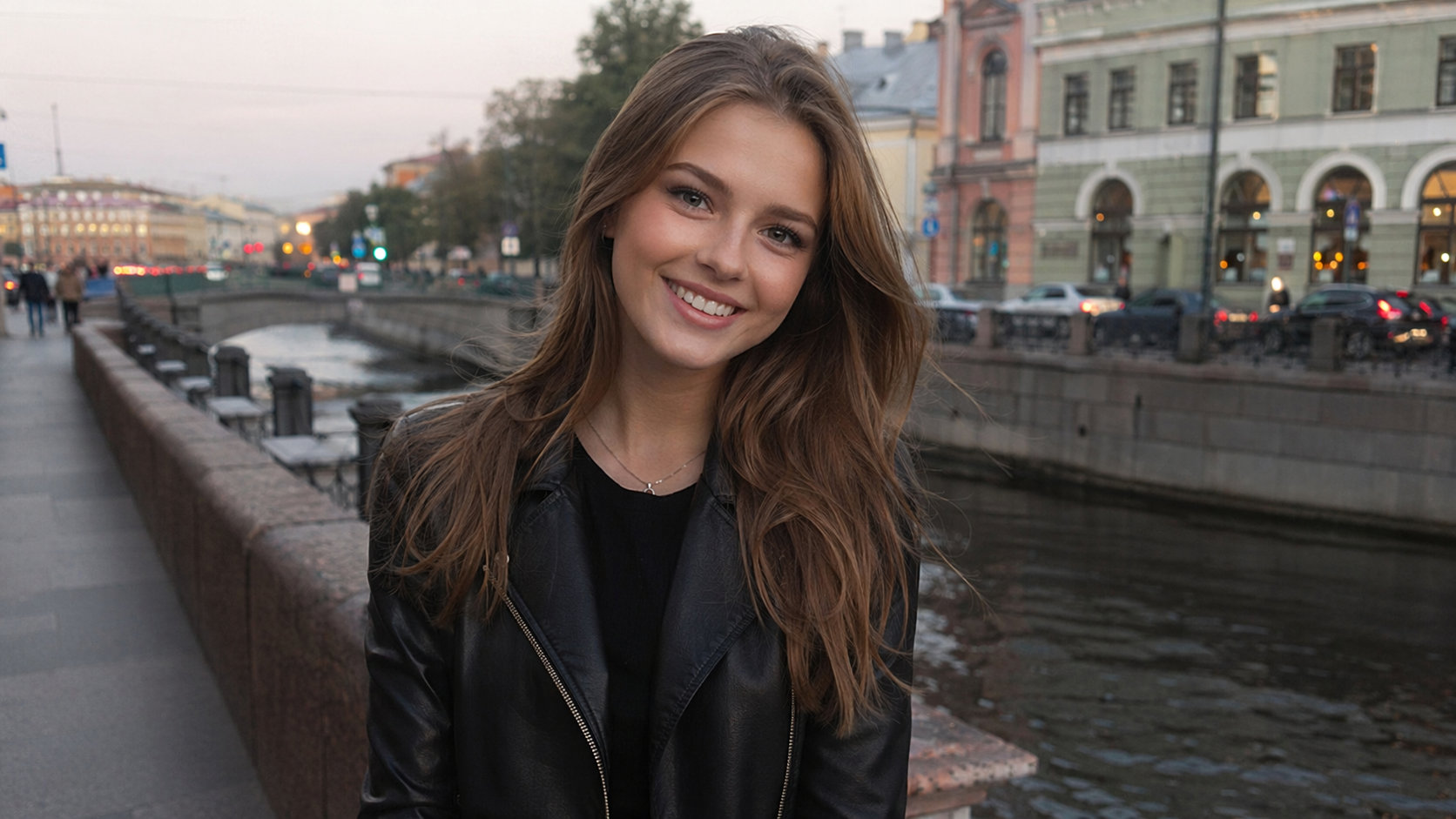 Before
After
↔
Before
After
↔
Where to use
What the AI does
The neural network analyses the face, pose and background of your photo and re-draws the scene in the tradition of Studio Ghibli — soft lines, a gentle palette, watercolour background.
What to consider
Why choose this generator
Frequently asked questions
Does it work with landscapes without people?
Yes, the filter works for nature and city scenes — and often captures the mood even better.
Will the result look like real Ghibli movies?
It is a stylisation inspired by Ghibli — the mood and palette are close, but it is an AI interpretation.
Can I print the result?
Yes, in Pro mode the resolution is high enough for posters and postcards.
Are you affiliated with Studio Ghibli?
No, we are an independent service. The style is inspired by the studio's aesthetic.
Try other tools
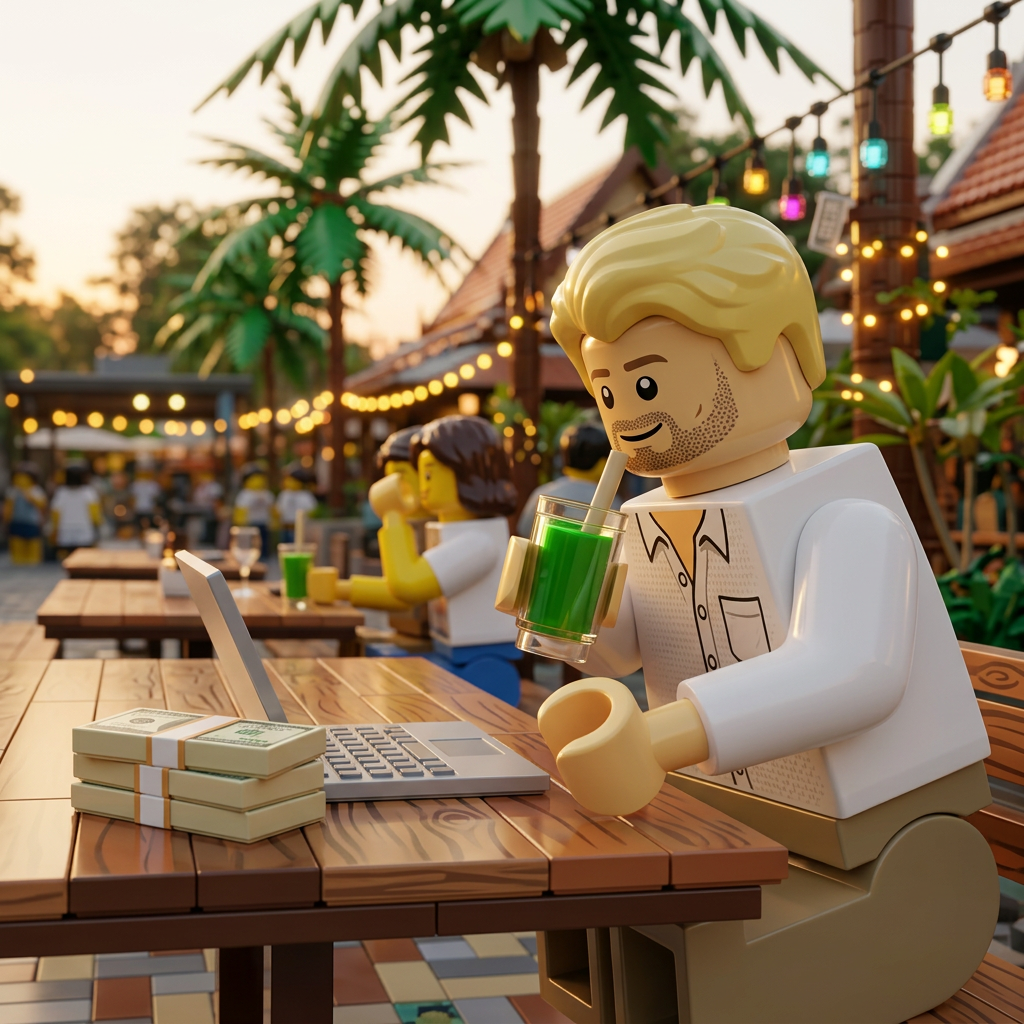 Lego filter
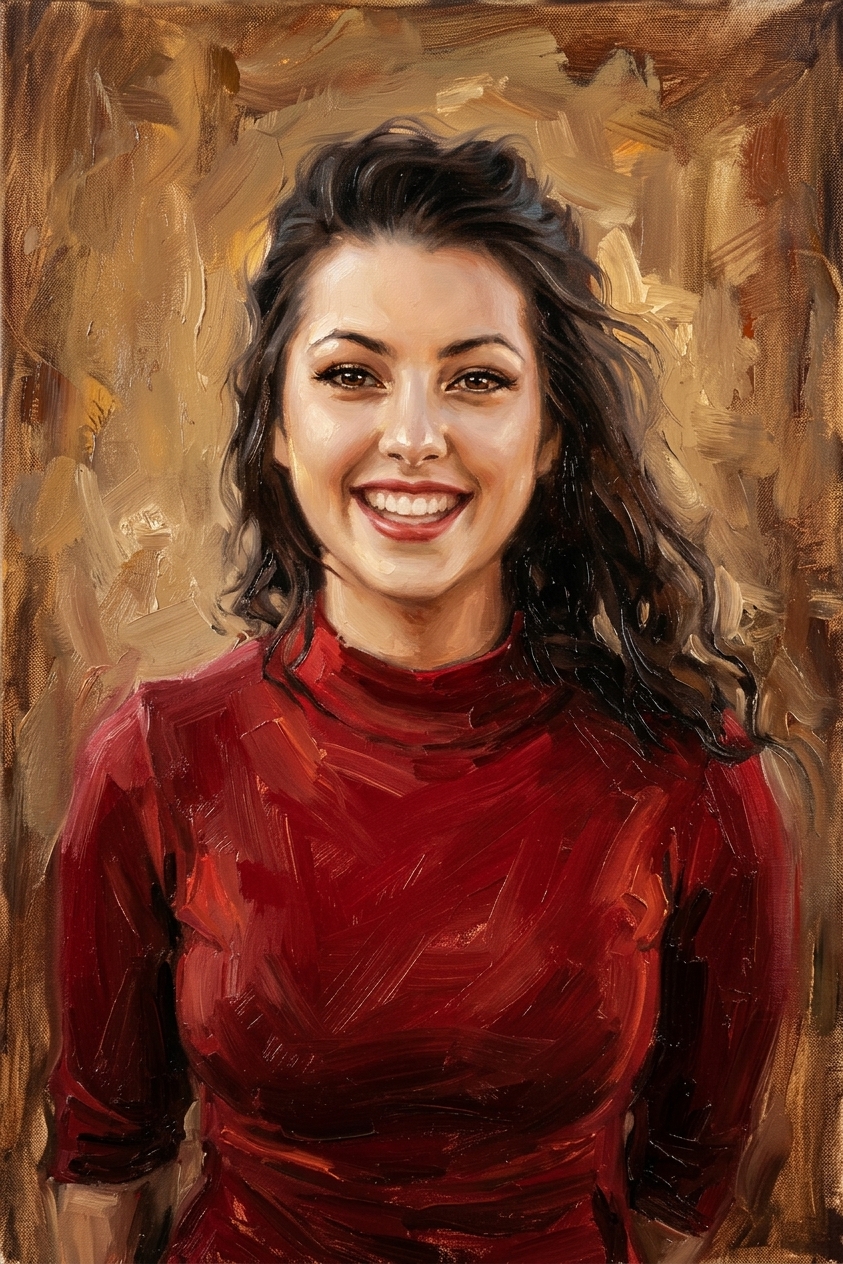 Oil painting
 GTA style
 Stranger Things
 Colorize photo
 Soviet postcard
 Winter photoshoot
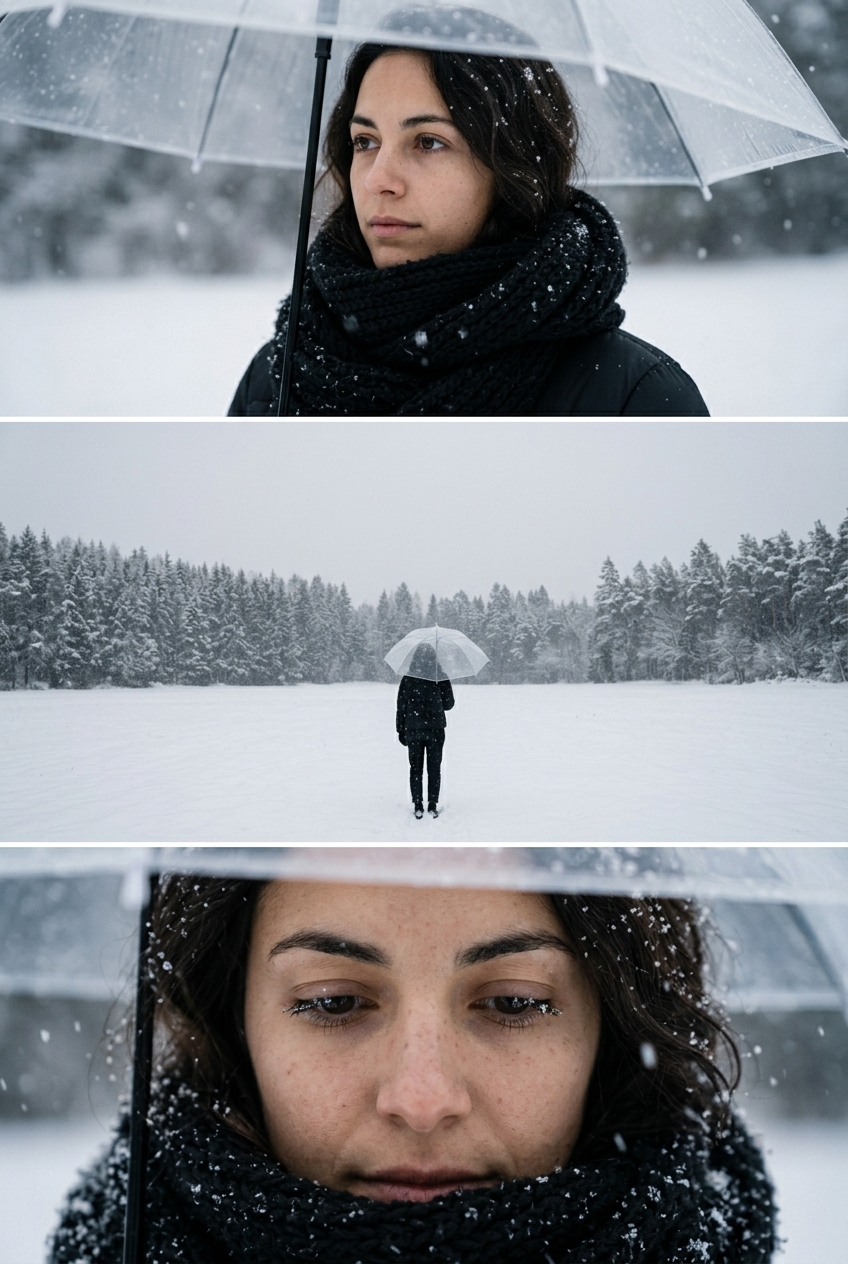 Umbrella photoshoot