LEGO®-Style Minifigure Generator: Turn Yourself Into a Minifigure
Upload a photo and the AI rebuilds it with LEGO®-style bricks: the people in the frame become minifigures with blocky proportions and plastic shine, and the scene around them turns into colorful bricks. Your hairstyle, your clothes and your pose carry over, so the figure reads as you. There is nothing to fill in: upload, press Create and download the picture. The result is an image, not a set or a figure to order.
How to turn yourself into a minifigure
There is nothing to set up on this page. No style to pick, no parts to choose, no text to write: the look is built in, and the only thing it needs from you is a photo. Upload, press one button, and the people in your picture come back as LEGO®-style minifigures standing in a scene made of bricks.
Because there are no settings, the photo you choose is the only lever you have. The block on picking a photo further down is the most useful thing on this page if the first result is not what you hoped for.
What happens to your photo
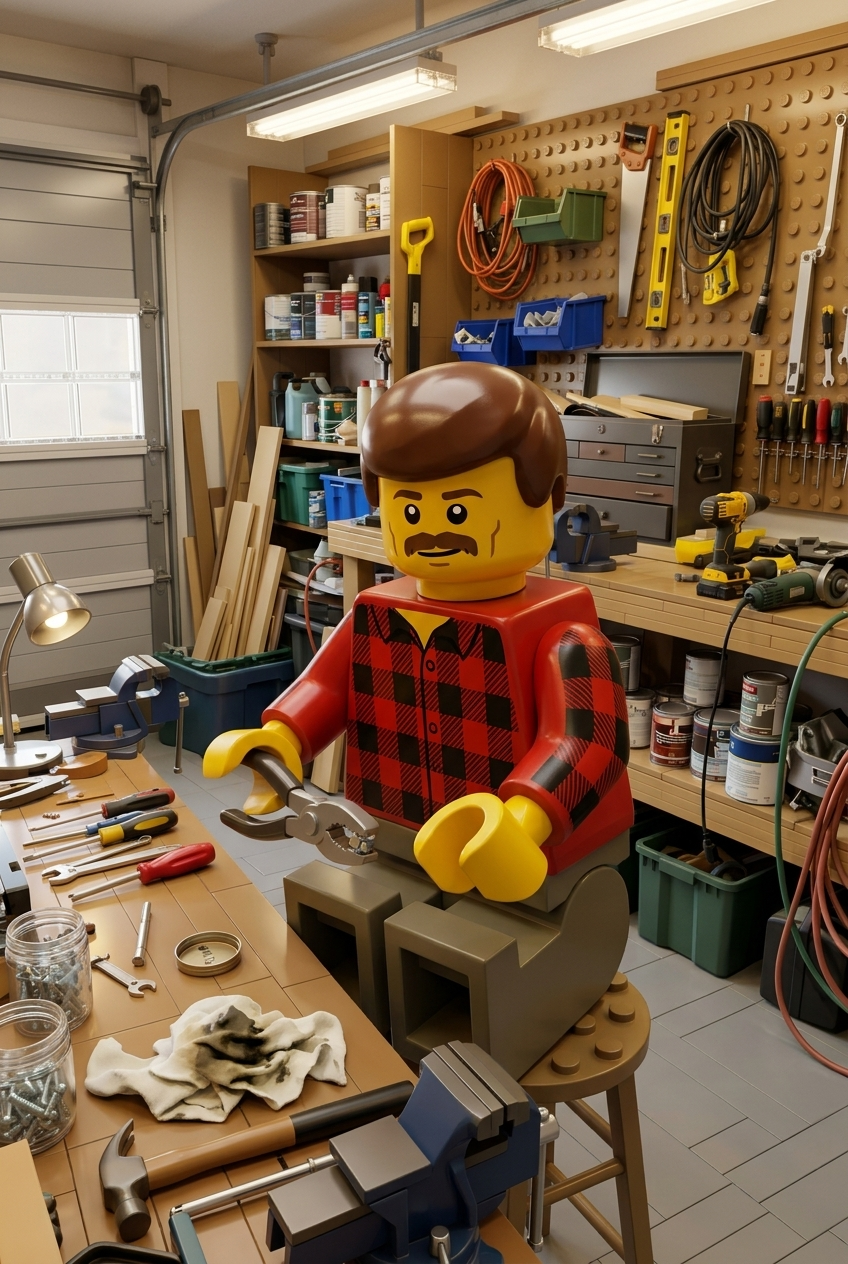
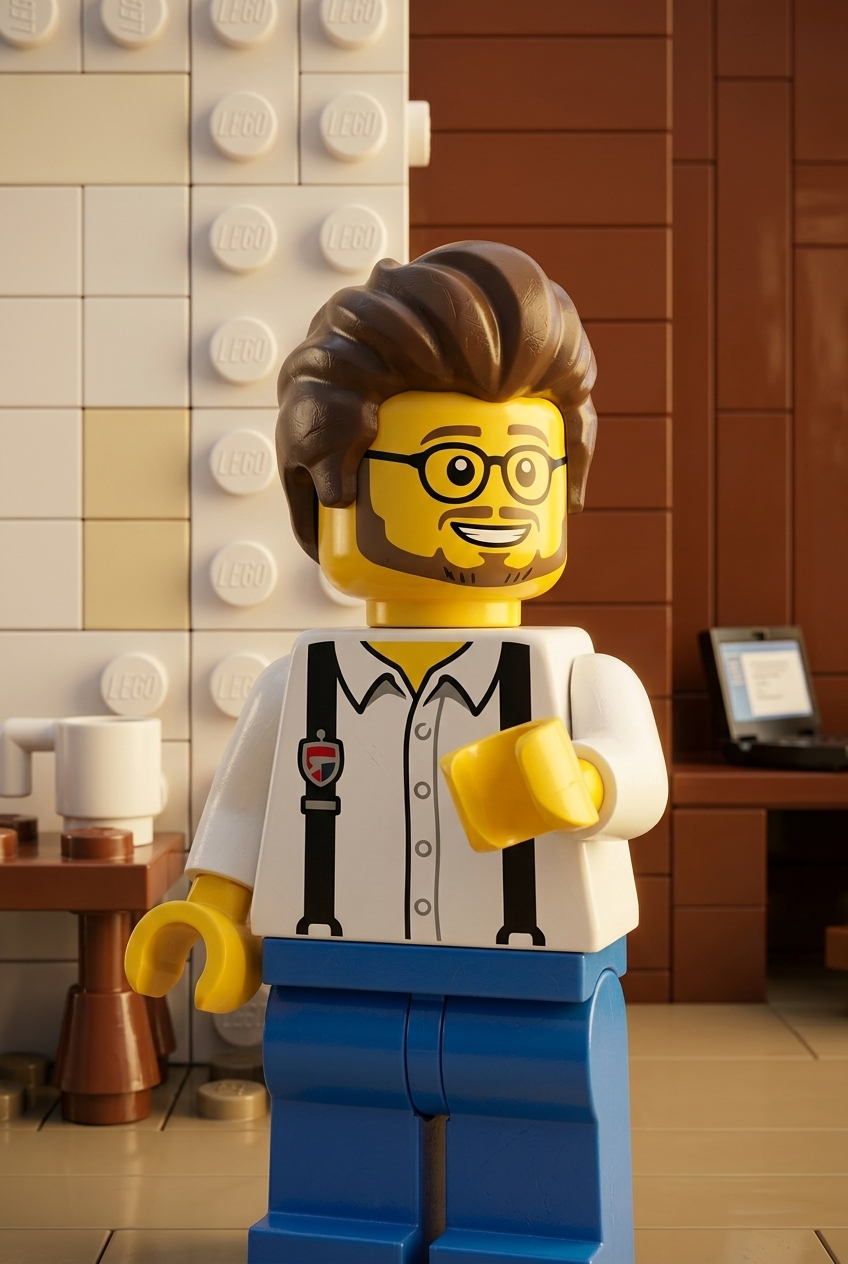
The photo is a reference, not a layer. The model reads what is in the frame — two adults and a kid on a lawn, a woman with a tote bag on a sidewalk, someone at a desk with a laptop — and builds the same picture again in toy form: blocky shapes, bright plastic colors, a glossy molded surface, and people redrawn with minifigure proportions, meaning a big round head, a short square torso, stubby legs and claw-shaped hands.
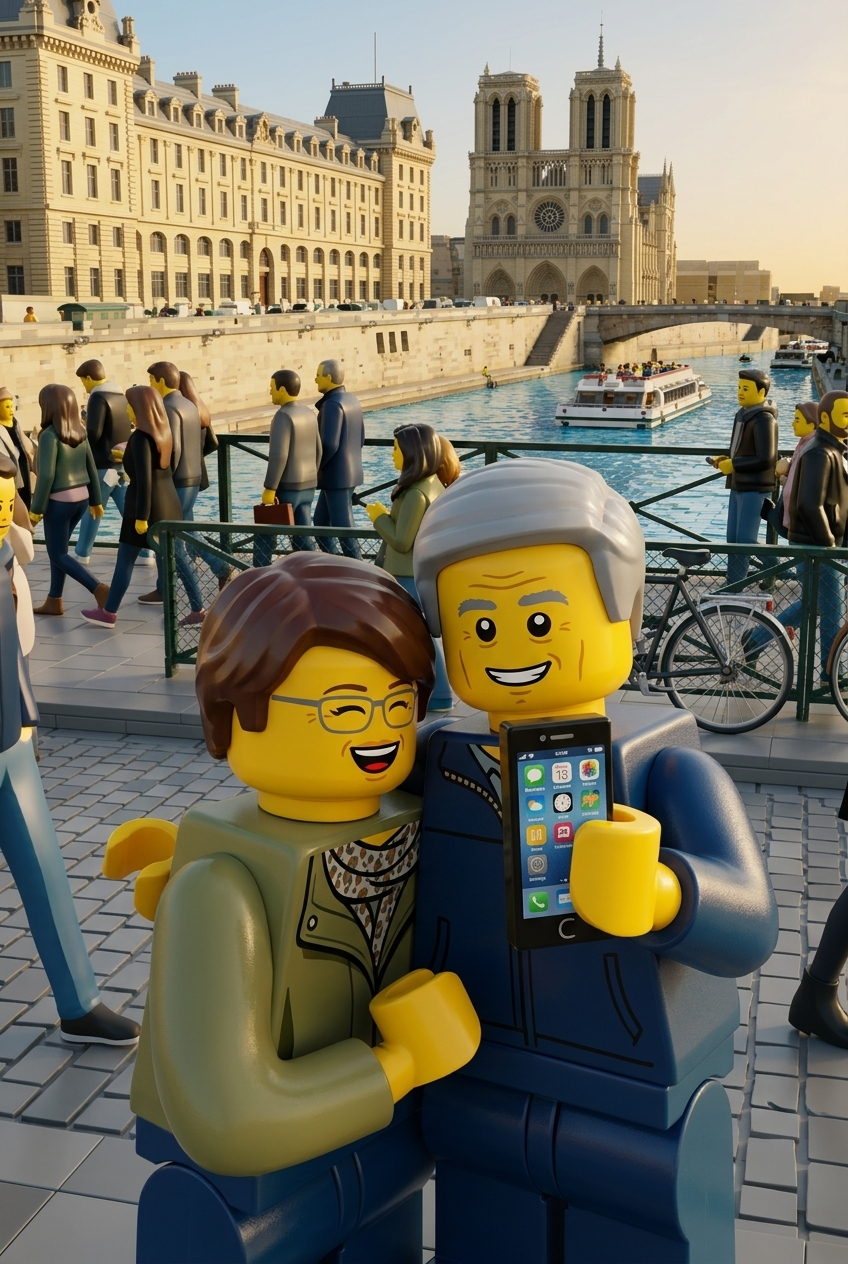
The scene around them is rebuilt too. Grass becomes green plates, trees turn into stacked leaf pieces, a sidewalk turns into gray tiles, the ocean at sunset becomes blue bricks under an orange sky. The composition is kept on purpose: the same people, in the same places, looking the same way, framed the same way.
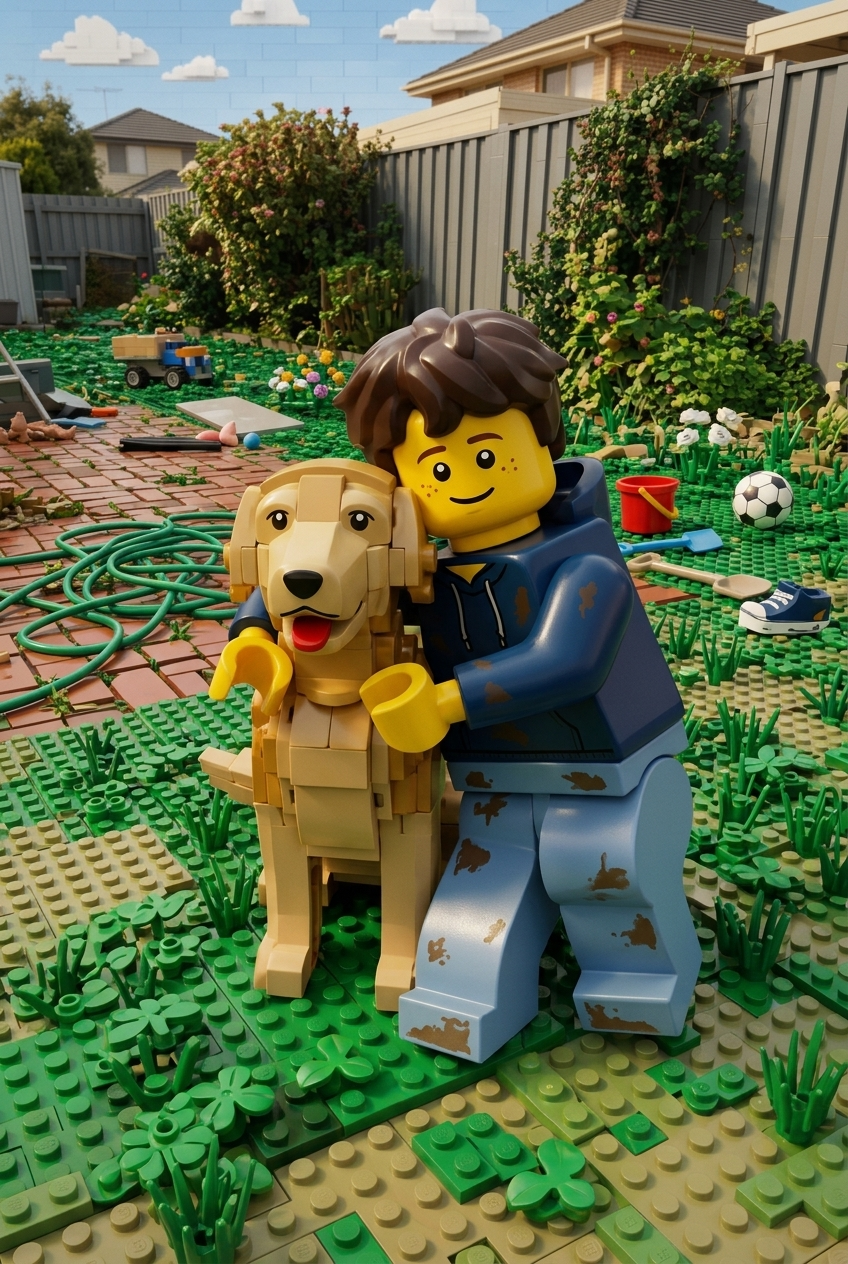
Four typical results, to set expectations: a woman as a minifigure with her bag on a city sidewalk; a family of three minifigures in a park built from bricks; a minifigure at a laptop in a home office; a minifigure on a beach at sunset. None of those needed anything but the photo.
A picture, not a set: what this tool does not make
Searches for this kind of thing mix up several very different products, so here is the plain answer before you upload. What you get is one image file. That is all.
If a picture of you as a minifigure is what you wanted, you are in the right place. If you wanted something to hold in your hand, this is a good way to preview the idea before you order it from someone who makes them.
Which photo works best
With no settings to adjust, the source photo decides almost everything. These are the things that make the biggest difference.
If the photo you love is soft or small, fix it first: unblur image for a blurry shot, image upscaler for a tiny one. Then bring it back here.
LEGO®-style family portraits, couples and groups
Several people in one frame is not a problem — it is one of the best uses of this tool. A family of three in a park comes back as three minifigures in a brick-built park, each in their own outfit, standing where they stood. Kids stay kid-sized next to the adults, which is a big part of why these pictures read as a family rather than a lineup.
A couple works the same way, and so does a small group of friends or a team photo. The more people there are, the fewer pixels each one gets, so the person at the back of a big group gets a simpler outfit than the one in front. For five or more people, a photo where everyone is roughly the same distance from the camera gives the most even result.
What about pets?
A dog or a cat in the frame is rebuilt along with everything else, as a blocky brick-built animal next to the family, not as a minifigure. Expect more variation here than with people: the model keeps the general color and shape of the animal, but a specific breed or markings may come back simplified. A pet photographed on its own, clearly and from the side, gives the most recognizable result.
Will the minifigure look like you?
It will look like your minifigure, which is not the same as looking like your face. A minifigure face is a few printed lines on a round toy head: two dots, a smile, maybe eyebrows. There is no room in that design for the shape of your nose or your jaw. Likeness comes from everything around the face.
What carries over
What gets simplified
If you want friends to recognize you at a glance, pick a photo where you wear something distinctive: a favorite jacket, a bright hat, the hair you are known for. That does more for likeness than any other choice.
What people make with it
A minifigure avatar for your profiles
A minifigure makes a good profile picture because it reads at small sizes: a bold silhouette, flat colors and a simple face still work as a 64-pixel circle next to a chat message, where a detailed photo turns into a blur.
For an avatar, upload a waist-up photo with you roughly centered and some space around your head, so a square crop leaves the hair intact. A plain or simple background gives you a clean circle; a busy one gives you a tiny brick scene behind you, which some people prefer.
If you want a portrait-style avatar instead of a toy one, AI profile picture generator keeps a human face, and photo to anime draws you as an illustration.
Giving it as a gift: printing at home
A brick-built family portrait is a popular gift for a parent or a grandparent, or for the kid who is obsessed with building sets. The file you download is yours to print: at home on photo paper, at a drugstore photo counter, or in a frame next to the real family photo it came from.
For print, choose Pro under Quality: it returns the image with its long side at 2048 px, which holds up well on a 5x7 photo print. Standard (1024 px) is sized for screens — fine for a phone wallpaper or a chat, soft on paper.
To be clear about the limits: we do not print, frame or ship anything, and we do not make the physical figure. If you want the picture inside a card with a message, greeting card maker builds one from your photo. Downloads are for personal use: a gift, your wall, your profile — not for merchandise or anything you plan to sell.
LEGO®-style filter for photos, no app: it runs in your browser
Nothing to install. The page works in Safari or Chrome on an iPhone, an Android phone, a laptop or a tablet, and nothing asks for access to your camera roll — you pick one photo and that is the only file involved. Results stay in your account and open on any device you sign in on.
Accepted formats are the ones printed on the upload panel: JPG, PNG, WEBP — up to 10 MB. Your photo is sent for processing at full quality. One iPhone note: HEIC is not accepted. Set the camera to save as "Most Compatible", or share the photo to yourself once, which converts it to JPG.
Quality has two modes: Standard returns the picture with its long side at 1024 px, Pro at 2048 px.
Free runs, download and the signature
You can try it for free. A new account gets two free generations in total — for the life of the account, not two a day or two a month — and this tool is one of the ones they cover. Free runs use Standard quality; Pro is part of a paid plan. After that, work continues on a plan or a pack, and the terms are on the pricing page.
Download is open on this tool from the start, so a free run gives you an actual file. Until the account makes its first purchase, results carry a light ai.neiroset.com signature in the bottom-right corner. Any purchase removes it permanently, including from pictures you already made.
There is also a pace limit of six runs a minute per account, which you will not reach by trying a few different photos.
Do I need an account?
Yes. You can upload a photo as a guest, but pressing Create opens the sign-in window. Your results are kept in your own History, which is how you get back to them later.
What to keep in mind
Frequently asked questions
How do I turn myself into a minifigure?
Upload a photo of yourself and press Create. There is nothing else to fill in. The minifigure version appears in History next to the original, ready to download.
Can I describe what I want or choose the parts?
No. This tool has no text field and no parts picker: the brick style is built in, and the photo is the only input. To change the result, change the photo — a different outfit, a wider shot, better light.
Do I get a real set or building instructions?
No. You get one image file. The bricks in it are drawn, not counted or designed to be built, and there is no parts list, no instructions and nothing shipped to you.
Can you make a custom minifigure from my photo and mail it?
No. We make a picture of you as a minifigure, not the physical figure. The picture is a handy reference if you later order a custom figure from a maker who does that.
Does it work on a family photo with several people?
Yes. Everyone in the frame becomes a minifigure, in their own outfit and in their own spot, and the setting is rebuilt in bricks around them. In large groups, faces further back get less detail.
Will it look like me?
Through your hair, clothes and pose, yes. Through your facial features, no — a minifigure face is a few printed lines by design. Pick a photo where your hairstyle and outfit are clearly visible.
Can I print it?
Yes, the downloaded file is yours to print at home or at a photo counter for personal use. Choose Pro for print: 2048 px on the long side. We do not print or ship anything ourselves.
Is it free?
A new account gets two free generations for the life of the account, on Standard quality, and this tool is one of them. Download is open from the start. Results carry a light ai.neiroset.com signature until the account's first purchase, which removes it permanently.
Is there an app?
No app to install. The page works in a mobile browser on iPhone and Android as it does on a desktop. Send iPhone shots as JPG rather than HEIC.
Is this affiliated with the LEGO Group?
No. This is an independent tool that redraws your photo in a toy-brick style. It is not official, and the LEGO Group does not sponsor, authorize or endorse it.
Try other tools
 GTA-style filter
 Photo to anime
 Ghibli style
 80s poster filter
 Oil painting
 AI snow photo
 Profile picture generator
 Greeting card maker
 Image upscaler
Everything else is in the tools catalog.
LEGO® is a trademark of the LEGO Group, which does not sponsor, authorize or endorse this site. Minifigure pictures made here are original images generated from your own photo.