Virtual staging - furnish a listing photo with AI
A vacant room gives a buyer nothing to measure against, so it reads smaller than it is. Virtual home staging puts believable furniture into the photo you already shot, in about 30 seconds, without renting a stick of it.
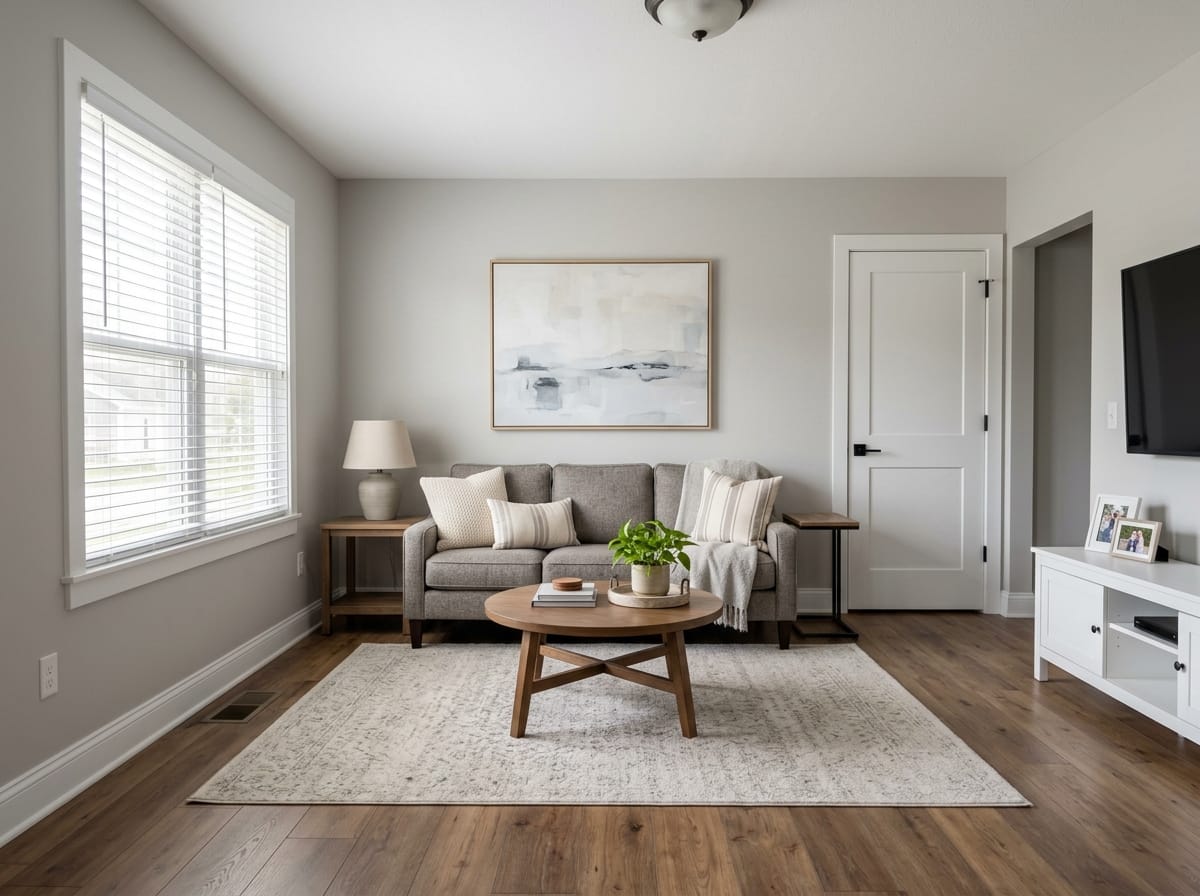
What virtual staging is
Virtual staging is digital furnishing of a photograph. You shoot the room as it stands - empty, half-packed, or dated - and the furniture, rugs, and lamps are added to the image afterward. Nothing is delivered or rented.
It answers a commercial question, not a design question: does my sectional fit, does the second bedroom take a queen, what is that odd room off the kitchen for. A vacant photo answers none of it.
This page covers listings for sale and rent. The general mechanics of AI room rendering live on the /en/interior-design hub.
Want it exact? Build the project in the 3D editor
A Sims-like builder in your browser: walls, roof, windows, door, porch. Try finish materials (siding, stucco, brick), color and style. The result is a photorealistic AI render of your own 3D scene.
Why an empty room photographs badly
The complaint that vacant listings look small is mechanical, not a matter of taste.
The eye needs something to measure against
Scale needs a reference. The eye sizes a room against objects it knows: a sofa is about 84 in, a queen bed 60 x 80 in, a dining chair 18 in wide. Strip those out and only the door and the outlets are left to judge by. Put a correctly sized sofa back and the same 14 x 18 ft living room stops reading like a hallway.
An empty room also shows every flaw, and defines nothing
Empty rooms also expose everything - the scuff by the baseboard, the patch over the old thermostat - and buyers read three small items as the condition of the house. And a 10 x 11 ft room with a closet is a bedroom, a nursery, or an office depending on what is in it; vacant, it is a question mark nobody books a showing to answer.
Physical staging, virtual staging, or leave it empty
What decides it: how long you expect to hold the listing, whether buyers will walk it, and whose budget pays.
| Approach | How the cost behaves | What the buyer gets | Where it fails |
|---|---|---|---|
| Physical staging | Monthly furniture rental per room plus delivery, running as long as the listing does | A furnished house in person and in photos | Slow to schedule, costly on a long hold, no good for occupied homes |
| Virtual staging | Per image, once; the photo stays staged whether it closes in nine days or ninety | Furnished photos online, an empty house at the showing | A buyer expecting the photos meets a plain room |
| Leave it vacant | Nothing beyond the photography | An unglamorous record of the space | Loses scale and thumbnails, leaves flex rooms undefined |
They are not exclusive
A common split: physically stage the two rooms buyers stand in longest, usually the main living space and the primary bedroom, and virtually stage the rest.
How to virtually stage a home in three steps
AI virtual staging runs in a browser - nothing to install, and the same on a laptop, tablet, or phone between showings.
Upload the listing photo
Use the frame you plan to publish, from the photographer or your phone. If the property is not finished, upload a floor plan instead.
Set room type and style, then describe the staging
Pick a room type and one of 20+ styles, then say it plainly: sofa facing the window, queen centered on the long wall, keep the existing floors and wall color.
Review, then fix one thing at a time
A photorealistic image comes back in about 30 seconds. If one object is wrong, spot-edit that area instead of regenerating the frame.
Which rooms to stage, and in what order
Staging every photo is rarely the best use of a budget. These are the rooms that change a buyer's read of the property.
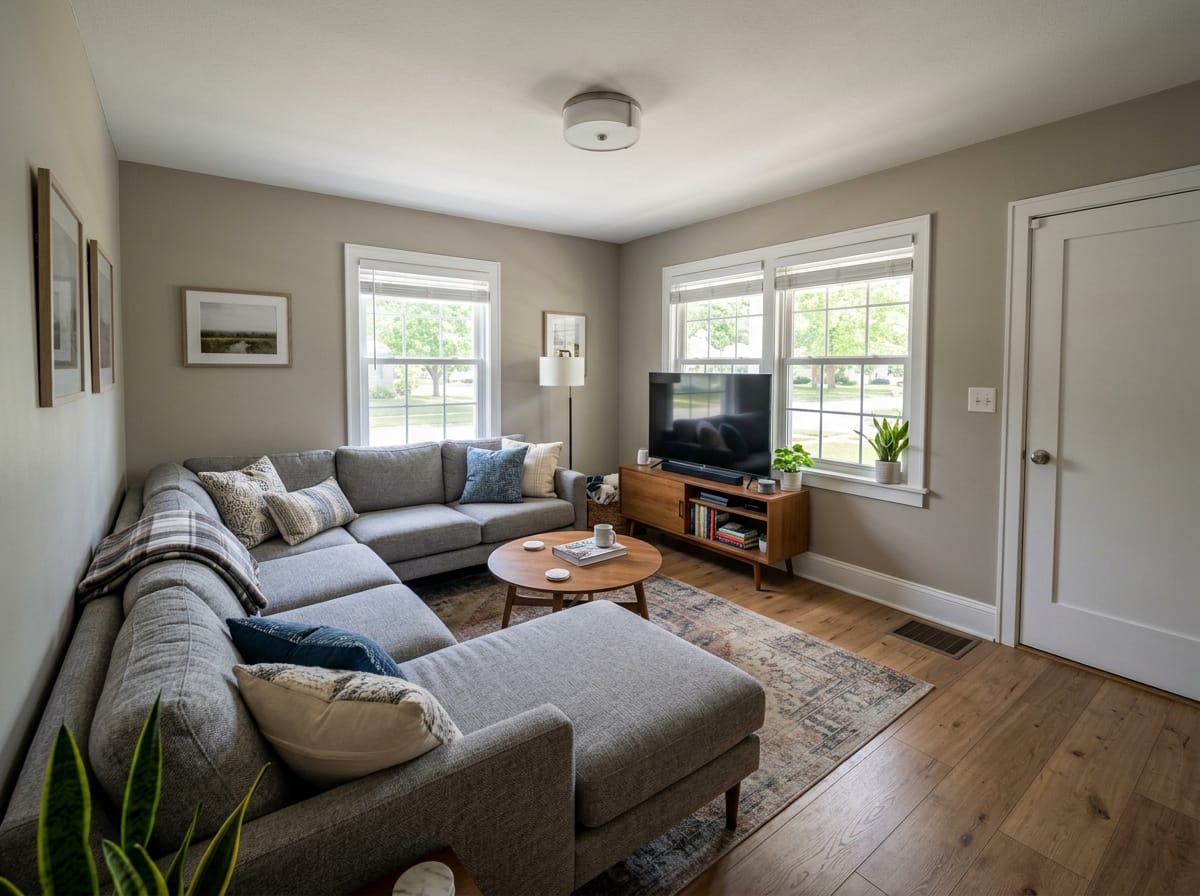
The main living space
The lead photo, and the one that sets scale for the house. An oversized sectional makes the room look tight.
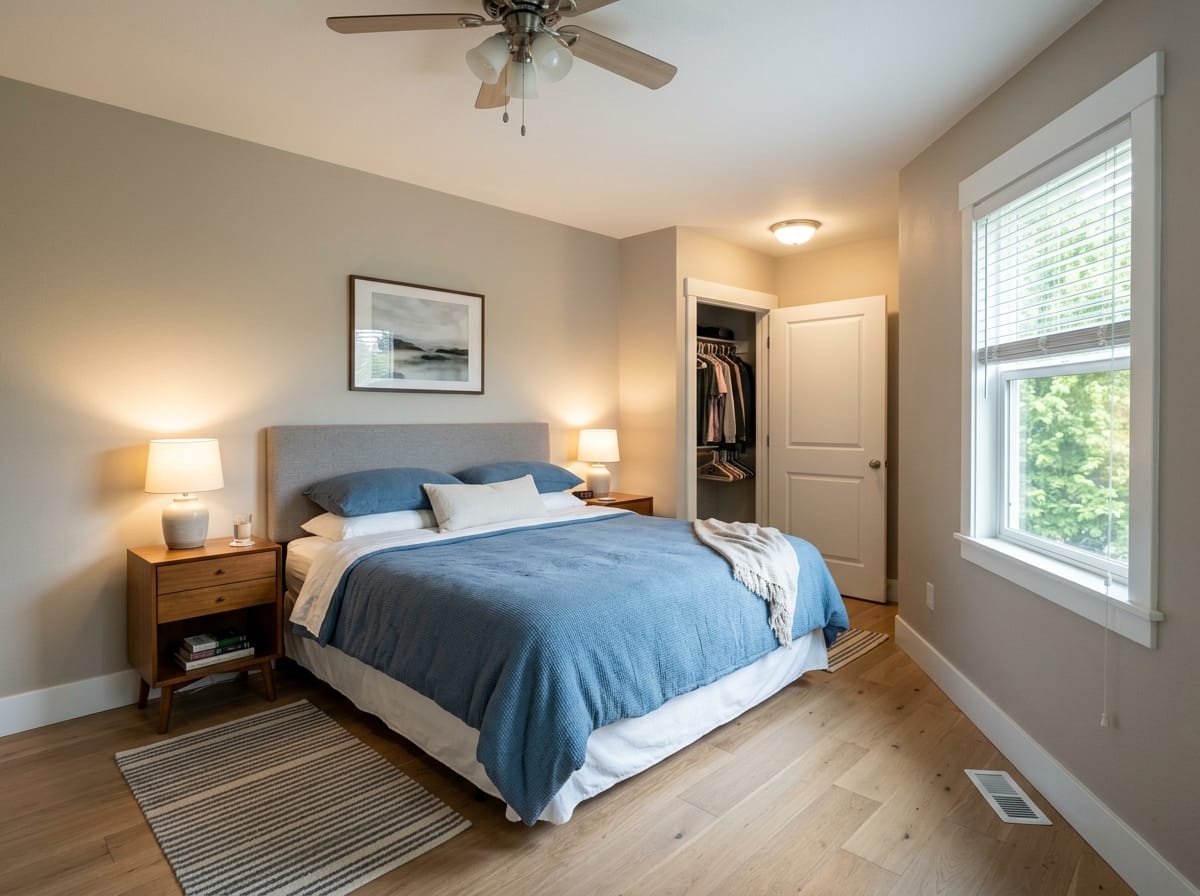
The primary bedroom
Buyers want to know it takes a king, or at least a queen with nightstands. One image answers that.
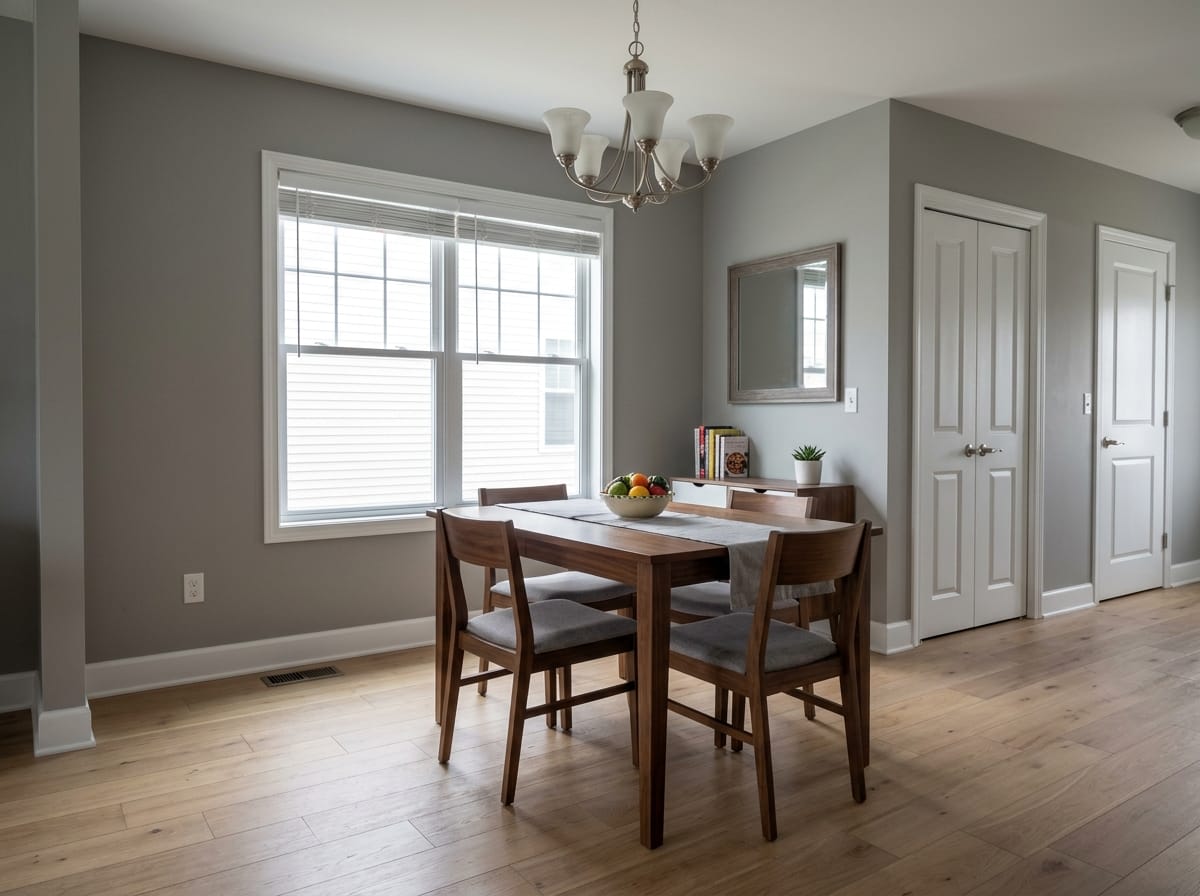
The dining room
Defined by what fits: a table for four, six, or eight. Vacant, it reads as wasted square footage.
The flex room
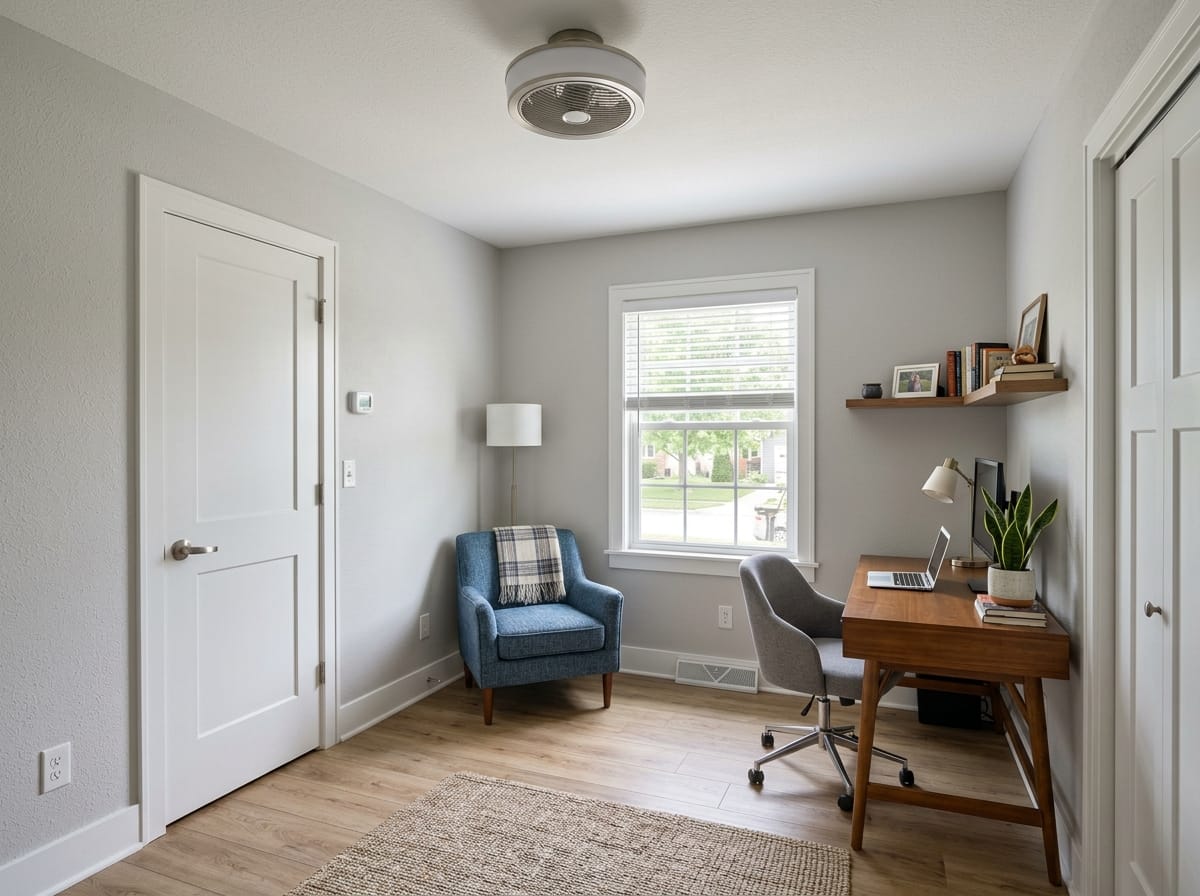
Bonus room, den, small bedroom off the hall. Staged as an office or a nursery, it becomes a named feature of the listing.
Rooms to think twice about
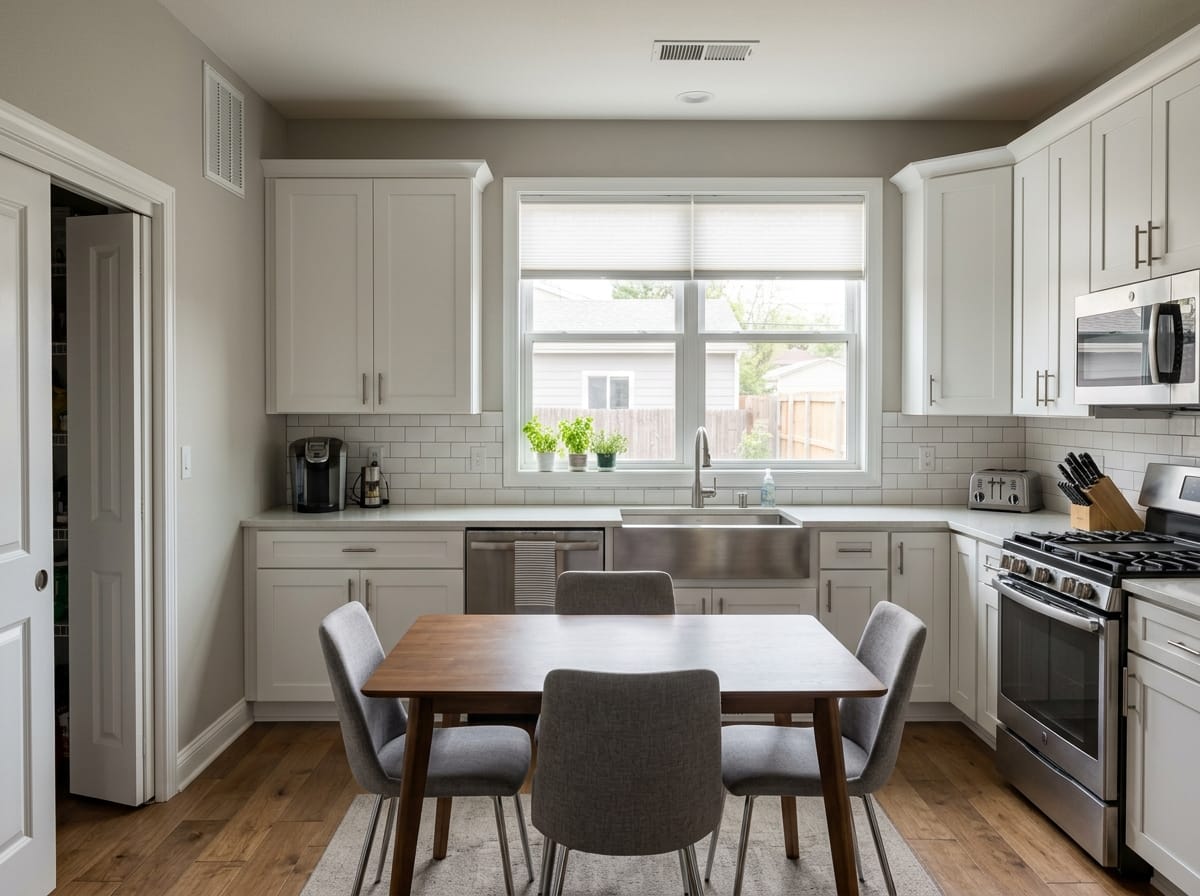
Kitchens and baths are mostly fixed. Changing finishes there becomes remodel visualization, not staging.
How to shoot a photo that stages well
The input decides more about the result than the style does. Ten minutes at the property saves an hour of retries.
Shoot from a corner, not the middle of a wall
A corner gives two walls, the floor plane, and depth. Keep several feet of floor in the frame - furniture needs somewhere to stand.
Camera level, around chest height
Roughly 48-60 in off the floor, held straight. Tilted verticals make walls lean, and furniture in a leaning room never looks planted.
All lights on, shoot in daylight
Blinds open, mid-morning or mid-afternoon. A dim room produces muddy staging.
Go easy on the ultra-wide
The widest phone lens bows walls and stretches the edges. A normal wide frame stages better and misrepresents the room less.
Stage the exact frame you will publish
Clear cords and stray boxes first. Staging one angle and publishing another leaves a photo set that does not match itself.
Choosing a staging style for the market
Model-generated reference frames, not photographs of real listings. Style in staging is commercial: it should read as neutral and current to the likely buyer.
Transitional neutral
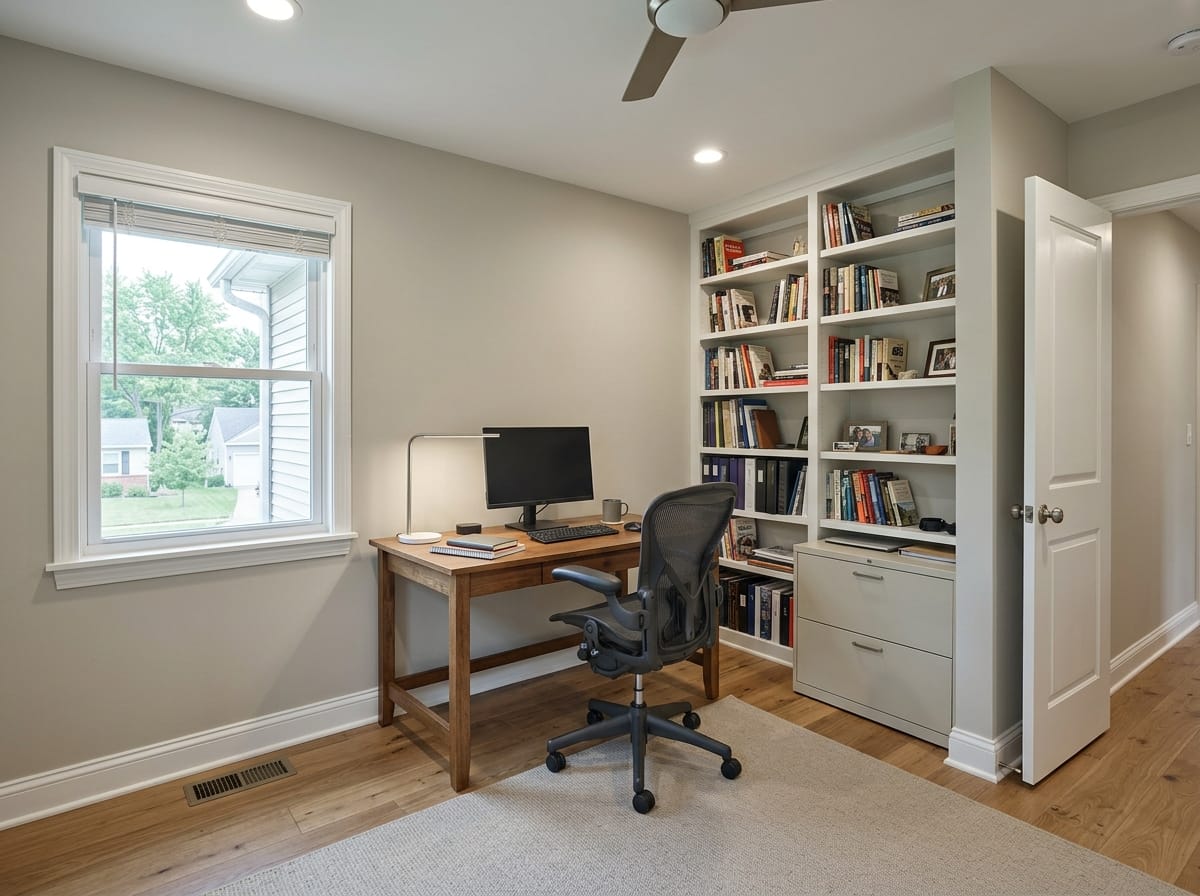
The workhorse. Soft grays and warm whites, minimal pattern. Holds up at thumbnail size, which is most of the job.
Make one like this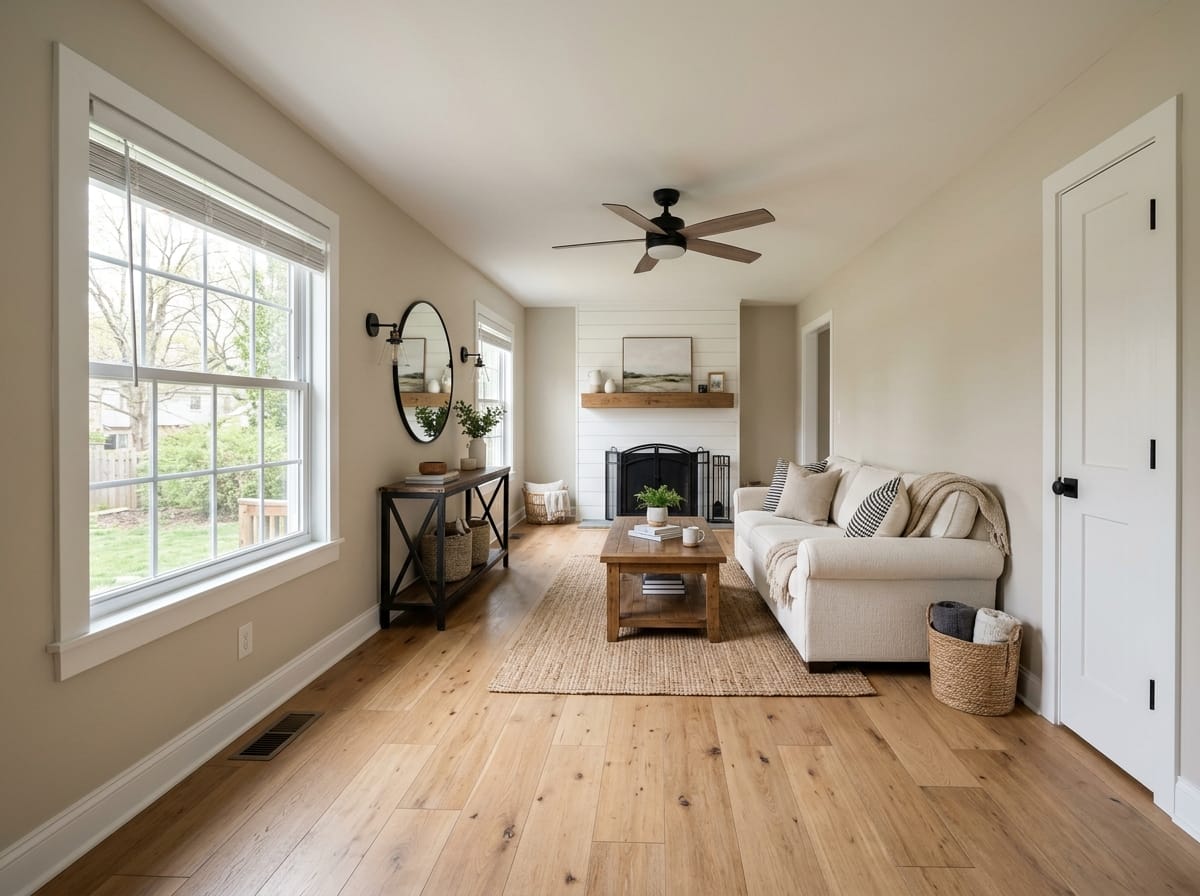
Modern farmhouse
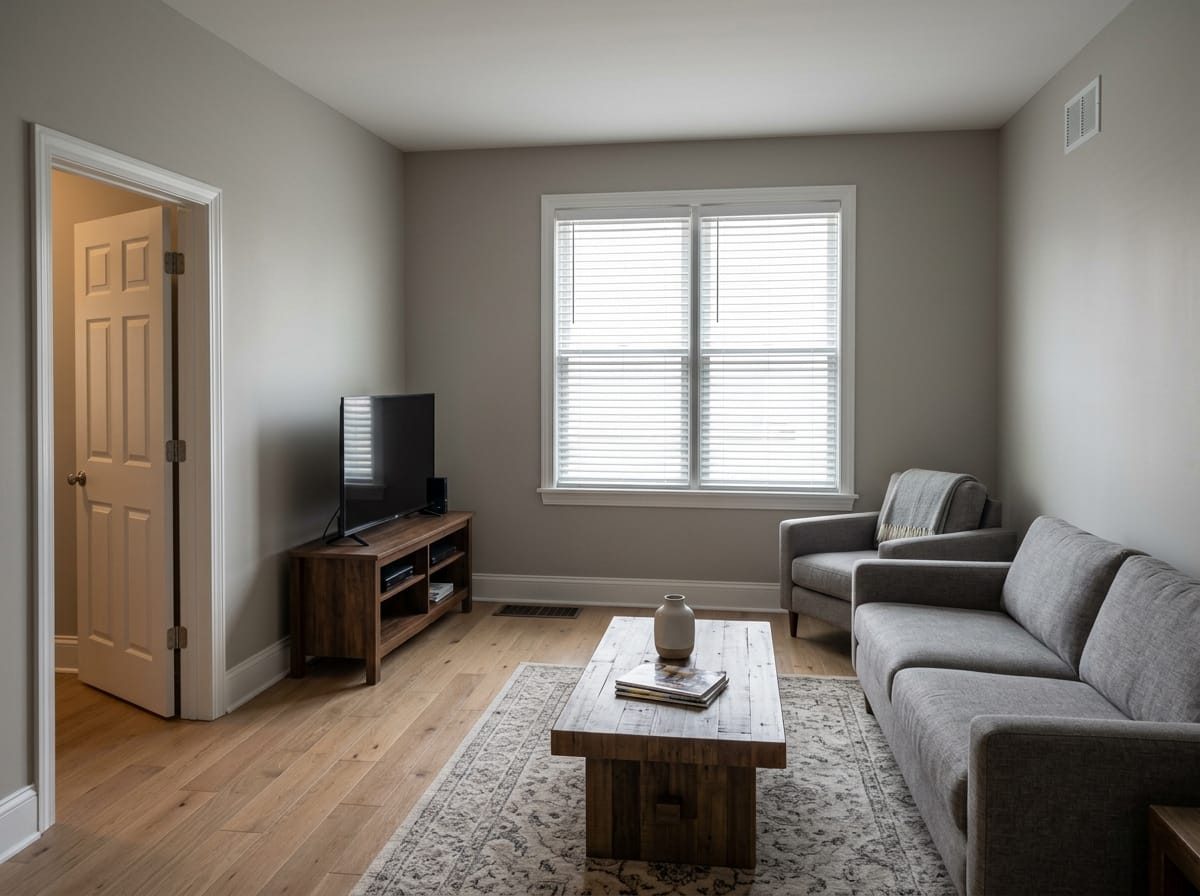
Still strong in suburban listings. Warm wood, black hardware, plain textiles.
Make one like this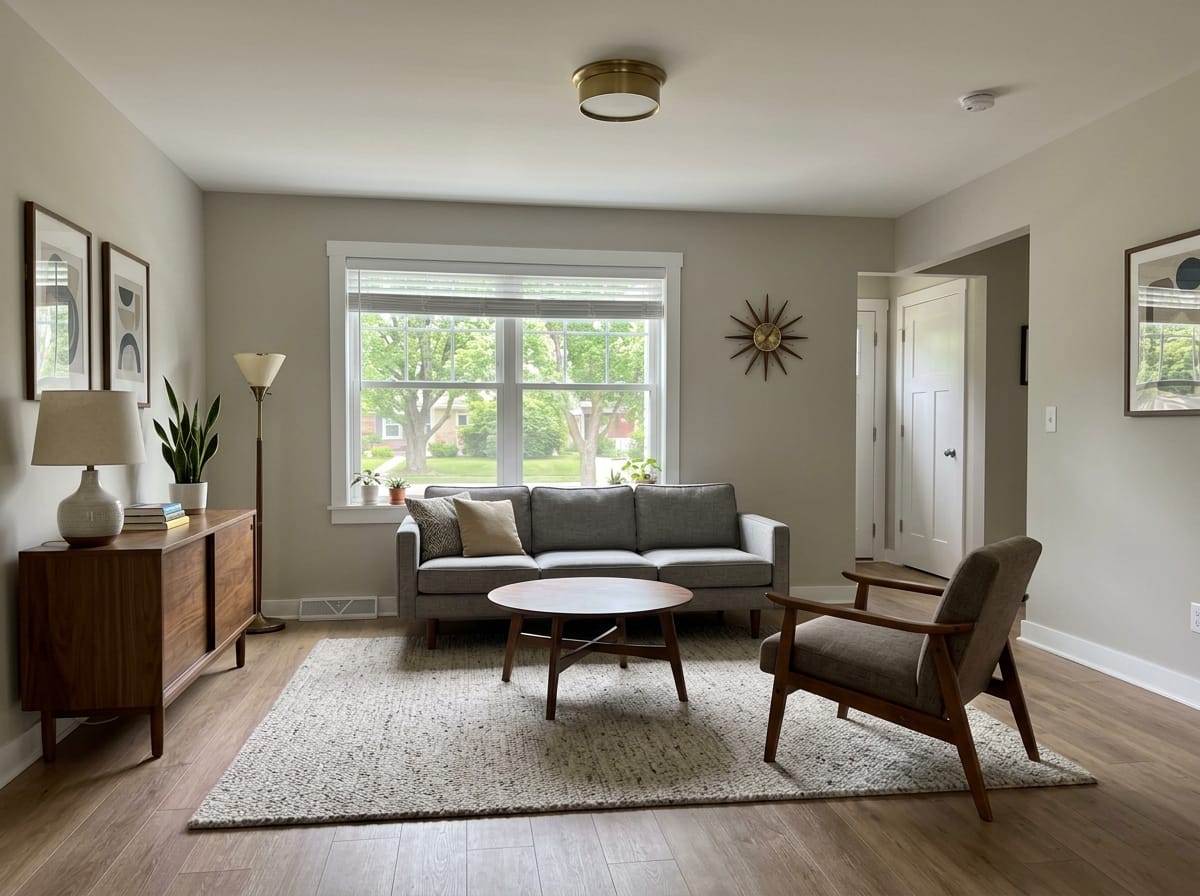
Mid-century modern
Furniture on visible legs shows more floor, so it suits smaller rooms and urban condos.
Make one like this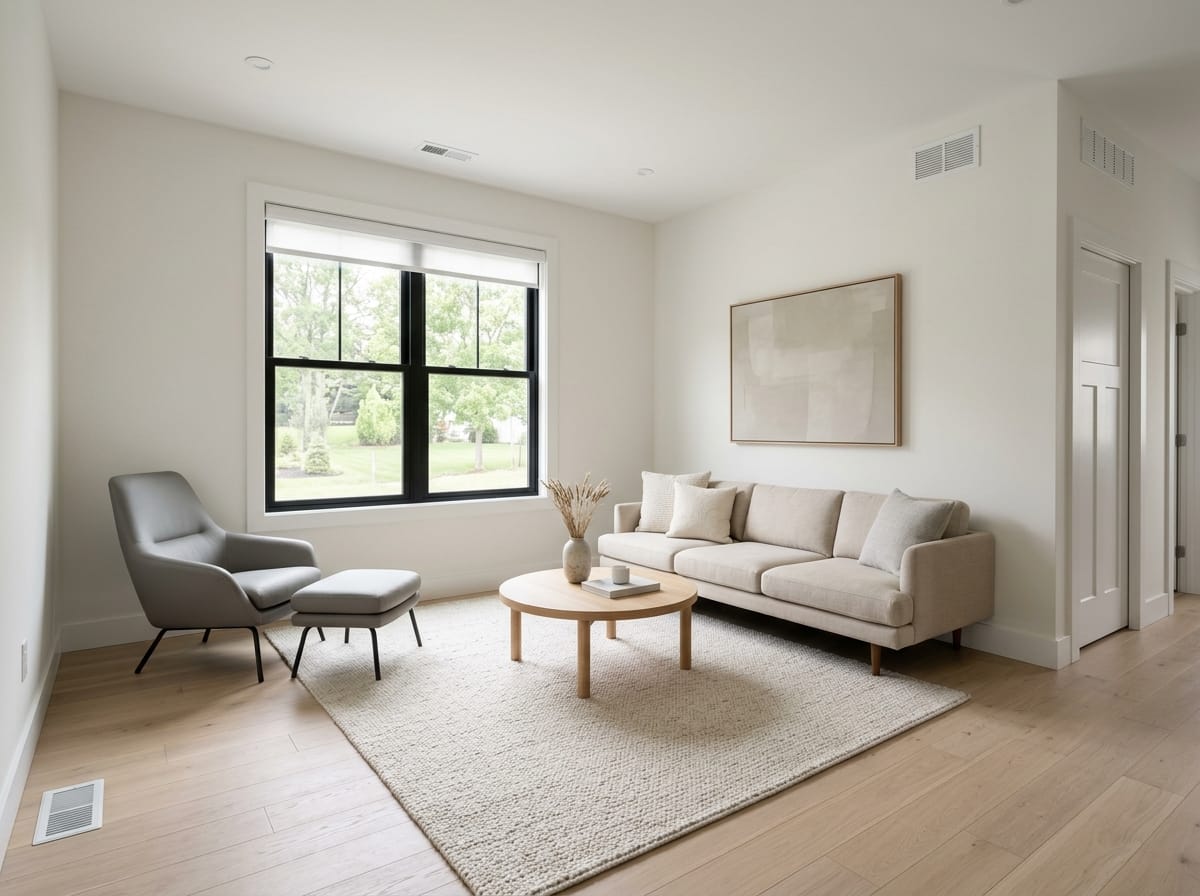
Contemporary minimal
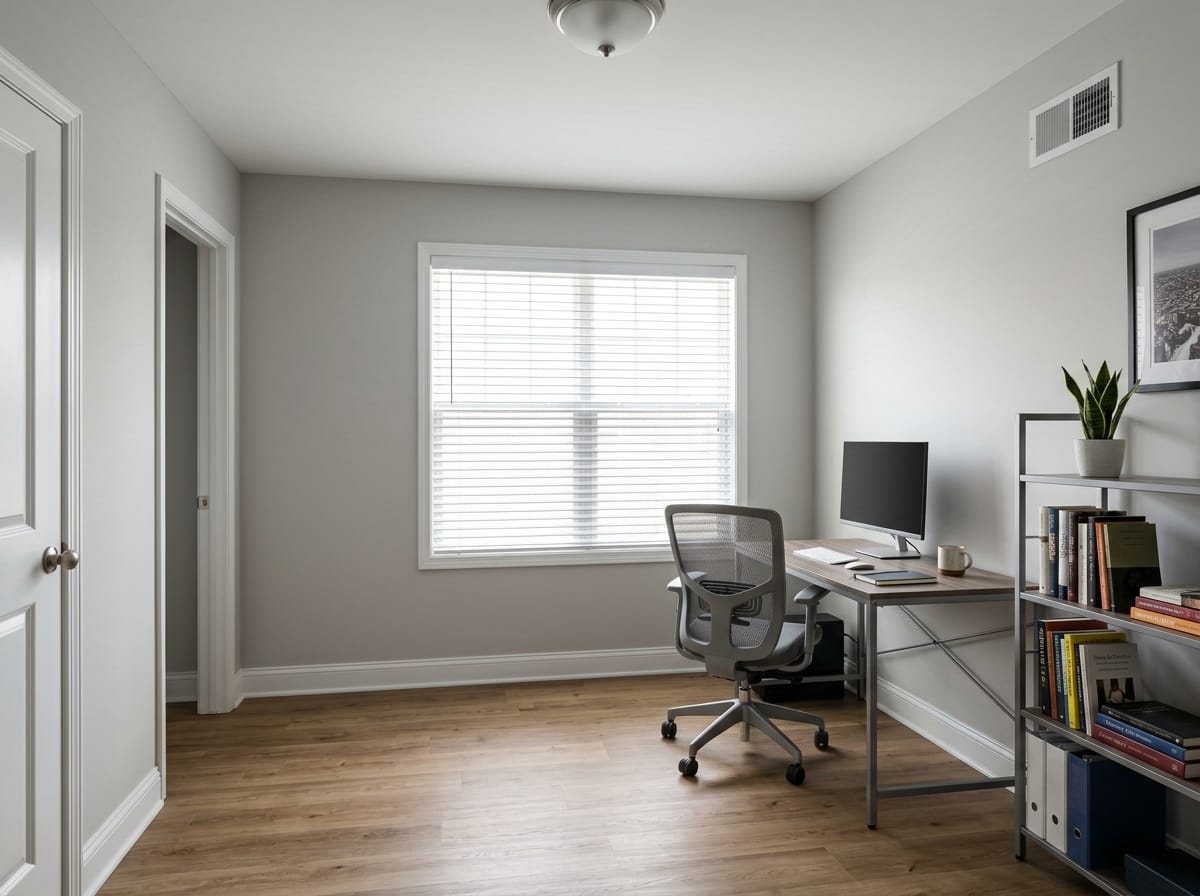
Few pieces, low contrast. Fits new construction and higher price points; least forgiving of an awkward room shape.
Make one like this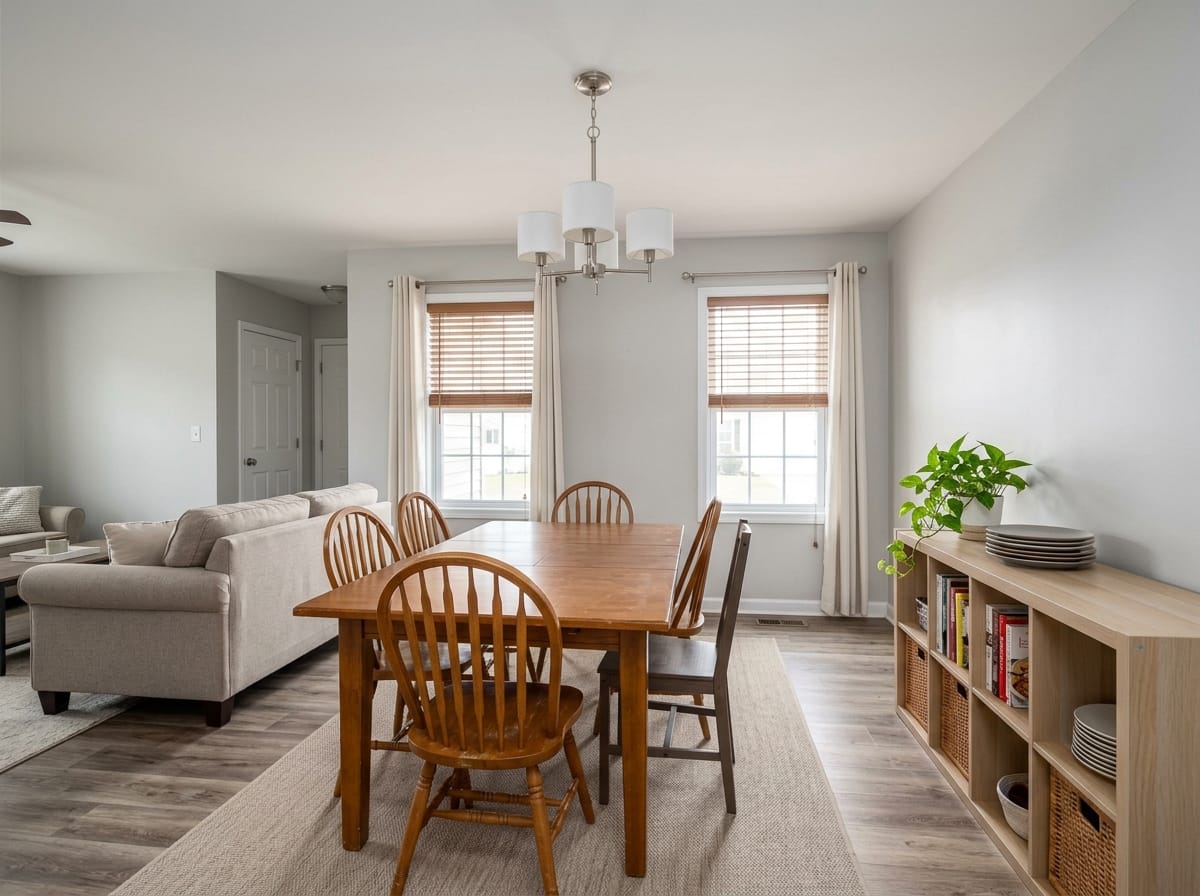
Rental-grade practical
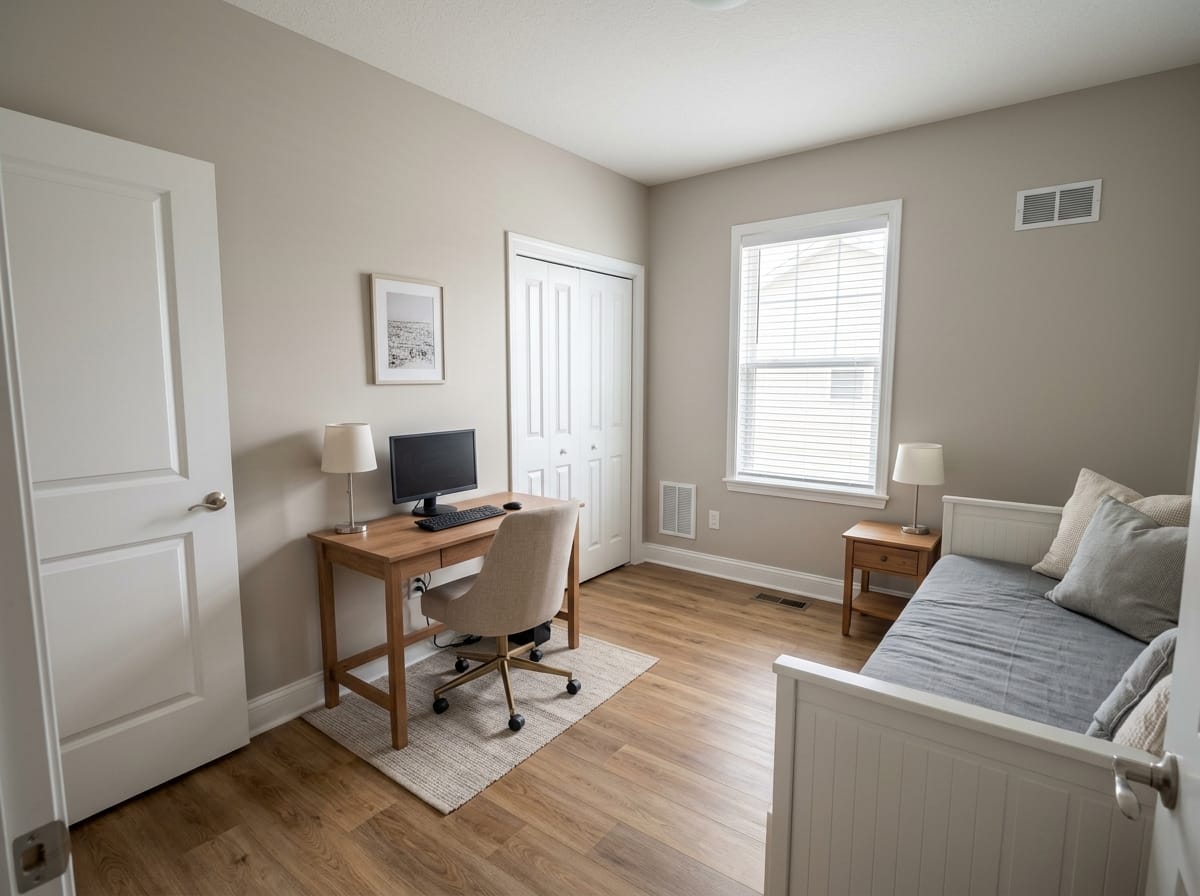
For lease listings. Durable-looking pieces, a table that seats the household, storage in view.
Make one like thisLabeling a staged photo - what we do and do not handle
This is where our tool and a full-service staging vendor actually differ.
AI Neiroset generates the image. It does not add a disclosure caption, does not watermark the result as virtually staged, and does not check any MLS rulebook, association policy, or portal guideline for you.
Specialist virtual staging companies often do include that layer, and staff who track platform requirements. That is a real difference, and worth paying for if you want it.
Short version
We give you the image and a commercial license to use it. Deciding how it has to be labeled on your MLS and portals, and actually labeling it, is yours.
Try it on one of your own vacant photos
Easier to judge on a room you already know. Two stagings are free after signup and stay on the account - no card required.
Try it on one of your own vacant photos
Easier to judge on a room you already know. Two stagings are free after signup and stay on the account - no card required.
Virtual staging mistakes that cost you the showing
Bad staging is worse than none, because it tells the buyer the listing is trying to manage them.
Furniture at the wrong scale
An 11 x 12 ft bedroom with a king in it, or a 60 in table seating eight. Buyers who own furniture spot it and stop trusting the photos.
Light that comes from nowhere
Shadows under the added pieces have to fall the way the existing ones do, or the image reads as fake.
Overfilling the room
A sofa, a chair, a rug, a lamp, one piece of art. Every extra object stands between the buyer and the square footage.
Hiding a defect behind a chair
The chair moves at the showing. Anything a buyer sees in person should be visible in the photos.
A style the local market does not buy
Heavy dark styling in a starter home, or budget-looking pieces at a high price point. Stage to the price bracket.
What to look for in virtual staging software
Everything in this category advertises the same headline. These are the things that differ after twenty photos.
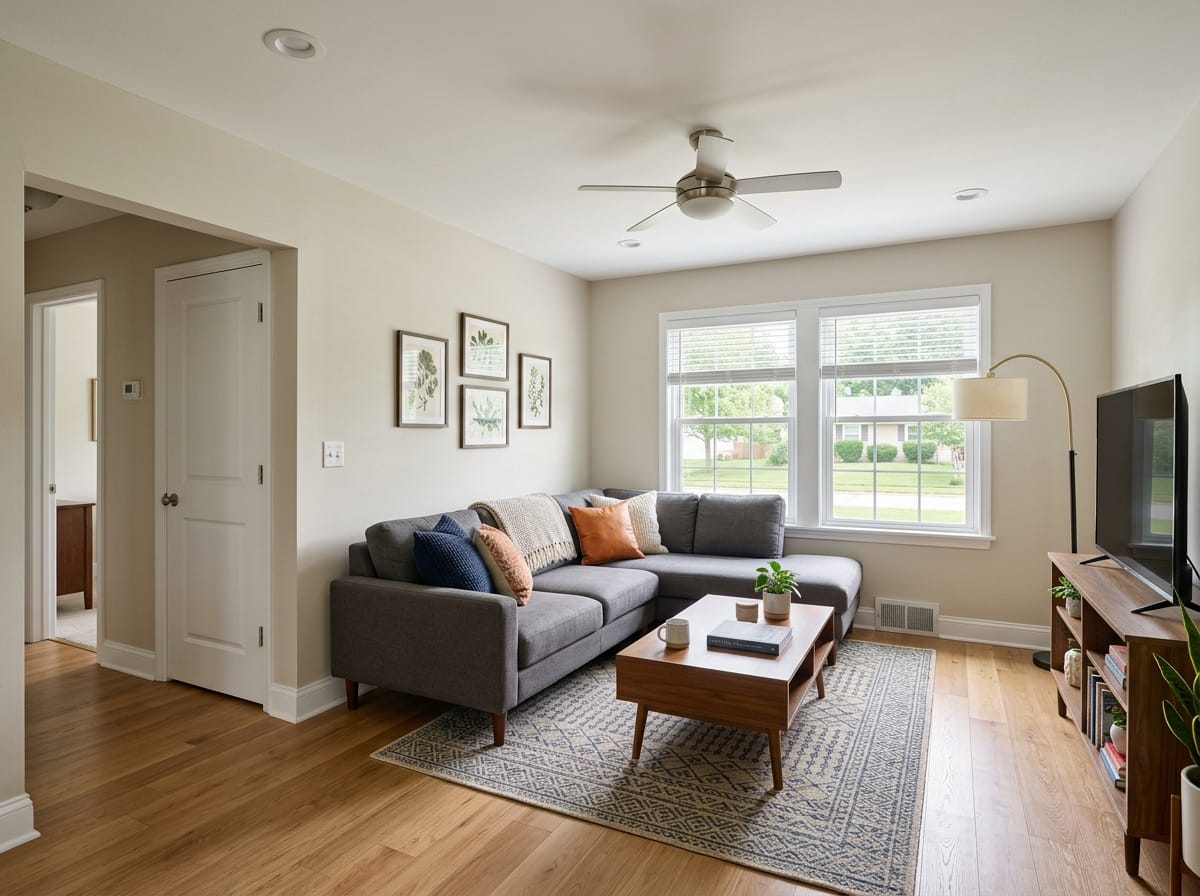
It keeps the room, not just the vibe
Windows, ceiling height, door positions, and camera angle should survive. A tool that redraws the room has produced a different property.
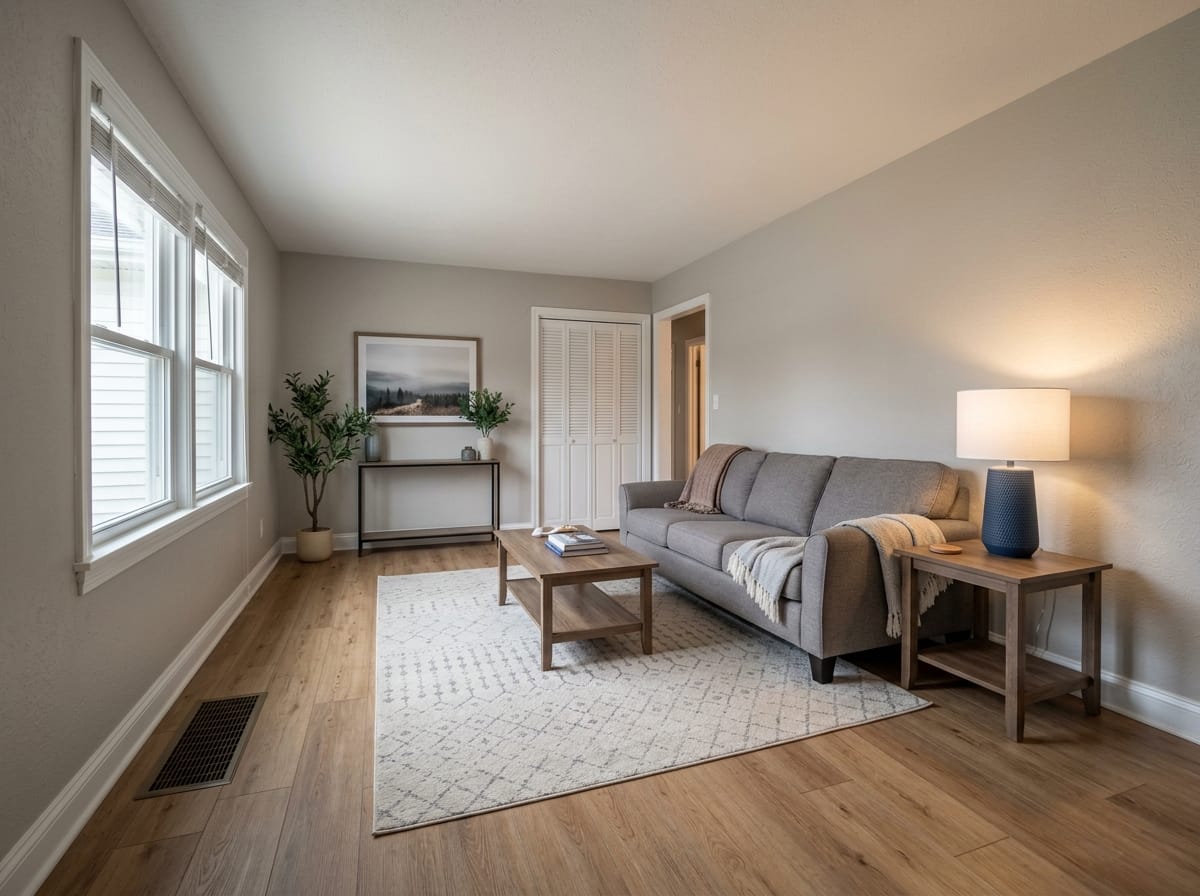
Spot editing
Point at one area and replace what is in it without rerolling the frame. Without it, one bad lamp costs a whole new image.
Floor plan input
For pre-construction work with nothing to photograph yet. AI Neiroset takes a photo or a floor plan.
An honest license
Listing photos are commercial use. A commercial license is included on every plan here, including the free generations.
What happens to the file
You are uploading someone else's property. Uploads are deleted from our servers within 24 hours.
What virtual staging costs
Order-of-magnitude figures. Outside prices move by market and vendor - ranges to verify, not quotes.
| Option | How it is priced | Turnaround | What you get |
|---|---|---|---|
| Physical staging | Consultation, then monthly rental per room plus delivery, often with a minimum term | Days to schedule and install | Real furniture in the house, billed as long as it stays |
| Done-for-you virtual staging | Per photo, commonly in the low tens of dollars; revisions and rush usually extra | Typically 24-48 hours | An editor stages it for you; many such vendors also handle labeling |
| Interior designer | $2,000-$15,000 per project as a fee, furniture on top | Weeks to months | A design for people who will live there, not a listing tool |
| AI Neiroset | 2 free after signup, then paid packs | About 30 seconds per image | You stage it yourself, with spot edits and a commercial license |
How many images you need
Nothing here is unlimited - you buy generations and spend them, and retries count. A vacant three-bedroom usually takes five to ten images including discards; current prices are on the pricing page.
Occupied listings and cluttered rooms
Most staging advice assumes a vacant property. Plenty of listings are not.
Existing furniture is already in the frame and has to be worked around rather than placed on open floor. The more floor is visible, the more predictable the result.
- Have the seller pull the largest mismatched piece out of the frame before you shoot
- Clear counters and personal photos in person, not in the image
- Expect more retries than a vacant room and budget generations for it
Floor plans and room dimensions, free
Staged photos answer how a room feels; buyers also want to know what fits. The 2D/3D planner is free in full - generations are spent only on images.
Draw the unit to scale
Walls in feet and inches, doors, windows, closet returns. Useful for a marketing floor plan on a listing that has none.
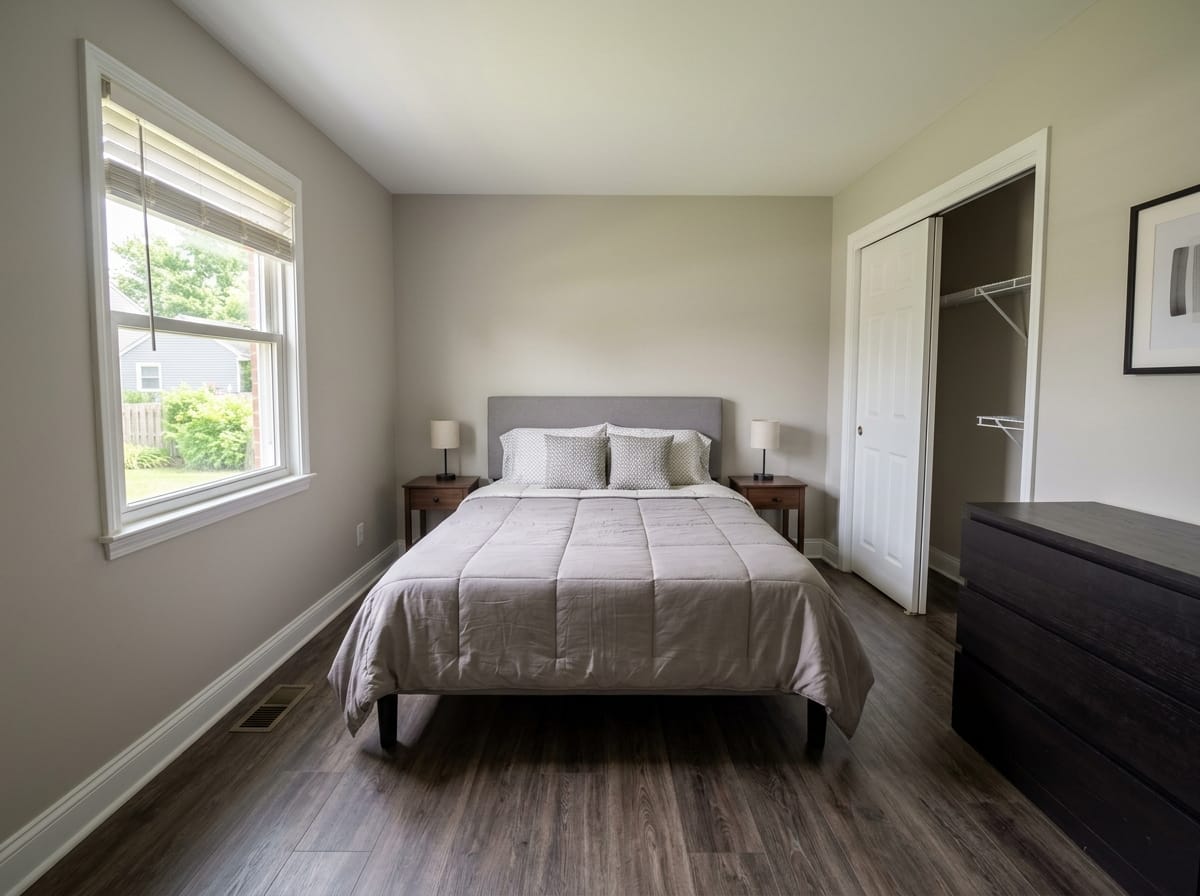
Furniture at true dimensions
Catalog pieces carry real sizes, so you can settle the showing question: does a king fit in the second bedroom, or only a queen.
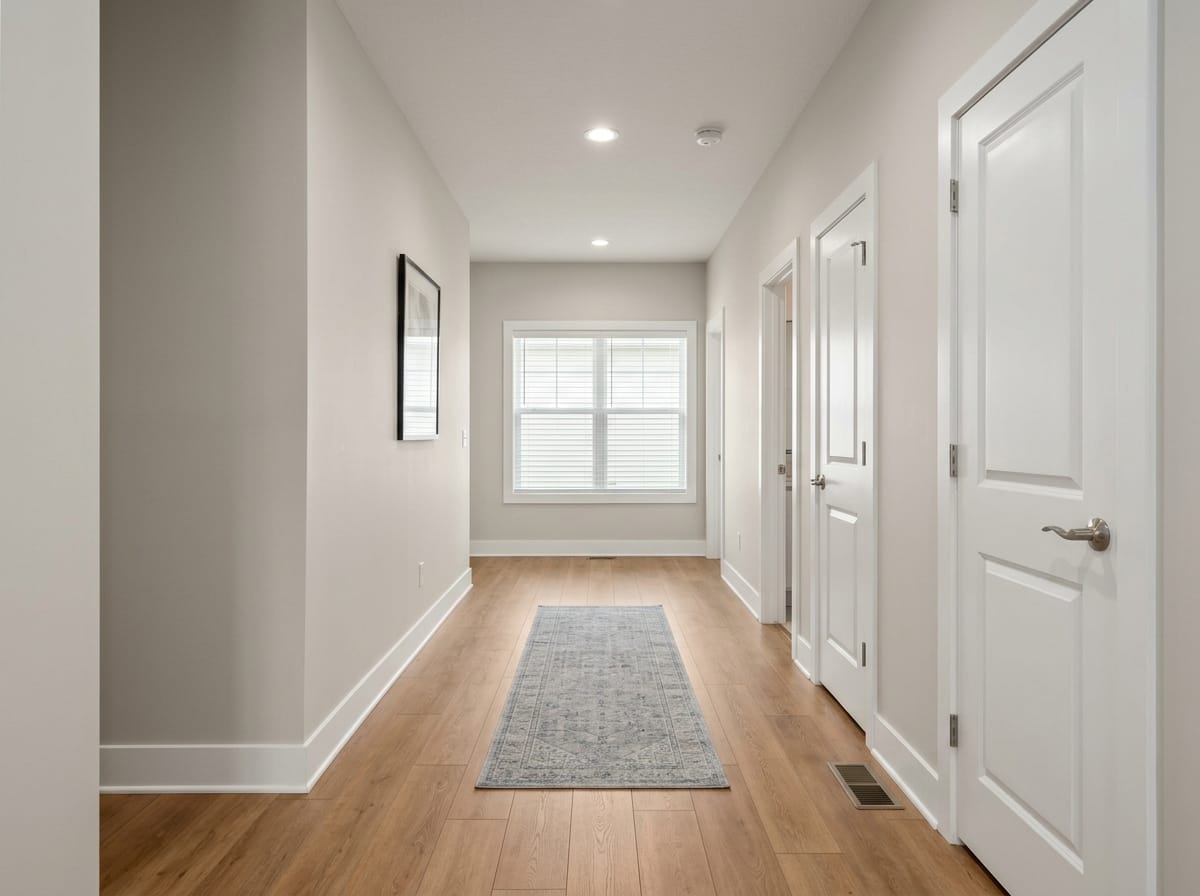
Walk it in first person
An eye-level view of the plan - the fastest way to tell whether a traffic path is comfortable or merely passable.
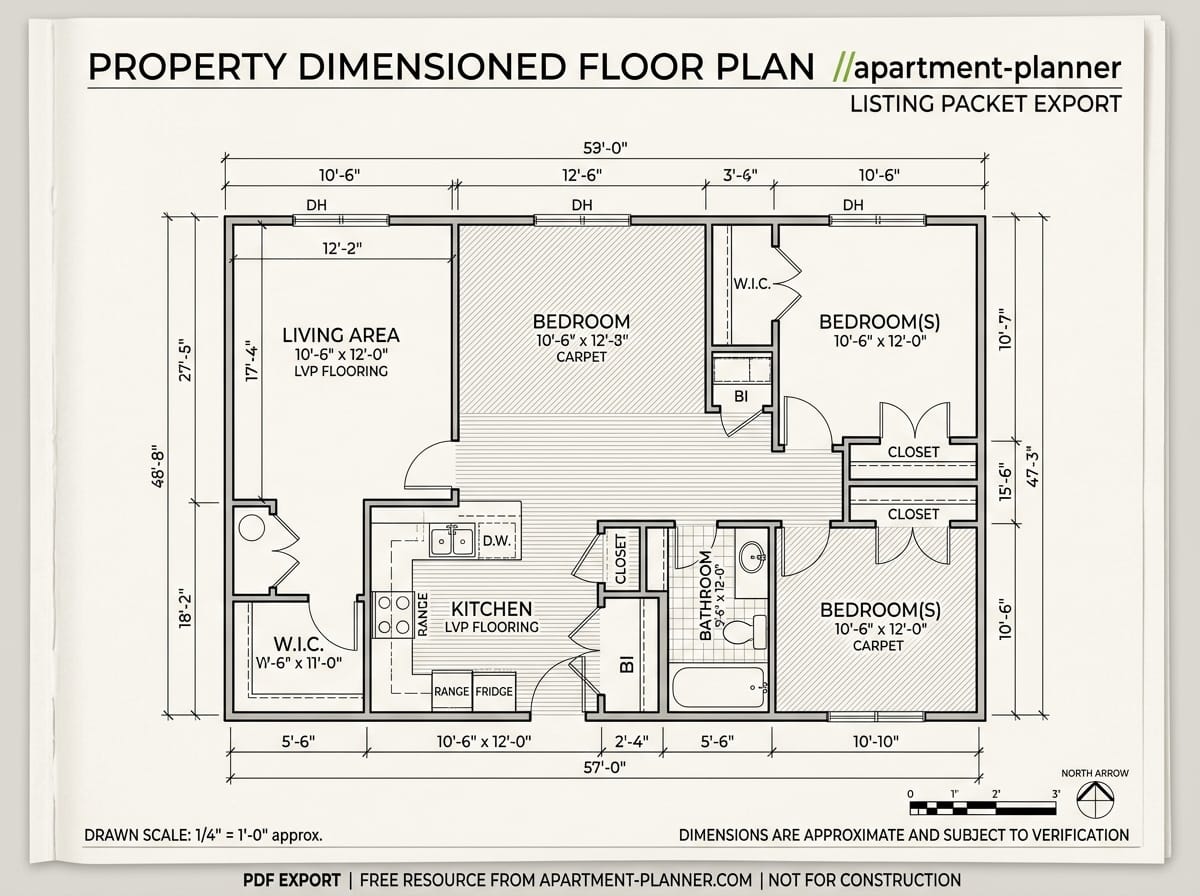
Dimensioned PDF export
A4 with dimensions for a listing packet or a seller's file. Free, like the rest of /apartment-planner.
Where it stops
Marketing plans and scaled layouts, not construction documents: no working drawings, no electrical plans, nothing stamped.
Virtual staging questions
What is virtual staging?
How much does virtual staging cost?
Is there free virtual staging?
Do I have to disclose that a photo is virtually staged?
Does virtual staging actually help sell real estate?
Can I stage a room that still has furniture in it?
What kind of photo do I need?
How long does one staged image take?
Can I use the images in my MLS listing and on portals?
Do I need to install virtual staging software?
Stage the vacant one first
Upload a photo of the emptiest room in your listing and see it furnished. Two stagings are free after signup, about 30 seconds each, commercial license included.
Stage a listing photo