Photo to Anime: Turn Your Photo Into Anime Online
Upload a photo and the AI redraws it as an anime illustration: clean linework, flat color, big expressive eyes. Your hairstyle, your pose and the people in the frame stay recognizable, so what comes back is a drawing of you rather than a stranger. Pick one of five looks under Art style, add a note in Additional wishes if you want something specific, and press Create. Classic is selected from the start, so you can also just upload and go.
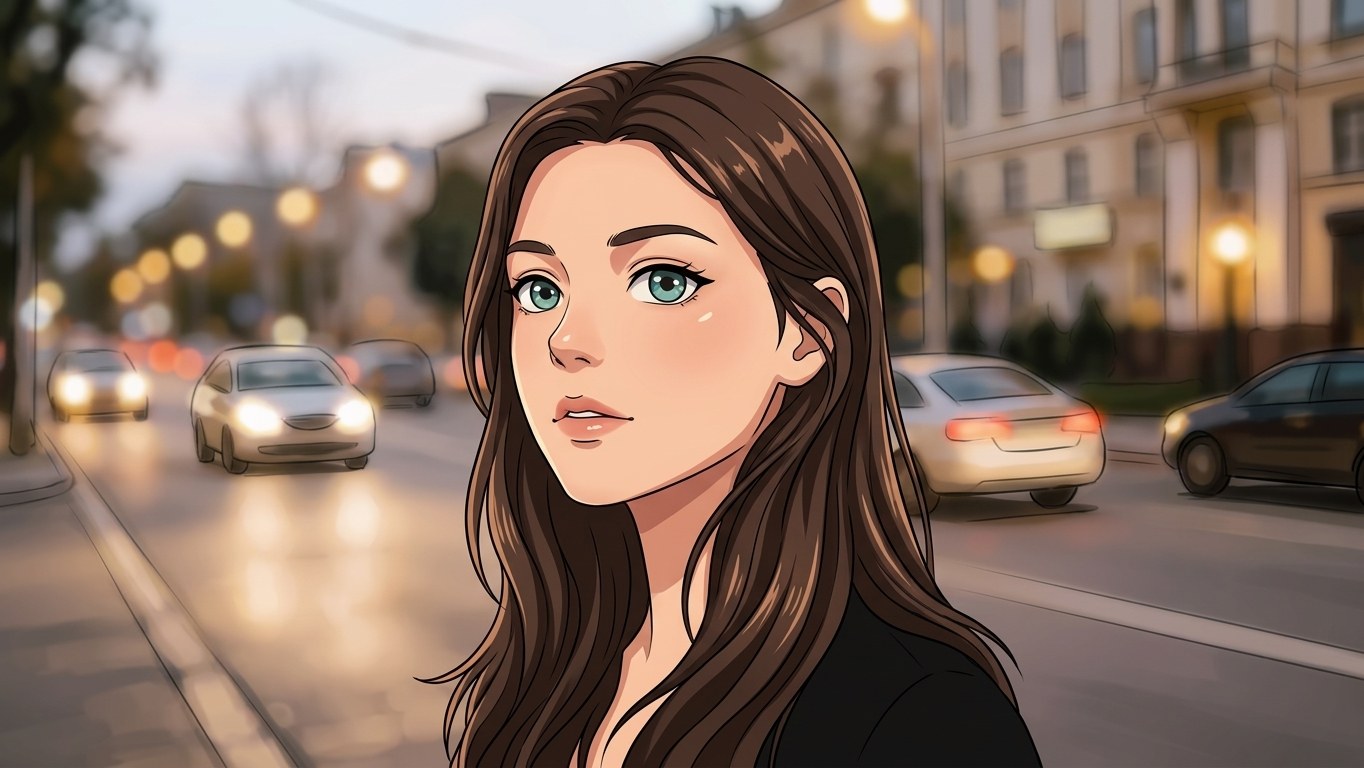
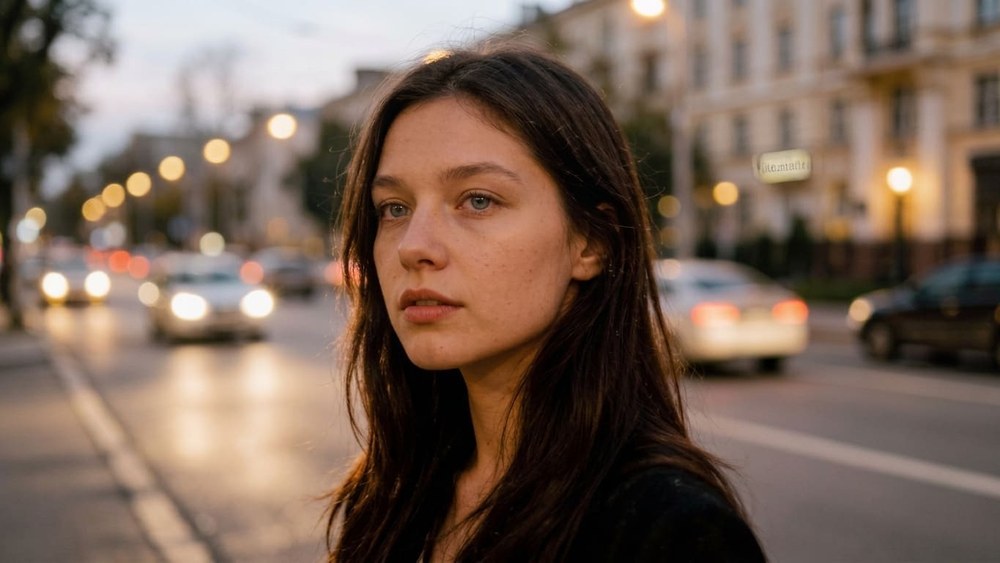 BeforeAfter↔
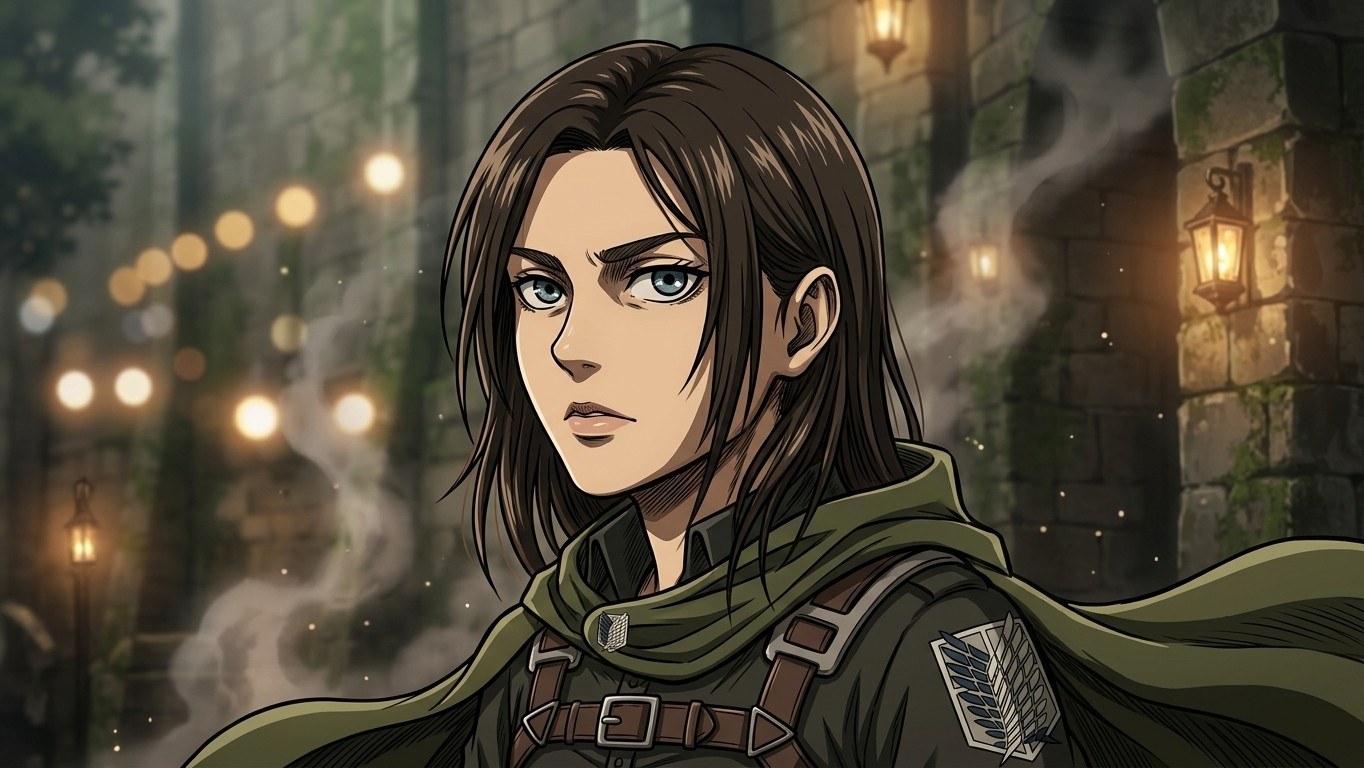 BeforeAfter↔
How to turn a photo into anime
This is a redraw, not an overlay. The photo is used as a reference and the model draws the scene again as an illustration — lines, flat color, shading, eyes. It runs on a web page in a browser, so it is not a camera effect you point at your face: you pick a file, you get a picture back, and both versions stay side by side afterwards.
Nothing to install and no model settings to learn. Run the same photo through a second circle and both versions stay in History, which is the easiest way to compare looks on one face instead of arguing about them in the abstract.
What actually happens to your photo
A camera filter works on the pixels you already have: it smooths skin, enlarges the eyes, tints the frame, and the photograph is still sitting underneath. That is why a filtered selfie looks like a selfie wearing makeup rather than like a drawing.
Here the photograph is only the reference. The model reads the scene — this is a face turned three quarters, that is shoulder-length dark hair, that is a denim jacket, that is a window behind — and draws all of it again with an illustrator's vocabulary: outlines instead of edges, flat fills instead of gradients, hatched shadow instead of soft falloff, and eyes drawn several times larger than a real eye with a highlight in the pupil.
Likeness survives through the things that are easy to draw: hair length and color, the shape of the hairline, the pose, the clothes, who is standing where. Likeness weakens in the things anime deliberately simplifies: skin texture, the exact geometry of a nose or a mouth, small patterns and lettering. That trade is the whole medium, not a flaw in the run.
The five looks, and what each one changes
Three of the five keep your clothes and your setting and change only the drawing. Two of them are costume looks: they dress the subject and rebuild the background on purpose, which is the point of picking them. The descriptions below say which is which, so nothing is a surprise after the run.
Clean contours, soft flat fills, expressive eyes with a highlight in the pupil, lightly feathered shadows. The most neutral of the five and the closest to the photo. Selected by default, so this is what you get if you upload and press Create without touching anything.
Before → after: a daylight selfie by a window comes back as the same person, the same jacket, the same hair, the same window — drawn instead of photographed.
Warm watercolor fills, soft daylight, a painted and unusually detailed background, rounder and gentler features, a calm expression. The one that treats the setting as a subject in its own right rather than as a backdrop.
Before → after: a snapshot in a park keeps its layout, but the grass and the trees turn into brushwork, the light goes golden, and the face reads softer and a little younger.
A muted earthy palette, hard hatched shadows, stern dramatic lighting and a tense look. A costume look: it puts the subject in a hooded cloak and a strapped leather harness and rebuilds the background as an enormous stone wall with smoke drifting across it, whatever was behind you in the original.
Before → after: a photo at your kitchen table comes back as the same face and hair under a hood, on a wall, in overcast gray-green light. Your own clothes and your kitchen do not survive this one — by design.
The most decorative of the five: saturated gradients, a patterned haori over a kimono with bold geometric motifs — checks, waves, flame tongues — a blade in hand, patterned irises, and swirls of water and fire drawn like a woodblock print. Also a costume look: the background becomes a night forest under a moon.
Before → after: an ordinary portrait comes back in full costume against a moonlit forest, with the face, hair color and hair length carried over from your photo.
Large glossy eyes, a soft pastel palette, film grain and a light haze, hand-painted backgrounds, warm late-afternoon light. Grainier and gentler than Classic, and the one people reach for when they want the picture to feel like a frame off a videotape rather than a modern render.
Before → after: a flat phone photo keeps its scene but loses its digital crispness: warmer color, visible grain, softer edges, bigger eyes.
Ghibli, Titans and Demon carry an explicit instruction to leave out logos, emblems and lettering, so a brand on a t-shirt or a sign in the background comes back blank or replaced with a pattern. On all five, any small text in the frame is redrawn rather than copied. The circles are shorthand for a look and nothing more: the result is an original illustration, not artwork from any studio, and there is no affiliation with any of them.
Which look to pick for what
If a circle gets you most of the way there, steer the rest in Additional wishes: the note is added to the style, not instead of it, so "Ghibli" plus "make it early morning with mist" is a valid combination.
What people make with it
Matching profile pictures for two people
This is its own request, and it has two routes. The simple one: upload a single photo of both of you and let the model draw the pair in one frame, then crop two halves out of the result. Everything lines up perfectly, because it came out of one drawing — same palette, same line weight, same light.
The other route: run two separate photos through the same circle, one each. That gives you two full portraits instead of two crops, and they will read as a set — same drawing style, same kind of shading. They will not be identical twins: two runs mean two independent drawings, so the palette and the background can drift. Adding the same short note to Additional wishes on both runs pulls them closer: name the background ("plain dark blue background, no pattern"), name the framing ("head and shoulders, centered, no text"), and keep the wording word-for-word the same on the second run.
The same trick scales to a group. Four teammates, one circle, one shared wishes note, four runs. Nobody has to coordinate anything except the sentence you paste in.
What your photo needs
The model draws what it can read. Most disappointing results come from a source that was hard to read in the first place, not from the style you picked.
If the shot you love is soft or small, fix that first and come back: unblur image for a blurry frame, image upscaler for a tiny one, photo enhancer when it is dark and flat as well as soft.
Anime, manga and cartoon are not the same thing
These three get used interchangeably online, and the mismatch is behind a lot of disappointed first runs. Worth thirty seconds before you upload.
You can steer toward the manga end in Additional wishes — "black and white ink drawing, screentone shading, no color" gets you most of the way. What you will get back is one illustration in that idiom, not a laid-out comic page with panels, gutters and dialogue.
What the AI keeps and what it reinterprets
The honest answer to "will it still look like me" is: some parts of you are drawn, and some parts of you are translated. Knowing which is which tells you what to check.
Usually carried over
Reinterpreted by the style
On a group shot everything above is still true, just with fewer pixels per person: the picture holds together, but the third face back gets less care than the one in front. If the faces matter, run one crop per person and assemble the set yourself.
Looking for an anime app? This runs in your browser
Most people searching for this expect to install something. You do not have to. The page opens in Safari or Chrome on an iPhone, an Android phone, a laptop or a tablet, and nothing asks for access to your camera roll — you choose one photo and that is the only file involved. Results stay in your account and open on any device you sign in on, so you can start on a phone and download on a desktop.
Accepted formats are the ones printed on the upload panel: JPG, PNG, WEBP — up to 10 MB. Your photo is sent for processing at full quality, without being squeezed on the way in.
One iPhone note: HEIC and HEIF are not accepted. Either set the camera to save as "Most Compatible", or share the photo once to yourself, which converts it to JPG along the way.
As for what comes back: Quality has two modes. Standard returns the illustration with its long side at 1024 px, Pro at 2048 px. For a profile picture 1024 px is more than any platform asks for; 2048 px is the one to pick if the picture is going to print or you want to crop into it.
Turn a photo into anime free: what you get and where the limits are
You can try it for free. A new account gets two free generations in total — not two a day and not two a month — and this tool is one of the ones they cover. Free runs use Standard quality; Pro is part of a paid plan. After that, work continues on a plan or a pack, and the terms are on the pricing page.
The good news for this particular tool: Download is open from the start, so a free run gives you a file, not just a preview. The thing to know up front is the signature — free runs carry a light ai.neiroset.com mark in the bottom-right corner. It is not a penalty for the free run: any purchase removes it permanently, including from images you already generated.
There is also a pace limit of six runs a minute per account, which normal use never reaches — even when you are working through all five circles on the same face.
Do I need an account?
Yes. You can fill in the whole form as a guest, but pressing Create opens the sign-in window. Without an account there is nowhere to keep the results, and comparing two looks side by side in History is exactly what makes this tool worth using more than once.
Privacy: who sees the photos you upload
Results are saved to your own account History, which is how you get back to them later and how you compare a run against the original. On paid plans there is a Private switch next to Create: with it on, the generation stays out of the site's public gallery. It has to be switched on before you start a run, not after — on a free account it opens an upgrade window instead.
One rule that is on you, not on the tool: do not upload photos of other people without their consent, and do not upload photos of public figures. A drawn version of someone is still a picture of that person, and a face you did not get permission for does not stop being theirs because it came back with bigger eyes.
Wishes you can copy
Paste one of these into Additional wishes and adjust it. The note is added to whichever circle is selected, so you can combine the two.
A clean avatar crop
Head and shoulders, face centered in the frame, plain single-color background, no text and no border. Keep the hairstyle, hair color and glasses from the photo.
Keep the likeness as close as possible
Keep the facial features, the skin tone, the hairstyle and the expression exactly as in the photo. Change only the drawing style. Do not change the clothes and do not change the background.
A matching pair, run twice
Head and shoulders on a plain dark blue background, soft even light, no text. Use the identical wording for both people and keep the same circle selected on both runs.
Soft pastel mood
Muted pastel palette, soft diffused light, watercolor texture in the background, gentle shading on the face.
Dark and dramatic
High-contrast lighting, deep shadows, a cool restrained palette, detailed eyes, atmospheric haze in the background.
Toward the printed-comic look
Black and white ink drawing, screentone dot shading, strong hatching, no color. One single illustration, no panels and no speech bubbles.
A pet as a pet
Draw the animal as an animal: four legs on the ground, real proportions, keep the fur color and markings. No clothes, no weapons, no human pose.
What to keep in mind
Frequently asked questions
How do I turn a photo into anime?
Upload the photo, pick one of the five circles under Art style, and press Create. Classic is selected already, so you can skip the middle step entirely. The drawn version appears in History beside the original.
Is this an anime filter?
Not in the phone-camera sense. There is nothing to point at your face and no effect layered over a live view. This is a web page: you upload a file and the model draws a new picture from it. The upside is that it is a real drawing rather than smoothed pixels; the trade-off is that it takes a moment and works on a photo you already have.
Will I still look like myself?
Recognizably, yes — friends generally identify the person immediately. But anime simplifies features by definition, so the resemblance comes from hair, pose, clothing and the overall read of the face rather than from an exact match. Classic and 90s retro stay closest to the photo; the costume looks trade likeness for atmosphere on purpose.
Which style should I pick?
Classic if you want to stay recognizable, Ghibli if the setting matters as much as the face, 90s retro for a warm grainy look, and the two costume circles when you want a character rather than a portrait. Running the same photo through two circles costs nothing but a second run, and both stay in History.
Can I make matching profile pictures with my partner?
Yes, two ways. Upload one photo of both of you and crop two halves out of the single result, which guarantees they match. Or run two photos separately through the same circle with the same note in Additional wishes — they will read as a set, though the palette can drift a little between independent runs.
Does it work on pets?
Yes, and cats and dogs come out well in Classic and Ghibli, drawn as animals with their real markings. Avoid the two costume looks for a pet: they try to fit a cloak or a kimono onto the subject, and the result is a standing cartoon character rather than your dog. The wishes field helps here — ask for real proportions and no clothes.
Does it work on group photos?
It does, and the group stays intact — the same people, in the same arrangement. What changes is care per face: the more people in the frame, the less of it each face gets, and the further back someone stands the looser their likeness. For a set of avatars, crop one person per run instead.
Will it keep my glasses and my skin tone?
Glasses are usually kept, though the frame shape gets redrawn. Skin is flattened into a few tones by the style, and that can pull it lighter or warmer than the original. Both are worth naming in Additional wishes: "keep the glasses" and "keep the skin tone exactly as in the photo", then compare against the original in History.
Can I get a manga version, in black and white?
You can get close by asking for it in the wishes field: black and white ink, screentone shading, no color. What comes back is a single illustration in that idiom. It is not a comic page — no panels, no gutters, no speech bubbles.
Is the result artwork from an anime studio?
No. The circles name well-known looks as shorthand so you know what you are choosing, and nothing more. What you get back is an original illustration generated from your own photo. There is no affiliation with, and no endorsement by, any studio or rights holder.
Is it free, and can I download the file?
A new account gets two free generations for the lifetime of the account, on Standard quality, and this tool is one of them. Download is open on this tool from the start, so a free run gives you an actual file. Results carry a light ai.neiroset.com signature until the account makes its first purchase, which removes it permanently.
Do I need an account?
Yes. The form can be filled in as a guest, but Create opens the sign-in window — results are kept in your own History, which is the only way to come back to them or compare two looks.
Is there an app, or does it work on my phone?
There is no app to install. The page works in a mobile browser on iPhone and Android exactly as it does on a desktop, and nothing needs access to your photo library — you pick one file. Send iPhone shots as JPG rather than HEIC.
My photo is blurry or very small. Will it still work?
It will run, but the model has less to read and it fills the gaps itself, which is when faces drift. Clean the source up first: unblur image for softness, image upscaler for size, then come back here.
Who can see my photos?
Results live in your account History. On paid plans a Private switch next to Create keeps a run out of the site's public gallery — turn it on before you start. On a free account it opens an upgrade window instead.
Try other tools
 Ghibli style
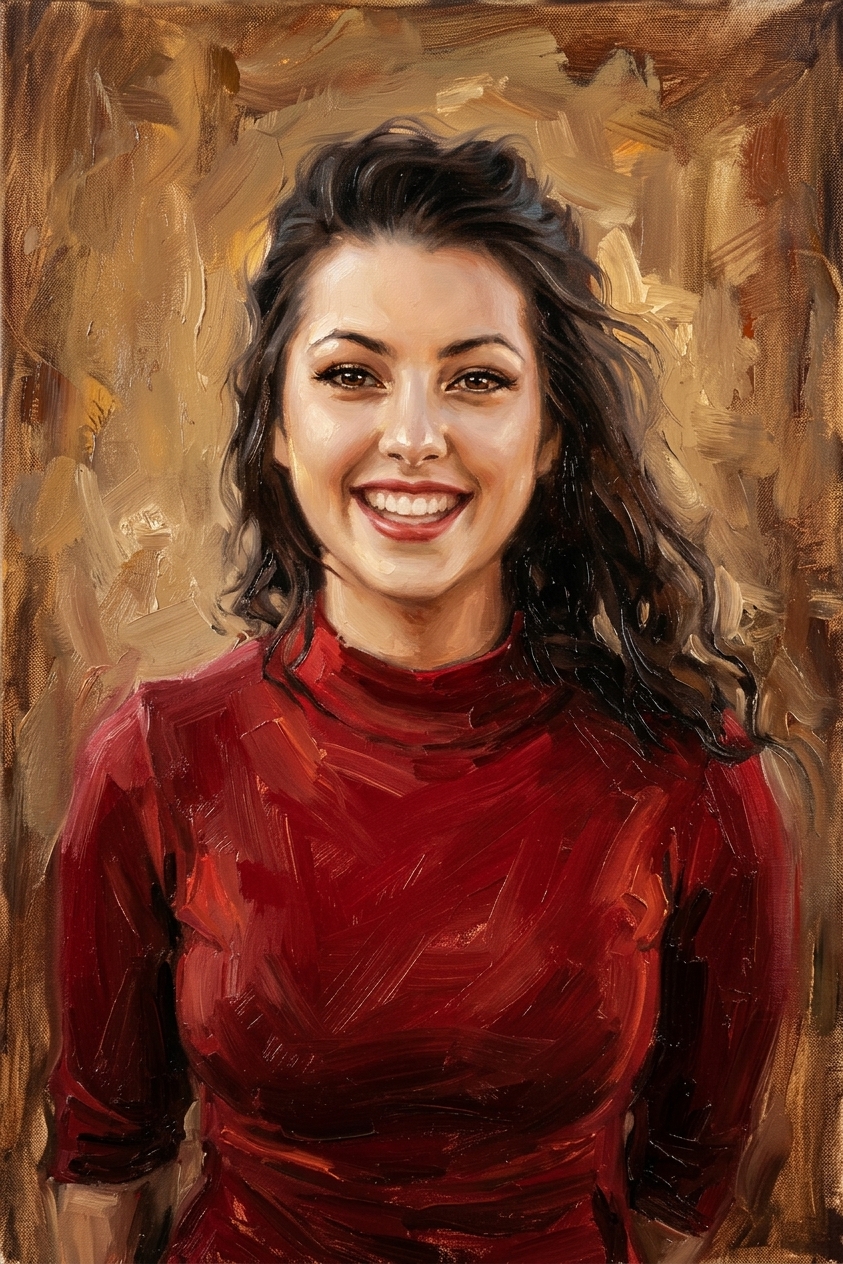 Oil painting
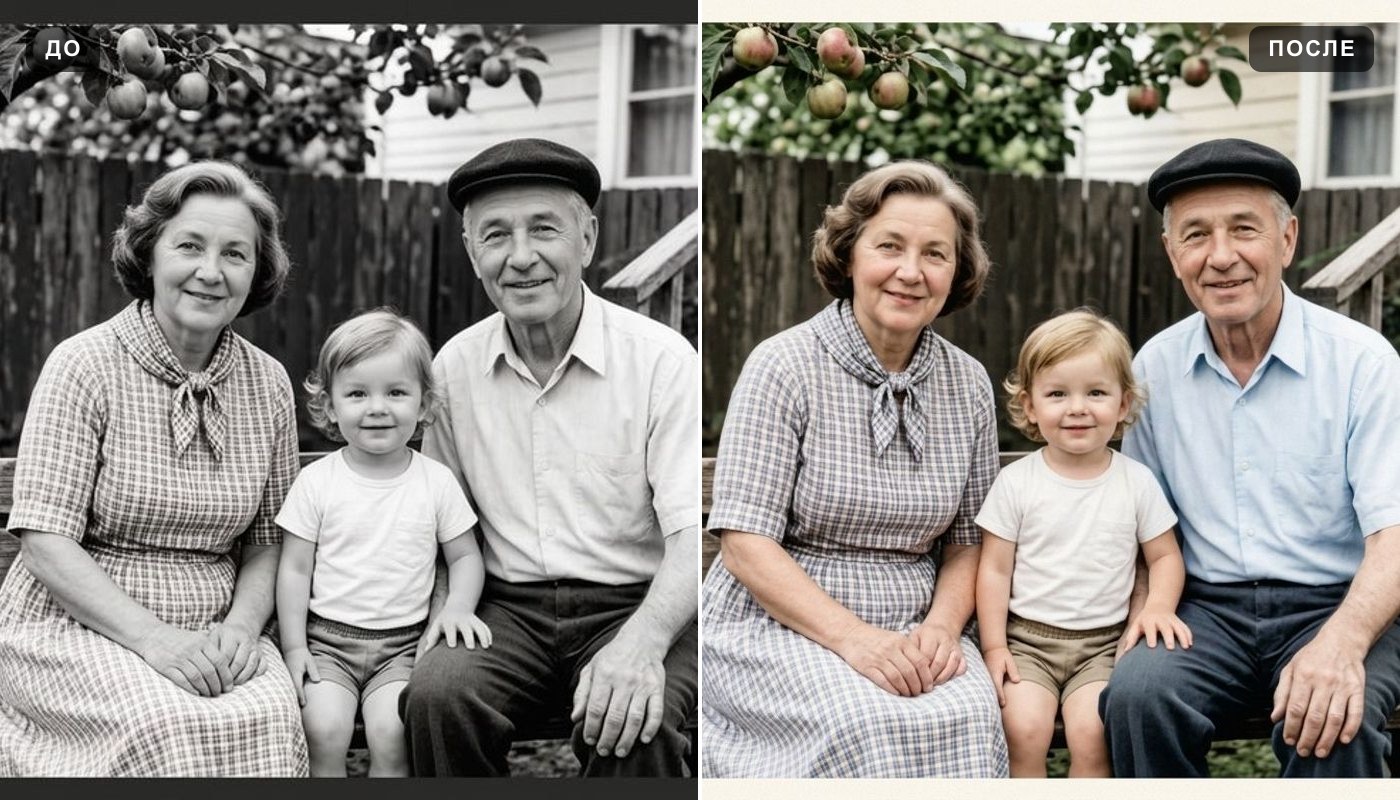 Colorize photo
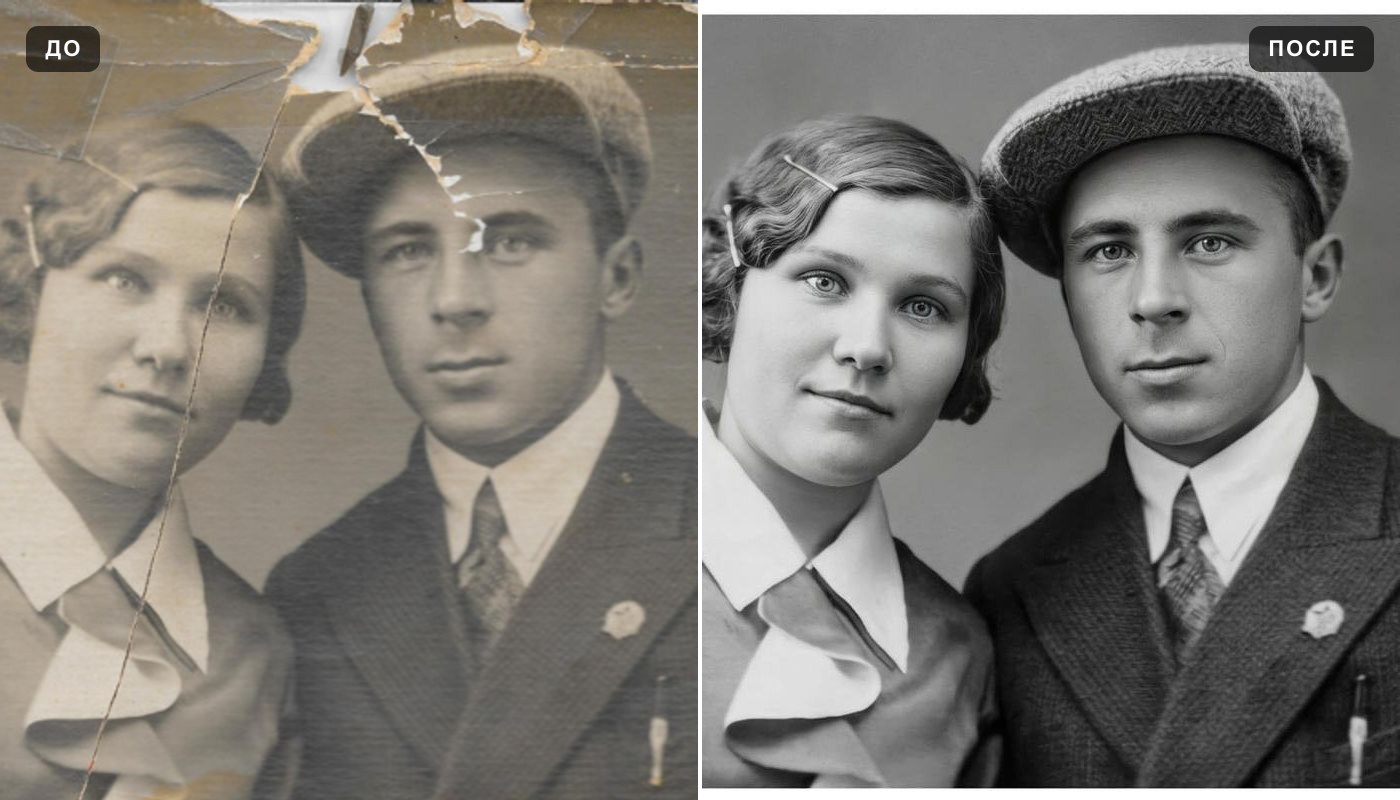 Photo enhancer
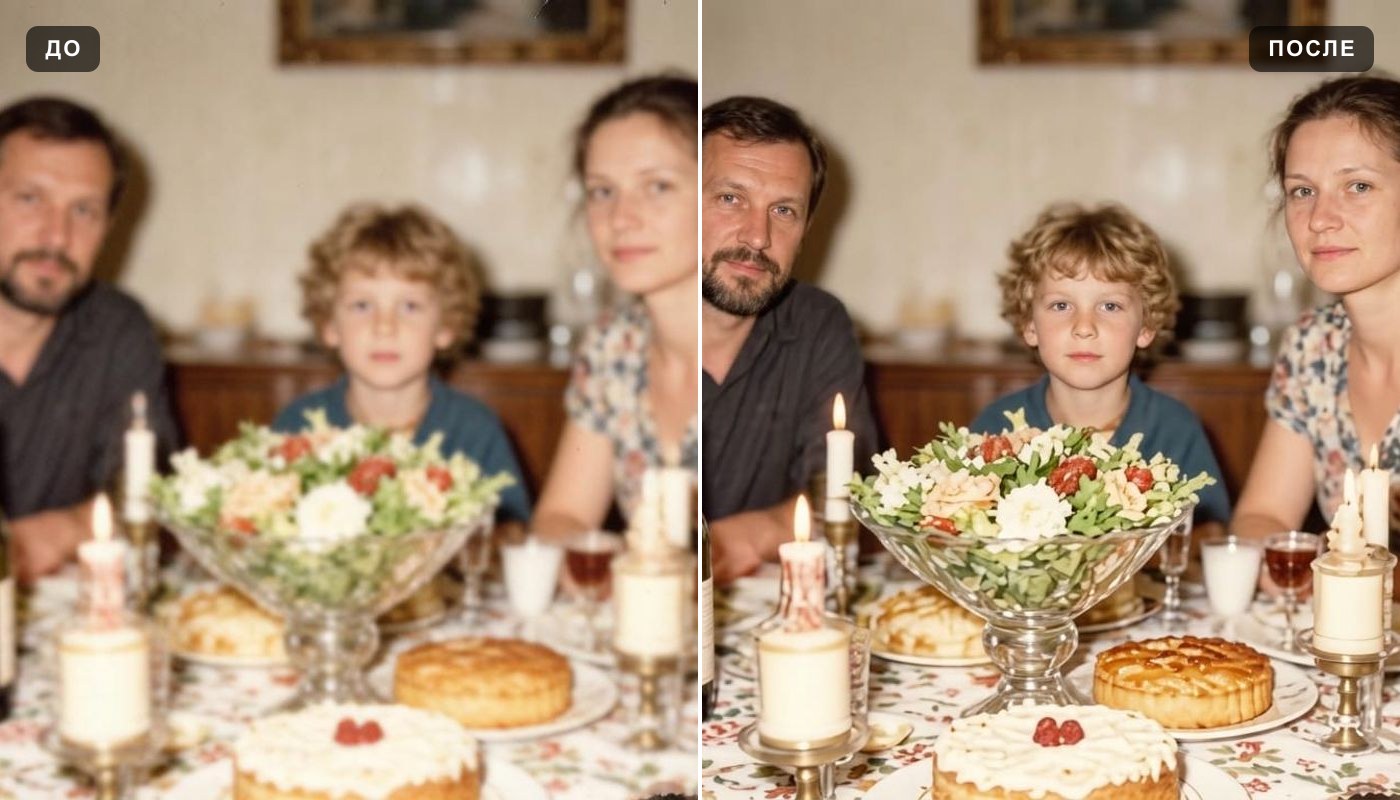 Unblur image
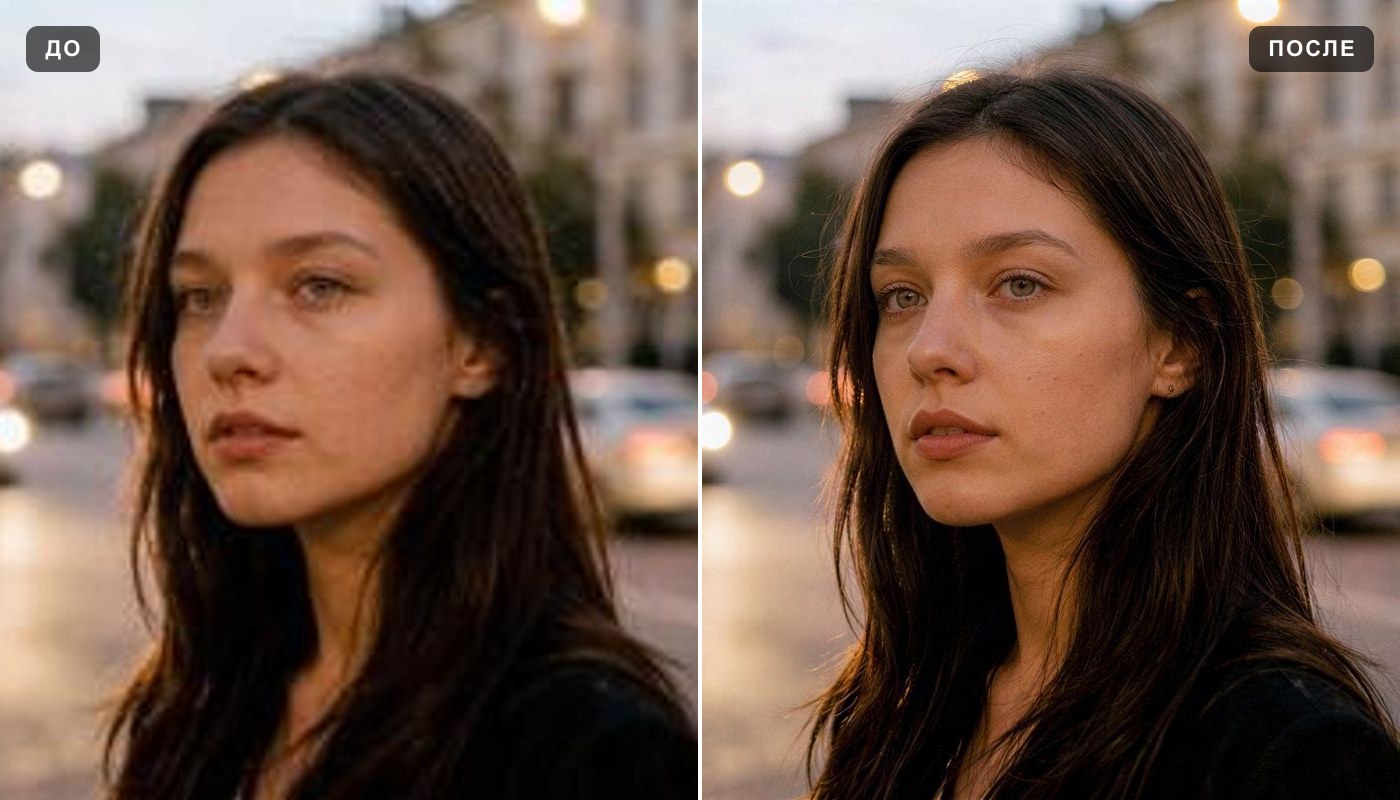 Image upscaler
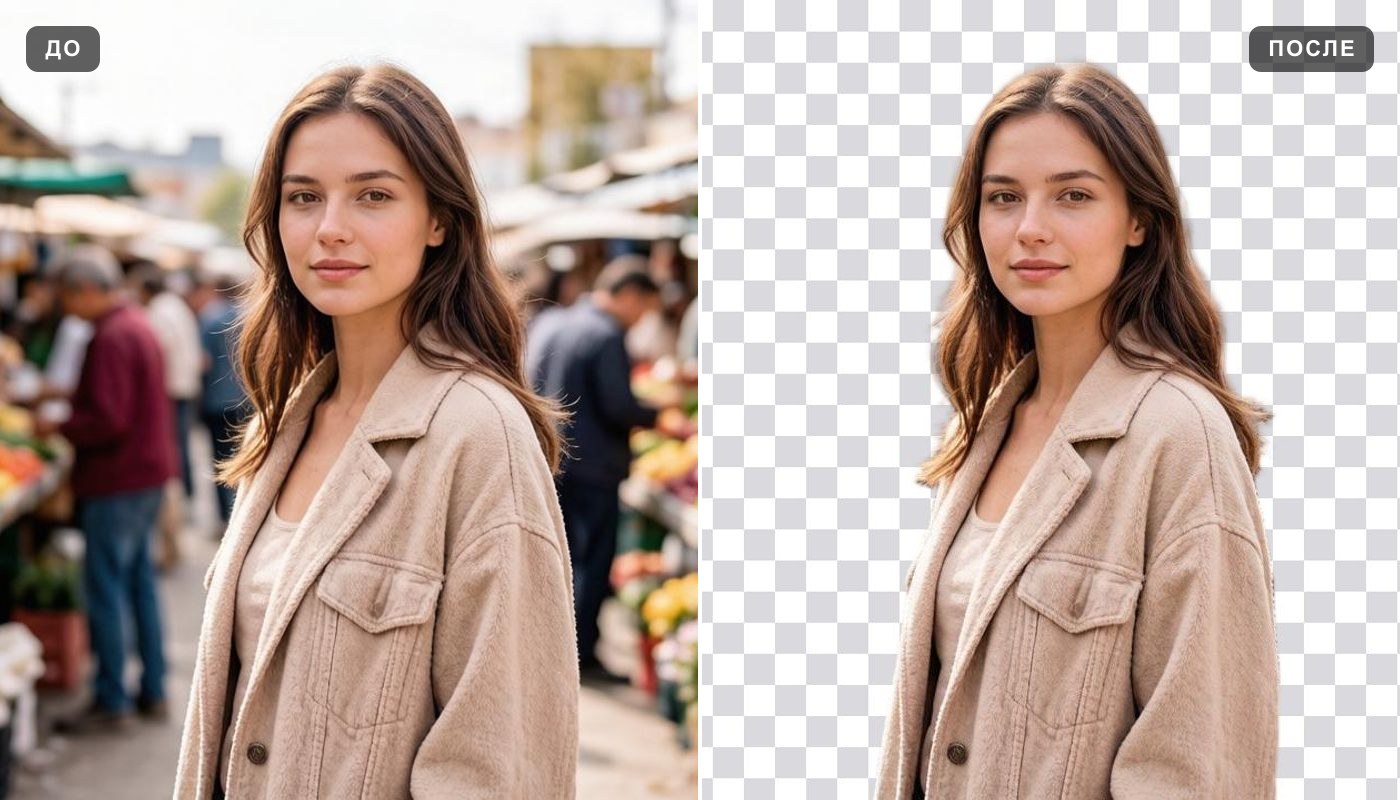 Background remover
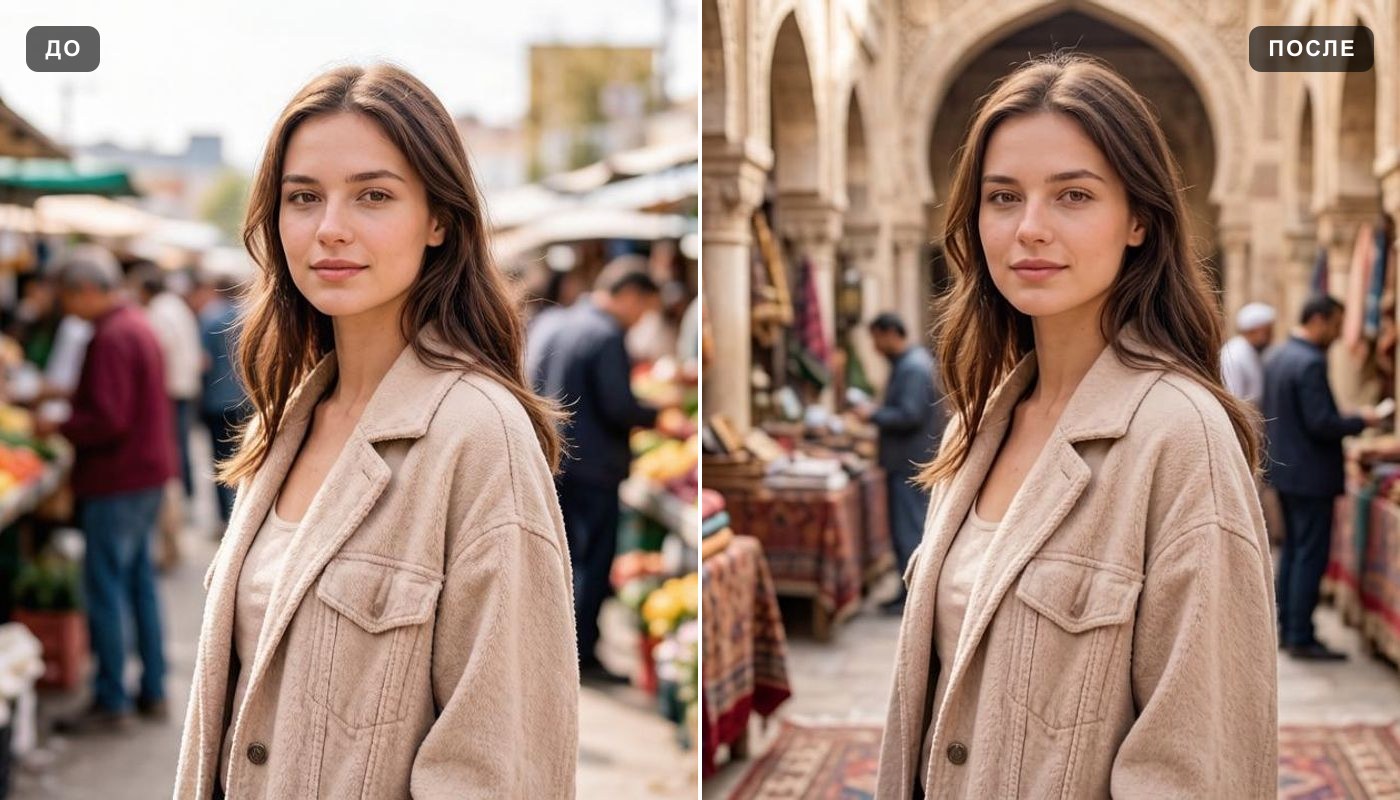 Background changer
Everything else is in the tools catalog.