Ghibli Filter: Turn Your Photo Into Ghibli-Style Art
Upload a photo and the AI repaints it in a soft, Ghibli-inspired look: watercolor textures, warm light, gentle pastel color and hand-painted skies. The composition stays put, and so do the people, pets and places in your shot, so what comes back is your own moment redrawn like a still from a hand-drawn animated film. There is one look and nothing to set up: upload, press Create, download.
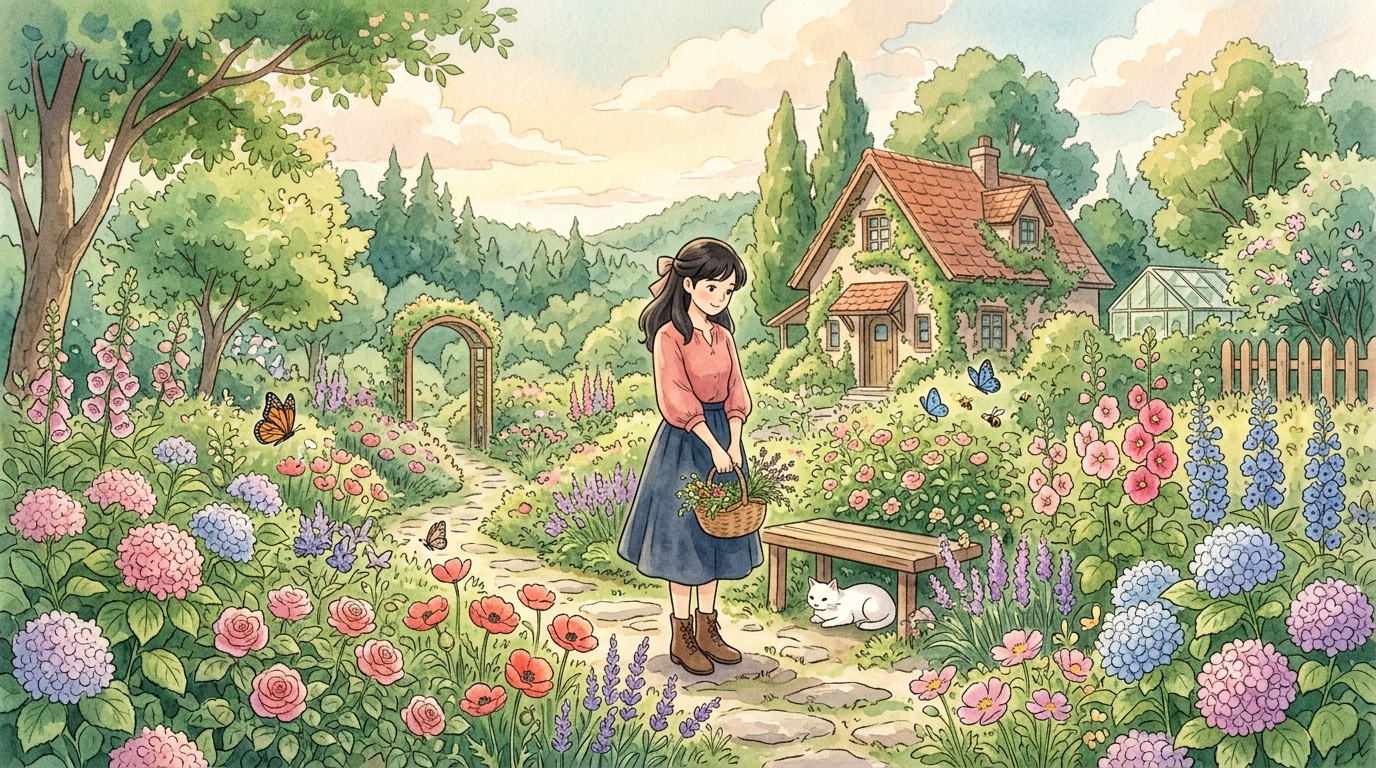
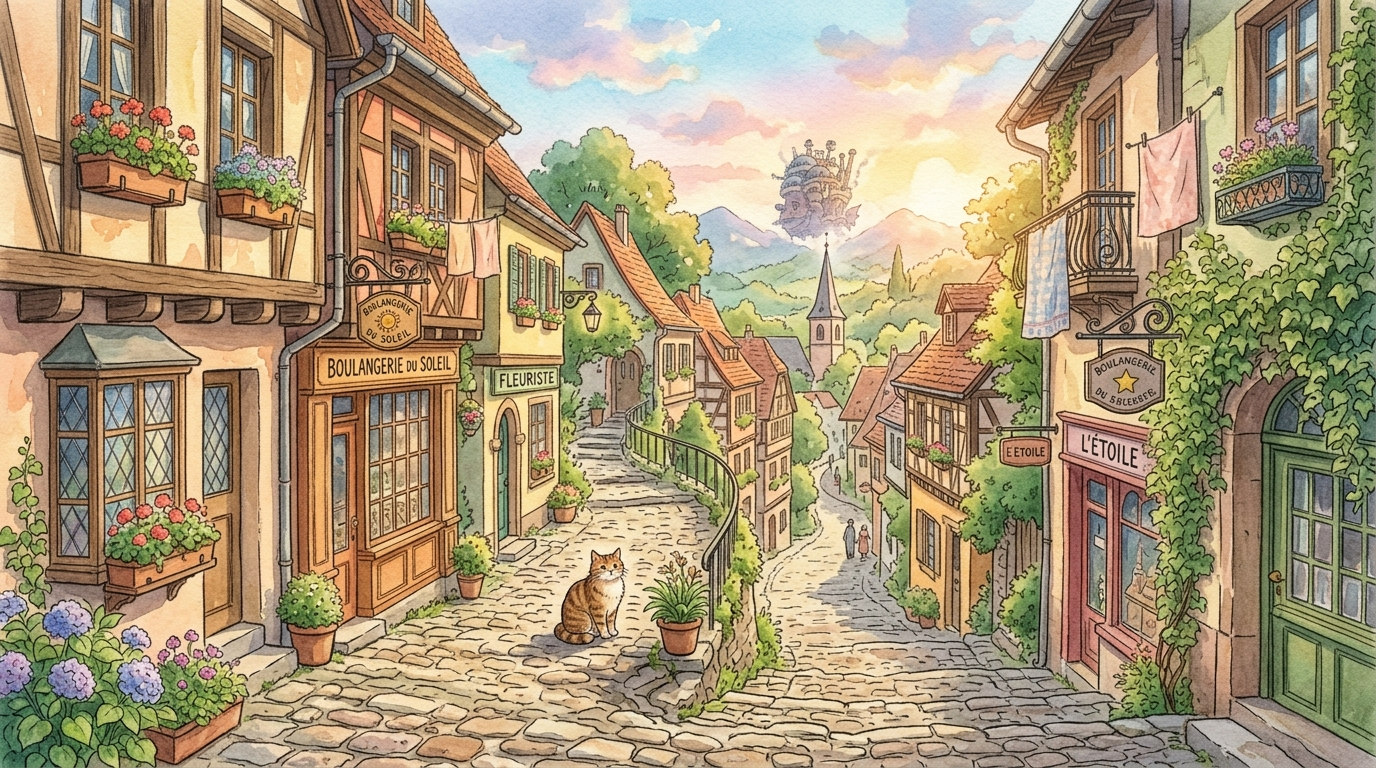
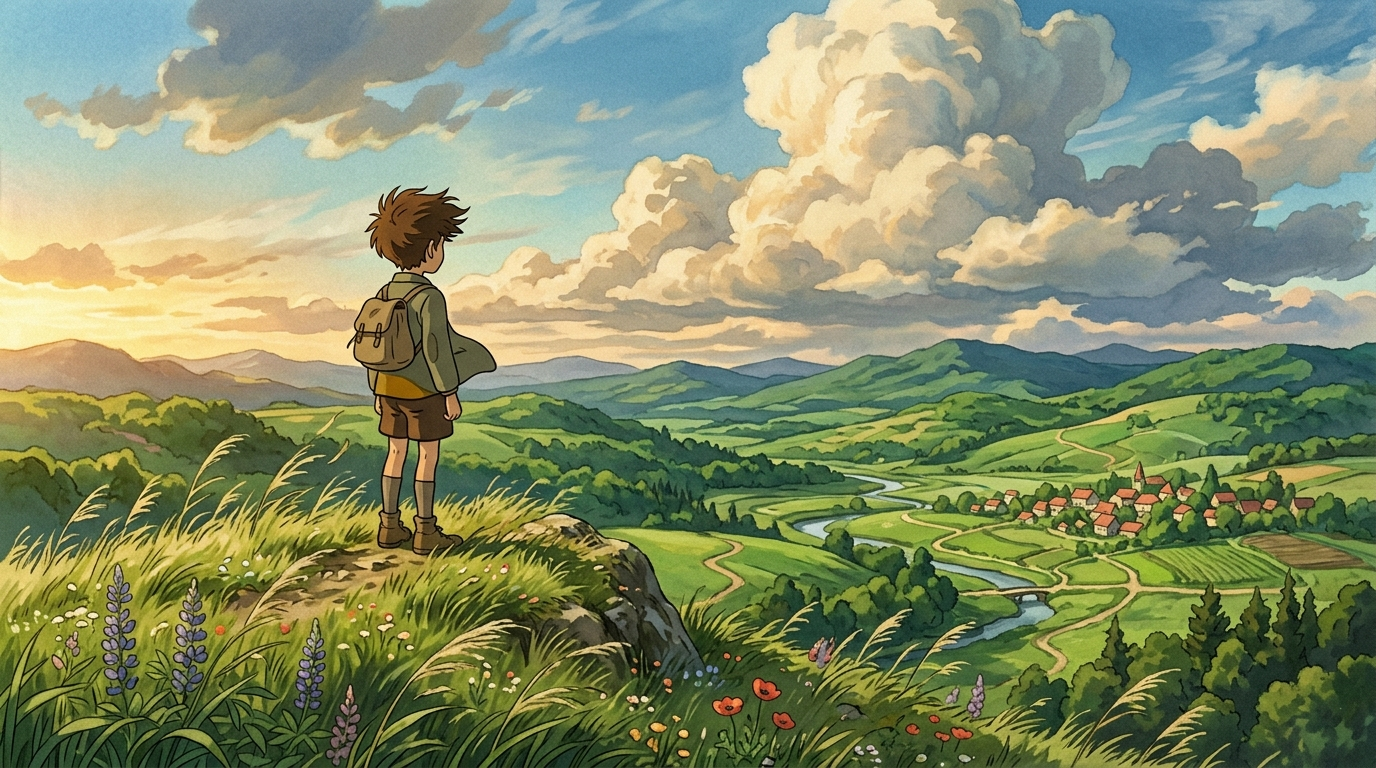
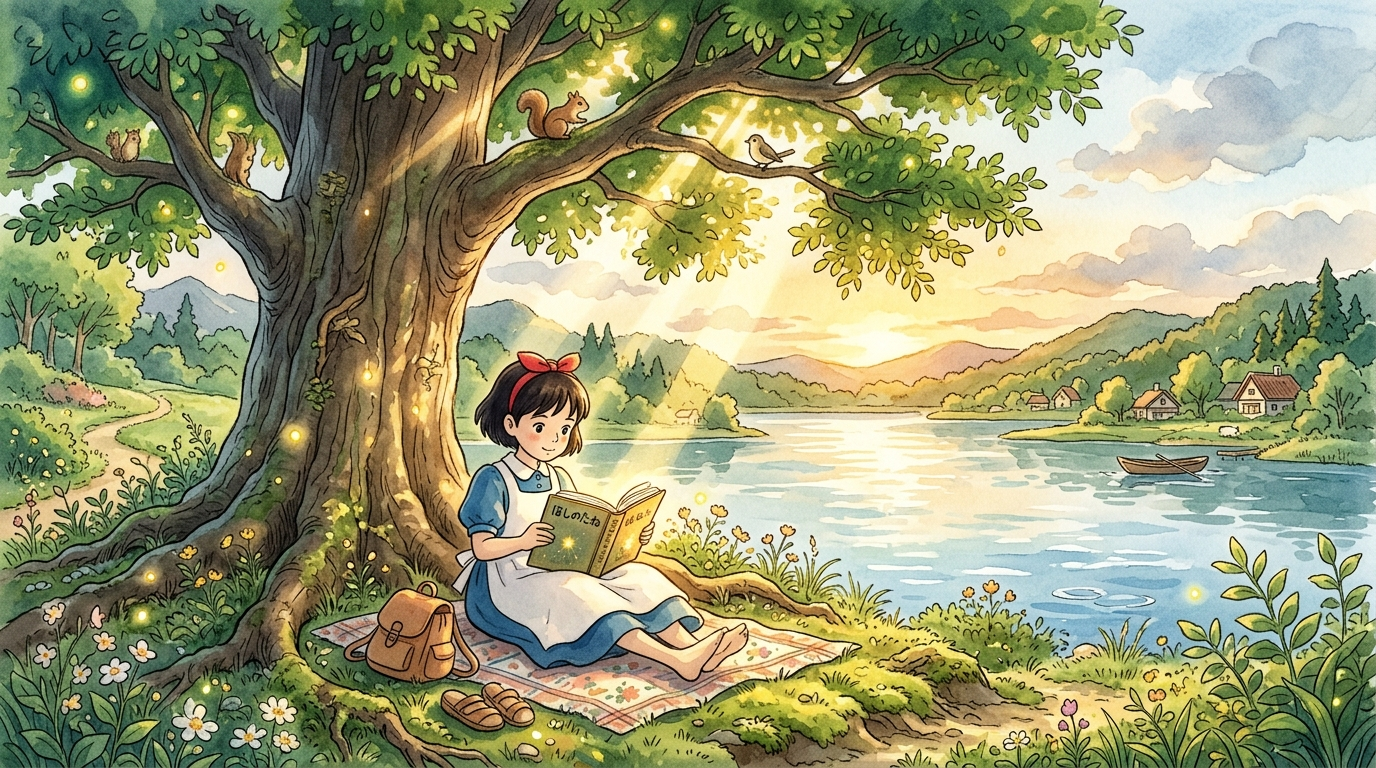
How to use the Ghibli filter on a photo
There is one look on this page and nothing to configure. You do not pick a style, you do not type a description: the soft watercolor treatment is already built in. It runs in a browser, so it works the same on an iPhone, an Android phone or a laptop.
Because there is nothing to tune, the result depends almost entirely on the photo you choose. The blocks below are about exactly that: which shots turn out well and which ones fight the style.
What the Ghibli-style filter does to your photo
It is not an overlay that tints the pixels you already have. The photo is used as a reference, and the whole frame is painted again as a still from a hand-drawn animated film. The composition and the subject stay where they were: the same people in the same places, the same dog on the same couch, the same street bending the same way.
What changes is the way everything is drawn:
Faces get rounder and simpler, with a calm expression. That is the price of the look, and it is covered honestly in the limits block further down.
One look, one click: how this differs from the five-style converter
The site also has a photo to anime page. It offers five drawing styles in a row of circles, one of which is this same soft, painted look, and a text field where you can describe what else you want. Two pages, two different jobs:
Neither is a better version of the other. This page trades control for speed; that one trades speed for control.
Which photos make the best Ghibli-style art
The style loves light, air and a sense of place. The closer your photo already is to a calm, sunny scene, the less the AI has to invent.
If the shot you love is soft or small, clean it up first: unblur image for a blurry frame, image upscaler for a tiny one, photo enhancer for a dark, flat one.
Ghibli-style portraits of couples, families and friends
A group photo keeps its arrangement: who stands next to whom, who is holding the baby, who is looking at the camera and who is not. The painted version reads as the same moment, just told in soft color and warm light, which is why couples and family shots are the most shared results from this kind of filter.
Two things help. First, keep the faces reasonably large: a family of four filling the frame comes out far better than the same family as small figures in front of a lake. Second, pick a photo where everyone is lit from the same side, so the painted light has one story to tell.
For a bigger group, expect the people in front to get the most care and the ones at the back to be simplified. If each face matters, run a tighter crop of each person and keep the group shot as the scene-setter.
Ghibli pet portraits
Dogs, cats, rabbits and horses suit this look well: the style draws an animal as an animal, with soft fur, a rounder face and warm light around it. Since there is no costume or character in this filter, your pet stays your pet rather than turning into a cartoon figure standing on two legs.
What makes a good pet shot: eye level with the animal, the face turned toward the camera, and some setting around it — the porch, the lawn, a sunny window seat. Distinctive markings usually survive; very fine patterns such as brindle or ticking get simplified into broader patches of color.
Your house, your street, your trip: Ghibli-style landscapes
You do not need a person in the frame at all. Landscapes and places are where the style feels most at home: a farmhouse, a cozy small-town street, a garden in bloom, a harbor, a view from a mountain trail, a train window. Skies get painted clouds, greenery gets lush, and ordinary buildings pick up a storybook warmth.
People use it for a painted version of their own home, a vacation keepsake, or a quiet wallpaper made from a place that matters to them. For a print or a phone wallpaper, choose Pro: the long side comes back at 2048 px instead of 1024 px.
What people make with it
A Ghibli-style avatar or profile picture
For an avatar, start from a head-and-shoulders photo with the face centered and a calm background. A busy background gets painted too, and at the size of a profile circle it can crowd the face. Crop the result to a square after download; 1024 px on Standard is already more than any social platform asks for.
If you want more choice than one look — different art styles, a plain background on request, a specific framing — the AI profile picture generator is built for avatars, and the photo to anime page lets you describe what you want in your own words.
The Ghibli trend, and how to join it with care
In the spring of 2025 soft, painted versions of everyday photos went viral: couples, pets, family dinners and wedding shots redrawn in warm watercolor and shared everywhere. This page is a simple way to make one of your own without learning any AI tool.
The trend also started a real debate among artists about AI imitating a recognizable visual tradition. Our position is simple. The look here is an inspiration: soft watercolor, warm light, pastoral calm. The result is an original picture made from your own photo, not a frame from any film, and it should not be presented as the work of a studio or of any artist.
Two rules that are on you, not on the tool: only upload photos of people who are fine with it, and do not upload photos of public figures. A painted version of someone is still a picture of that person.
Free Ghibli filter: what you get and where the limits are
You can try it for free. A new account gets two free generations in total — not per day and not per month — on Standard quality, and this tool is one of the ones they cover. Pro is part of a paid plan. After that, work continues on a plan or a pack; the terms are on the pricing page.
Download is open on this tool from the start, so a free run gives you an actual file. Until the account makes its first purchase, results carry a light ai.neiroset.com signature in the bottom-right corner; any purchase removes it permanently, including from pictures you already made.
Quality has two modes: Standard returns the picture with its long side at 1024 px, Pro at 2048 px. There is also a pace limit of six runs a minute per account, which everyday use never reaches.
Do I need an account?
Yes. You can upload a photo as a guest, but pressing Create opens the sign-in window. Results are kept in your own History, which is how you get back to them from any device.
Honest limits of the Ghibli filter
Frequently asked questions
How do I turn a photo into Ghibli-style art?
Upload the photo, press Create, and download the result. There is no style to pick and nothing to type: the soft watercolor look is the only one on this page. The painted version appears in History next to the original.
Is this affiliated with Studio Ghibli?
No. "Ghibli-style" here describes a look — soft watercolor, warm light, pastoral color — and nothing more. The site has no connection to the studio, and the studio does not sponsor, authorize or endorse it. What you get is an original picture generated from your own photo.
How is this different from the photo to anime page?
This page is one look in one click. The photo to anime page has five drawing styles, including a similar soft painted one, plus a text field for your own instructions. Use this one when you already know the look you want, that one when you want to compare or steer.
Will I still look like myself?
Recognizably, in most cases — but not one-to-one. Hair, pose, clothes and the overall impression of the face carry over; fine features get rounder and simpler, because that is how the style draws people. A sharp, well-lit face that fills a good part of the frame keeps the most.
Does it work on pets?
Yes. Dogs and cats are drawn as animals, with their coloring and main markings, in a soft painted setting. Shoot at the pet's eye level with its face toward the camera for the best result.
Can I use a photo of a couple or the whole family?
Yes, and the arrangement stays the same: the same people in the same places. The fewer people and the larger their faces, the closer the likeness. For big groups, the people at the back get simplified the most.
Can I change the result, for example add rain or a sunset?
Not on this page: it has no text field, by design. If you want to describe changes in your own words, use the photo to anime page, pick its soft painted style and write what you want there.
Is it free, and can I download the file?
A new account gets two free generations for the lifetime of the account, on Standard quality. Download is open from the start. Results carry a light ai.neiroset.com signature until the account makes its first purchase, which removes it permanently.
Do I need an account, and is there an app?
An account, yes: Create opens the sign-in window for guests. An app, no: the page works in a mobile browser on iPhone and Android the same way it does on a computer. Send iPhone photos as JPG, because HEIC is not accepted.
Can I sell the picture or use it for my business?
We do not grant commercial rights to the result. Treat it as a personal picture: a profile photo, a keepsake, a gift for someone close.
Try other tools
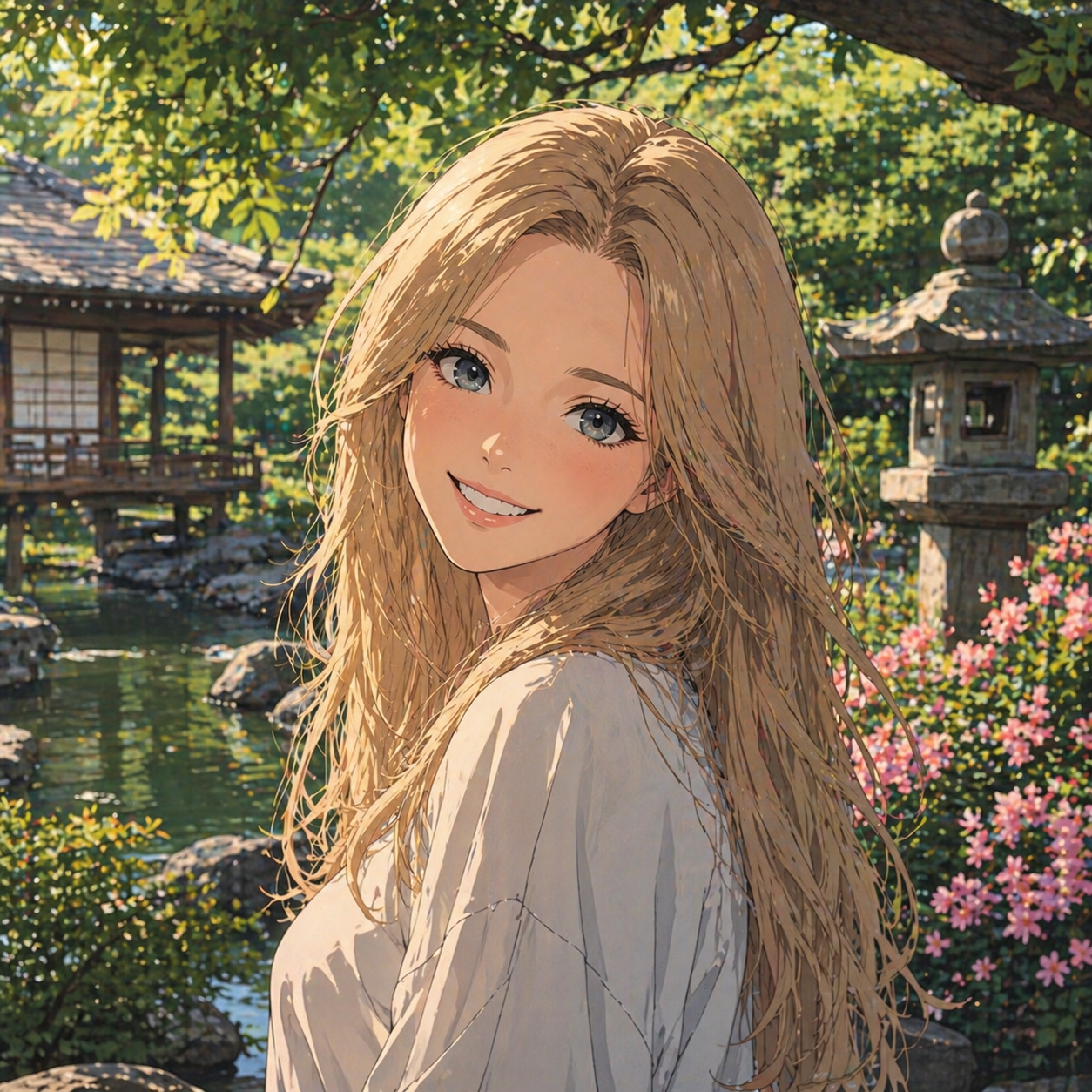 Photo to anime
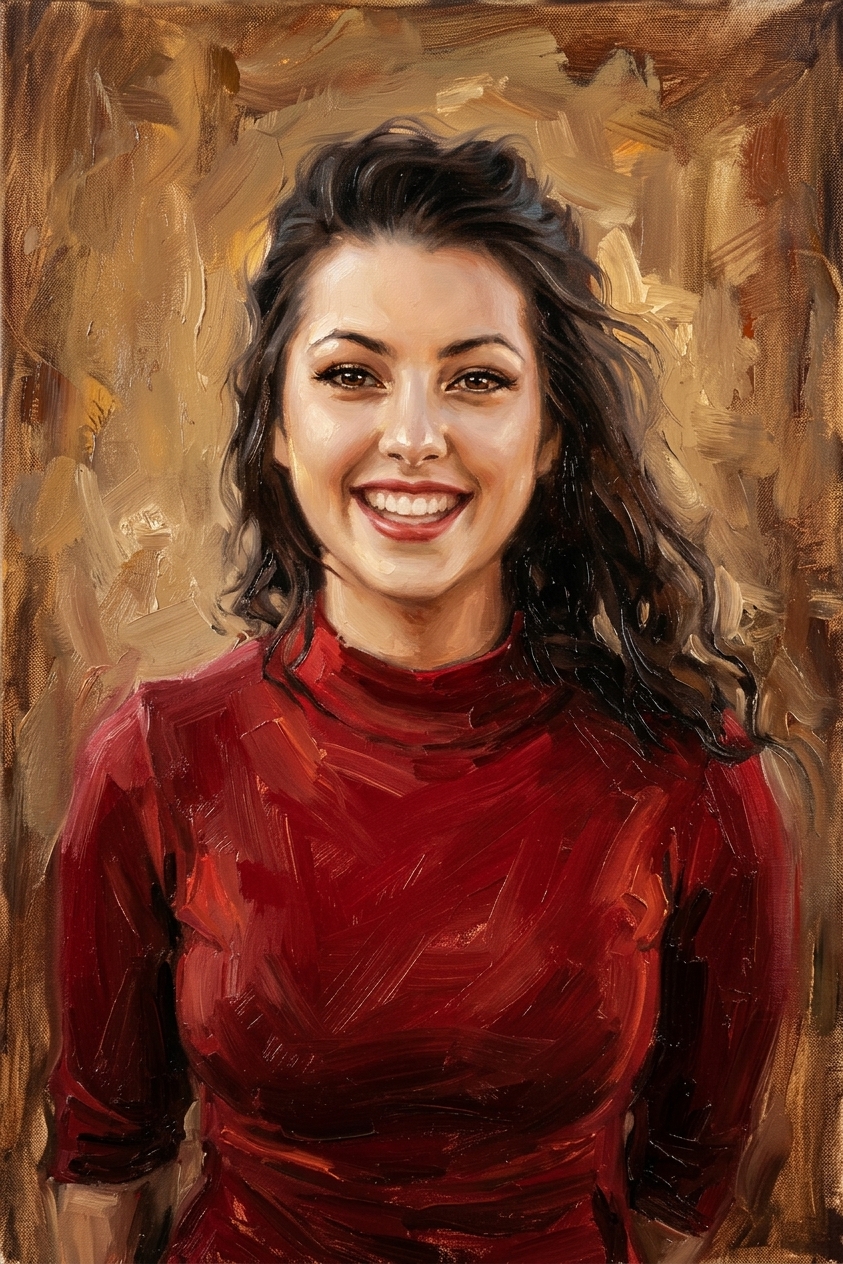 Oil painting
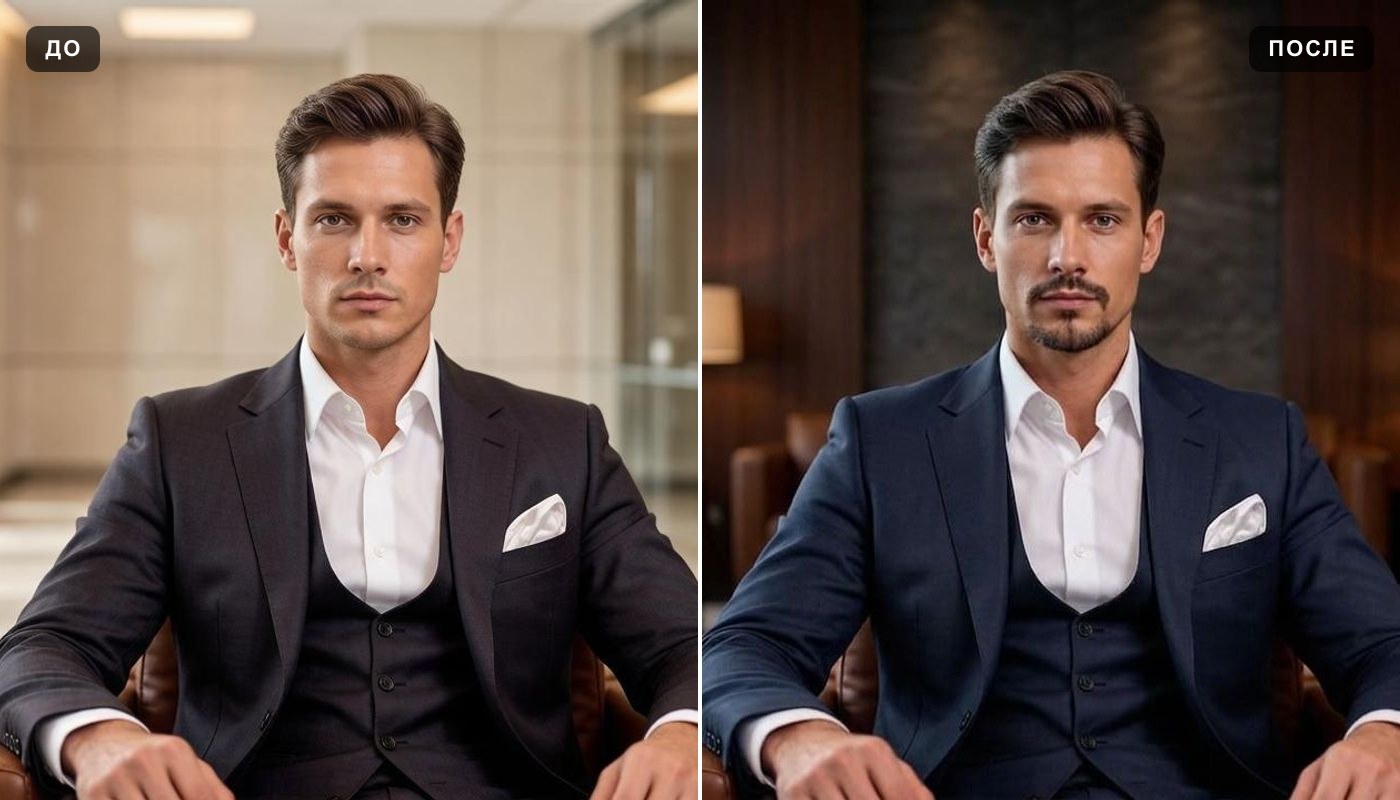 AI profile picture
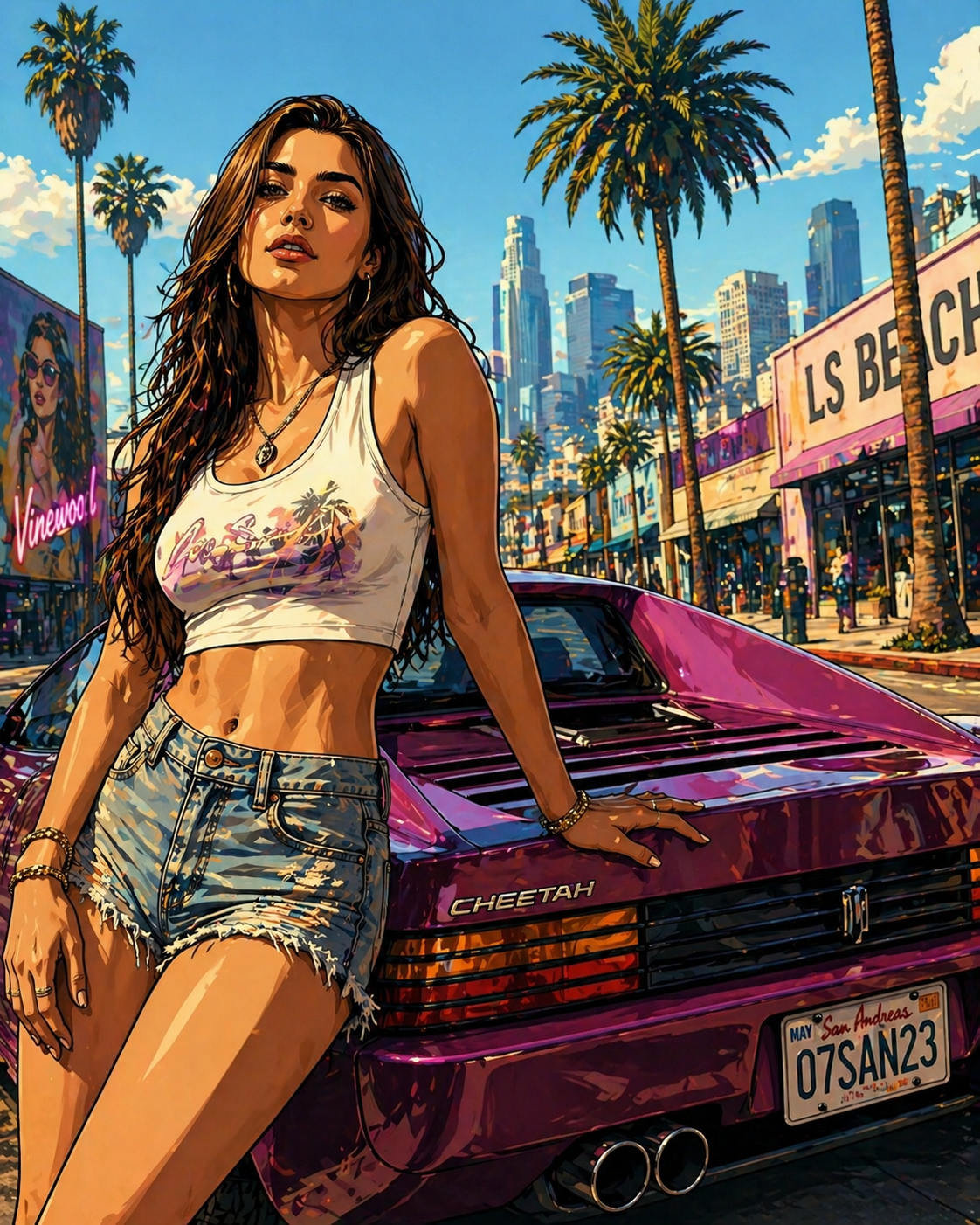 GTA-style photo
 LEGO®-style minifigure
 Stranger Things filter
 AI snow photo
 Colorize photo
 Photo enhancer
Everything else is in the tools catalog.
Studio Ghibli is a trademark of its owner, which does not sponsor, authorize or endorse this site. GTA, LEGO® and Stranger Things are trademarks of their respective owners.