Turn a photo into a drawing
Turning a photo into a drawing with AI is a way to get an illustration out of an ordinary photograph in seconds. The neural network reads the image, keeps the face, the pose and the composition, and then restyles the photo as artwork: a pencil sketch, watercolor, digital painting, comic, anime or any other art style. Upload a photo, add your own description if you like, and get a one-off drawing without drawing skills or complicated editing.
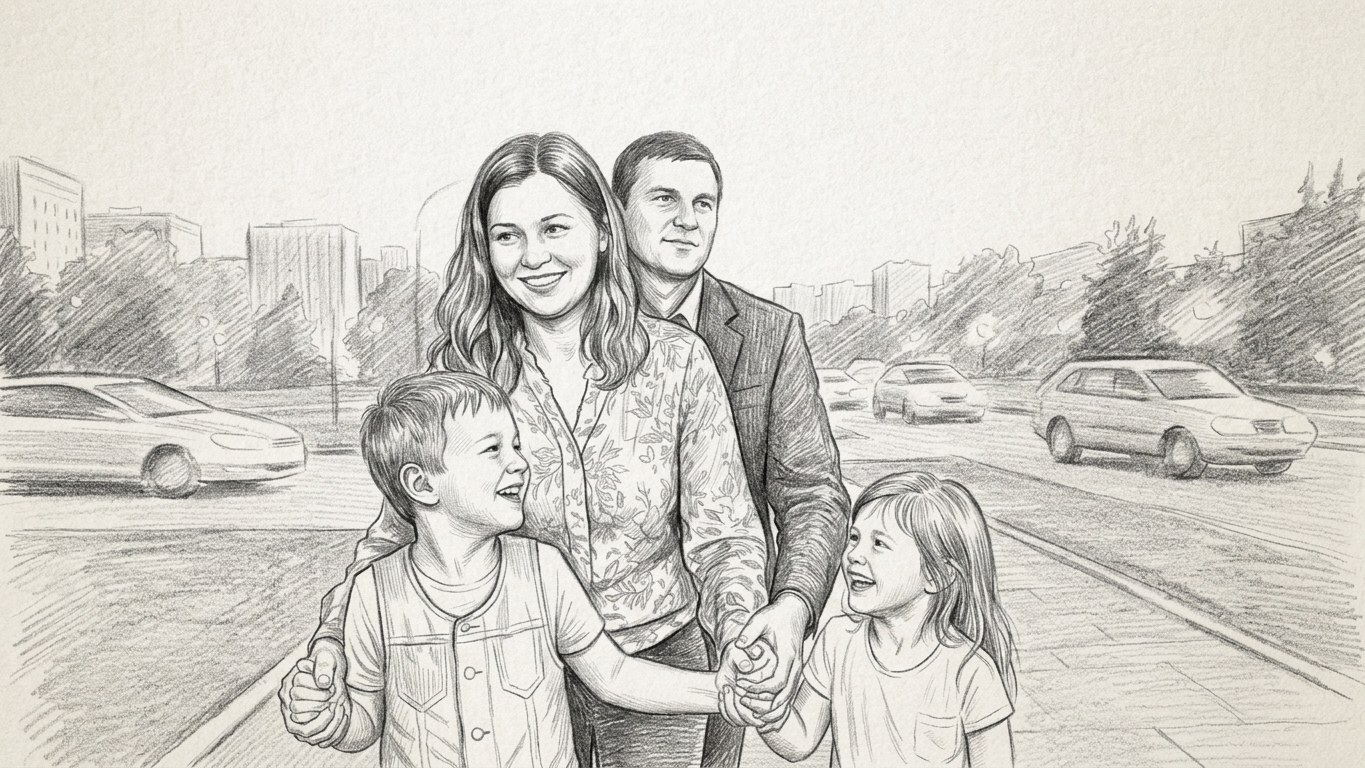
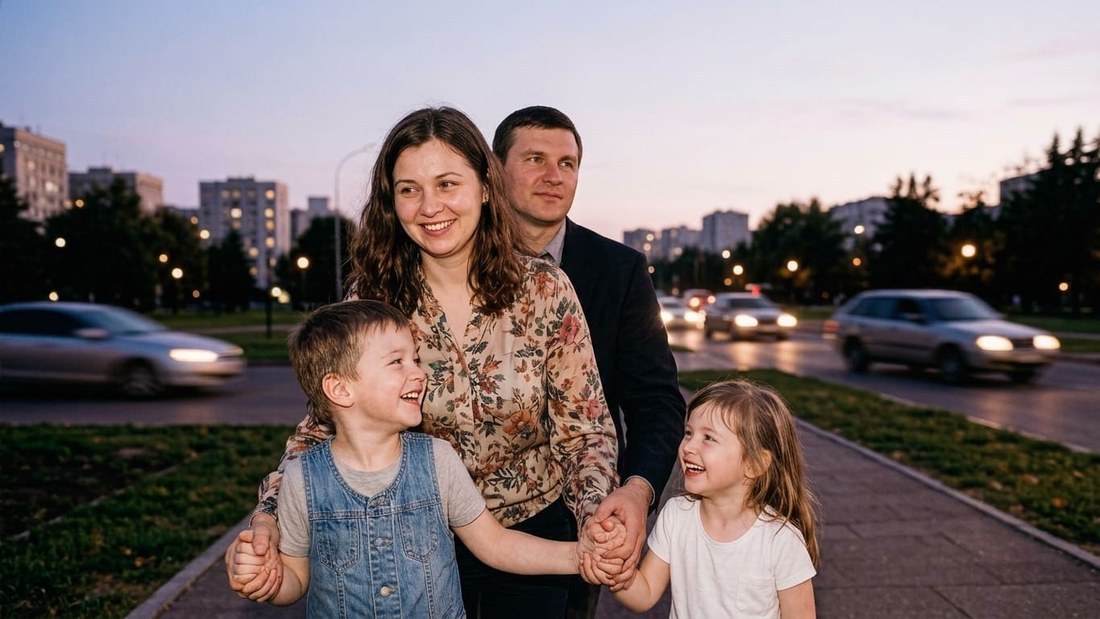 BeforeAfter↔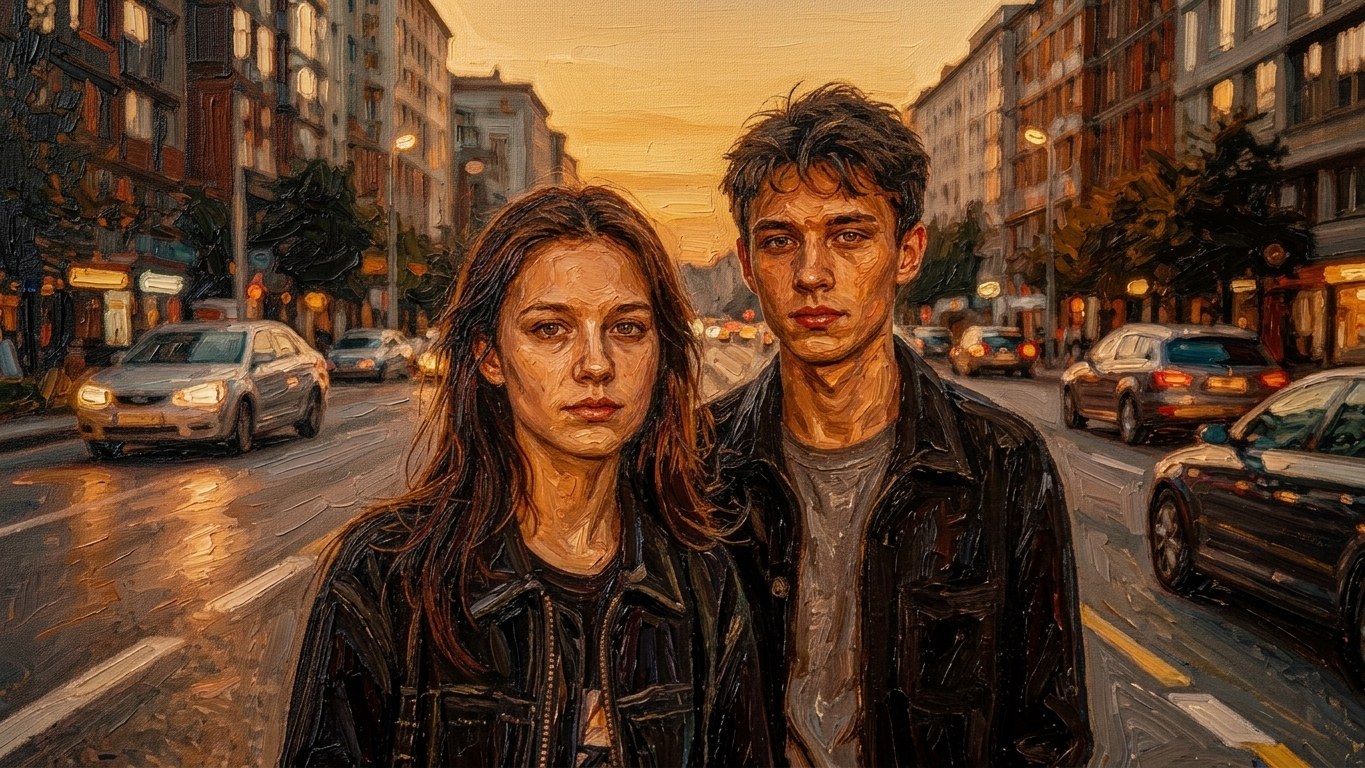
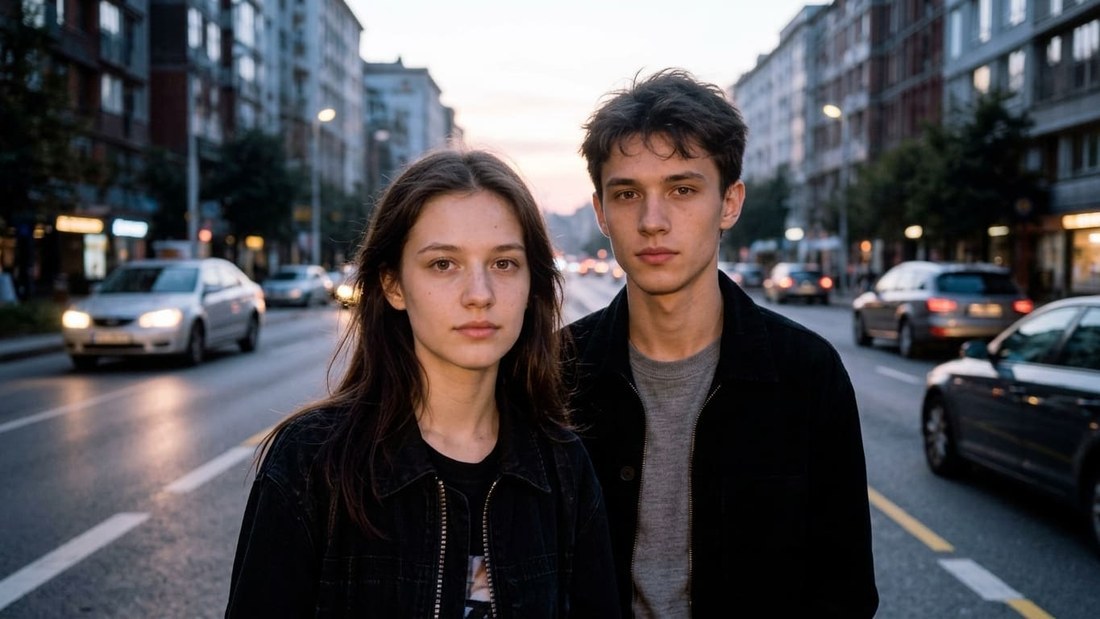 BeforeAfter↔
Turn a photo into a drawing with AI
Turning a photo into a drawing with AI is a way to get an illustration out of an ordinary photograph in seconds. The neural network reads the image, keeps the face, the pose and the composition, and then restyles the photo as artwork: a pencil sketch, watercolor, digital painting, comic, anime or any other art style. Upload a photo — and get a one-off drawing without drawing skills or complicated editing.
How it works
How to get the best result
Ready-made prompts for turning a photo into a drawing
Use these styles as they are or adapt them to your photo. You can add details: background, clothing, mood, color palette and how far the stylization should go.
Oil painting
Turn the photo into a realistic oil painting: thick brush strokes, deep colors, painterly lighting, canvas texture and the atmosphere of a classic artwork. Keep the face, pose, clothing and composition of the image.
Watercolor
Turn the photo into a delicate watercolor illustration: soft translucent colors, smooth transitions, light paint bleeds, an airy atmosphere and a hand-painted finish. Keep the people and the composition of the photo.
Pencil
Turn the photo into a pencil drawing: fine strokes, natural graphite lines, a black-and-white artistic style, soft shadows and careful detail. Keep the face, pose and background.
Charcoal sketch
Turn the photo into a dramatic charcoal sketch: bold dark strokes, textured paper, deep shadows and the look of a drawing made by hand in charcoal.
Renaissance
Turn the photo into a Renaissance-era portrait: soft warm light, realistic painting, rich colors, classical composition and the atmosphere of a museum piece.
Van Gogh style
Turn the photo into an expressive painting with dynamic brush strokes, vivid colors, swirling lines and a post-impressionist atmosphere in the spirit of Van Gogh.
Digital painting
Create a modern digital painting from the photo: cinematic light, clean detail, painterly finish and a professional digital art style.
Pastel
Turn the photo into a soft pastel drawing: velvety texture, calm colors, smooth transitions and the atmosphere of handmade work.
Ghibli
Turn the photo into an atmospheric illustration in the spirit of Japanese animation: soft colors, cozy light, painterly backgrounds, a warm atmosphere and the Ghibli art style.
Love is... comic
Make the image a romantic Love is... style illustration: simple cartoon characters, sweet emotions, soft colors and the atmosphere of vintage 90s bubble gum wrappers.
Soviet poster
Turn the photo into a Soviet propaganda poster: a limited palette, bold graphics, high-contrast colors, vintage texture and a powerful composition.
Banksy style
Make a street-art graffiti piece: stencil technique, high-contrast black-and-white shapes, a painted-wall effect and the atmosphere of modern street art.
Medieval marginalia
Turn the photo into a strange and funny illustration in the style of medieval manuscripts: flat perspective, vintage colors, odd details and the atmosphere of an old book.
Line art
Make a minimal line-art drawing: clean contour lines, a simple artistic style, white or neutral background and a modern graphic aesthetic.
Gustav Klimt
Create a decorative painting with gold elements, ornaments, intricate patterns and an art nouveau atmosphere in the spirit of Gustav Klimt.
Surrealism
Turn the photo into a surreal painting: unusual shapes, dreamlike details, the artistic atmosphere of a dream and a creative visual reading.
Cubism
Make the image cubist: geometric shapes, unusual perspective, deliberate distortion of objects and bright abstract planes.
Khokhloma folk art
Turn the photo into decorative Khokhloma painting: gold patterns, a red-and-black palette, folk ornaments and traditional Russian aesthetics.
African art
Make an artistic piece in the spirit of African art: ethnic patterns, warm earthy colors, expressive shapes and a decorative composition.
Indian art
Turn the photo into a vivid illustration with elements of Indian art: saturated colors, decorative patterns, rich detail and the atmosphere of traditional painting.
Chinese ink painting
Make the image in the style of Chinese ink painting: minimal brush strokes, soft black tones, rice paper and a calm artistic atmosphere.
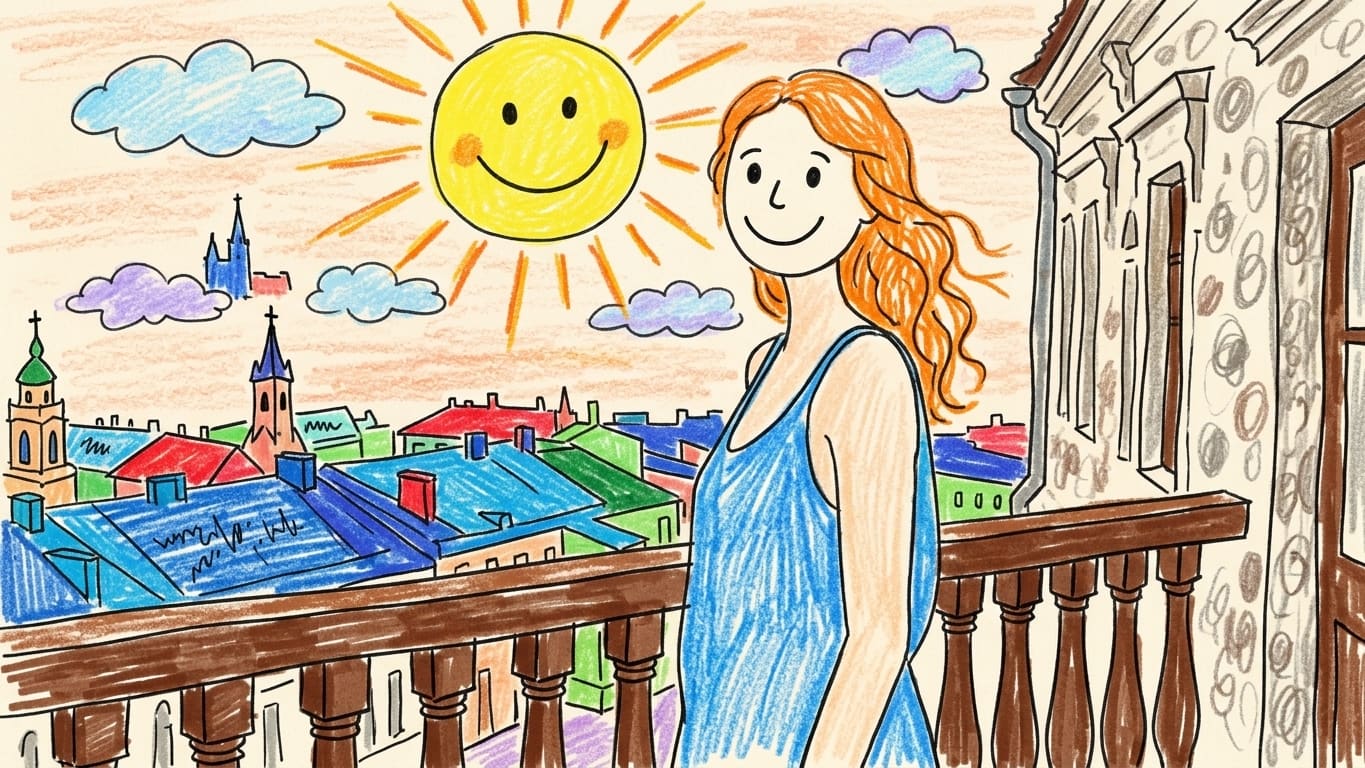
Kid's drawing, age 3–5
Turn the photo into a naive child's drawing: simple shapes, bright colors, uneven lines and the feel of a picture made with markers or crayons.
Japanese woodblock print
Make the image in the style of a classic Japanese woodblock print: flat colors, refined lines, traditional composition and the atmosphere of old Japanese art.
Sticker
Turn the photo into a bright sticker: a crisp outline, saturated colors, minimal background and a clean cartoon style that suits messengers and social media.
Enamel pin
Make the image in the style of an enamel pin: simple shapes, bright fills, a metal outline and the look of a real collectible pin.
Minimalism
Create a minimal drawing: clean shapes, a limited palette, simple composition and a modern aesthetic with nothing extra.
Pixel art
Turn the photo into pixel art: chunky pixels, a retro gaming atmosphere, a limited palette and the style of old video games.
Caricature
Make a fun caricature from the photo: slightly exaggerated facial features, a cartoon style, a humorous atmosphere and a playful finish.
Sketch
Turn the photo into a quick artistic sketch: loose lines, light hatching, the feel of an artist’s draft and a hand-drawn style.
Fine art painting
Turn the photo into a fine art painting: a rich color palette, painterly texture, soft lighting and the atmosphere of a professional gallery piece.
Before and after
Drag the slider to compare the original photo with the finished drawing.
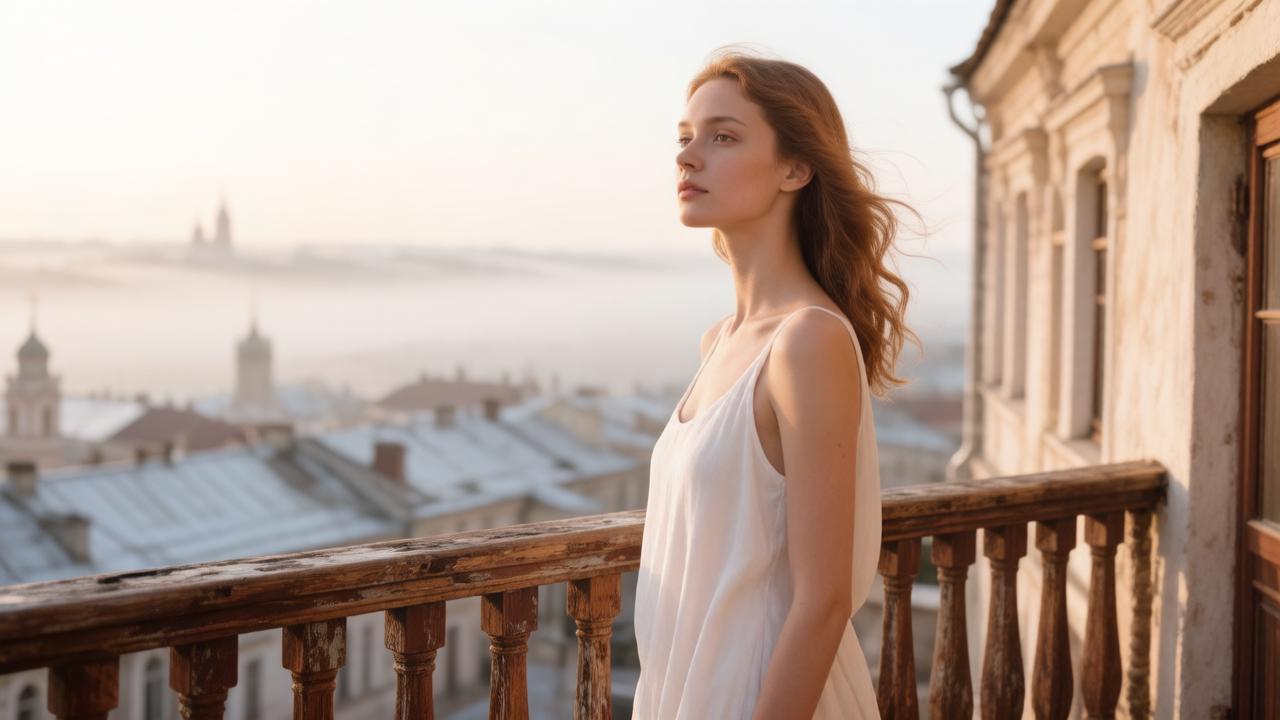 Before
After
↔
Before
After
↔
Where to use it
What the AI does
The neural network reads the photo you upload and turns it into a drawing. It keeps the main facial features, the pose, the clothing, the background and the composition, but changes how it all looks: it adds artistic lines, strokes, brushwork, textures, the color palette and the atmosphere of the style you chose.
What to keep in mind
Why use this generator
Frequently asked questions
How do I turn a photo into a drawing?
Upload a photograph, pick a style or add your own prompt, and press Create. The neural network turns the image into an artistic drawing.
Which drawing styles can I choose?
You can use watercolor, pencil, oil painting, sketch, line art, pixel art, pastel, digital painting and other styles.
Does the AI keep the person’s face?
The AI tries to keep the main facial features, the pose and the composition, but the final image stays an artistic interpretation.
Where can I use a drawing made from a photo?
The finished image works for avatars, social media, gifts, posters, cards, presentations and creative projects.
Try other tools
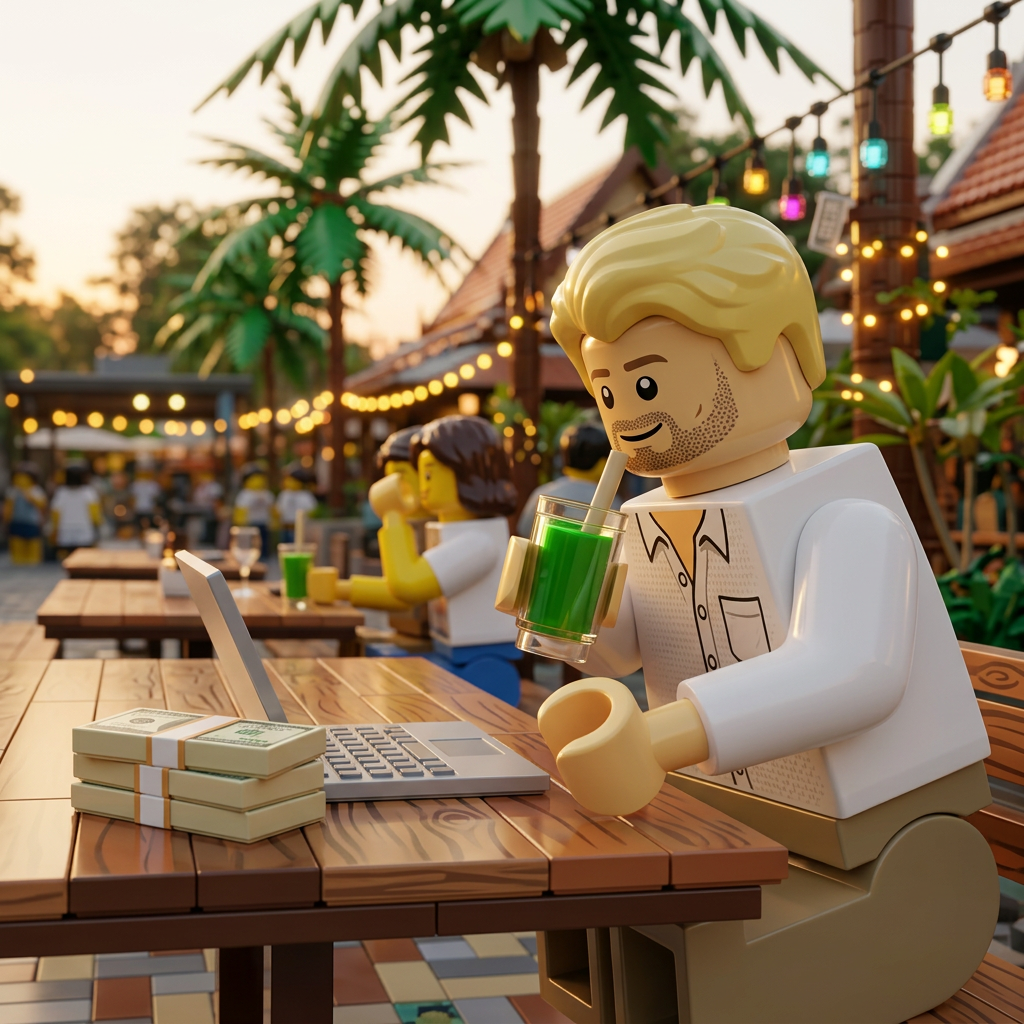 Lego filter
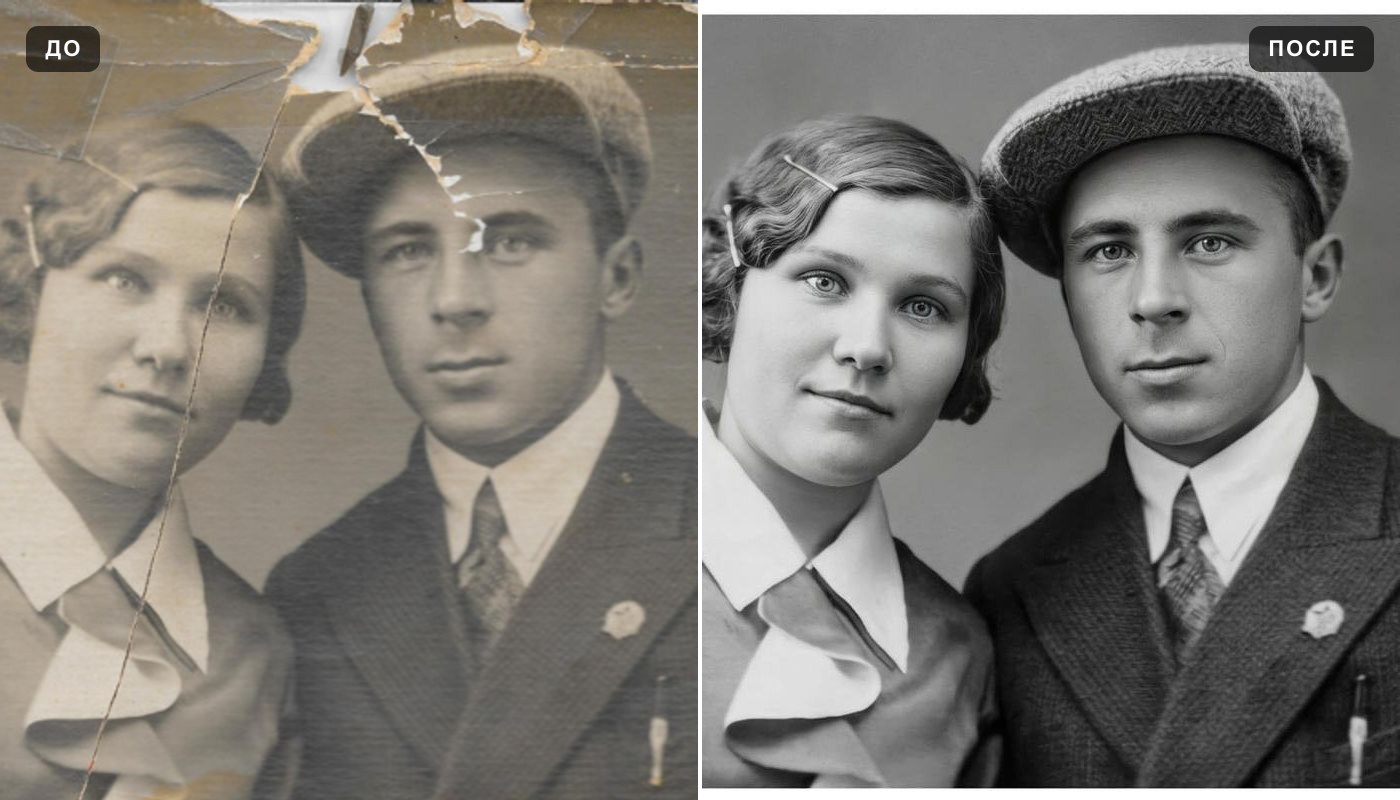 Photo enhancer
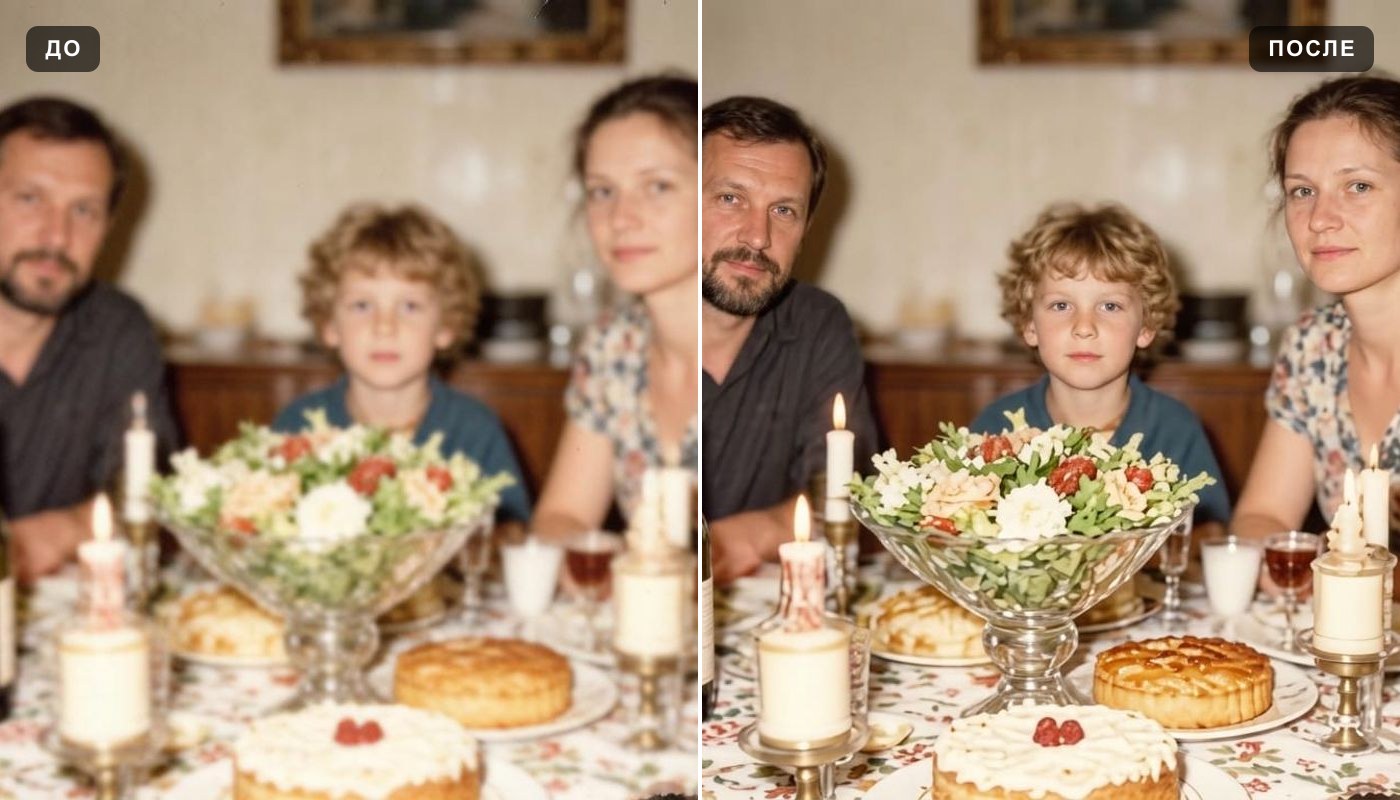 Unblur image
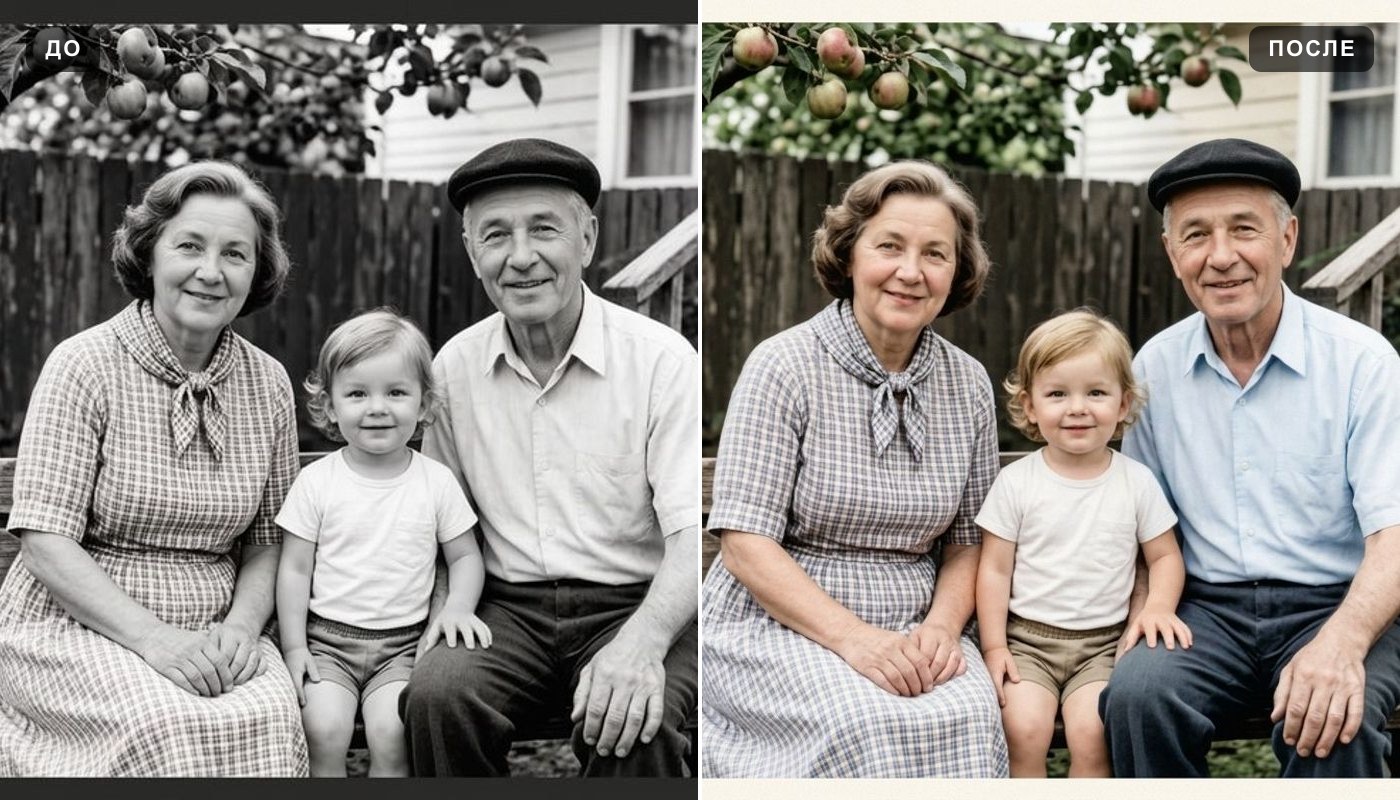 Colorize photo
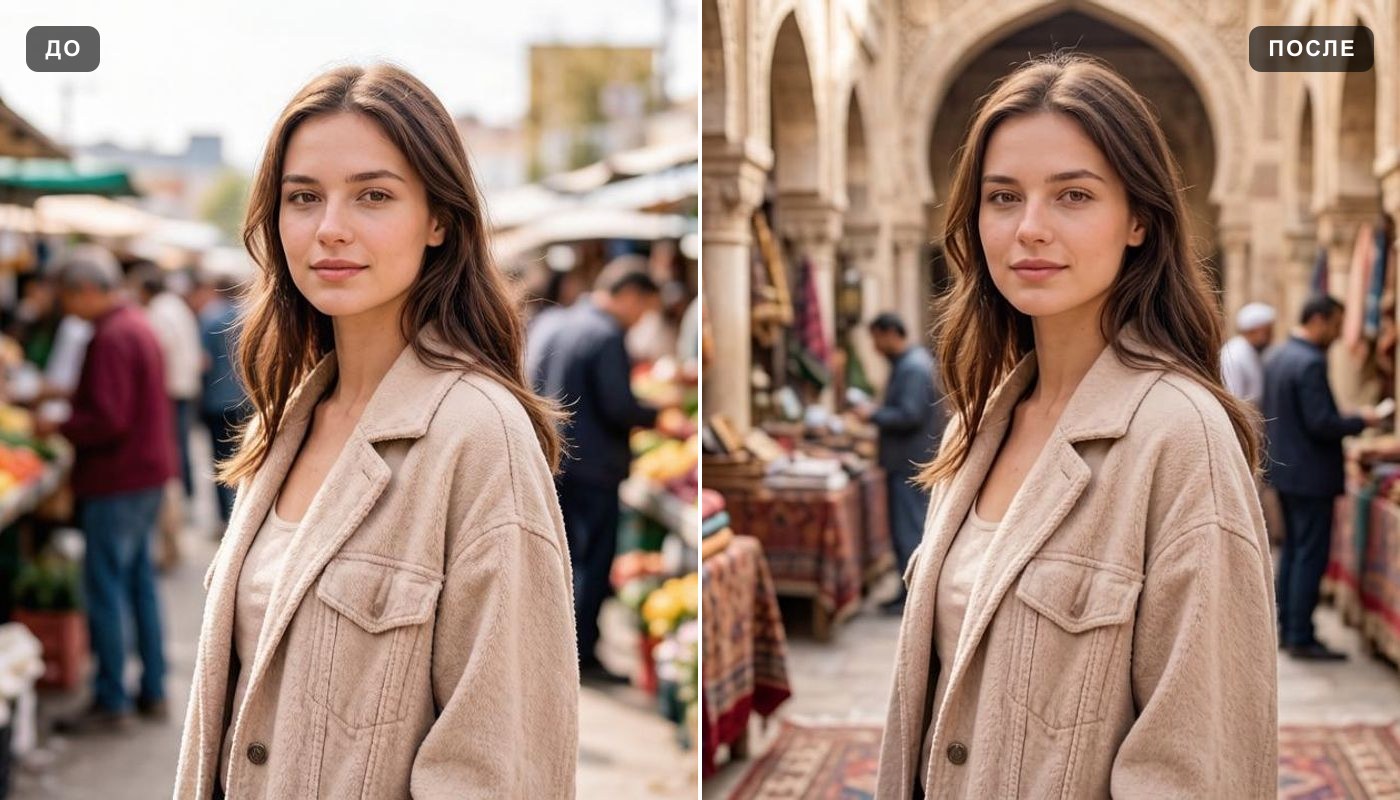 Background changer