Clear Umbrella Snow Photo: Your Portrait Under an Umbrella in Falling Snow
Upload a photo and the AI places you in a winter scene holding an umbrella while snow falls around you: soft cinematic light, a warm winter coat, snowflakes in the air and a gently blurred background, like a still from a fashion shoot or a K-drama. Want the classic clear umbrella, a red one or a black one? Say so in Additional wishes, then press Create and download.
How to make a clear umbrella snow photo
The snowy scene, the umbrella and the winter mood are built in. What you add is a photo and, if you like, a short note about the umbrella. It runs in a browser, so it works the same on an iPhone, an Android phone or a laptop.
What to write in Additional wishes
This is the one real choice on the page. Whatever you type in Additional wishes is added to the built-in description of the scene, so short, concrete notes work best. If you leave the field empty, the AI picks the umbrella itself: often a clear one, but not every time. For the clear umbrella aesthetic, say it in words.
Ready-made notes you can copy as they are:
Keep it to one or two ideas at a time; a long list of wishes tends to get followed partly. The field holds up to 500 characters. Next to it is Improve description, which can help turn a two-word note into a fuller one before you press Create. It is a paid action on your account, same as a generation, and a short plain wish like the ones above works without it.
Which photo works best under the umbrella
The AI keeps you and builds the snowy scene around you. The more clearly it sees your face, the more of you it keeps.
If the photo you love is soft or tiny, fix it first with the unblur image or image upscaler tool. For a vertical story frame, start from a vertical photo: there is no aspect ratio setting.
What changes and what stays the same
This is not a sticker of an umbrella placed over your picture. The AI takes you from the photo and puts you in a new, fully rebuilt winter scene.
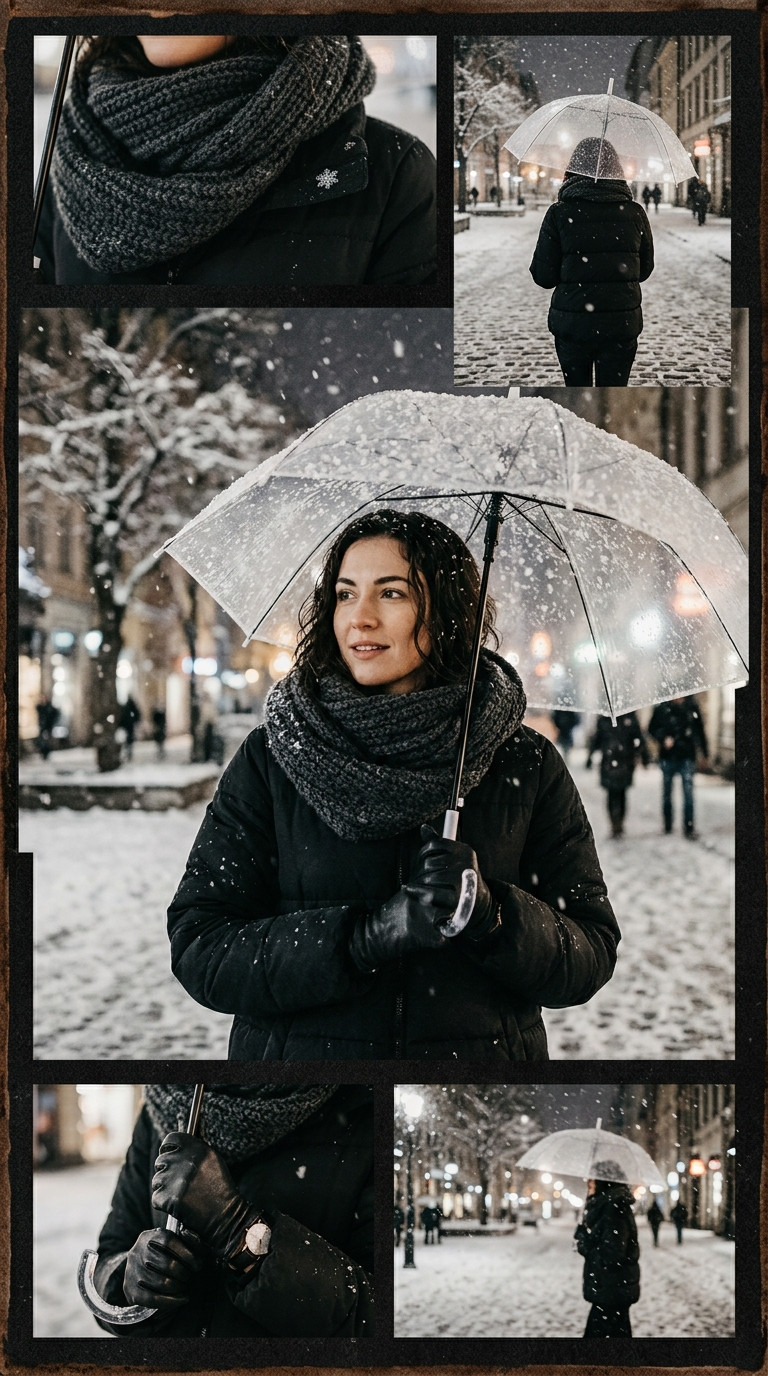
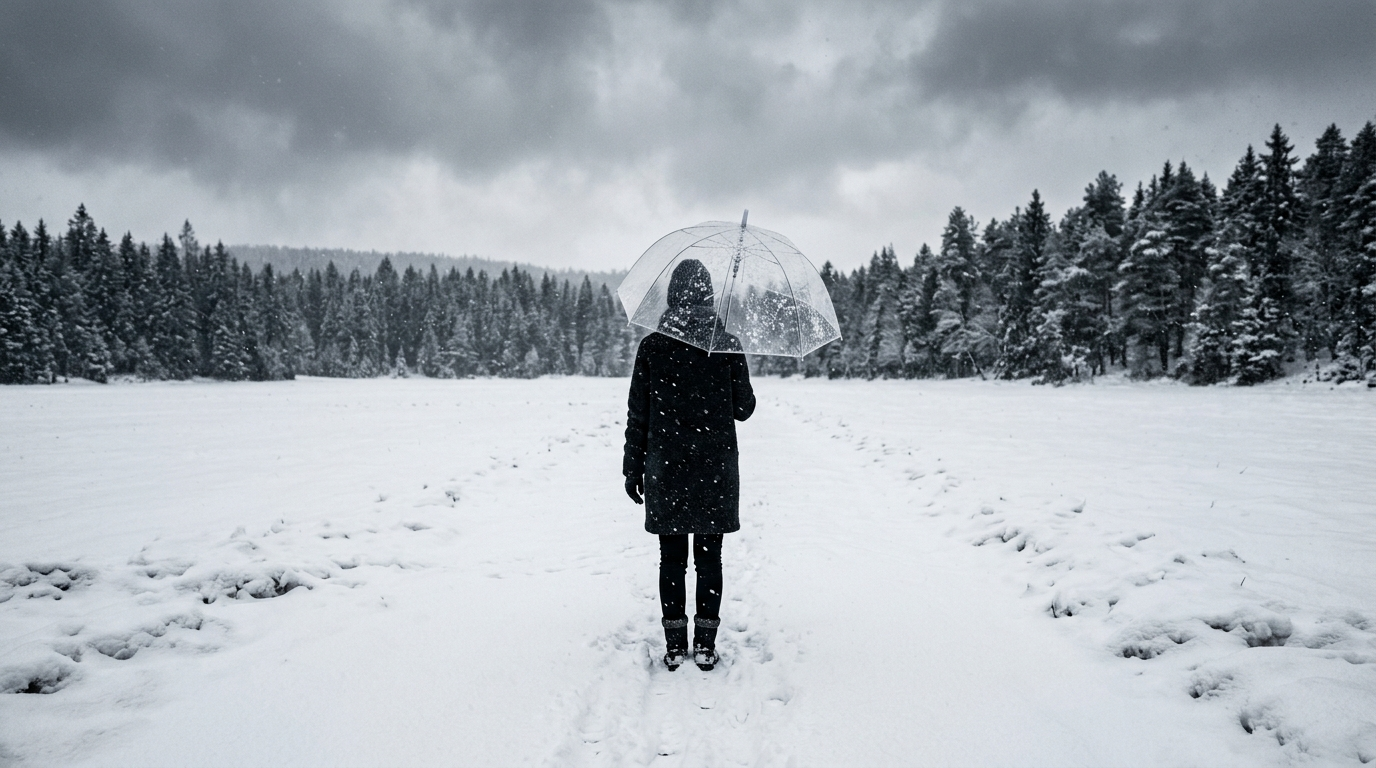
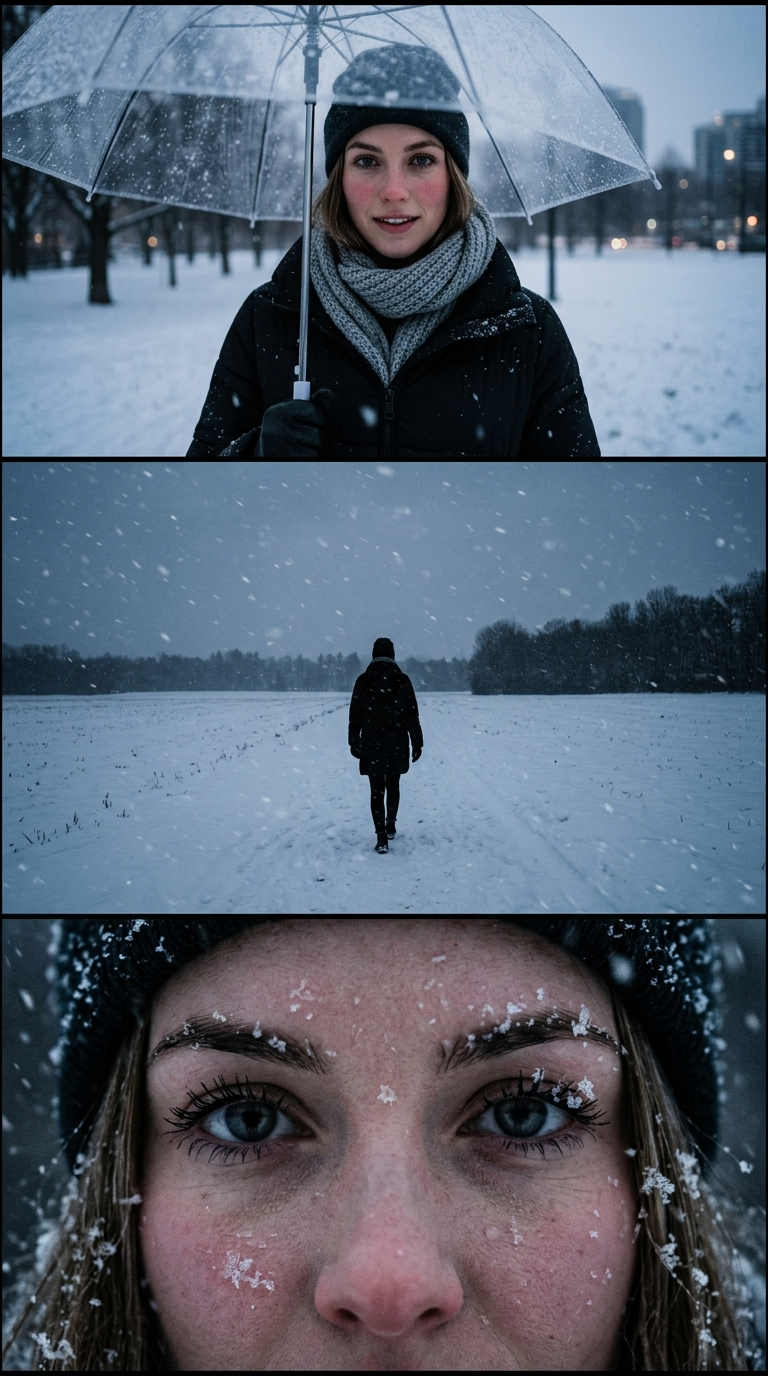
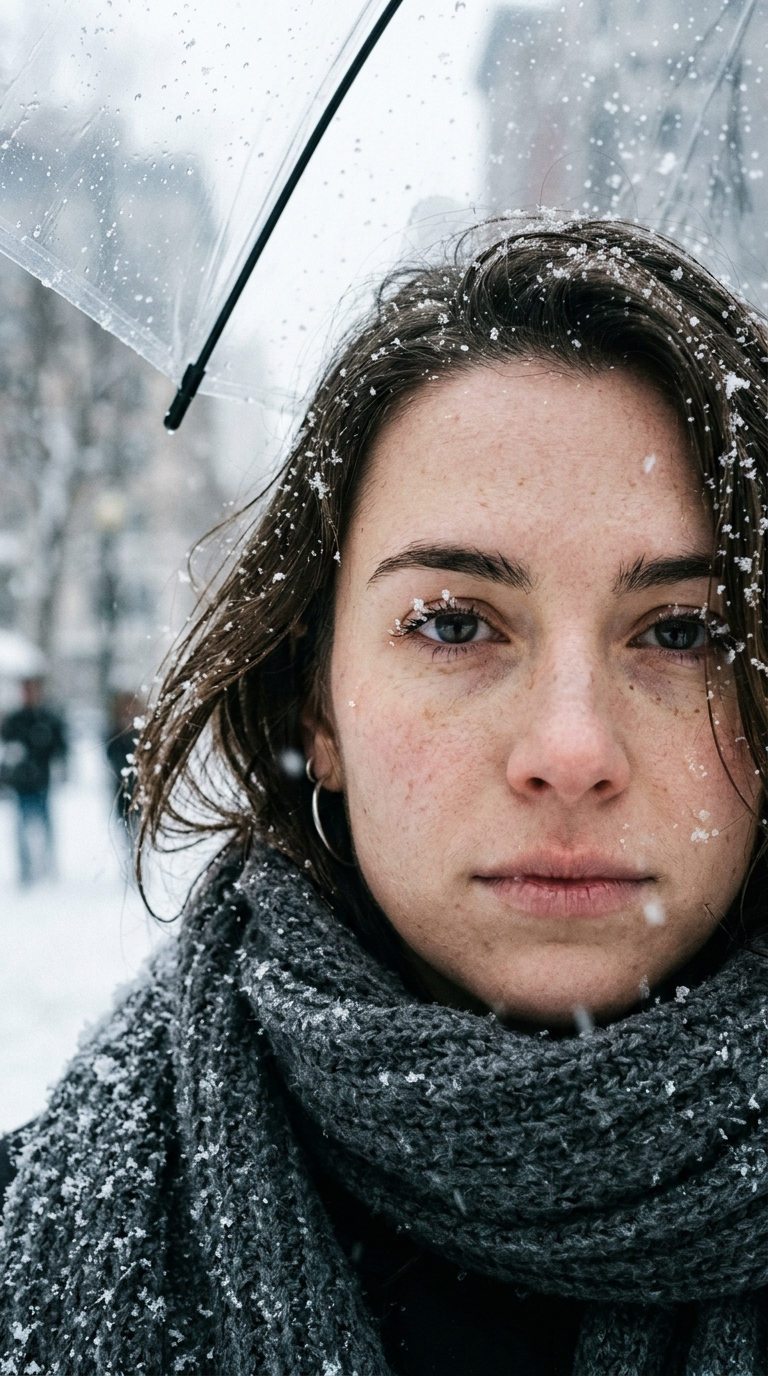
The example gallery on this page shows the range of what comes back: a vertical night-street collage with a woman under a clear umbrella, a lone figure with a clear umbrella in the middle of a snowy field, a vertical triptych that moves from a face under the umbrella to a distant figure to a close-up with snowflakes, and a tight portrait with a scarf and the edge of the umbrella. The exact scene is not fixed: each run is a new composition.
Night snow, street lights and city glow
A clear umbrella looks its best at night: the dome catches the light, the snow sparkles in the glow of street lamps and the background melts into warm bokeh. The default scene leans toward soft daylight, so if you want the evening version, ask for it: "clear umbrella, snowy night street, warm street lights".
Night results often come out as the most atmospheric ones, and also the least predictable: signs and shop windows in the background come back as blurred shapes or invented lettering. Pick the run where the lights look right and the text is out of focus.
Two people under one umbrella
A couple sharing a clear umbrella in the snow is one of the most romantic versions of the trend, and it can work here, with one condition: both faces need to be large, sharp and well lit in your original. A close selfie of the two of you is a good start; a wide shot where you are small figures is not, and the second person is usually the first to lose their likeness.
It helps to write it down: "couple under one clear umbrella, close together". If the result still drifts, make a portrait of each person and post them side by side as a carousel.
Clear umbrella or the classic snow portrait?
This page is one branch of the viral snow trend. The main one is the AI snow photo: a quiet close portrait in falling snow, soft daylight, a fur hood or a warm coat, with nothing to type and nothing to choose.
Come here when the umbrella is the point, or when you want to steer the result in words: the umbrella color, the outfit, night instead of day. For the plain snowy portrait that most people post, start with the snow photo page.
Free generations, download and quality
A new account gets two free generations in total — not per day and not per month — on Standard quality. Pro is part of a paid plan; the terms are on the pricing page. You can fill in the form as a guest, but Create opens the sign-in window.
Download is open from the start. Until the account makes its first purchase, results carry a light ai.neiroset.com signature in the bottom-right corner; any purchase removes it permanently, including from earlier pictures. Standard returns the long side at 1024 px, Pro at 2048 px. The pace limit is six runs a minute per account.
Honest limits of the umbrella snow photo
Frequently asked questions
How do I get a clear umbrella in the picture?
Type "clear transparent umbrella" in Additional wishes before you press Create. Without a note the AI picks the umbrella itself, and it is often, but not always, a clear one.
Can I choose a different umbrella color?
Yes. Write "red umbrella", "black umbrella" or any color you want in the same field. You can add the coat, the scarf or a night scene too; one or two wishes at a time work best.
How is this different from the AI snow photo page?
The AI snow photo is the classic snowy portrait with no settings. This page adds an umbrella to the scene and lets you describe it, and the rest of the look, in your own words.
Will I still look like myself?
In most cases, yes, but not one-to-one. Your face, hairstyle and glasses carry over; small features can shift. A sharp, well-lit face that fills a good part of the frame keeps the most.
Can two people share the umbrella?
It can work if both faces are large and well lit in your photo. Add "couple under one clear umbrella" to your wishes. Wide shots with small figures are much less reliable.
Is it free, and can I download the file?
A new account gets two free generations for the lifetime of the account, on Standard quality. Download is open from the start. Results carry a light ai.neiroset.com signature until the account makes its first purchase, which removes it permanently.
Why does the umbrella look a bit off?
Transparent plastic, thin spokes and a hand around the handle are among the hardest things for the AI to draw. Run it again, try a photo where your hands are out of frame, or ask for a close-up portrait so only the edge of the umbrella shows.
Try other tools
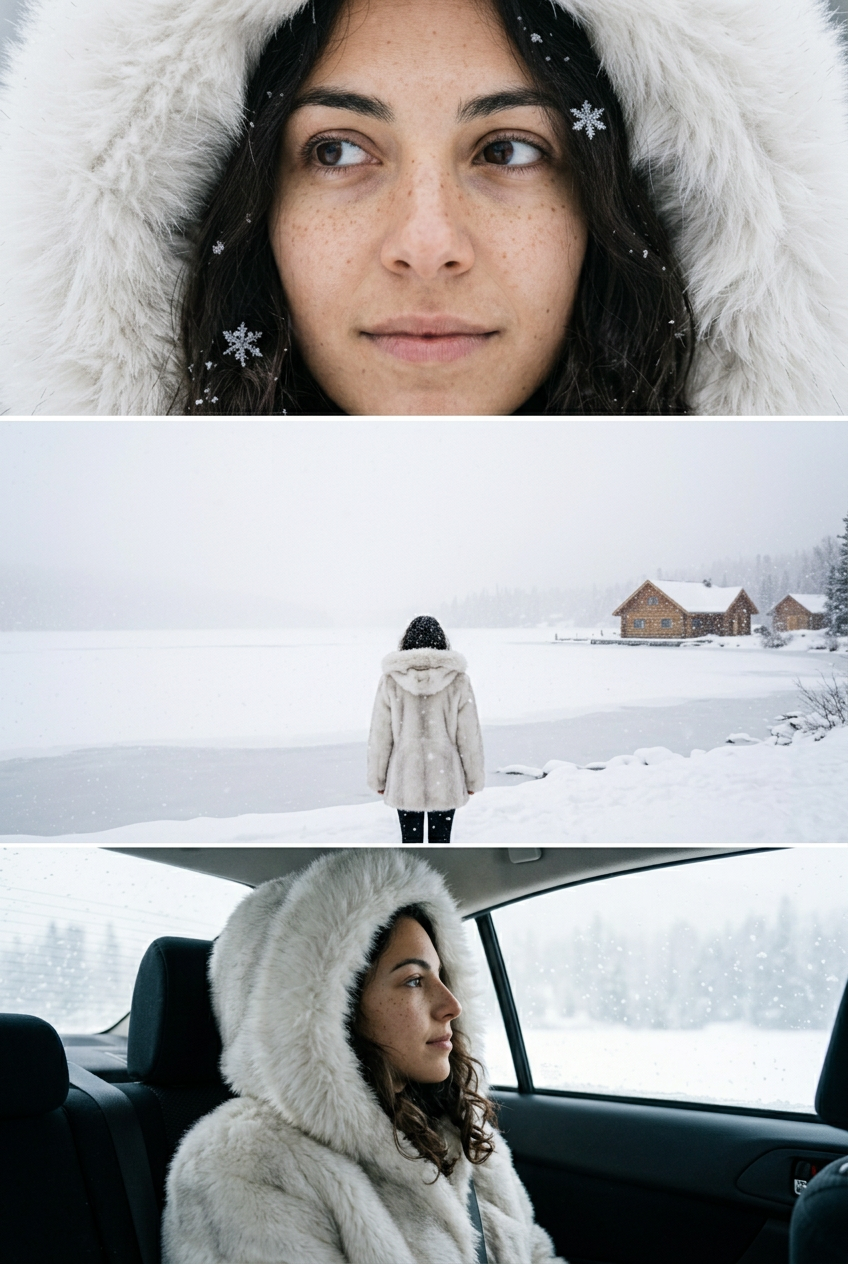 AI snow photo
 Vintage Christmas card
 AI photo editor
 AI profile picture
 Ghibli filter
 Oil painting
Everything else is in the tools catalog.
Studio Ghibli is a trademark of its owner, which does not sponsor, authorize or endorse this site.