
AI Photo Editor: Edit a Photo With a Text Prompt
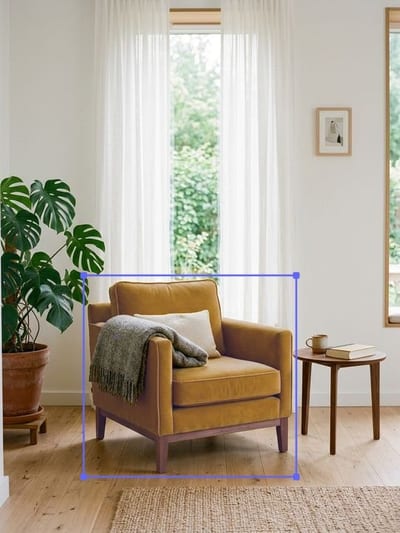
Upload a shot, click the thing you want to change, and write what should happen to it: "make the jacket navy", "swap the mug for a glass", "add a plant on the shelf". The model outlines what you clicked on its own and redraws only that patch — every pixel outside it comes back from the file you uploaded, faces included. Your first edit is free once you sign in, and the editor does not need a subscription.
Drop your photo here
JPG, PNG, WEBP — up to 10 MB. You will select the object right on the photo.
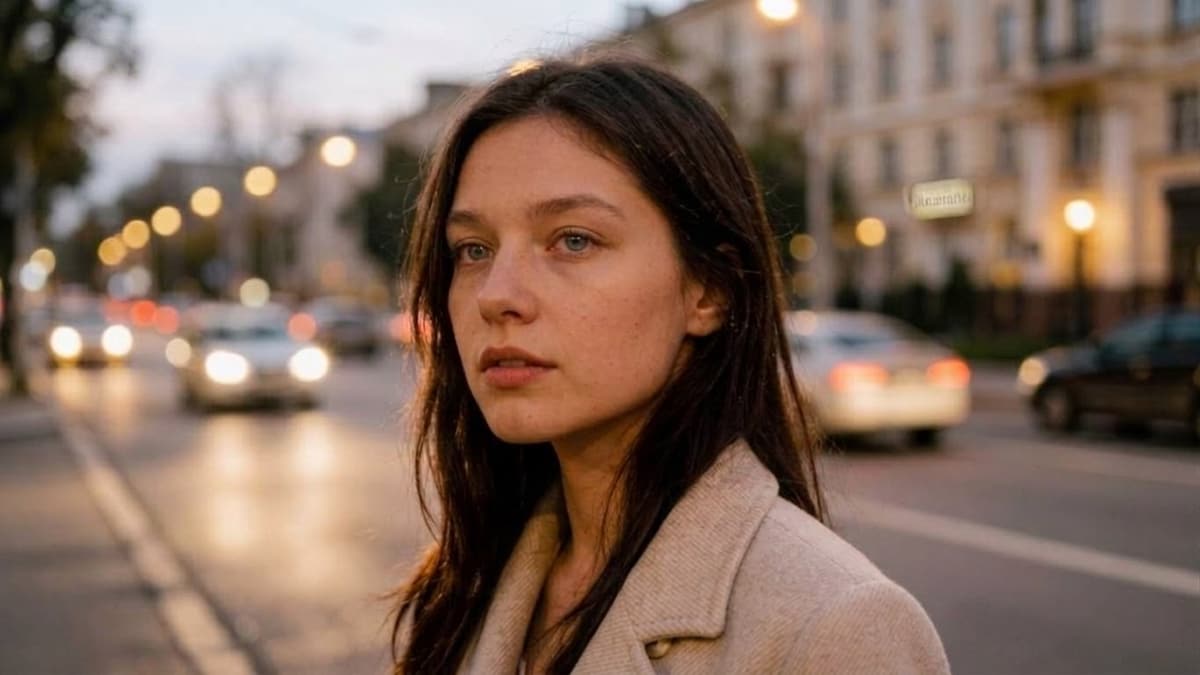
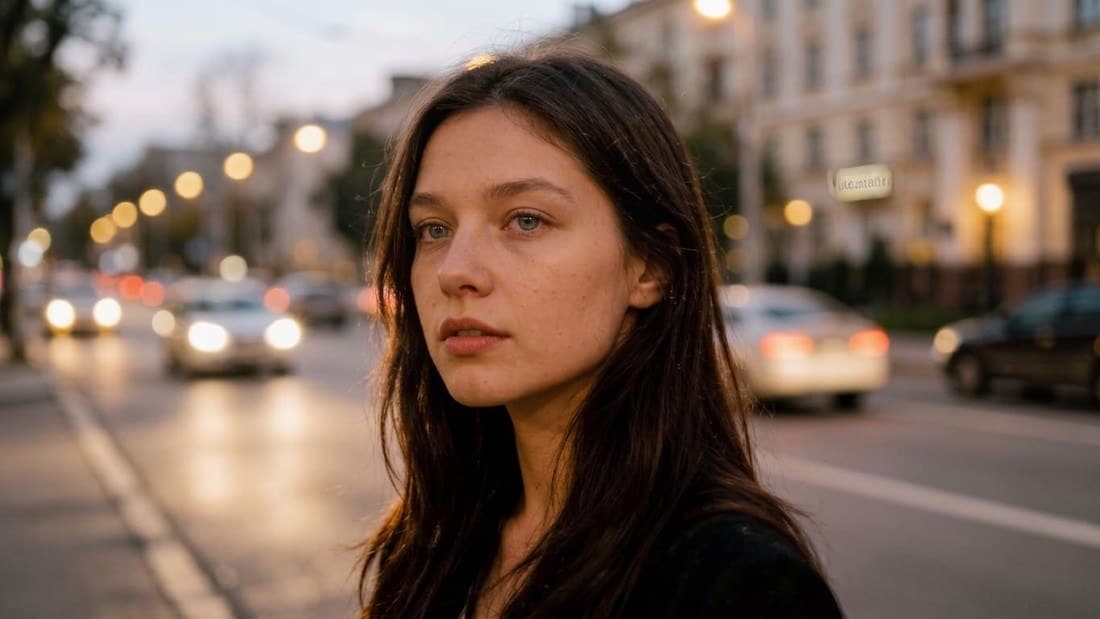 BeforeAfter↔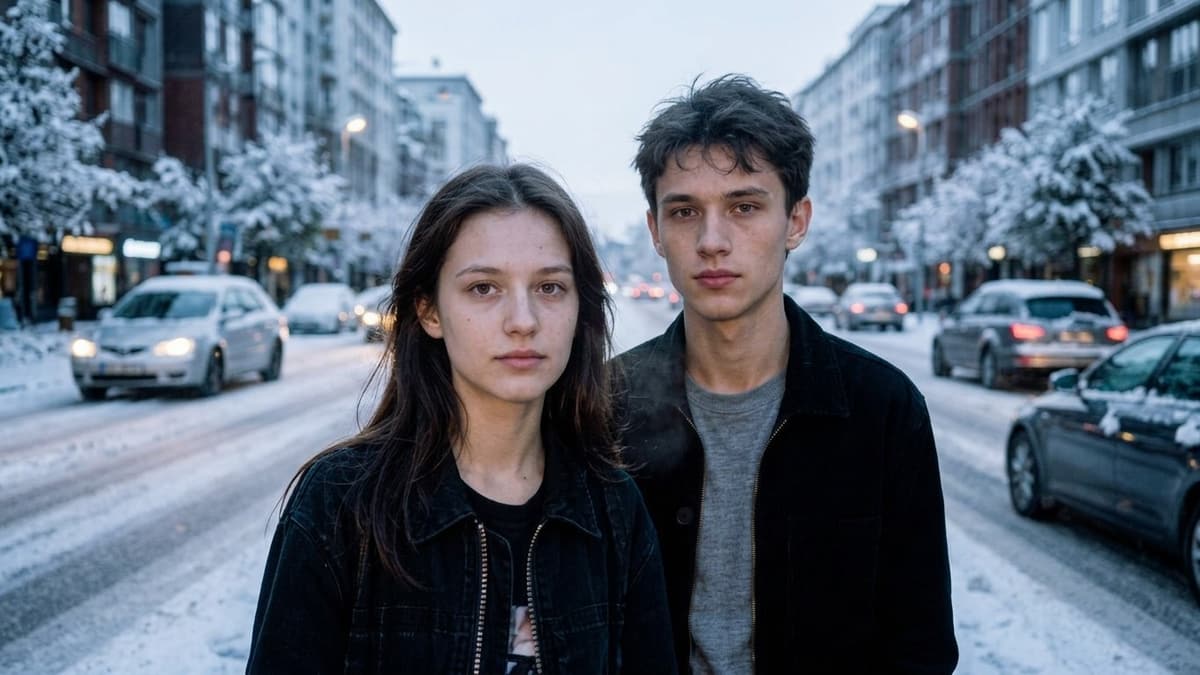
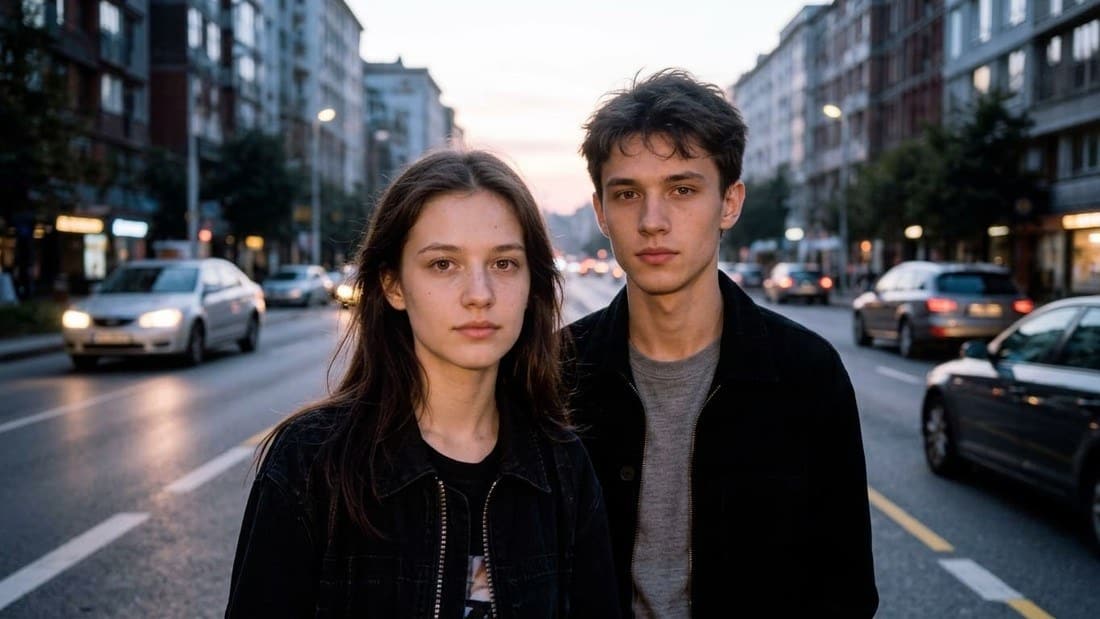 BeforeAfter↔
What an AI photo editor does
A regular editor makes you find the tool first: the layer, the mask, the selection, the curve. An AI photo editor takes the sentence instead. You load a picture, point at the thing you mean, and say what should be different about it — make the jacket navy, swap the mug for a glass, add a plant on the shelf. There is no panel to learn, because there is nothing to set.
The part that matters is what happens to everything you did not point at. This page is built around a single promise: the model works on the patch you selected and hands the rest of the frame back exactly as you uploaded it.
Add, change, replace, recolor, repair
Five kinds of instruction cover almost everything people actually ask for. All of them are written the same way — one short line, in ordinary English.
Nothing here is a preset. The five words are just how instructions tend to start; you can write whatever you want, and the field takes a whole sentence.
Only the area you pick is redrawn
This is the difference between an editor and a generator, and it is worth being precise about. A generator reads your words and draws a new picture from them — which is why the face, the light and the background all come back a little different even when you only wanted a different shirt.
Here the selected patch is cut out of your file, edited on its own, and dropped back into the original with a soft edge. Everything outside it is copied straight from the picture you uploaded. Not preserved, not reconstructed — copied. A face on the other side of the frame is not even part of what the model is shown.
This is the mechanic people usually call AI inpainting, with the fiddly part taken out: you never draw a mask, and you never tune a feather radius.
The honest footnote: if you type an instruction with nothing selected, the request applies to the whole frame, and then the whole picture is rebuilt — that is when small details drift. Select first whenever the rest of the shot matters.
Click the object instead of brushing over it
Most tools that edit part of a picture start by asking you to paint. You pick a brush size, color over the object, zoom in for the edges, switch to an eraser where you went too far. It is fine on a desktop with a mouse and miserable on a phone.
Here you click the thing. The model finds its outline itself and puts a moving dashed line around it — the hint under the picture reads Click the object you want to edit, and once it has one, Object selected — describe the edit. Tapping a thing on a screen to act on it is a gesture your phone already taught you.
There is no second field asking you to name what you picked. You clicked it — the tool knows which patch you mean, so the only thing left to write is what should change about it.
How to edit a photo with AI in three steps
The edited frame replaces the old one in place, so the next instruction runs on what you just got: Edit 1, Edit 2, Edit 3, in the order you made them. Before / after shows the original while you hold the button down, and Download frame saves whatever is on screen.
It all happens on a web page — on a laptop, a tablet or a phone. Nothing to install, and no settings to get right before you start.
AI photo editor prompts you can copy
Real instructions, in the form that works. Click the thing first, then paste one of these and change the noun to match your own shot.
How to phrase it so it lands the first time
One change per run
Three requests in one sentence usually get one and a half of them done. Recolor the jacket, look at it, then ask for the glass. It is faster than rewriting a long instruction that half worked.
Say what it should become, not what is wrong with it
"make this a navy wool coat" beats "this jacket looks bad". The model is filling in a description, so give it one to fill in.
Write it the way you would say it out loud
Editor vocabulary — layers, opacity, feather, hex codes — does nothing here. Plain nouns and adjectives do. Everyday color names work better than color codes.
Missed? Run it again
Every run is a fresh attempt, so the same line twice gives two different frames. If one of them was close, try the same prompt once more before you rewrite it — and keep the version you liked, because the next run replaces what is on screen.
What people edit here
What stays untouched
The three things people are actually afraid of when they hand a photo to AI. Each one has a concrete answer here, not a reassurance.
Where the editor does worse
Formats, free edits and the limits
JPG, PNG and WebP, up to 10 MB per file, exactly as the upload zone says: JPG, PNG, WEBP — up to 10 MB. HEIC and HEIF straight off an iPhone are not accepted — share or export the shot as JPEG first, which iOS offers by default when you send a photo. There is no minimum resolution, though a very small frame gives the model less to work with.
Your first edit is free: a new account gets free generations that are not tied to a day or a month, and the editor is one of the places they work. The editor itself does not need a subscription — anyone signed in can open it and make an edit. Terms are on the pricing page.
Free runs carry a light ai.neiroset.com signature in the bottom-right corner. Any purchase removes it permanently, including frames you already made, and nothing you pay for carries it in the first place. Download frame is open on this tool from the start — there is no gate between you and the file.
There is also a pace limit of six runs per minute per account, which no ordinary session gets near.
Do I need an account
Yes. The editor opens for everyone, but choosing a file asks you to sign in first — results are kept under your own account, which is the only way to come back to a frame later or compare it with the original.
Frequently asked questions
How do I edit a photo with AI?
Upload the picture, click the thing you want changed, and write one line describing the change — "make the jacket navy", "swap the mug for a glass". The model outlines what you clicked, edits that patch and returns the rest of the frame from your original file.
Do I have to describe which part of the photo to work on?
No, and there is no field for it. You click the object and the model draws the outline itself. The only thing you write is what should be different — that is why the prompt field reads What to do with the selection? rather than asking you to name it.
Will the rest of my photo change?
Not when something is selected. The patch you picked is edited on its own and dropped back into your original, so every pixel outside the outline is the file you uploaded. If you send an instruction with nothing selected, it applies to the whole frame and the whole picture is rebuilt — that is the one case where details elsewhere can shift.
Will faces stay the same?
A face outside the selection is not sent to the model at all, so it comes back untouched. When the face itself is what you are editing, the instruction behind the run asks for features, age and hair to be kept unless you said otherwise — but compare it with the original before you post it. This is a model, not a pixel-level operation.
Can I make several edits to one picture?
Yes, one after another. Each new instruction runs on the frame you just got, and the counter tracks them as Edit 1, Edit 2 and so on. Undo walks back a step, and Before / after shows the original while you hold it down. Going step by step beats cramming three requests into one sentence.
Can I take something out of the frame here?
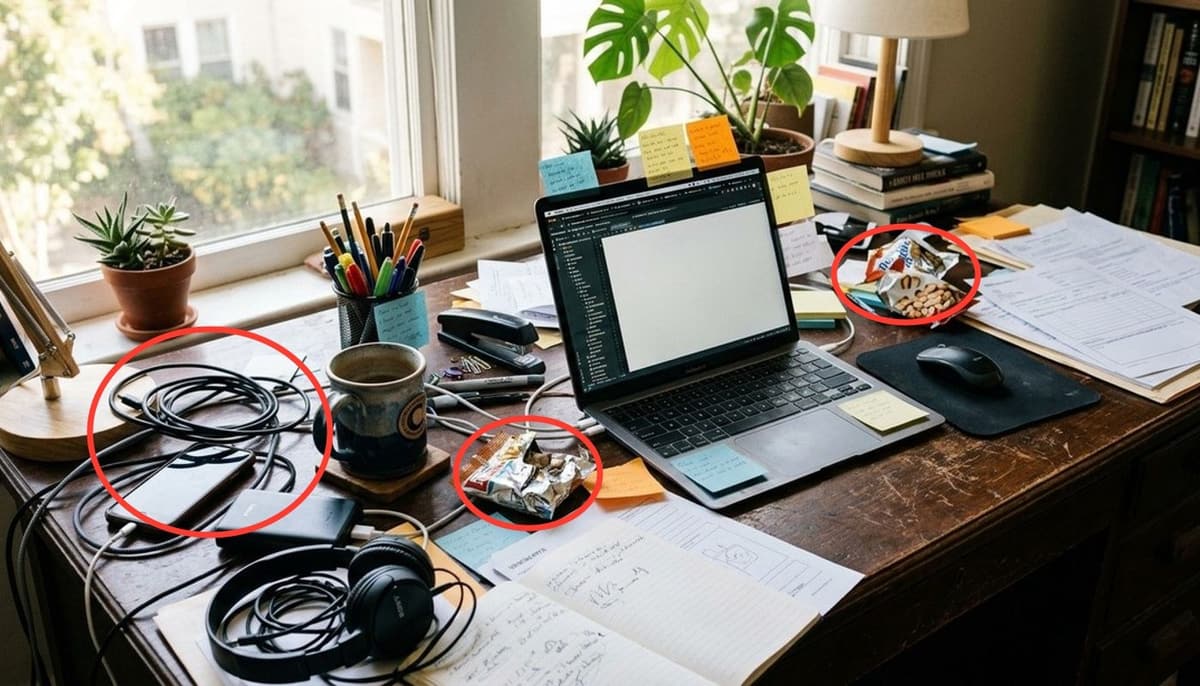
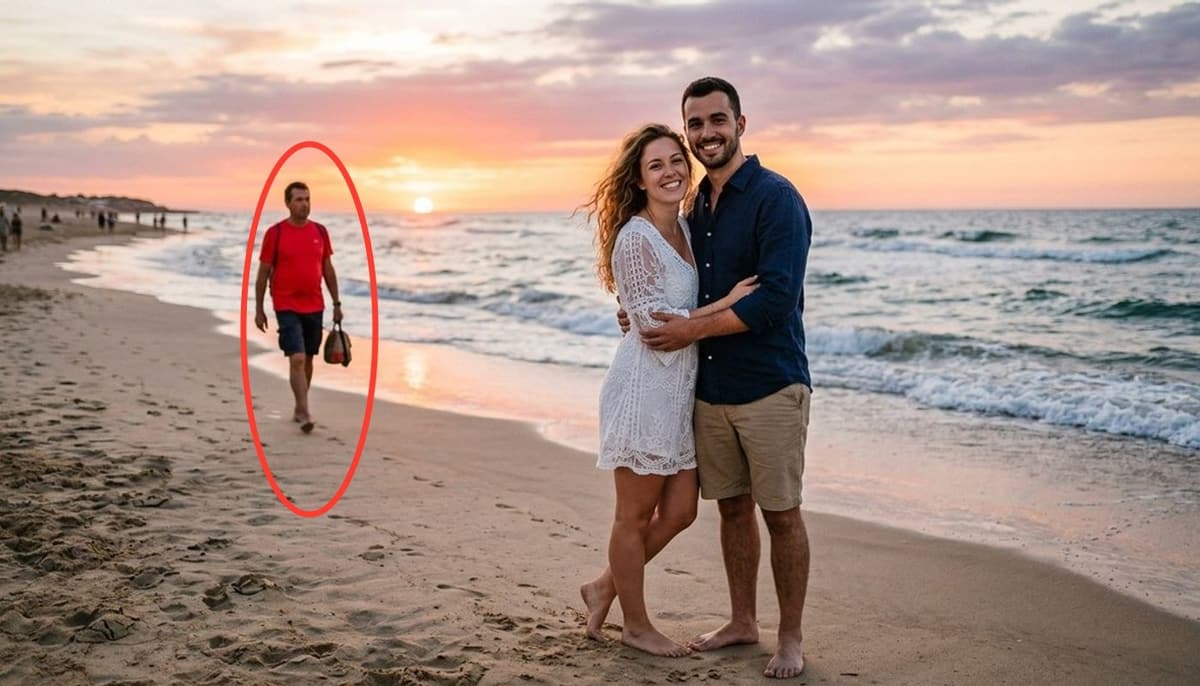
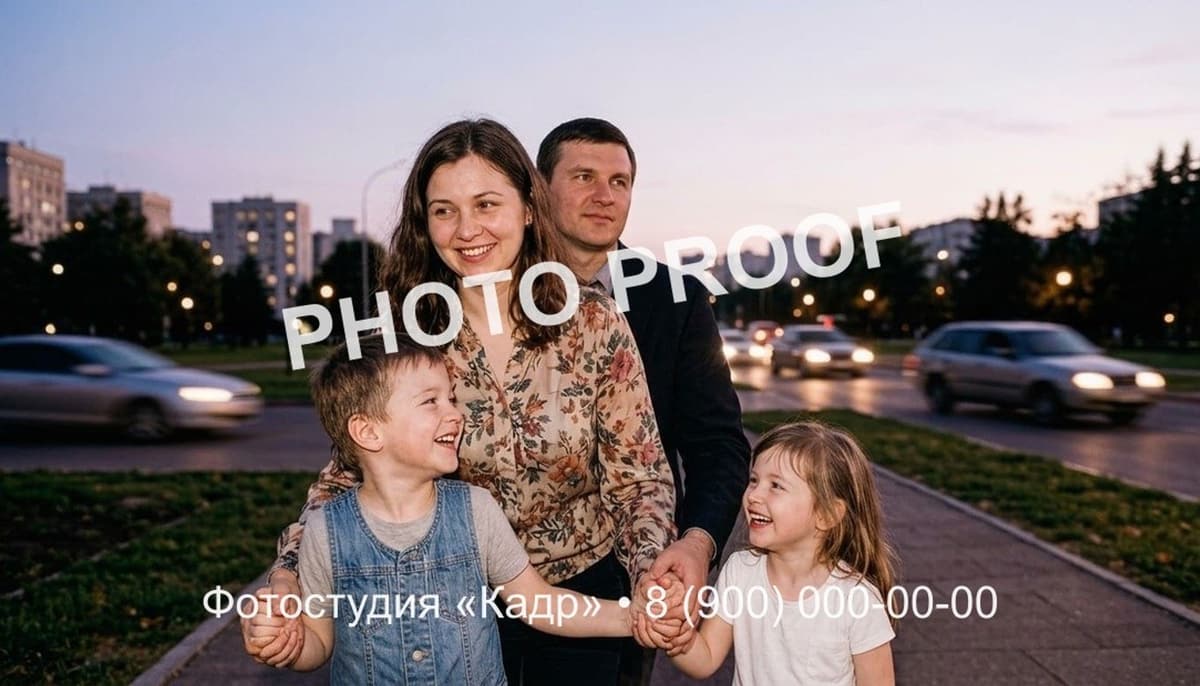
You can, but two pages are built for exactly that, with the instruction already written for you: remove an object from a photo for a thing, a wire or clutter on the ground, and remove a person from a photo for a passer-by in the background. Lettering, a date stamp or a caption has its own page too: remove text from an image.
Do I need to know a photo editor to use this?
No. There is one click and one sentence. No layers, no masks, no selection tools to learn — the outline is the model's job and the instruction is written in English.
Will the picture lose quality?
The frame keeps its proportions and its size through every edit, and the area you did not touch is not re-encoded by the model at all. If you need a larger file at the end — for print or a listing gallery — run the finished frame through the image upscaler.
What formats can I upload?
JPG, PNG and WebP, up to 10 MB. HEIC and HEIF are not accepted; send the shot as JPEG instead, which is what an iPhone does by default when you share a photo rather than transfer the raw file.
Is it free?
Your first edit is. A new account gets free generations that work here, they are not per day or per month, and the editor does not sit behind a subscription. Free runs carry a small signature in the corner that any purchase removes for good, including from frames you already made.
Does it work on a phone?
Yes — the editor opens in a mobile browser on iOS and Android, and it goes full screen once a photo is loaded. Clicking an object is easier with a finger than painting one, which is the whole reason the selection works this way.
Who can see the photos I upload?
Results are kept under your own account. Private mode is available on paid plans and keeps a generation out of the site's public gallery — switch it on before you start a run, not after.
Can I edit a picture I found online?
Technically nothing stops you, legally something might. Editing a picture does not transfer any rights in it, so anything you plan to publish or sell should be your own shot or one you are licensed to change.
Try other tools
 Remove an object
 Remove a person
 Remove text from image
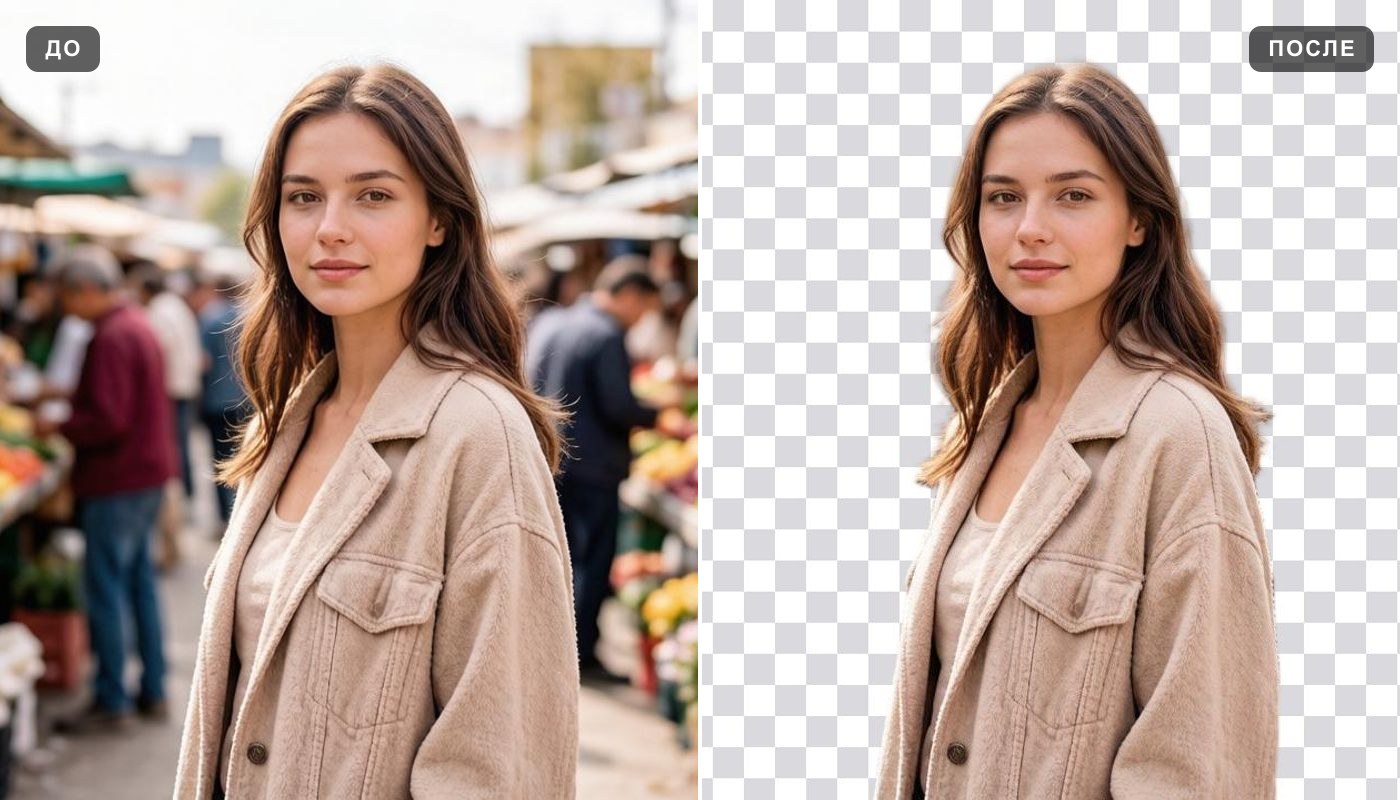 Remove background
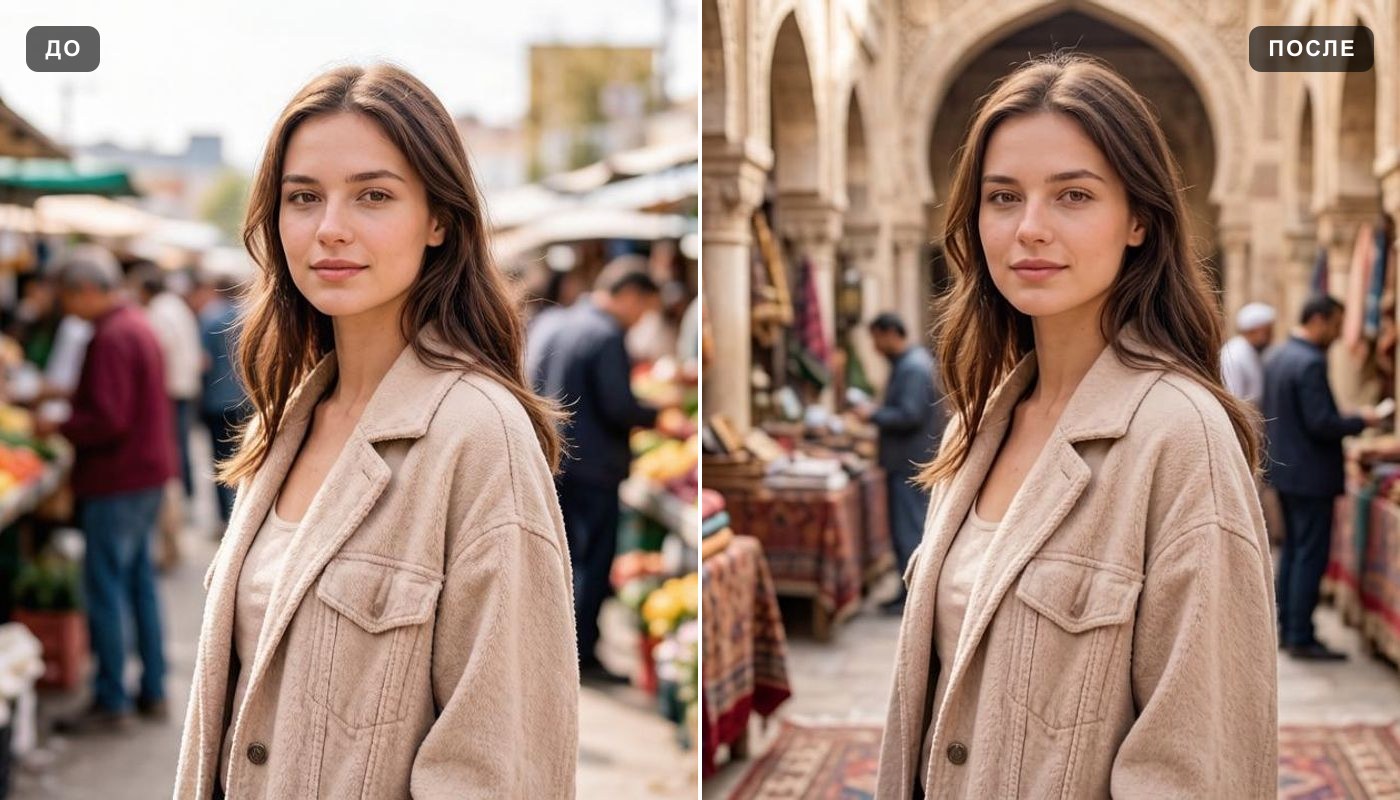 Change background
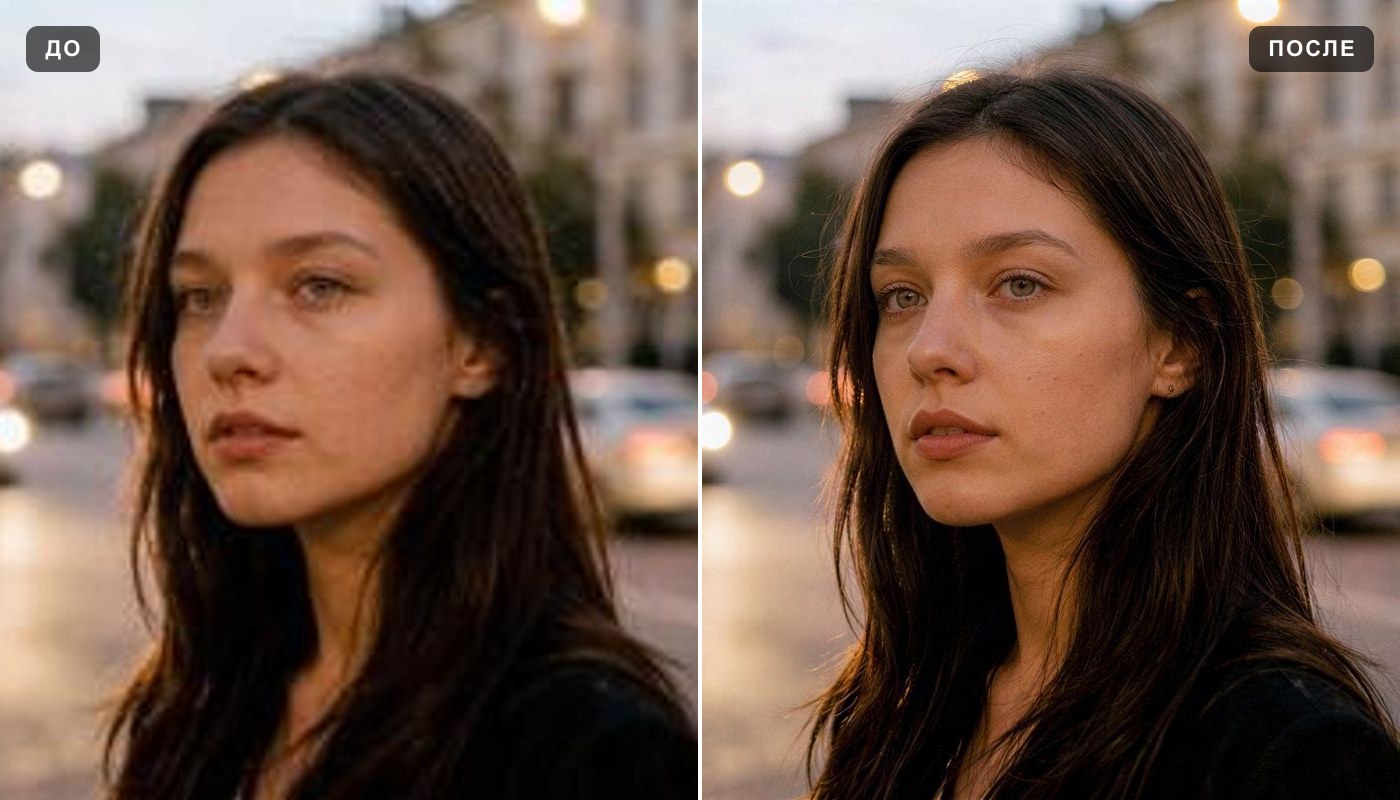 Image upscaler
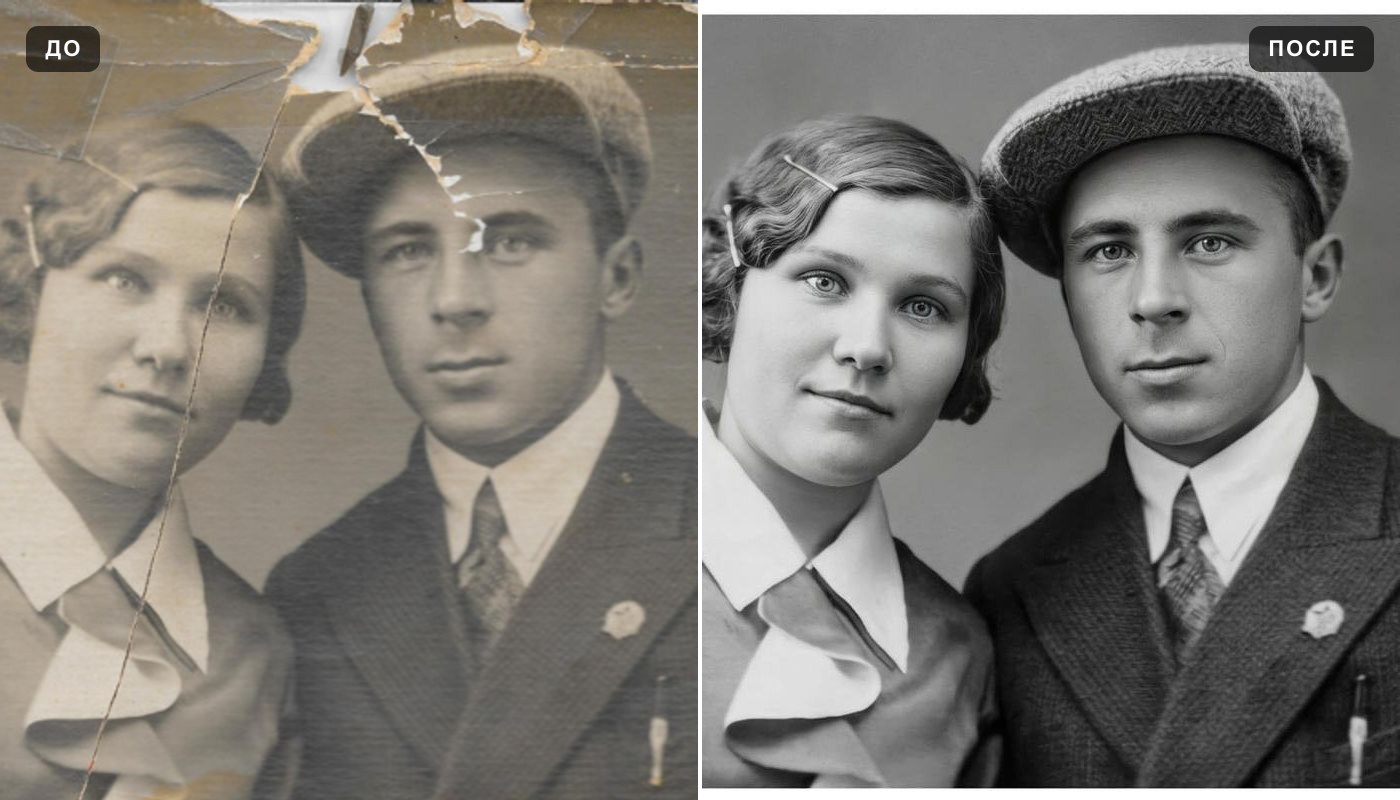 Photo enhancer
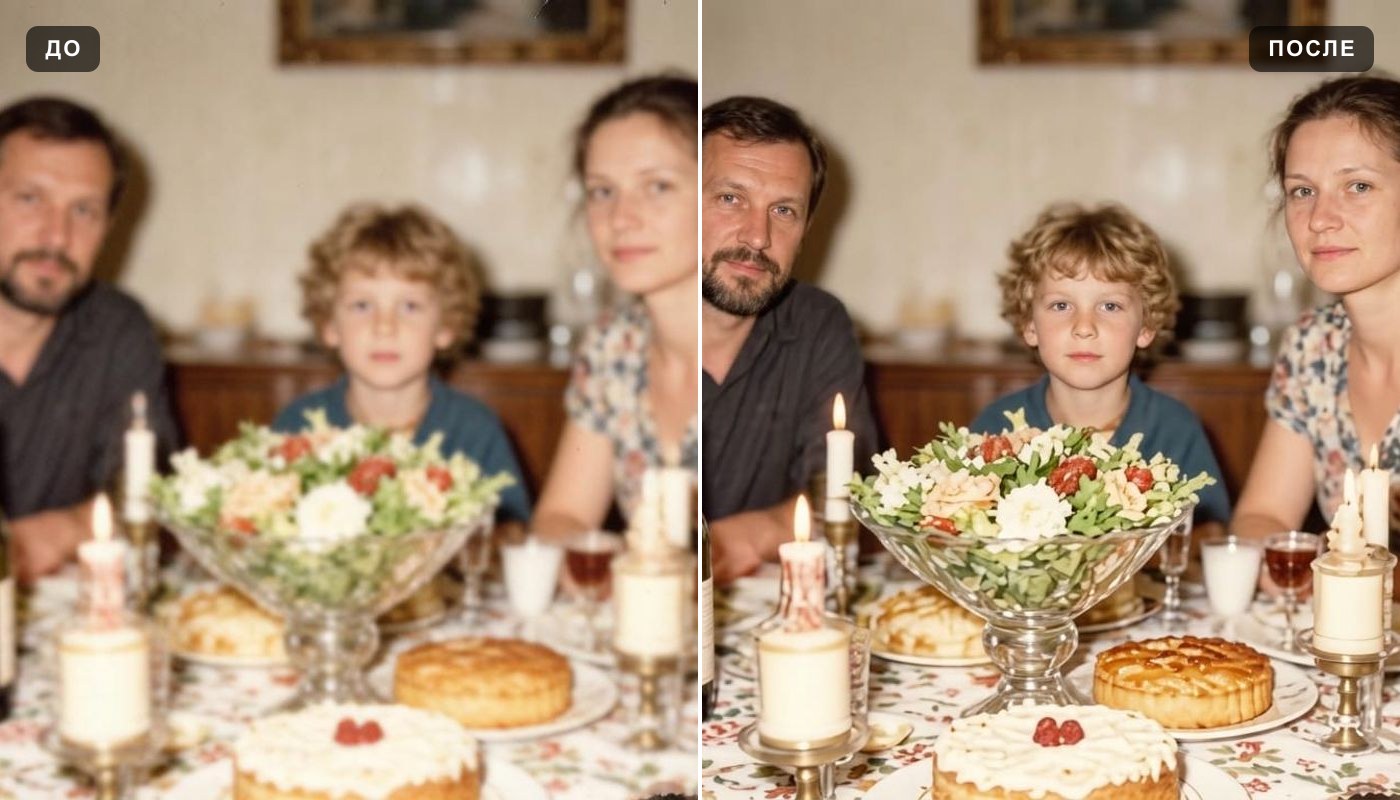 Unblur image
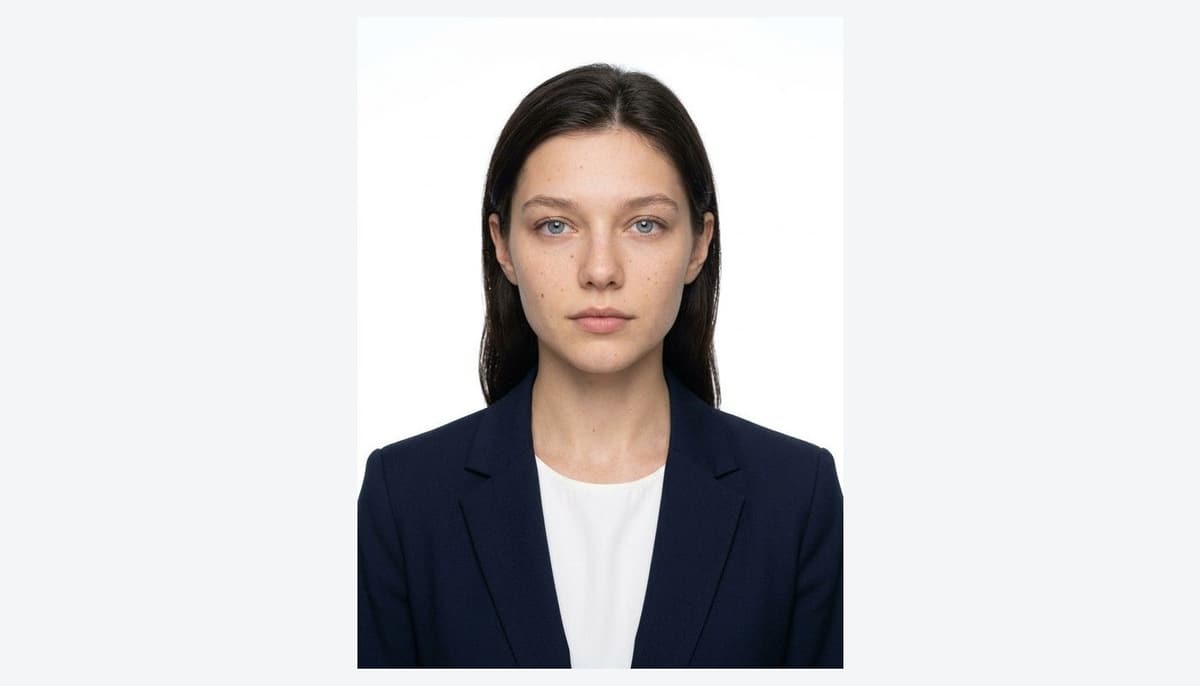 Professional headshot
Everything else is in the tools catalog.