AI Snow Photo: Turn Your Selfie Into a Snowy Winter Portrait
Upload a photo and the AI places you in a winter photoshoot: a snowy landscape, soft daylight, warm winter clothes and snowflakes in the air, with the depth of a professional shot. Your face and hairstyle carry over, the background is rebuilt from scratch, and the result has the calm, cinematic mood of the viral snow trend. There is nothing to set up: upload, press Create, download.
How to make an AI snow photo
There is nothing to set up on this page. You do not pick a scene, an outfit or a filter, and there is no text field: the snowy winter look is already built in. It runs in a browser, so it works the same on an iPhone, an Android phone or a laptop.
Because there is nothing to tune, the result depends almost entirely on the photo you choose. Most of this page is about exactly that.
How to do the AI snow trend with your own photo
The trend is simple to describe: a close, calm portrait, falling snow, soft winter daylight, a warm coat or a fur hood, and a frame that looks like a still from a romantic drama. Here is how to get there without a real snowfall or a photographer:
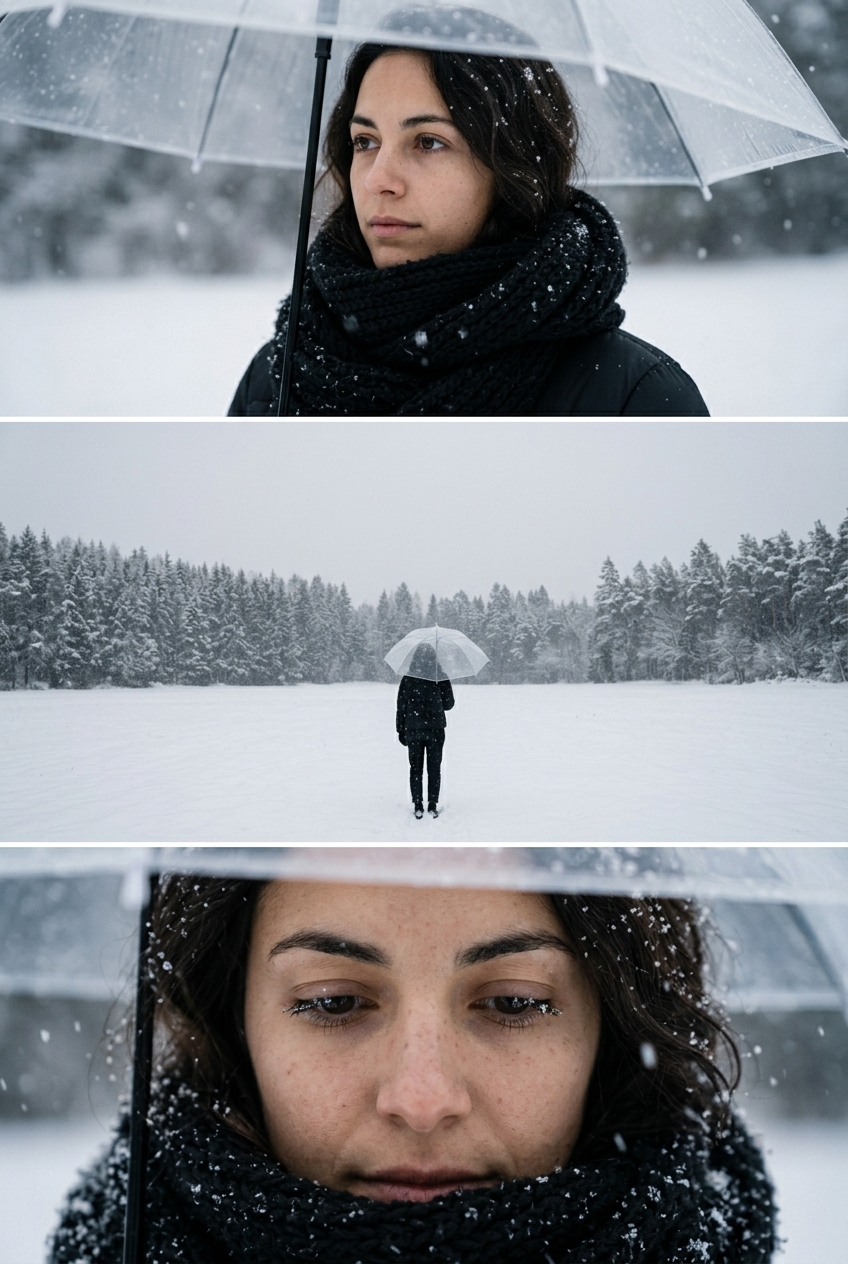
There is also a version of the same trend with a clear umbrella over your head: clear umbrella snow photo. That page lets you describe the umbrella in words; this one is the classic snowy portrait with no choices to make.
Which photo works best for a snowy portrait
The AI keeps you and builds a new winter scene around you. The more clearly it can see your face, the more of you it keeps.
If the photo you love is soft or small, clean it up first: unblur image for a blurry frame, image upscaler for a tiny one, photo enhancer for a dark, flat one.
What changes and what stays the same
This is not an overlay of falling flakes on top of your picture. The AI takes you from the photo and places you in a new, professionally shot winter scene. That is why the result looks like a real snowy photoshoot rather than a sticker.
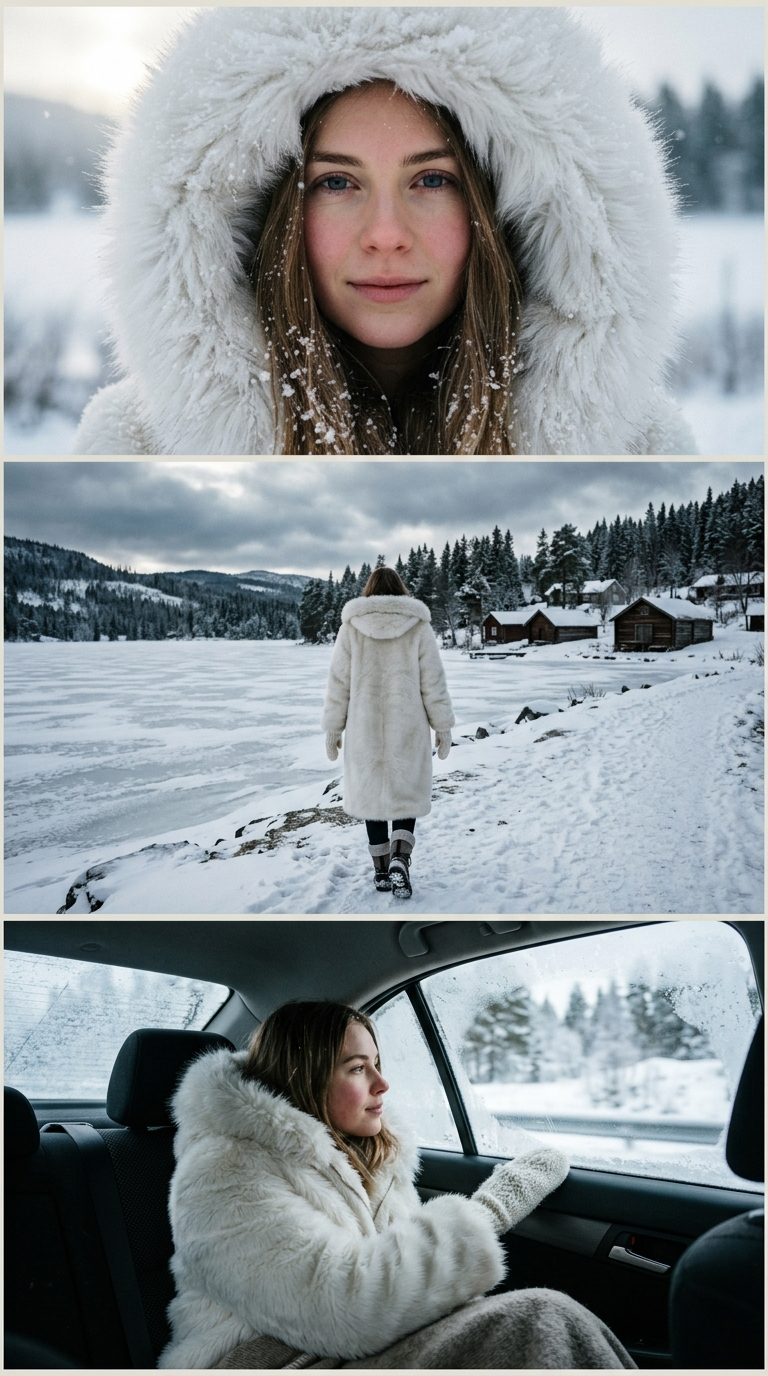
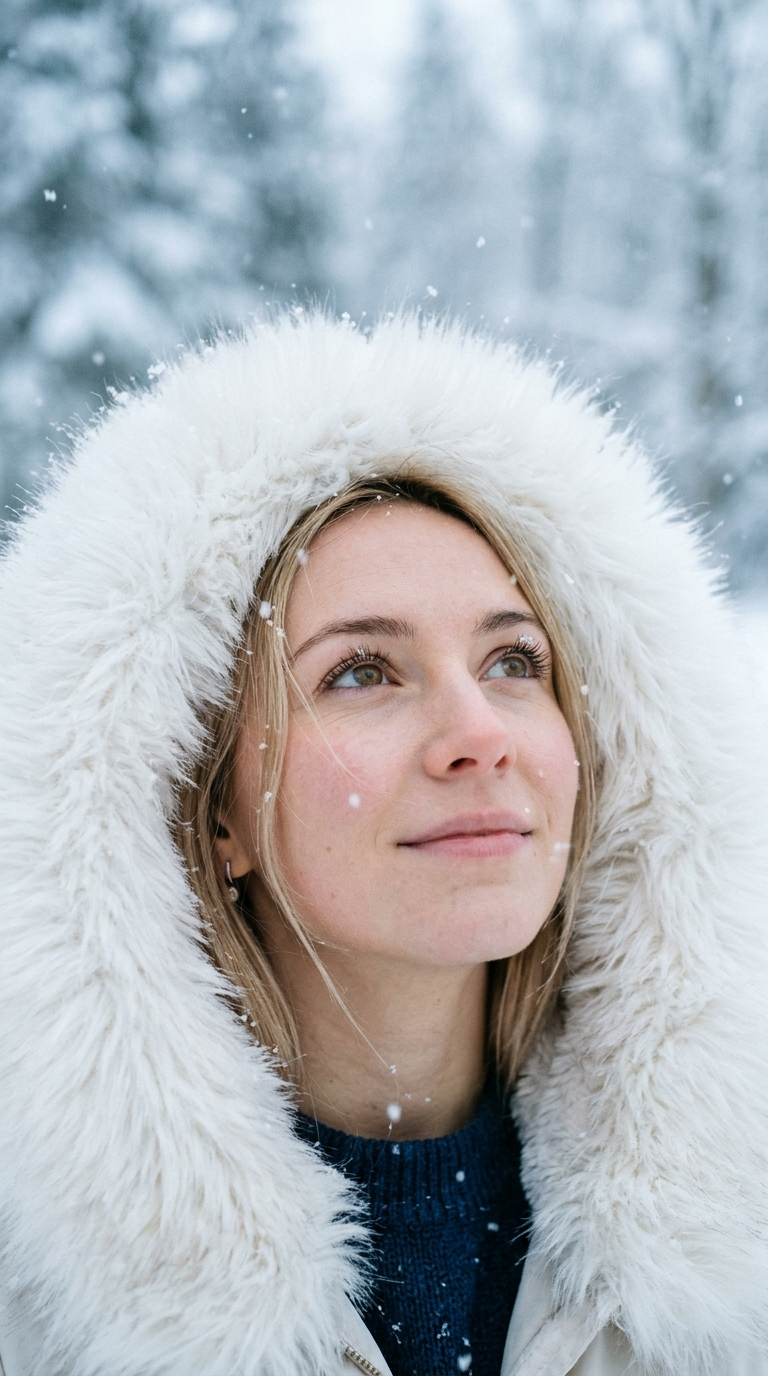
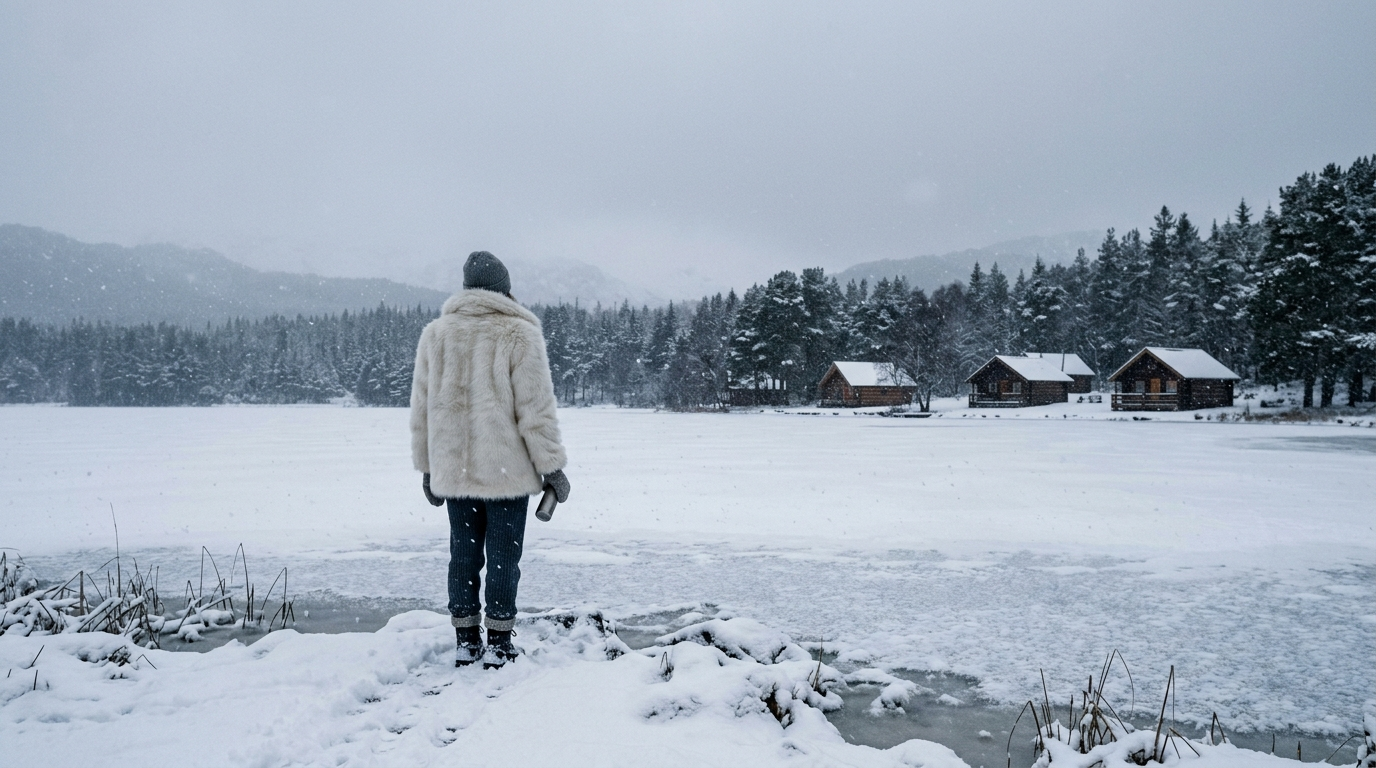
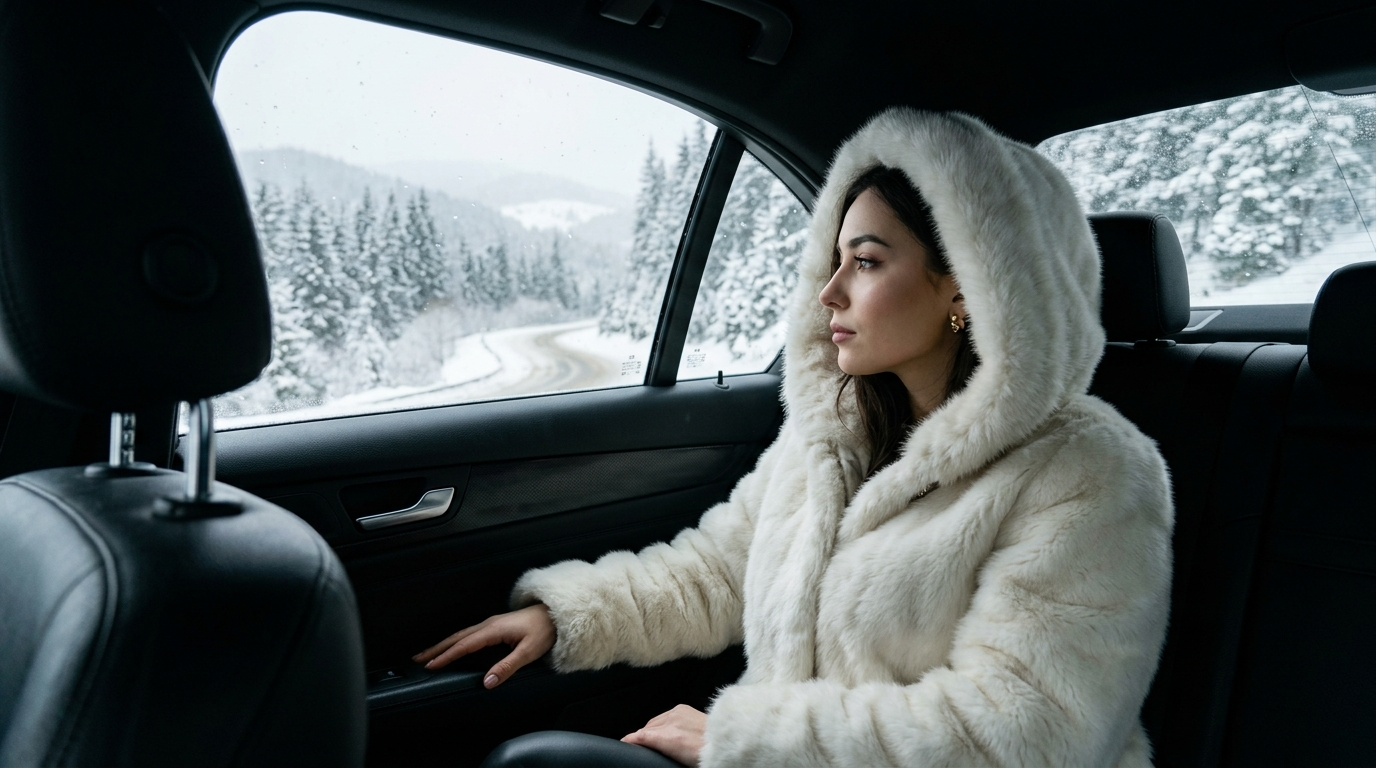
The example gallery on this page shows the range: a close portrait in a white fur hood under falling snow, a figure in a light coat by a frozen lake, a girl in a fur hood in the back seat of a car with snow outside the window. You do not pick which of these you get; the AI chooses the scene each time.
Can it add snow to a photo I already have?
Not in the literal sense, and it is worth knowing before you upload. This tool does not sprinkle snow over your existing background. It rebuilds the whole frame around you as a winter scene, so the street, the room or the beach in your original will be gone.
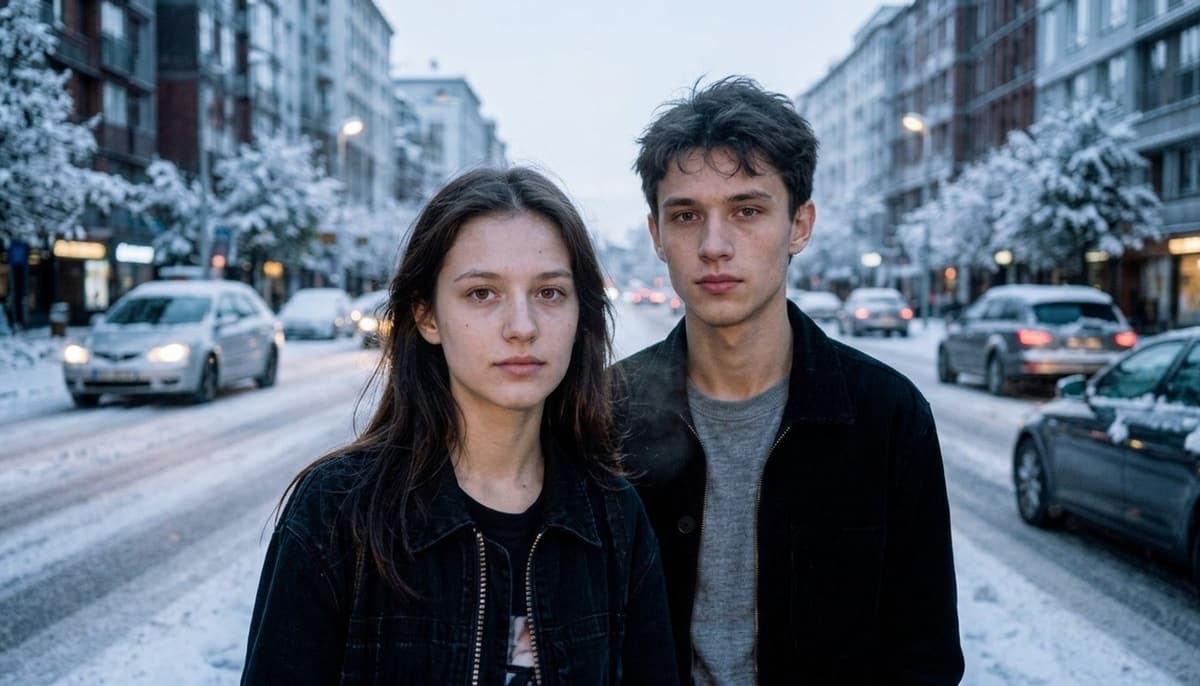
If you want to keep the photo exactly as it is and only add falling snow, use the AI photo editor instead. There you type what to do in your own words, for example "add falling snow", and the rest of the picture is left alone.
The K-drama snow aesthetic: what the look is
In Korean dramas the first snow of the year is a classic romantic moment, and the viral snow photos borrow that mood: a quiet close-up, snow in the hair and on the hood, soft pale light, muted colors and a shallow, dreamy background. It reads as calm and a little cinematic rather than festive.
This page is tuned toward that feeling: gentle daylight, warm winter clothes, flakes in the air and depth behind you. It is not a holiday scene with lights and decorations. If you want something festive for December, see the holiday card ideas further down.
Vertical snow photos for Instagram, TikTok and stories
There is no aspect ratio setting on this page, so the shape of your upload matters. If you want a vertical result for a story, a Reel or a TikTok cover, start from a vertical photo: a horizontal original will not turn into a tall frame on its own. We do not promise an exact story size, so check the crop in your app before you post.
For a sharper file on a large phone screen, choose Pro: the long side comes back at 2048 px instead of 1024 px on Standard.
Snow photos for couples and friends
The look is built around one person in a close portrait, and that is where it is most reliable. A photo of two people can work too, as long as both faces are large and well lit; a group of friends in a wide shot is less predictable, and the people at the back are the first to lose their likeness.
For a set that looks like one shoot, make a separate snowy portrait of each person from a close photo and post them together as a carousel or a collage.
A winter holiday card or a snowy profile picture
A snowy portrait makes a quiet, personal picture for the season: a profile photo for the winter months, a picture for a family group chat, or the photo side of a card you put together yourself.
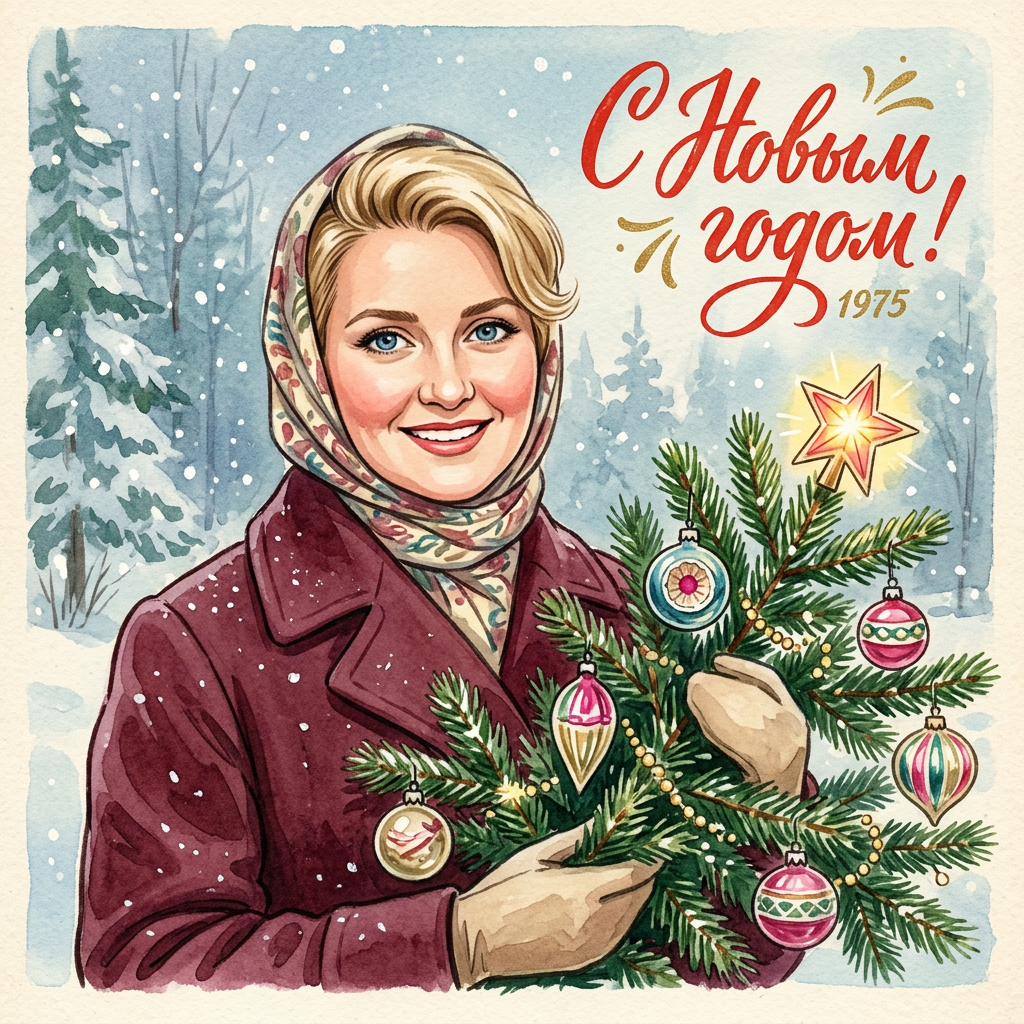
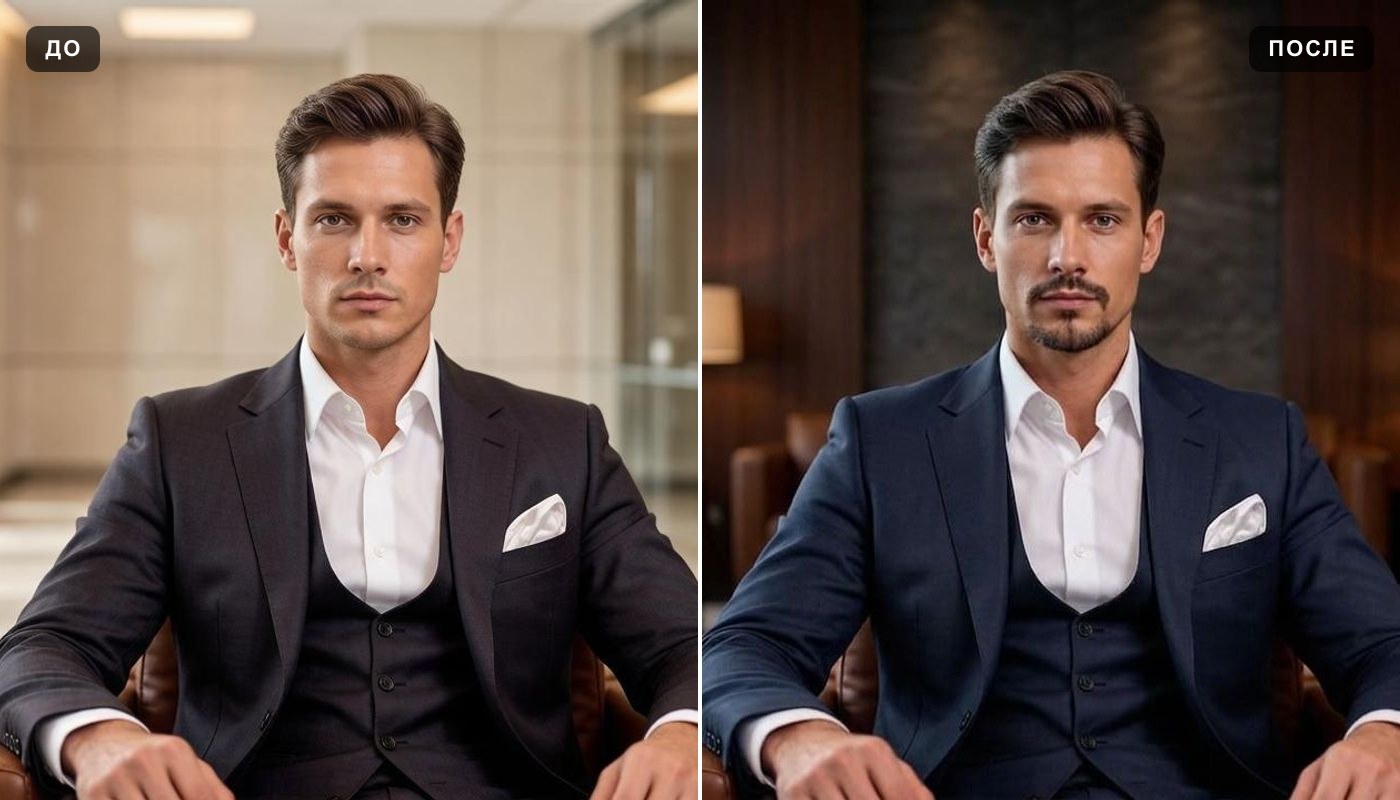
If you want the card itself, there are pages built for that: vintage Christmas card turns your photo into a mid-century style Christmas card, and the greeting card maker covers occasions such as a birthday or a thank-you. For an avatar with more choice of style and framing, try the AI profile picture generator.
What people make with it
Free AI snow photo: what you get and where the limits are
You can try it for free. A new account gets two free generations in total — not per day and not per month — on Standard quality, and this tool is one of the ones they cover. Pro is part of a paid plan. After that, work continues on a plan or a pack; the terms are on the pricing page.
Download is open on this tool from the start, so a free run gives you an actual file. Until the account makes its first purchase, results carry a light ai.neiroset.com signature in the bottom-right corner; any purchase removes it permanently, including from pictures you already made.
Quality has two modes: Standard returns the picture with its long side at 1024 px, Pro at 2048 px. There is also a pace limit of six runs a minute per account, which everyday use never reaches.
Do I need an account?
Yes. You can upload a photo as a guest, but pressing Create opens the sign-in window. Results are kept in your own History, which is how you get back to them from any device.
Honest limits of the snow photo generator
Frequently asked questions
How do I do the AI snow photo trend?
Upload a clear photo of your face, press Create, and download the result. There is no scene to pick and nothing to type: the snowy winter portrait is the only look on this page. For a story, start from a vertical photo.
Can I choose the scene or the outfit?
No. The AI chooses the winter setting and may change your clothes to something warm. If you do not like the scene, run it again or try a different photo; a new photo changes the result more than a repeat run.
Does it add snow on top of my existing photo?
No, it rebuilds the frame around you in a new snowy scene. To keep your original background and only add falling snow, use the AI photo editor and type "add falling snow".
Will I still look like myself?
In most cases, yes, but not one-to-one. Your face, hairstyle and glasses carry over; small features can shift. A sharp, well-lit face that fills a good part of the frame keeps the most.
Can I get a vertical photo for a story?
Start from a vertical photo: there is no aspect ratio setting, and a horizontal original will not become a tall frame by itself. Check the crop in your app before posting, since we do not promise an exact story size.
Does it work with two people in the photo?
It can, if both faces are large and well lit. The look is built around a single close portrait, so for the most reliable result make one snowy portrait per person and post them together.
Can I do it with a clear umbrella?
Yes, on a separate page: clear umbrella snow photo. It is the same snowy trend with the umbrella in the frame, and there you can describe the umbrella in words.
Is it free, and can I download the file?
A new account gets two free generations for the lifetime of the account, on Standard quality. Download is open from the start. Results carry a light ai.neiroset.com signature until the account makes its first purchase, which removes it permanently.
Do I need an account, and is there an app?
An account, yes: Create opens the sign-in window for guests. An app, no: the page works in a mobile browser on iPhone and Android the same way it does on a computer. Send iPhone photos as JPG, because HEIC is not accepted.
Can I use the picture for my business?
We do not grant commercial rights to the result. Treat it as a personal picture: a profile photo, a post, a card for someone close.
Try other tools
 Clear umbrella snow photo
 Vintage Christmas card
 AI photo editor
 AI profile picture
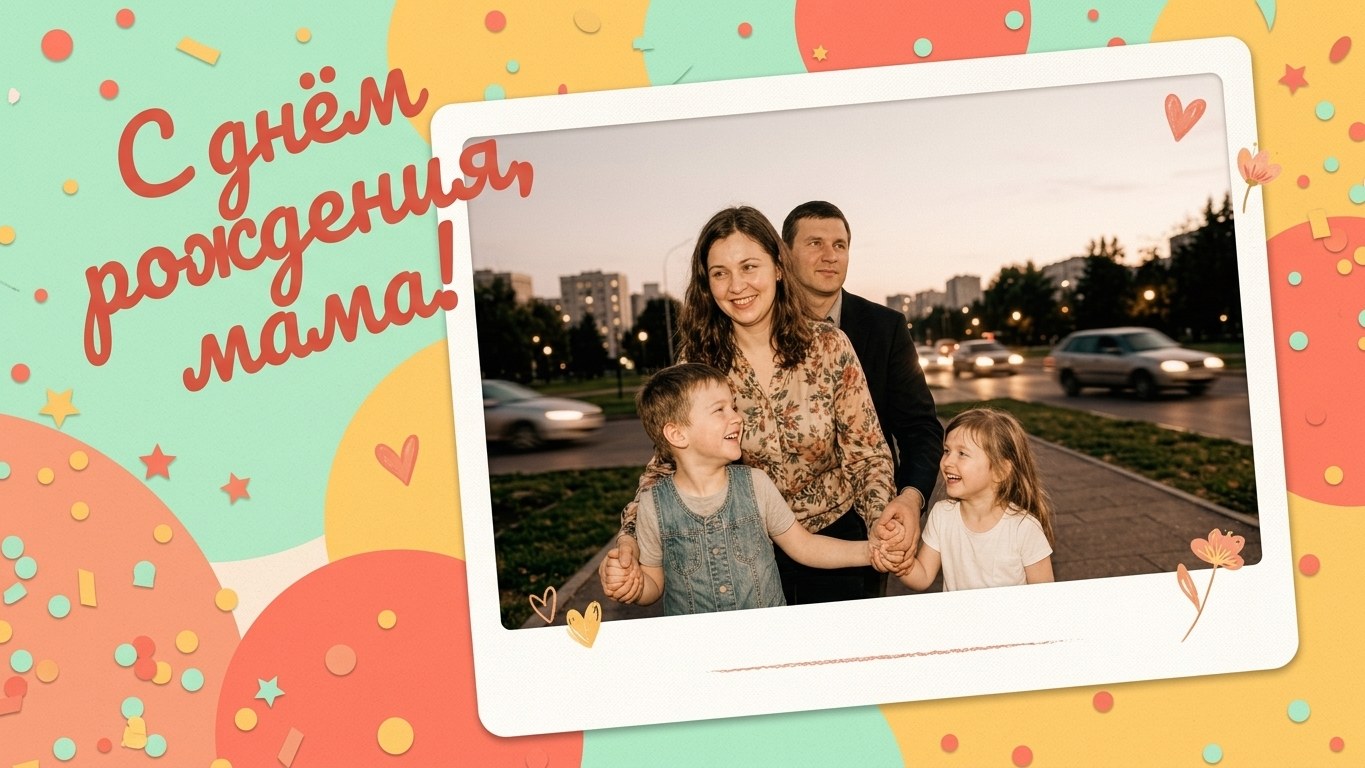 Greeting card maker
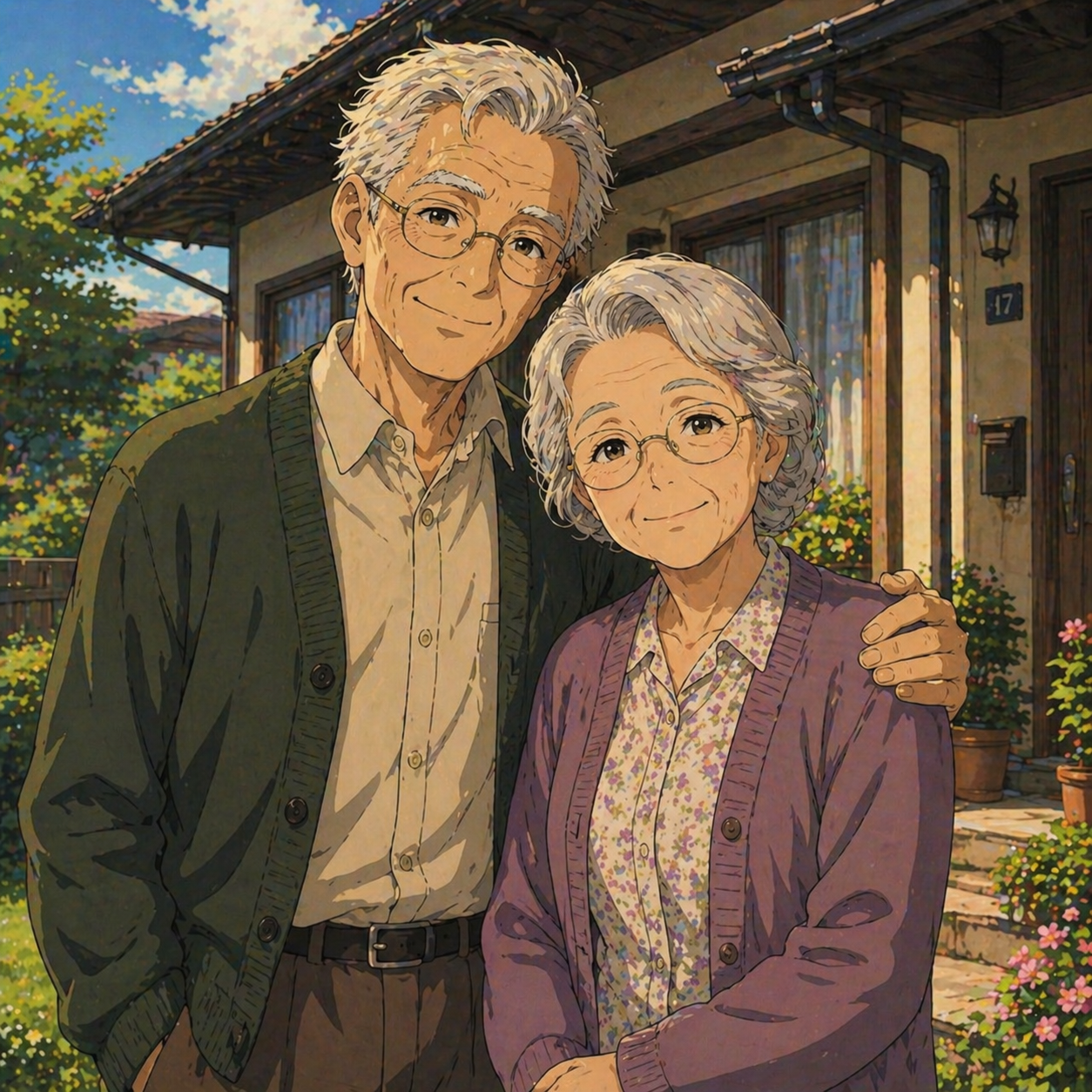 Ghibli filter
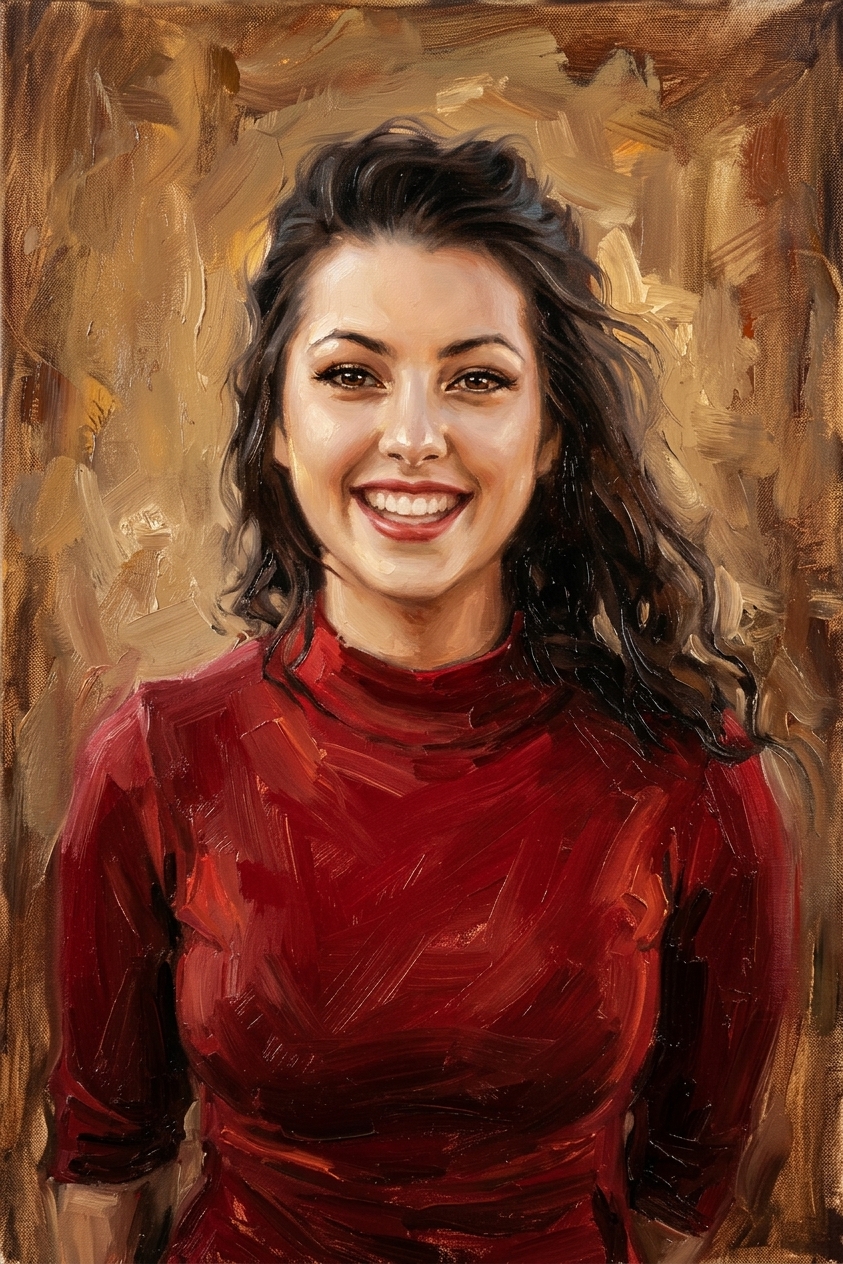 Oil painting
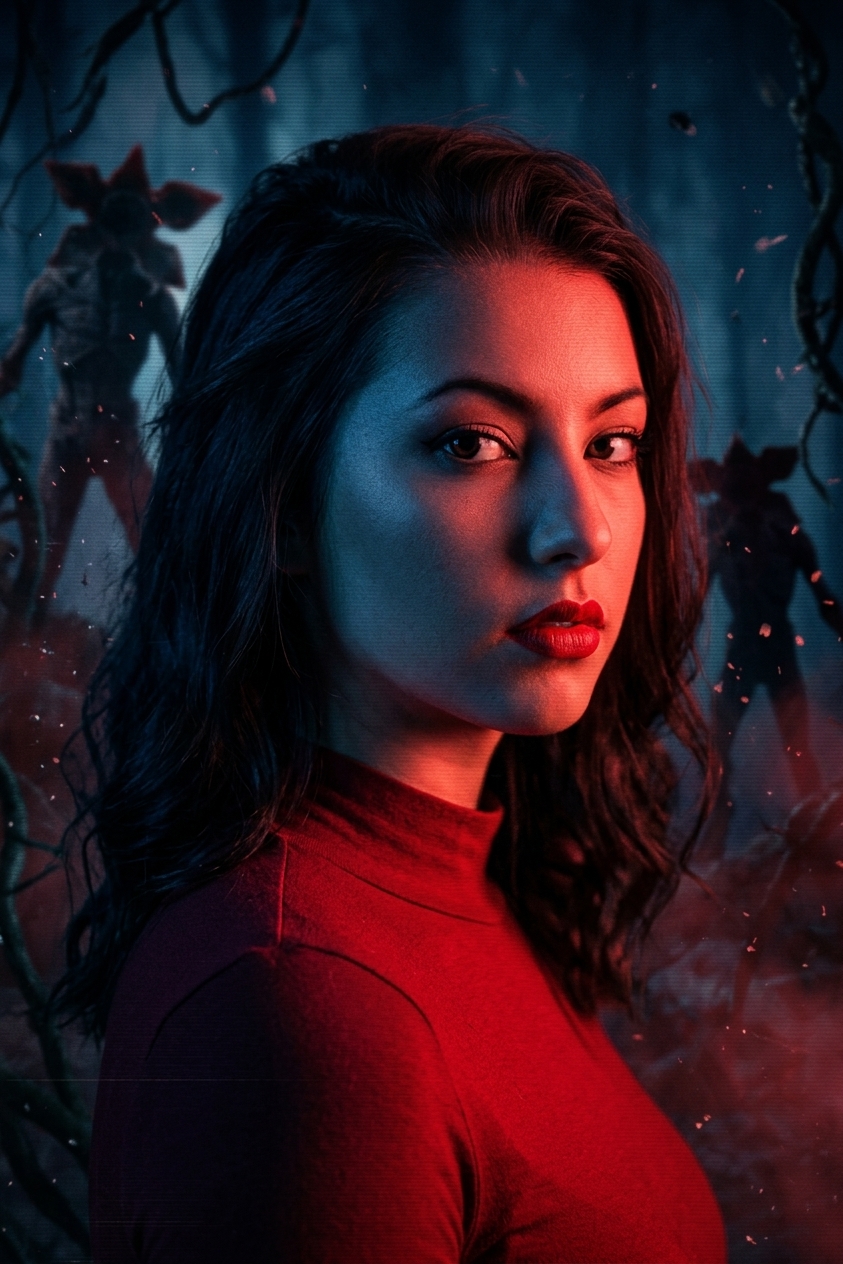 Stranger Things filter
 Photo enhancer
Everything else is in the tools catalog.
Studio Ghibli and Stranger Things are trademarks of their respective owners, which do not sponsor, authorize or endorse this site.