Turn Your Photo Into a Vintage Christmas Card Illustration
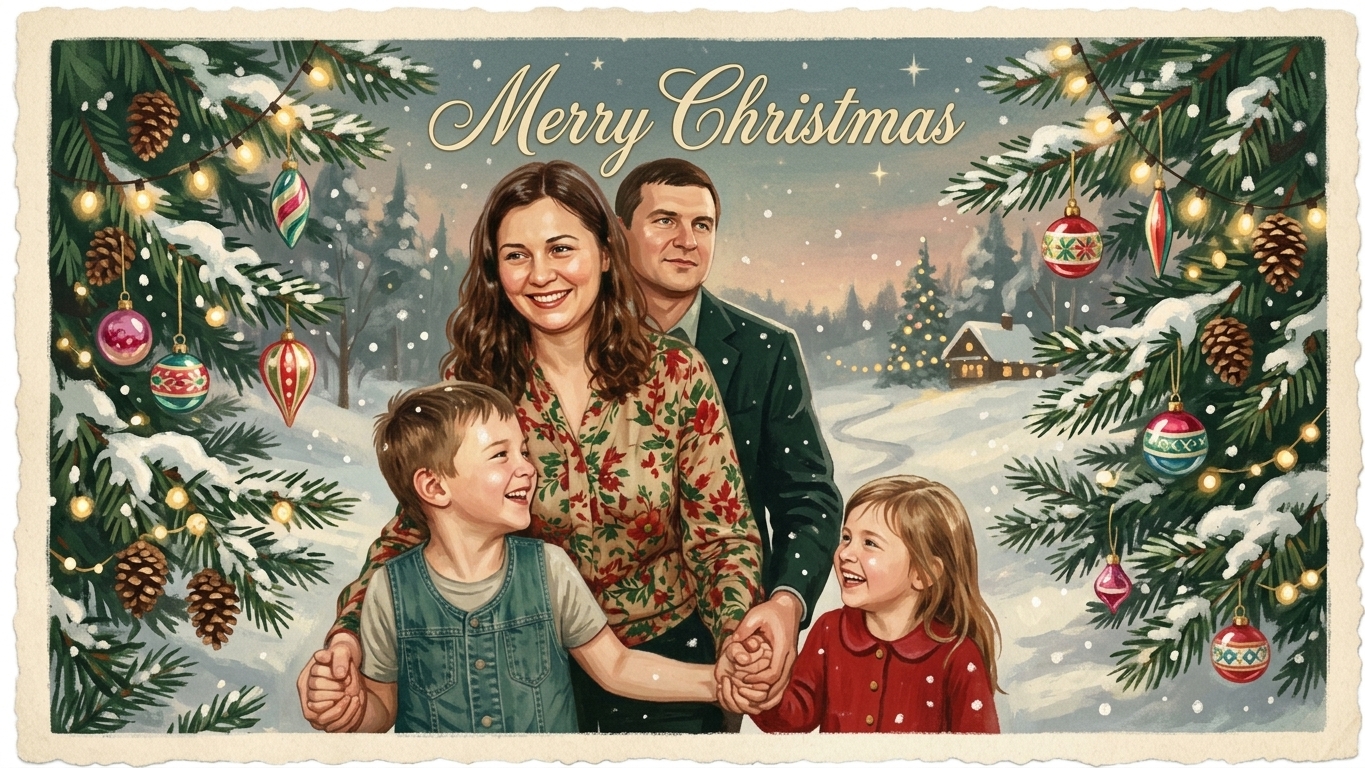
Upload a family photo and the AI repaints it as a mid-century Christmas card: hand-painted gouache with soft paper grain, a snowy winter setting, evergreen branches, glass ornaments and warm string lights, in cherry red, pine green and cream. Everyone in the photo stays recognizable, and the card carries one greeting in vintage script: Merry Christmas. There is nothing to set up: upload, press Create, download.
 BeforeAfter↔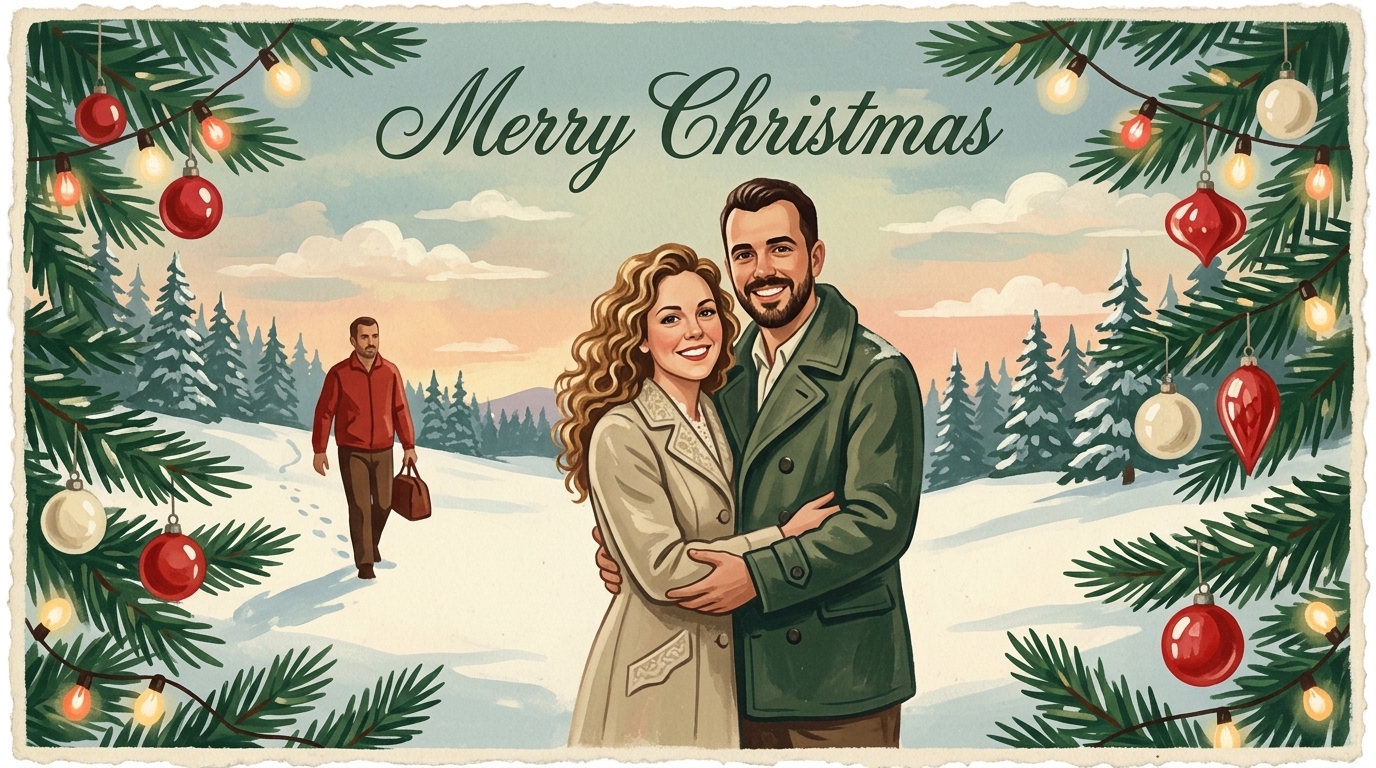
 BeforeAfter↔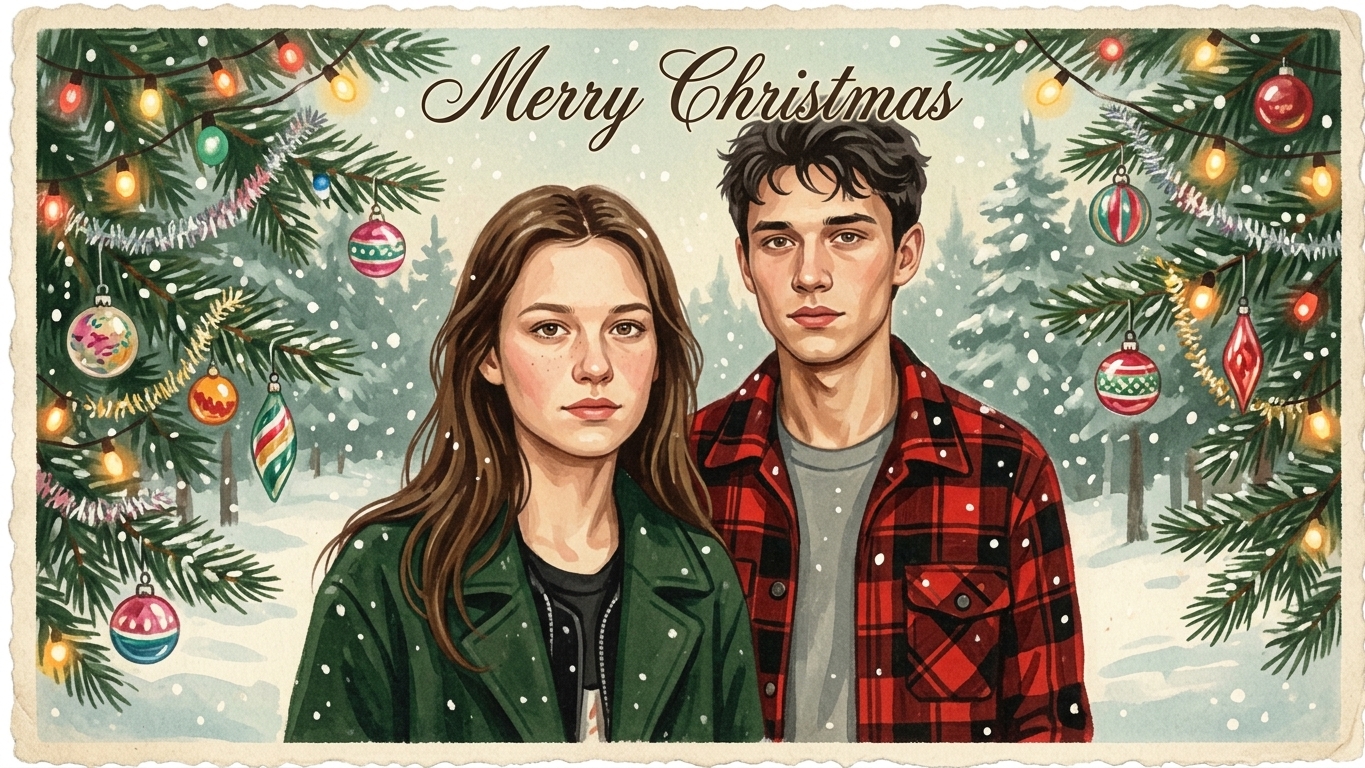
 BeforeAfter↔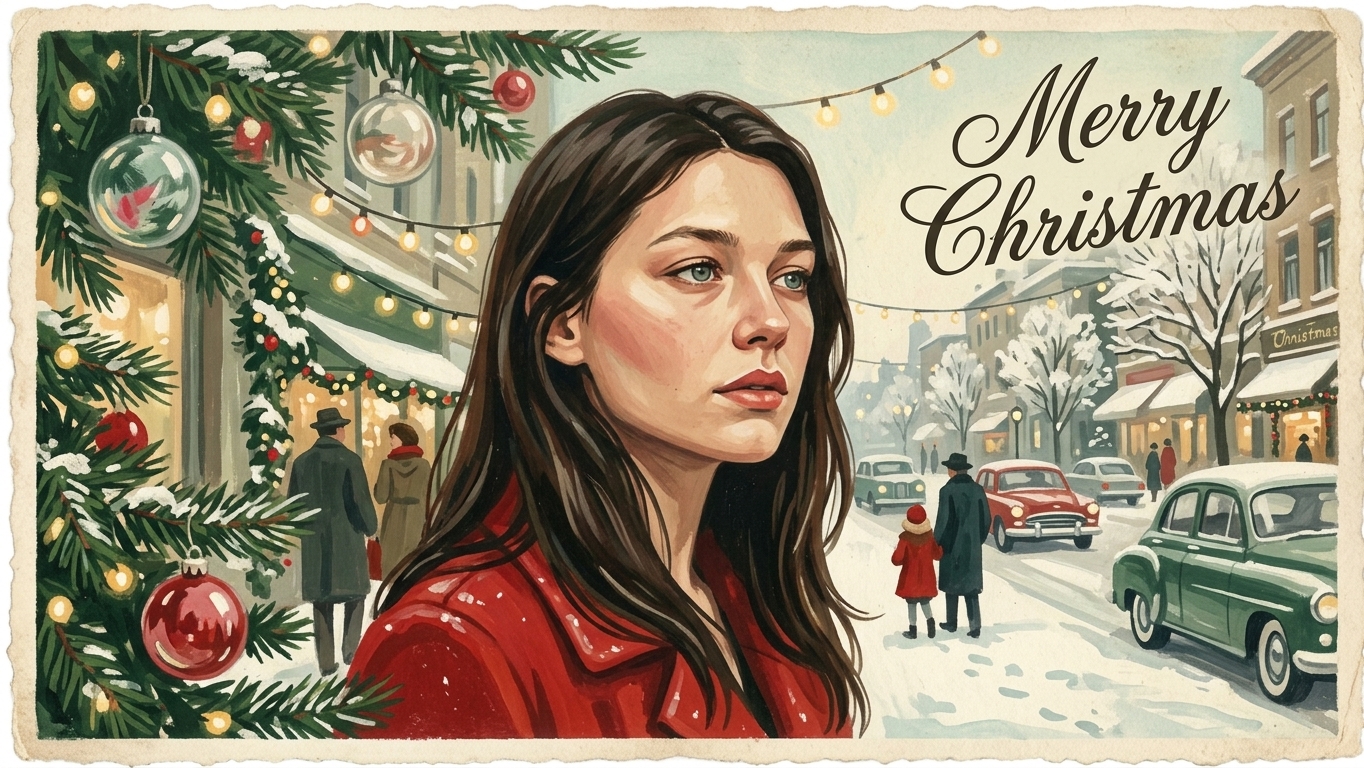
 BeforeAfter↔
How to make a vintage Christmas card from your photo
There is nothing to set up on this page. You do not pick a template, a frame or a font, and there is no text field: the mid-century Christmas card look is already built in. It runs in a browser, so it works the same on an iPhone, an Android phone or a laptop.
What you get is a picture file, not a paper card. Printing and mailing are up to you, and there is a section on that further down.
What the finished card looks like
The look is borrowed from American Christmas cards of the 1950s: painted by hand rather than photographed, warm, a little faded, with a sense of an old card found in a drawer. The whole scene is repainted, people included, in one consistent style.
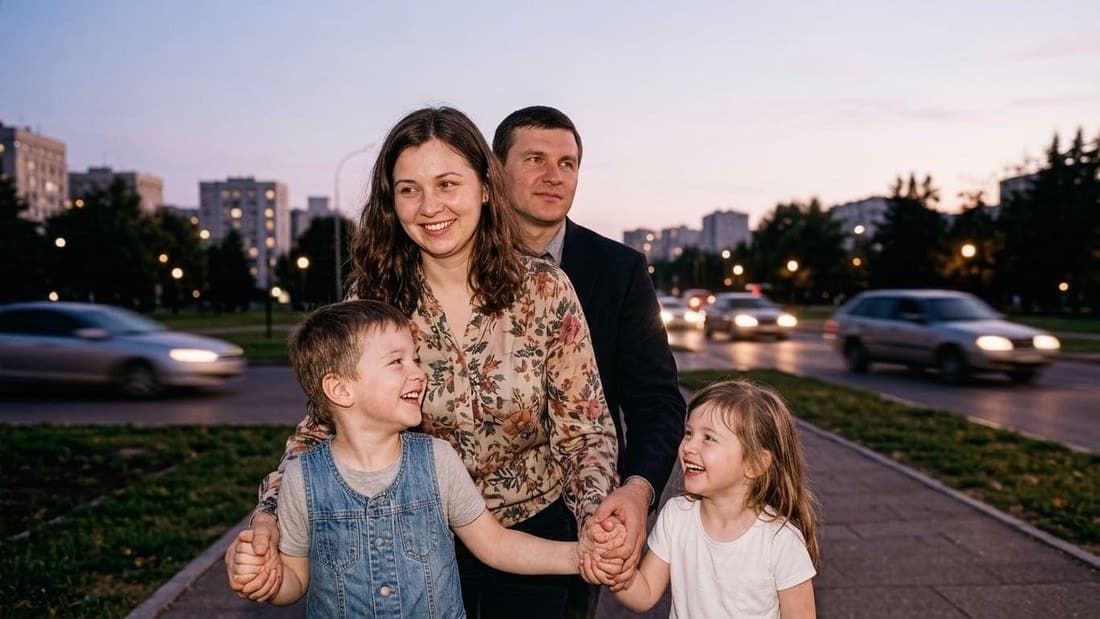
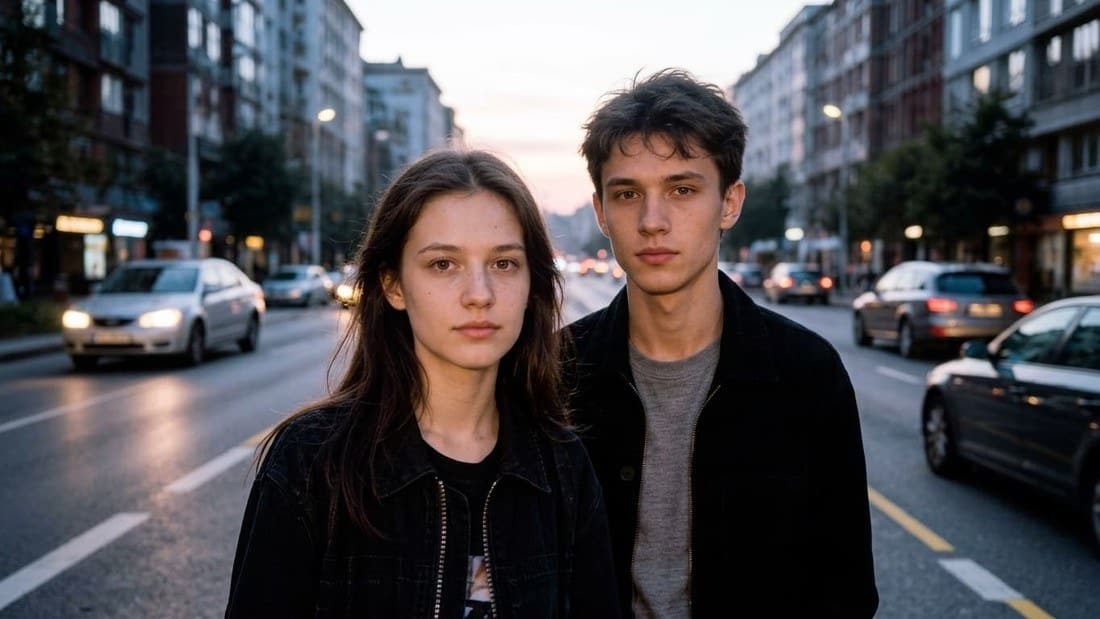
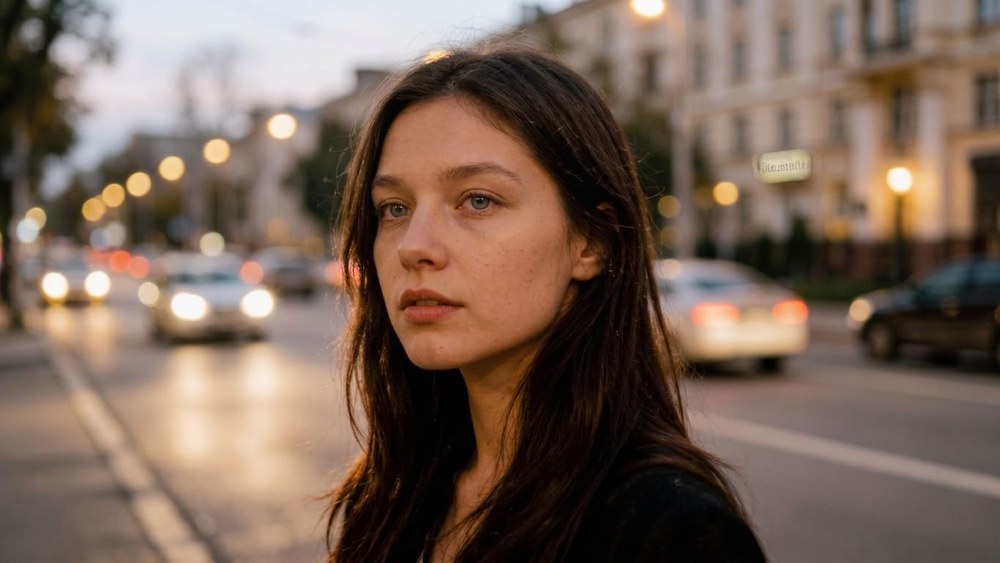
The examples on this page show the range: a family with two kids on an evening street becomes a card framed with string lights and pine branches, a young couple in the city comes back among retro cars and glowing lights, and a portrait on an evening street turns into a snowy 1950s street with the greeting in script. The result comes back in a horizontal frame.
Which photos make the best vintage Christmas card
The style keeps every person recognizable: the same faces, hairstyles, skin tones, number of people and poses. The more clearly the AI can see each face, the more of each person it keeps.
Have only an old black-and-white family photo? Give it color first with colorize photo. A dark or soft shot can be cleaned up with the photo enhancer or unblur image before you make the card.
A summer or beach photo works too
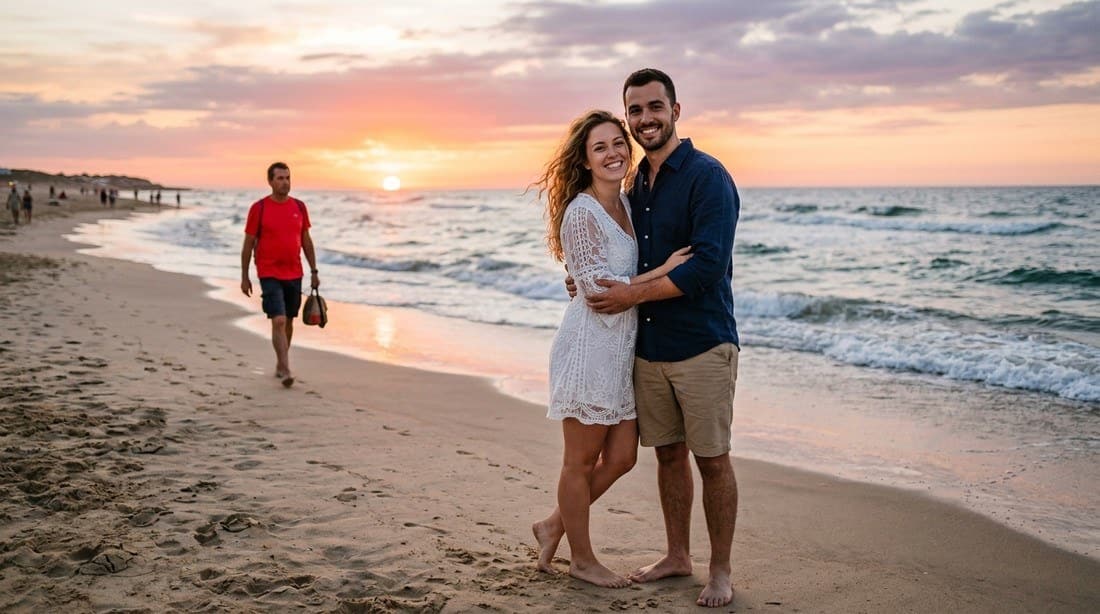
You do not need a winter photo. The scene is always repainted as a snowy one, whatever the season in your original: in one of the examples, a couple on a beach at sunset comes back standing in a snow-covered field in the same pose. So your favorite photo of the year, even if it was taken in July, can still be this year's Christmas card.
The flip side is that your original setting does not survive. If you want to keep the real place and only add snow, the AI photo editor lets you describe that change in your own words.
One greeting on every card: "Merry Christmas"
Every card from this page carries the same short greeting, "Merry Christmas", in vintage script, and nothing else. There is no text field, so you cannot add your family name, the year, a signature or a different greeting such as "Happy Holidays" or "Season's Greetings".
The letters are still painted by the AI, not typeset, so once in a while a letter comes out wrong. Read the greeting before you print. If it is off, run the photo again.
If you need your own wording
Two ways that work. Download the card and add "Love, the Millers" or the year in any photo or design editor on top of the finished picture; the cream areas and the border leave room for it. Or, for a card with a different occasion and recipient, use the greeting card maker: there you pick the occasion and who the card is for from two lists. Christmas is not on its list of occasions, so it will not make a Christmas card, but it covers thank-you, wedding, anniversary and other reasons to write.
Printing and mailing your card yourself
This page is not a print shop. It does not print, mail or email cards, and it does not make a folded card with an inside page or a PDF. You get an image file, and the rest you do the way you already know:
When to make it
Most families print their cards in October and November, and the rush peaks right after Thanksgiving. Make the picture early, while you still have time to try a second photo, print in November, and aim to mail by mid-December. We cannot tell you how long the mail will take, so leave yourself room, especially for cards going abroad.
Your family Christmas card of the year
A lot of families send one photo card every year, and after a few years they all start to look alike: the same porch, the same matching sweaters. A painted, old-fashioned card stands out in a stack of glossy photo cards, and it still shows real people the recipients know.
Pick the photo that sums up your year: the vacation, the new baby, the first day in a new house. It does not have to be a posed holiday shot, because the Christmas setting is painted in for you. Some families keep the cards as a series and make a new one each December from that year's favorite photo.
A vintage holiday picture for your profile and posts
The card does not have to be printed at all. It works as a December profile picture, a cover for a family group chat, a holiday post or a picture to share with relatives who live far away. The horizontal frame suits a post or a chat better than a story; for a vertical story, place it on a background in any story editor.
For a picture that is only about you rather than a card, the AI profile picture generator gives more choice of style.
What people make with it
Vintage card, snow photo or a card for another occasion?
Three pages sound similar and do different things. Pick by the result you want:
Vintage Christmas card
This page. The whole photo is repainted as a mid-century illustration with snow, lights and a "Merry Christmas" script. Best for a family or couple card.
AI snow photo
Stays a photograph. You are placed in a calm, snowy winter scene with no lettering and no holiday decorations. Best for one person in a close portrait.
Greeting card maker
A card for a chosen occasion and recipient, picked from two lists. Christmas is not among its occasions, so use it for the rest of the year.
Want the winter look with a clear umbrella in the frame? That is on its own page: clear umbrella snow photo.
Free vintage Christmas card: what you get and where the limits are
You can try it for free. A new account gets two free generations in total — for the lifetime of the account, not a daily allowance — on Standard quality, and this tool is one of the ones they cover. Pro is part of a paid plan. After that, work continues on a plan or a pack; the terms are on the pricing page.
Download is open on this tool from the start, so a free run gives you an actual file. Until the account makes its first purchase, results carry a light ai.neiroset.com signature in the bottom-right corner; any purchase removes it permanently, including from cards you already made. Keep that in mind before you print a free one.
There is also a pace limit of six runs a minute per account, which everyday use never reaches.
Do I need an account?
Yes. You can upload a photo as a guest, but pressing Create opens the sign-in window. Your cards are kept in your own History, so you can come back for them from any device.
Honest limits of the vintage Christmas card
Frequently asked questions
How do I turn a photo into a vintage Christmas card?
Upload a photo where the faces are large and clear, press Create, and download the result. There is nothing to pick and nothing to type: the mid-century card look and the "Merry Christmas" greeting are built in.
Can I add our family name, the year or a different greeting?
Not on this page. Every card carries one greeting, "Merry Christmas", and there is no text field. Add your own line in any photo or design editor on top of the downloaded picture.
Do you print and mail the cards?
No. You get an image file to print at home or at a photo lab and mail yourself. There is no folded card, no inside page and no PDF.
Can I buy paper mid-century Christmas cards here?
No, we do not sell boxed cards or stationery. This page makes a new illustration from your own photo in a mid-century style.
What size should I choose for a 5×7 card?
Pro, which returns the long side at 2048 px; Standard at 1024 px is meant for screens. For anything larger than 5×7, run the card through the image upscaler first, and check the print preview so the greeting is not cropped.
My photo is from the summer. Will it still work?
Yes. The scene is always repainted as a snowy winter one, so a beach or backyard photo becomes a winter card. The original background does not survive.
Will Santa be in the picture?
No. The card keeps your people and adds snow, evergreen branches, ornaments and string lights around them. No Santa, elves or reindeer are added.
Will everyone still look like themselves?
Usually yes, but not one-to-one: it is a painting, so faces are simplified. The same number of people, their poses and hairstyles carry over. Large, sharp faces keep the most.
Is it free, and can I download the file?
A new account gets two free generations for the lifetime of the account, on Standard quality. Download is open from the start. Results carry a light ai.neiroset.com signature until the account makes its first purchase, which removes it permanently.
Can I sell cards made from the picture?
We do not grant commercial rights to the result. Treat it as a personal picture: your own family card, a post, a gift for someone close.
Try other tools
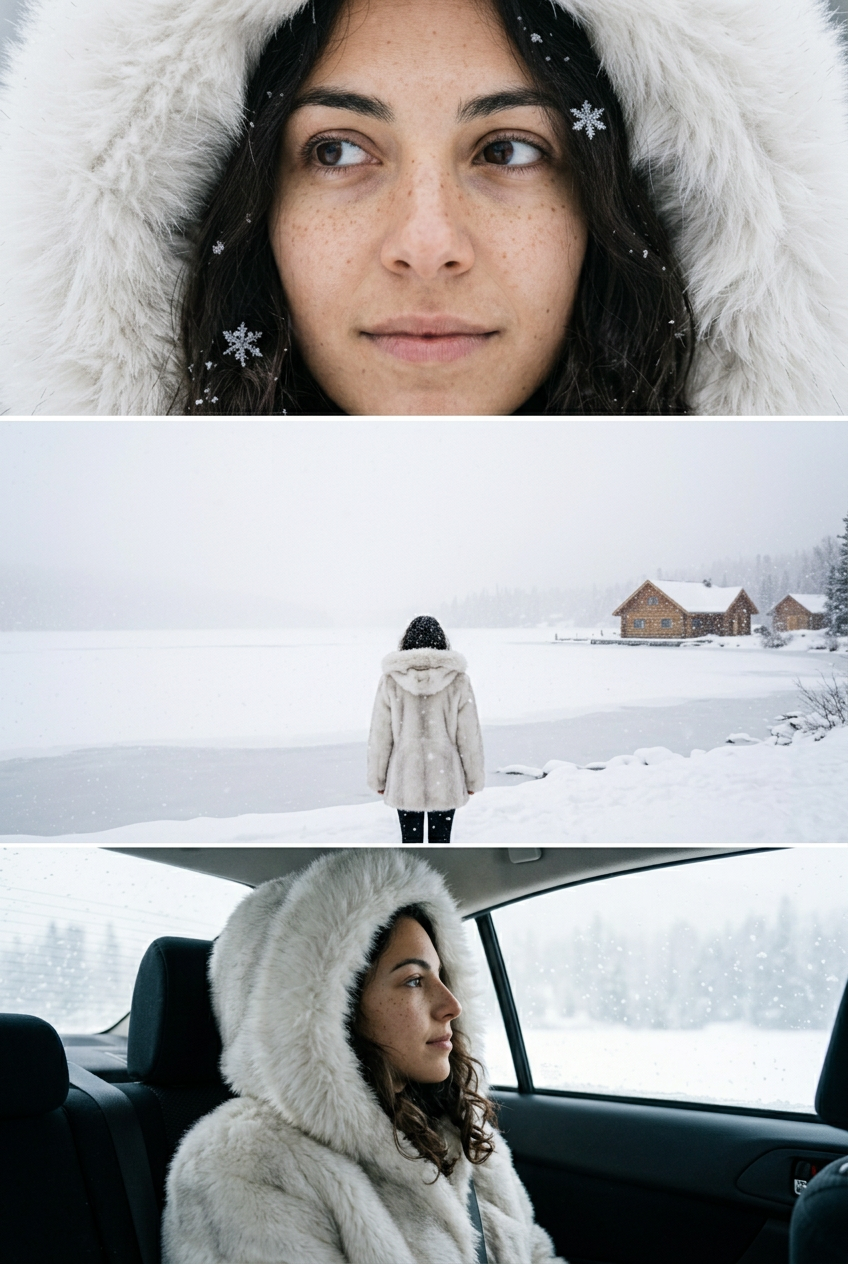 AI snow photo
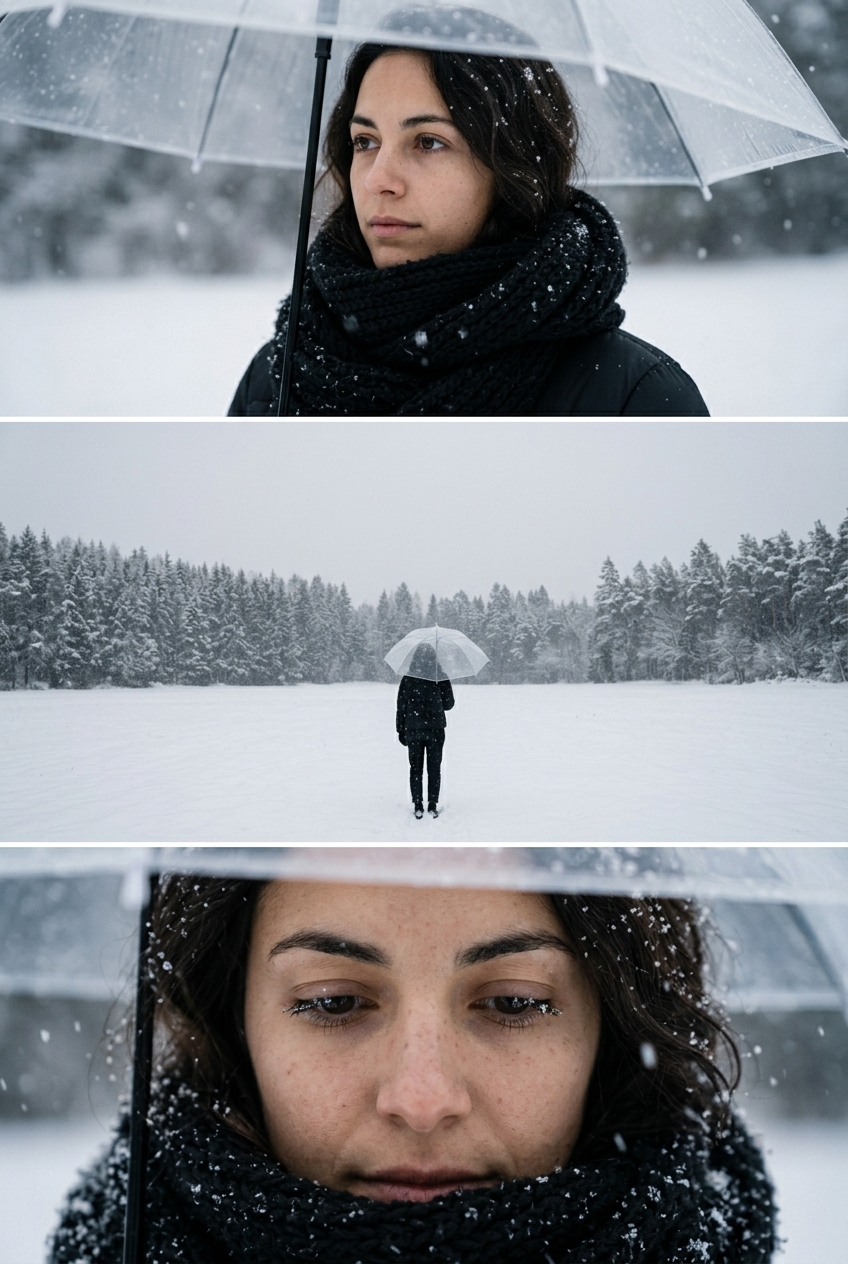 Clear umbrella snow photo
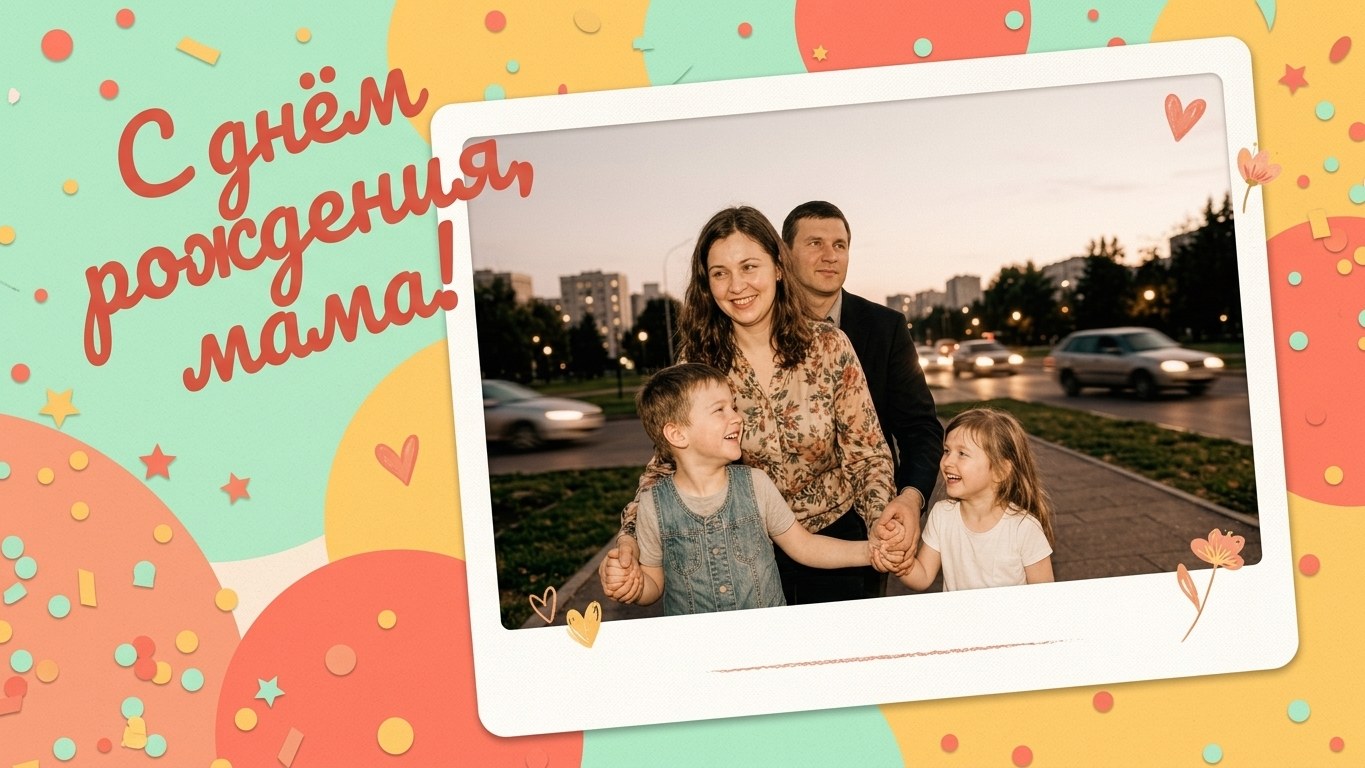 Greeting card maker
 Oil painting
 Ghibli filter
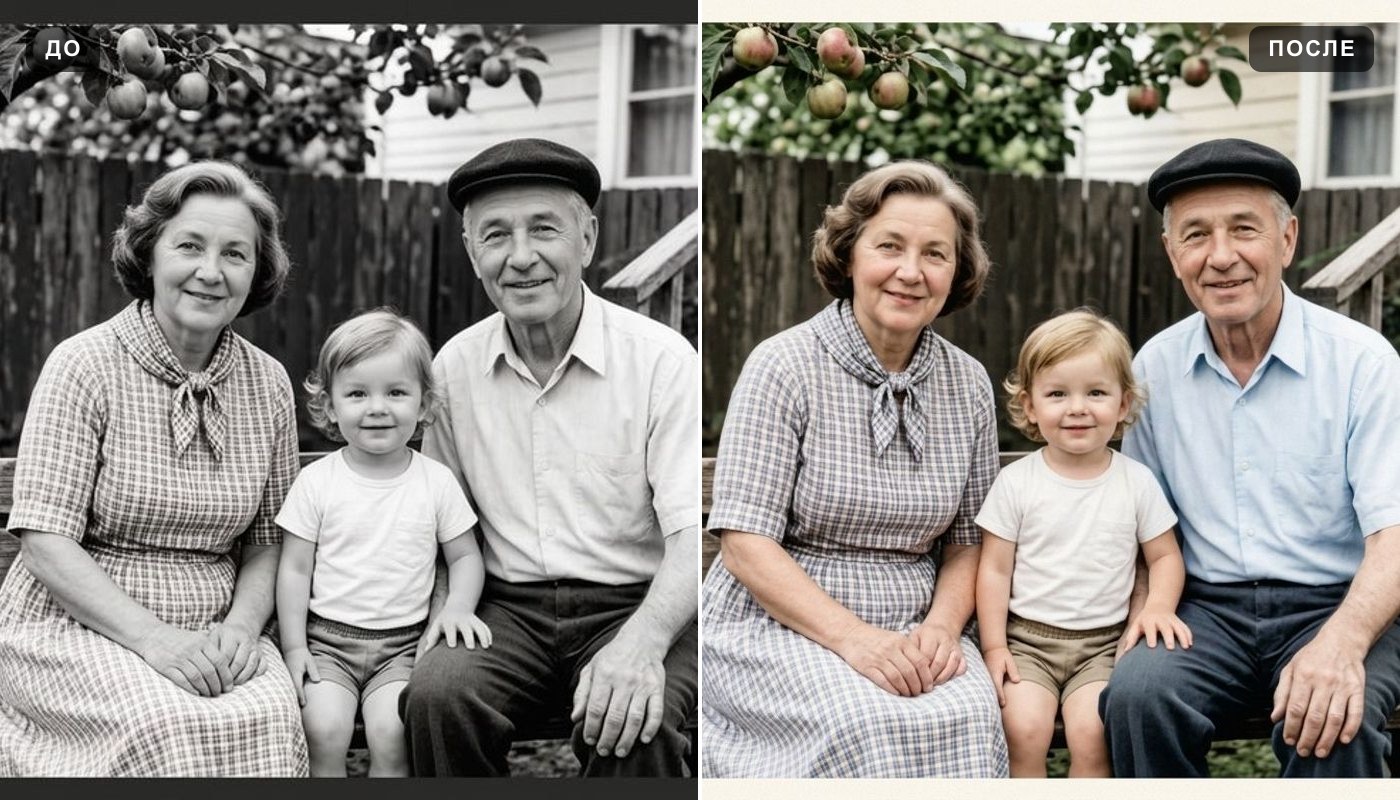 Colorize photo
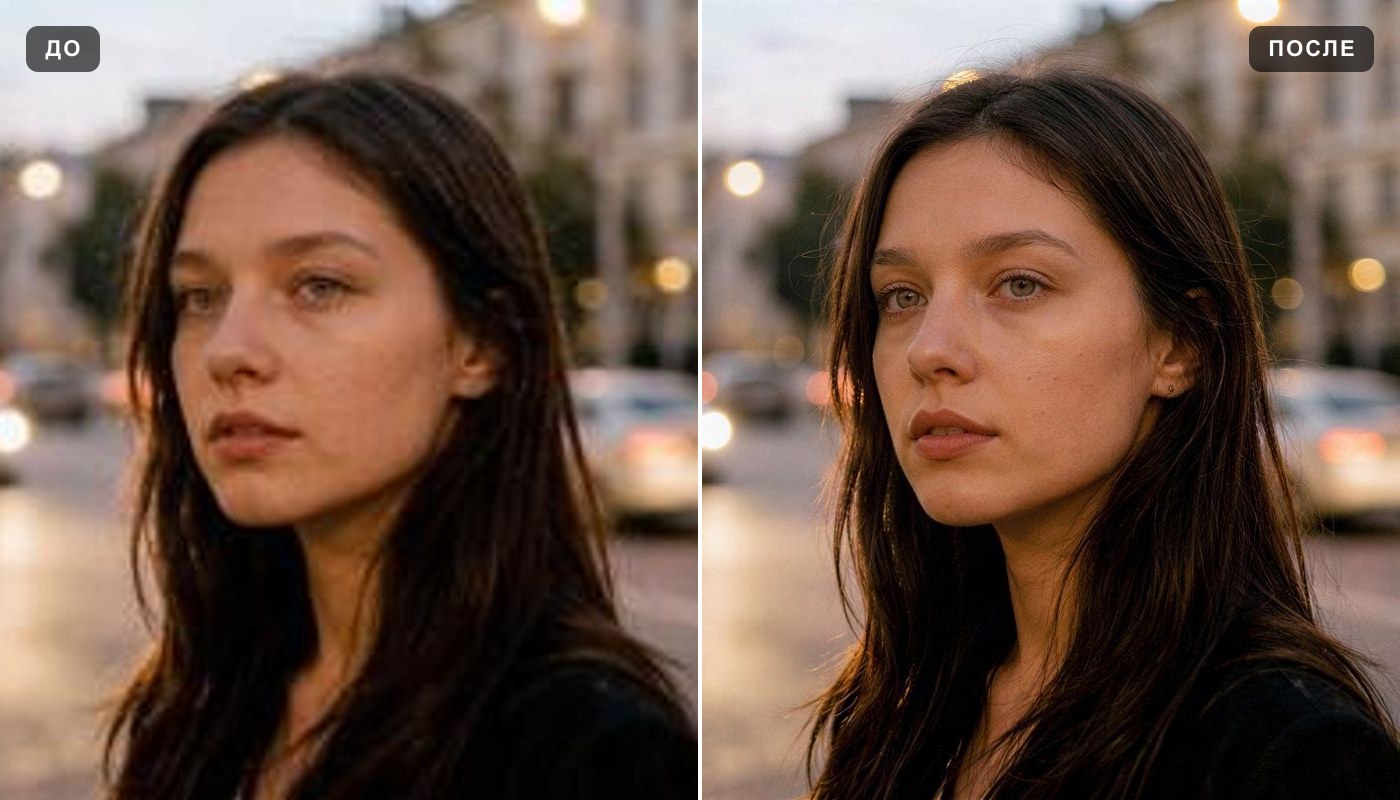 Image upscaler
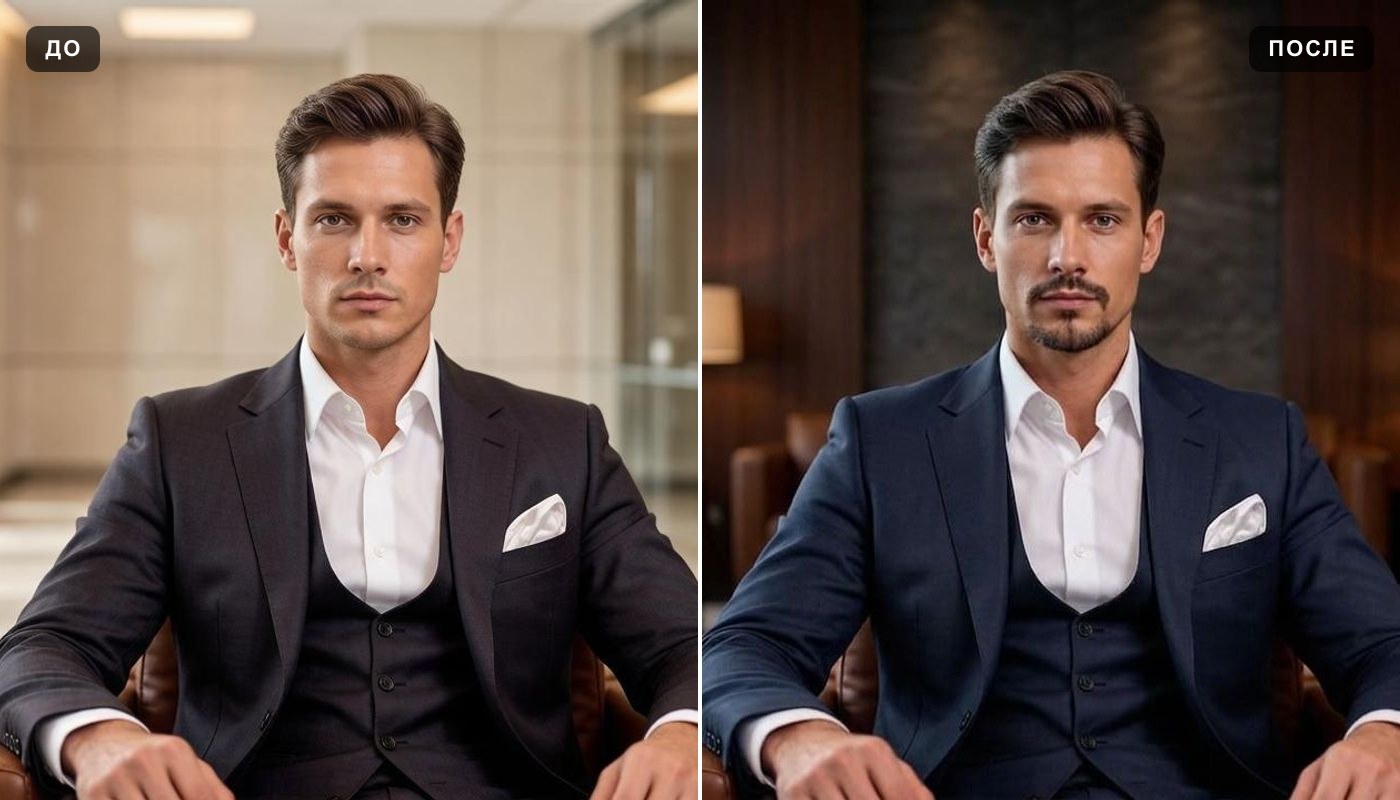 AI profile picture
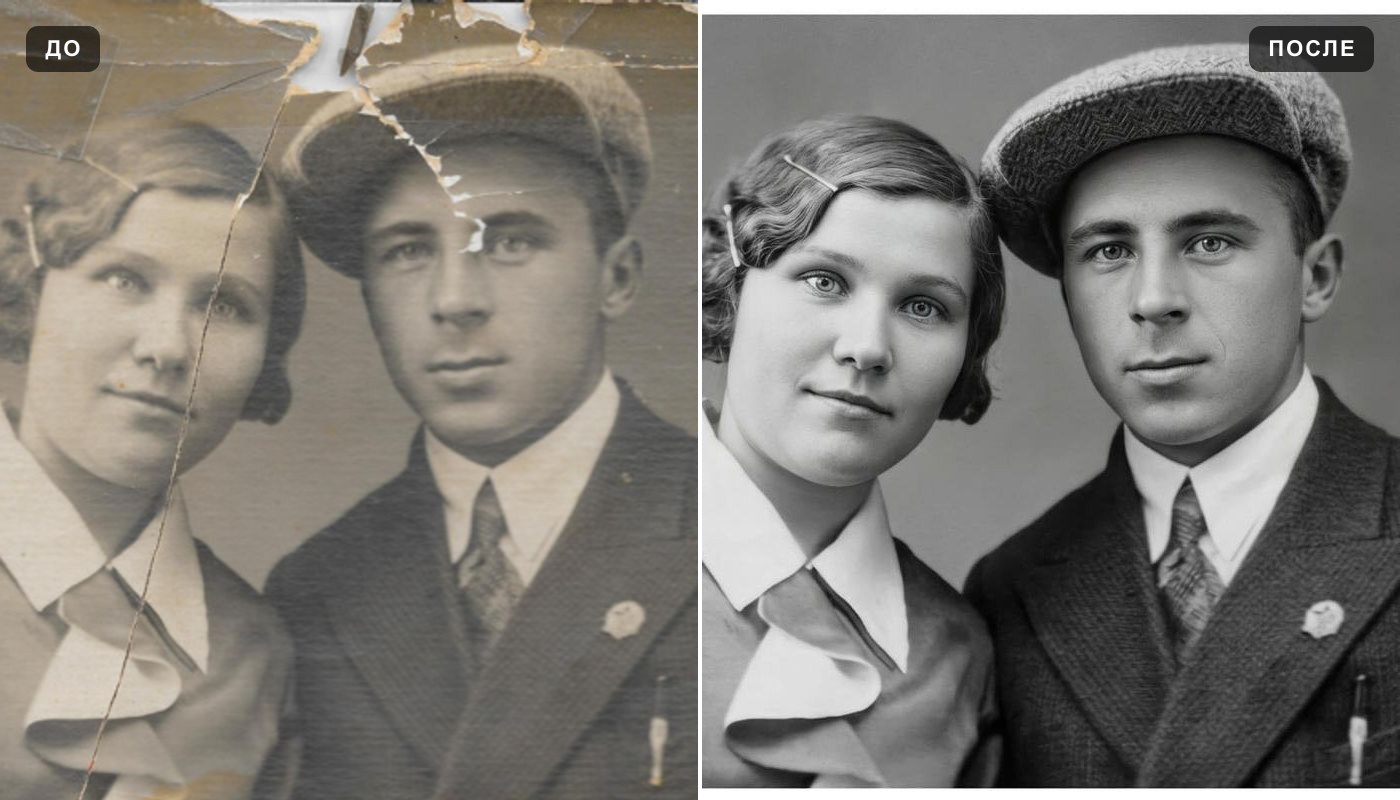 Photo enhancer
Everything else is in the tools catalog.
Studio Ghibli is a trademark of its owner, which does not sponsor, authorize or endorse this site.