Stranger Things Filter: Turn Your Photo Into an 80s Movie Still
A fan-made effect, not affiliated with Netflix. Upload a photo and the AI rebuilds it as a still from an 80s movie: VHS-style grain, neon purple and red light, faded vintage color, a retro American suburb and a light touch of horror. You stay in the picture, and the result is a realistic photo, not a drawing. There are no settings and nothing to type: upload, press Create, download.
How the Stranger Things filter works
This is a fan-made effect that turns an ordinary photo into a still from an 80s movie that never existed. The photo is used as a reference, and the whole frame is rendered again with the look of that decade: VHS-style grain, neon purple and red light, faded vintage color and a quiet, slightly spooky mood. You stay in the picture, and the result is still a photo, not a drawing.
Nothing to install and nothing to tune. If you want a different take, change the photo: another place, another hour of the day, another outfit. Every run stays in History, so you can compare them and keep the best one.
A fan-made effect, not affiliated with Netflix
This is a fan-made effect and it is not affiliated with Netflix. The name on this page describes a mood that fans of the show recognize: small-town America in the 80s, bikes at dusk, flashlights in the woods, neon light and a hint of horror. It is not an official tool, not a licensed product and not a way into the show.
The result is an original image made from your own photo. It contains no frames from the series, no actors, no characters, no logo and no title lettering, and the tool does not add any of them.
Stranger Things is a trademark of Netflix, which does not sponsor, authorize or endorse this site.
What the filter changes: light, grain, color and wardrobe
This is not a color overlay on top of your pixels. The whole frame is rebuilt, so the change goes deeper than a tint. The composition and the people stay where they were; the era around them moves back about forty years.
What stays: you. The face, the pose and who stands next to whom are carried over, and the picture remains a realistic photo rather than an illustration.
Which photos work best: dusk, woods, a street, a bike, friends
If you want to turn yourself into a Stranger Things-style character, the setting does half the work. The examples on this page come from four kinds of scenes, and they are a good guide to what to upload.
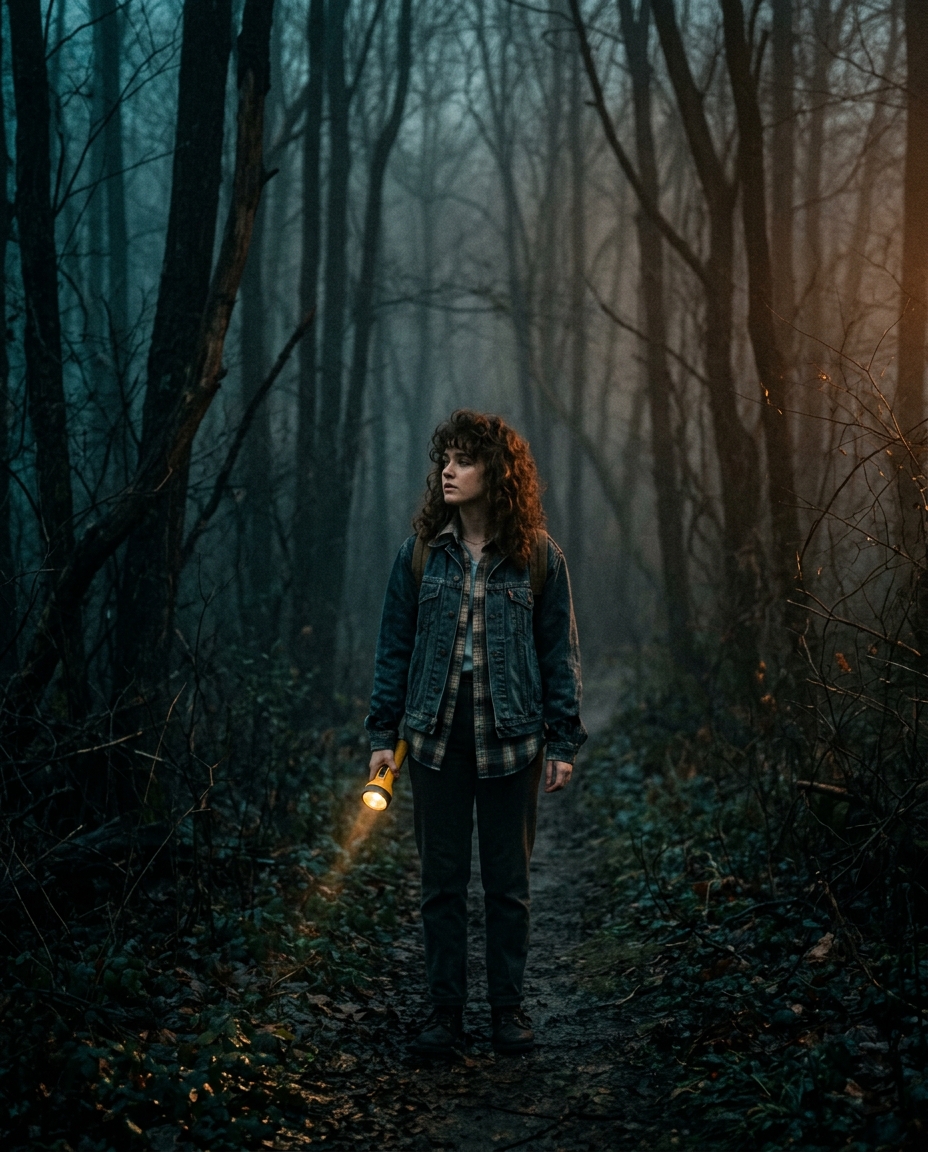
Trees, a bit of mist, the last light of the day. The filter turns it into the classic search-party shot: a cold beam, purple fog and a forest that feels like it is watching.
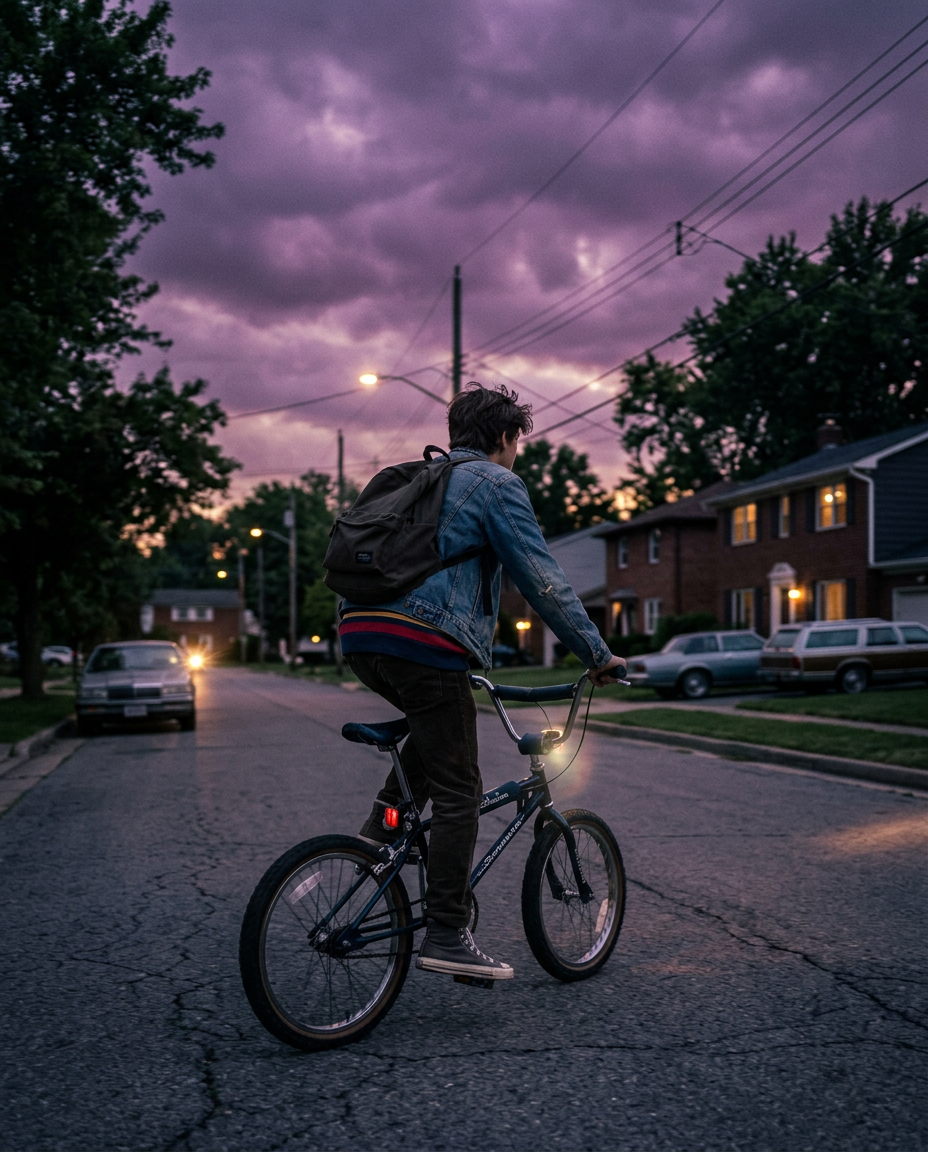
You riding or standing next to a bike, houses along the road. The sky goes violet, the streetlights warm up, and the frame reads like a summer night in the 80s.
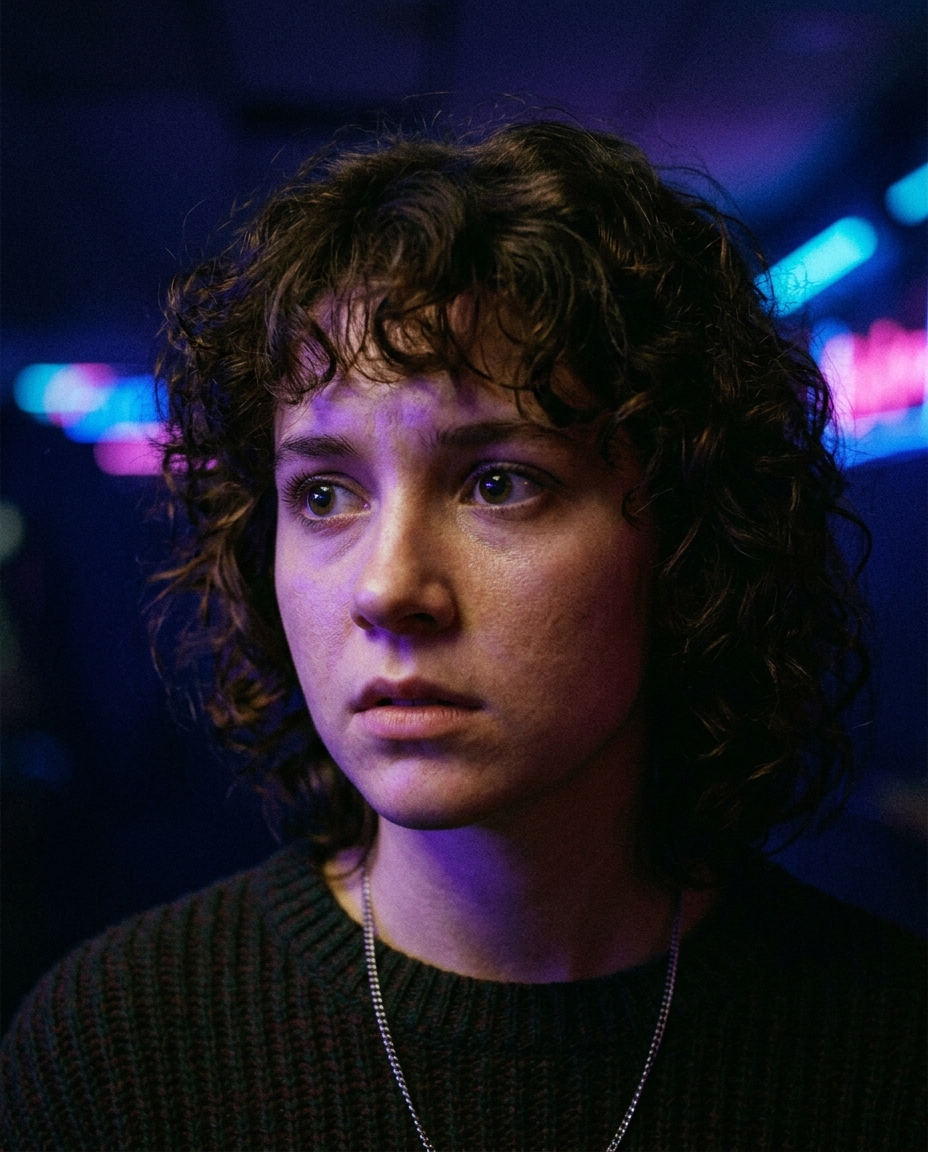
Head and shoulders, face well lit. Neon purple light wraps around the face and the grain gives it the texture of an old film still. The strongest choice for an avatar.
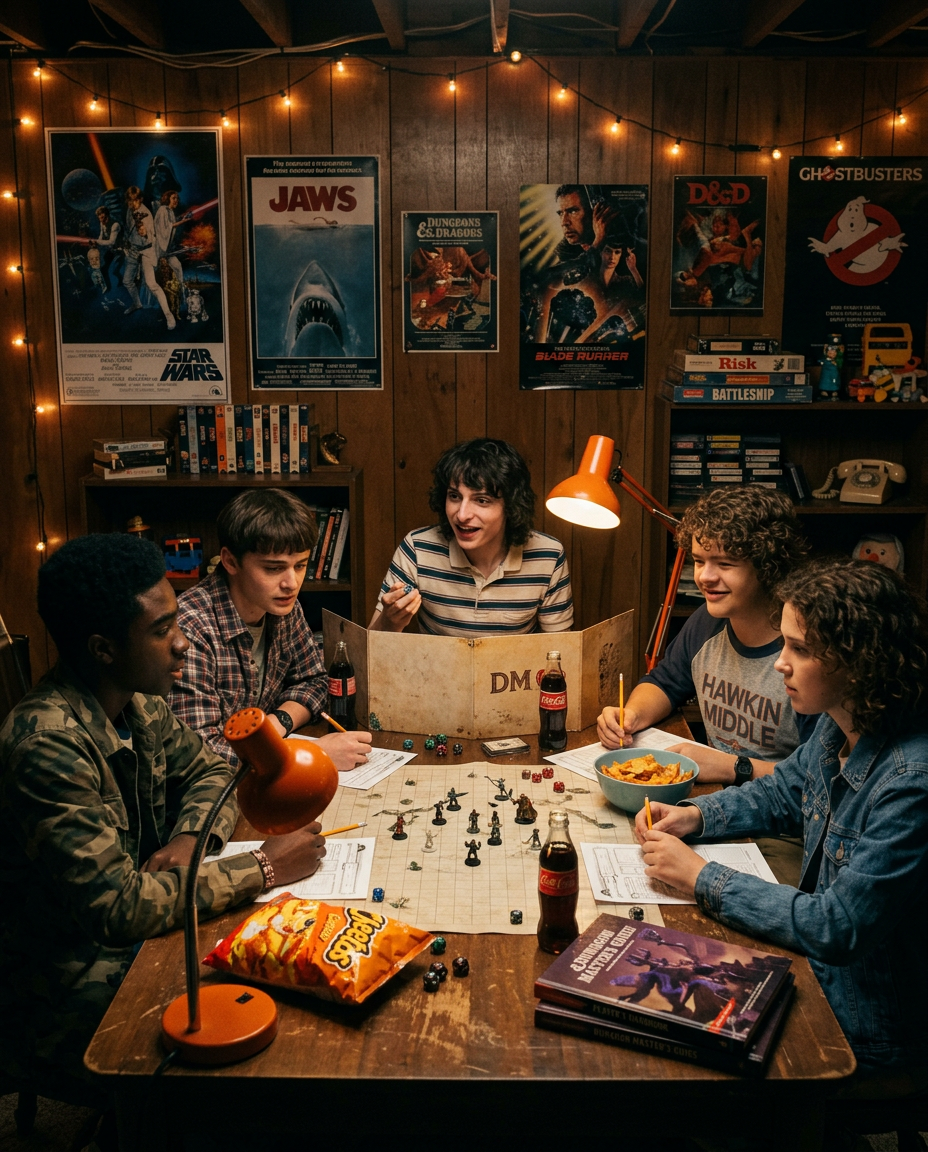
A board game night, a basement, wood paneling on the walls. Group shots like this come back as a scene from an 80s adventure movie, warm lamp light and all.
An ordinary daylight selfie works too, it just comes back calmer. Evening light, a street, trees or an interior with some character give the filter more to work with than a blank wall at noon.
An 80s filter for any photo, show or no show
You do not have to be a fan of any series to want this look. Plenty of people are simply after an 80s aesthetic photo: the faded color of a family album, the glow of a mall arcade, the feeling of a summer before phones. This page is a retro 80s photo filter first, and the show is only one of the places that mood is familiar from.
It suits a birthday throwback, a themed party, a post about a road trip, a picture of your car or your street given the look of a decade you may never have lived in. Portraits, landscapes and group shots all work, because the filter changes light, grain and color across the whole frame.
If you want your shot to look old in a different way, there are neighbors: colorize photo brings color to real black-and-white pictures, and photo to oil painting turns a shot into a painted portrait.
The VHS look: grain, soft focus and faded color
A VHS photo filter is about texture more than color. Tape never looked sharp: the picture was soft, the blacks were a little milky, and there was always a fine layer of noise. That is the part of the look this filter reproduces — the grain and the slightly worn, washed-out quality of a frame paused on an old cassette.
What it does not add is the on-screen furniture of a VCR: no blinking PLAY label, no date and time in the corner, no tracking bars across the frame. You get the feel of tape inside the image, not a fake video player on top of it.
Because grain is part of the look, do not expect a crisp, detailed file. If you need the same photo sharp and clean for something else, keep your original: the filter never replaces it, and it stays in History next to the result.
An 80s horror movie poster look
The 80s horror look is a specific kind of light: a single strong source, deep red and violet shadows, fog, and a face half in the dark. Night photos, woods and empty streets come back closest to that poster feel, especially if you are looking away from the camera or holding a flashlight.
The tool gives you one image, not a finished poster. It does not add a movie title, credits, a tagline or any lettering. If you want a poster for a party or a group chat, put your own title on the image in any photo editor: a made-up name for your own movie works better than a borrowed one, and it keeps the picture yours.
The horror here stays light. The filter adds suspense and atmosphere, not monsters, blood or anything from a real film.
Stranger Things Halloween: avatars, invites and party posts
October is when this look is most in demand. Themed 80s parties, costume nights and watch parties all need a picture, and a filter is faster than a photo shoot.
One practical tip: the filter works with the clothes you are wearing and may nudge them toward the 80s, but it does not dress you in a specific costume. If the costume matters, wear it in the photo.
A Stranger Things-style profile picture
For an avatar, start from a head-and-shoulders photo where the face is well lit and fills a good part of the frame. A profile picture ends up as a small circle, and in a circle only the face, the hair and the light around them survive.
Leave a little room around the head rather than cropping tightly before you upload: the neon glow and the fog need some background to live in. Crop to a square after you download. Standard returns the image with its long side at 1024 px, which is more than any profile slot asks for; Pro at 2048 px leaves room for a banner or a header.
Want a wider choice of looks for your avatar? The AI profile picture generator is built for exactly that, and photo to anime turns the same face into a drawn character.
Friends and group photos in 80s style
Groups suit this look, because the movies it recalls are about a crew: kids on bikes, friends in a basement, a gang with flashlights. A photo of three to five people usually comes back as one consistent scene, with the same light and the same grain on everyone.
The trade-off is detail per face. The people in front get the most care; the ones at the back, or far from the camera, can come out generic or slightly changed. Keep the group close together and make sure every face gets some light.
For matching avatars rather than one group picture, run each person's photo separately. The look is fixed, so separate runs already share one style, though backgrounds will differ from run to run.
Free, in your browser: what you get and where the limits are
There is no app to install. The page works in Safari or Chrome on an iPhone, an Android phone or a laptop, and results stay in your account on any device you sign in on.
You can try it for free. A new account gets two free generations in total — not two a day, not two a month — on Standard quality, and this tool is one of the ones they cover. Pro is part of a paid plan. After that, work continues on a plan or a pack; the terms are on the pricing page.
Download is open from the start, so a free run gives you a real file. Until the account makes its first purchase, results carry a light ai.neiroset.com signature in the bottom-right corner; any purchase removes it permanently, including from images you already made.
Under Quality, Standard returns the image with its long side at 1024 px and Pro at 2048 px. Uploads are JPG, PNG, WEBP — up to 10 MB. iPhone photos in HEIC are not accepted: set the camera to "Most Compatible", or share the photo to yourself once, which converts it to JPG.
You need an account: the form works as a guest, but Create opens the sign-in window. There is also a pace limit of six runs a minute, which normal use does not reach.
What to keep in mind
Frequently asked questions
Is this official?
No. This is a fan-made effect, and it is not affiliated with Netflix. It is not official, licensed or endorsed by the show's owner or its makers. "Stranger Things-style" describes the 80s mood of the result only; the image is generated from your own photo and contains nothing from the series.
How do I turn myself into a Stranger Things character?
Upload a photo of yourself and press Create. There is nothing to pick and nothing to type. You come back as yourself in an 80s movie still, with neon light, VHS-style grain and vintage color. You do not become a character from the show: no names, costumes or faces from the series are added.
Is it a drawing or a photo?
A photo. The result is a realistic image that looks like a frame from an 80s movie, not an illustration or a cartoon. If you want a drawn version of yourself, try photo to anime or the GTA-style photo filter.
Can I use it as a general 80s filter?
Yes. The look is retro 80s first: grain, faded color, neon purple and red light, an American suburb at dusk. It works on any portrait, street, car or group photo, whether or not you watch the show.
Will my clothes and hair change?
They can. The filter often nudges an outfit or a haircut toward the 80s, but not every time, and it never swaps in a specific costume. If you want a particular look, wear it in the photo.
Can I choose the scene or the mood?
No. The look is fixed and there is no text box. The scene comes from your photo: woods at dusk give a spooky search-party shot, a street with a bike gives a summer night, a basement with friends gives an adventure scene. To change the result, change the photo.
Does it work for groups?
Yes, and groups suit the look. Everyone gets the same light and grain. Faces in front get the most detail; faces at the back can come out generic, so keep the group close and well lit.
Can I use the picture for a Halloween invite or post?
Yes, that is one of the most common uses in the fall. The tool gives you the image; add the party details yourself in any editor. Keep it to personal use: posts, invites, avatars and gifts, not products for sale.
Is it free, and can I download the file?
A new account gets two free generations for the lifetime of the account, on Standard quality, and this tool is one of them. Download is open from the start. Results carry a light ai.neiroset.com signature until the account's first purchase, which removes it permanently.
Do I need an app or an account?
No app: it works in a mobile browser on iPhone and Android the same way as on a desktop. An account, yes: Create opens the sign-in window, and your results are kept in your own History.
Try other tools
 GTA-style photo
 Ghibli filter
 LEGO®-style minifigure
 Photo to anime
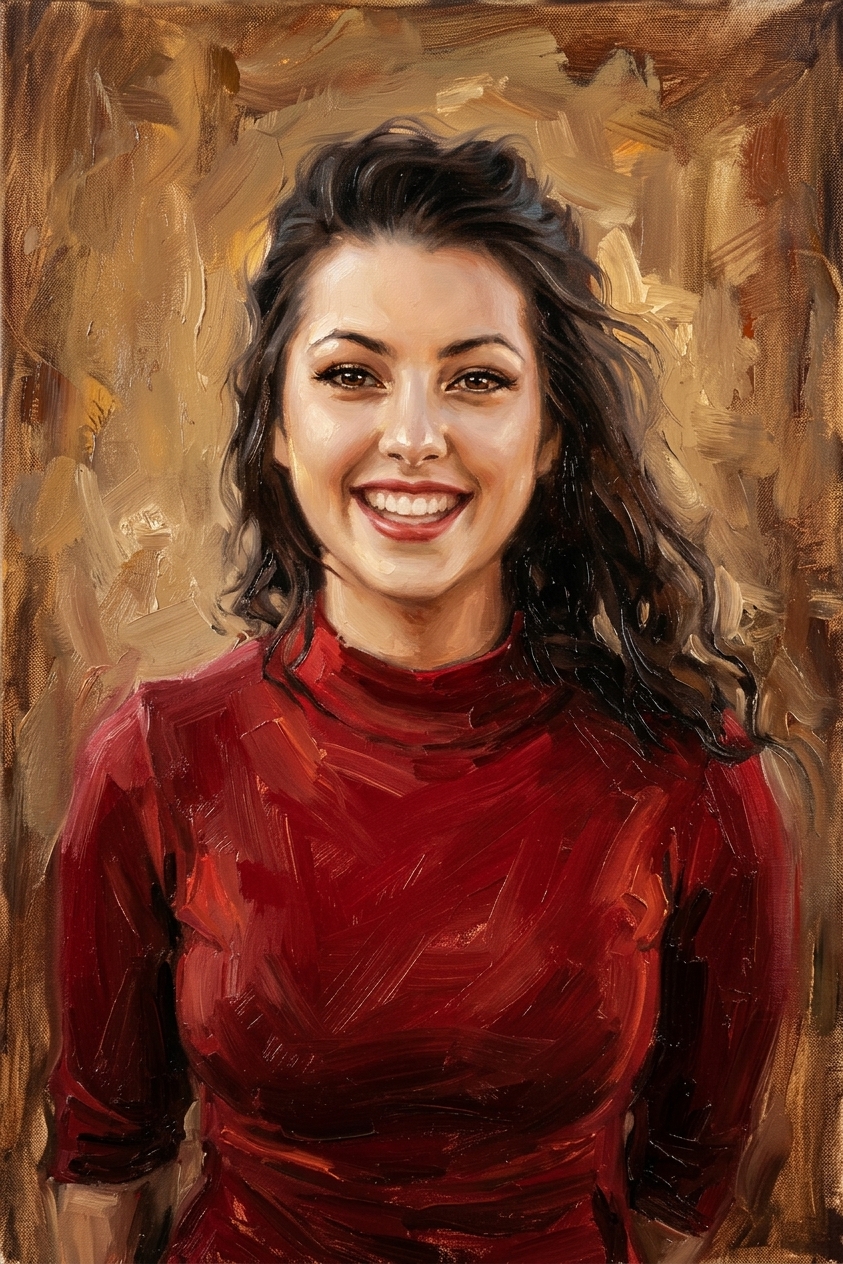 Oil painting
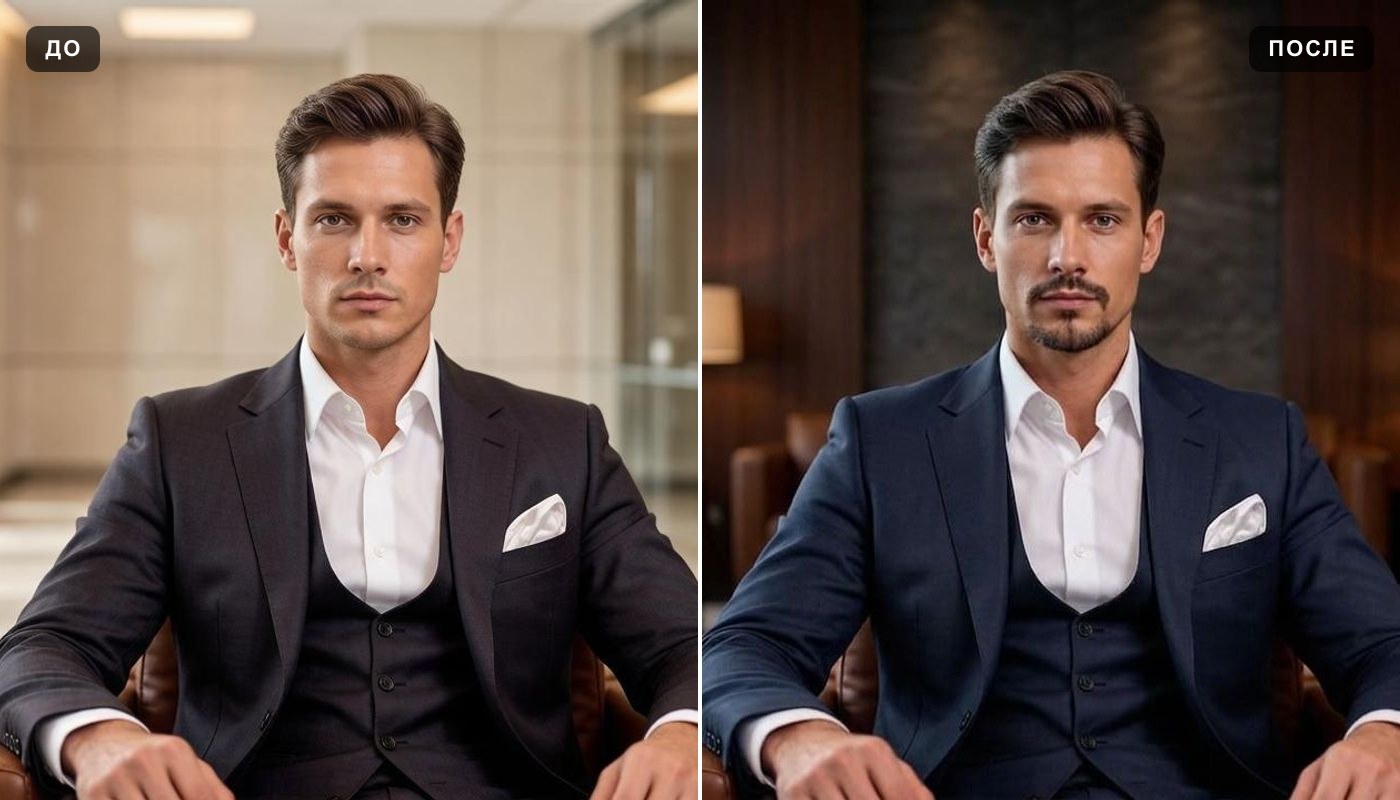 AI profile picture
 AI snow photo
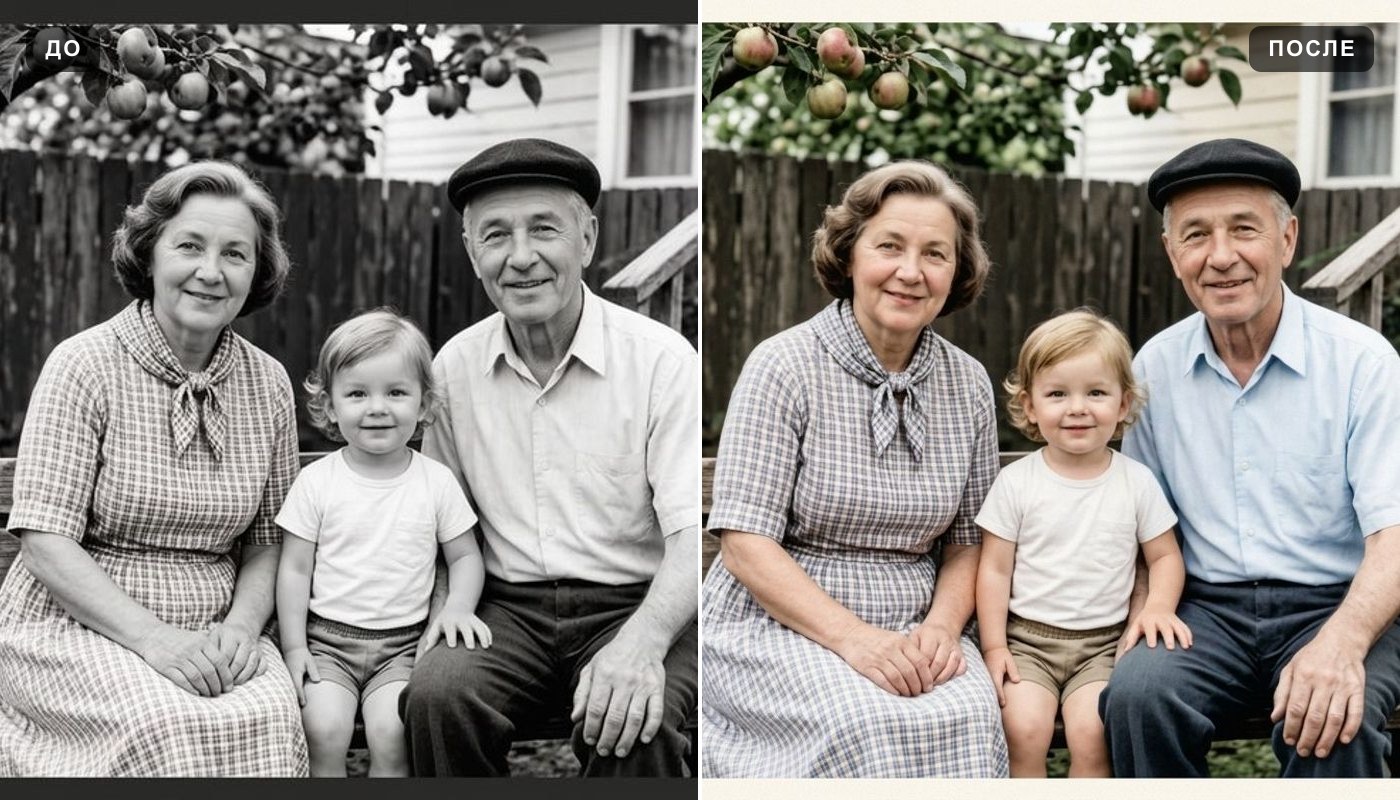 Colorize photo
 Photo enhancer
Everything else is in the tools catalog.
Stranger Things is a trademark of Netflix, which does not sponsor, authorize or endorse this site. GTA, LEGO® and Studio Ghibli are trademarks of their respective owners.